September 20, 2013 at 11:16
“MultiFon” - VoIP-dialer for MegaFon subscribers

Not everyone knows that MegaFon has its own “Skype answer” - the Multifon VoIP project. Meanwhile, this is a very interesting product, released back in 2008, and is now being developed by the innovative division of MegaLabs. This is the first VoIP carrier service in the world. But his features do not end there.
The difference from the same Skype or Viber is that MultiFon works in conjunction with the operator’s mobile services, which is impossible for third-party VoIP services. For example, with an incoming call, if the MultiFon application is running on a smartphone, tablet or computer, the user can choose: answer through it or through a standard dialer. This turns out to be especially useful in situations when the mobile network is unavailable, but the Internet is. For example, in cafes, which are often located in the basement - the network there usually does not catch, but there is Wi-Fi. In this situation, the MegaFon subscriber remains connected with the MultiFon - and the caller will not even notice that you have no signal.
When calling to MultiFon numbers (79*********@multifon.ru), the connection, as it should be for VoIP services, is free. For calls to MegaFon numbers throughout Russia, outgoing calls will cost 80 kopecks per minute, to numbers of other Russian operators - 1.5 rubles. This is the second reason to use "MultiFon", for example, at home instead of a landline phone - calls from it even to ordinary phones go much cheaper than the tariffs of classical mobile communications. Means for calls are debited from the balance of the phone.
MegaFon was one of the pioneers in this direction - only now China Mobile and Deutsche Telekom began to appear their VoIP services. Today, "MultiFon" is used by more than a million subscribers - this is the most popular MegaLabs development at the moment.
How it works
The Multifon ecosystem consists of mobile applications for iOS and Android , a desktop version on Windows, MacOS and Linux, as well as a web client .
In terms of functionality, they are slightly different: all versions support voice and video calls, but sending messages is possible only from the desktop application so far.
Registration in the system occurs in one of the following ways:
- By dialing * 137 # on the phone and following the instructions in the USSD menu. In this case, the password is generated automatically and will be sent via SMS from number 1117.
- From the computer application and the web version by filling out the registration form. In this case, the login password can be set independently, but the SIM card must also be in the phone - an SMS with a verification code will be received during the registration process.
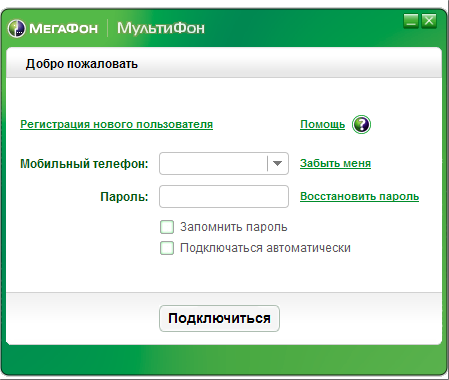
Password recovery in the application is done the same way - through a redirect to the multifon's web page, where you need to enter a phone number.
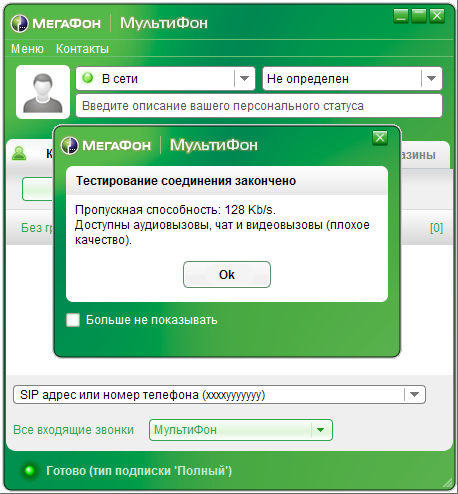
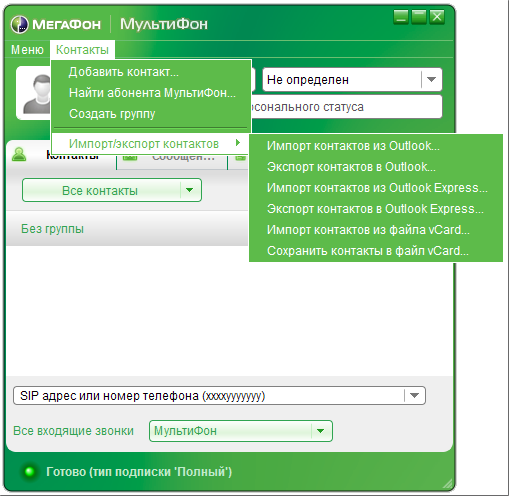
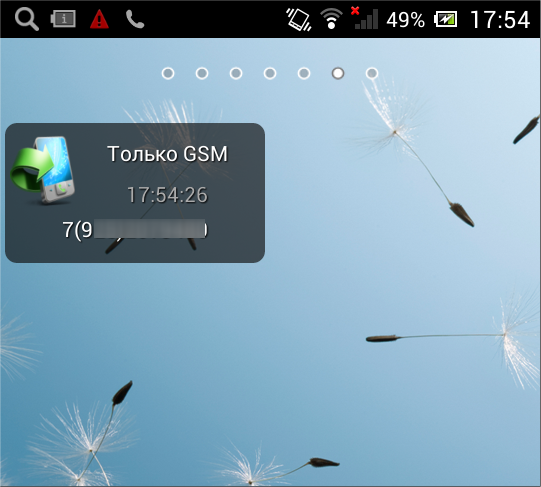
Incoming settings can be set in the application itself. Separately, a special widget for Android and an application for iOS , MultiFon Redirect, have been released for reception settings . When installing the widget, you must enter the password again, but after that the GSM Only, SIP, SIP + GSM modes are switched in one tap directly from the desktop - this is just very convenient:
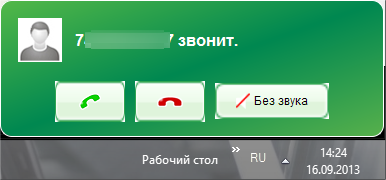
When an incoming call, the call is displayed on all devices where the MultiFon application is running right away. On the desktop version, this is just a pop-up notification:
On a smartphone, this is a full-fledged call window:
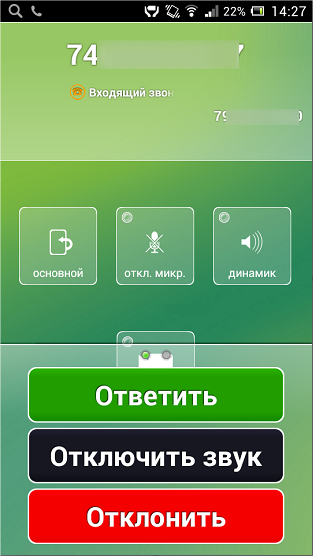
When you answer a call from any device, other calls are automatically reset. Therefore, eavesdropping on a “parallel telephone” is not possible.
However, theoretically, you can not be limited to the MegaLabs applications - MultiFon works according to the standard SIP protocol (the developers commented on the fact that it was originally based on an open protocol, because the telecom does not like non-standard protocols) was curious the ability to create applications for it yourself. And, more importantly, connect any devices supporting SIP telephony to MultiFon - from SIP phones and SIP clients on PCs and smartphones to IP-PBX, for example, Asterisk.