August 28, 2013 at 10:48
Overview of the network platform Lanner FW-7582
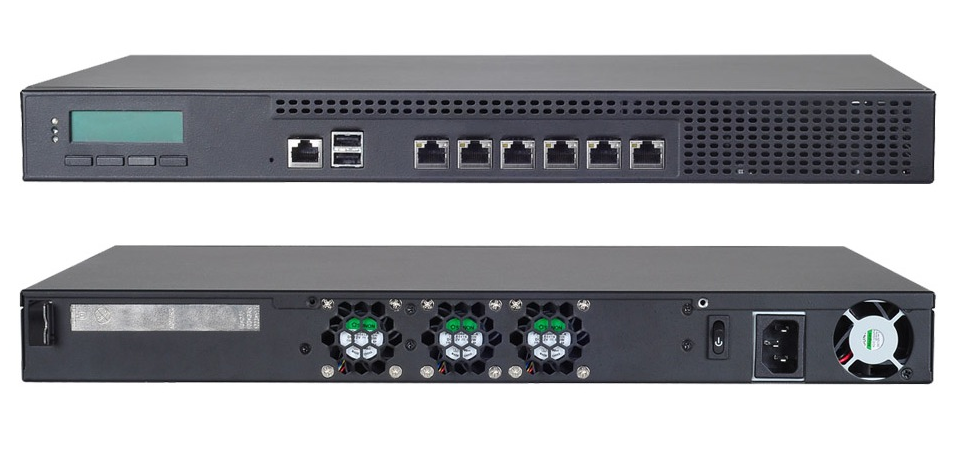
In today's review, we will open the box and take a closer look at the Lanner FW-7582 platform , the successor to the FW-7581, which was discussed in a previous post .
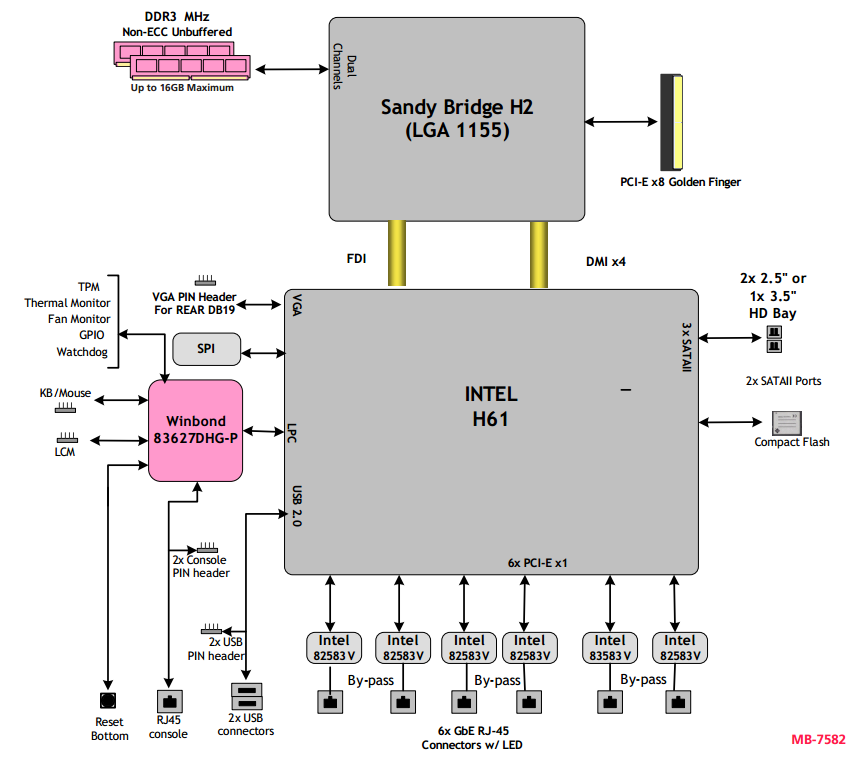
This model is built on the more recent Intel H61 chipset with the LGA1155 socket. Supports 2nd and 3rd generation Intel processors (32 and 22nm respectively) with TDP up to 65 watts. And this is a fairly large list, starting with the Celeron G540, ending with the Core i5 3550s. Up to 16GB of dual-channel Non-ECC DDR3 1066/1333/1600 RAM can be installed on the platform. As with the FW-7581, there are six GbE interfaces on board the Intel 82583V controllers and one FE management interface. All six interfaces can be used in pairs as Bypass ports. With all this, the price difference between the FW-7581 and 7582 is only $ 30.
Unpacking, many photograms made with a calculator
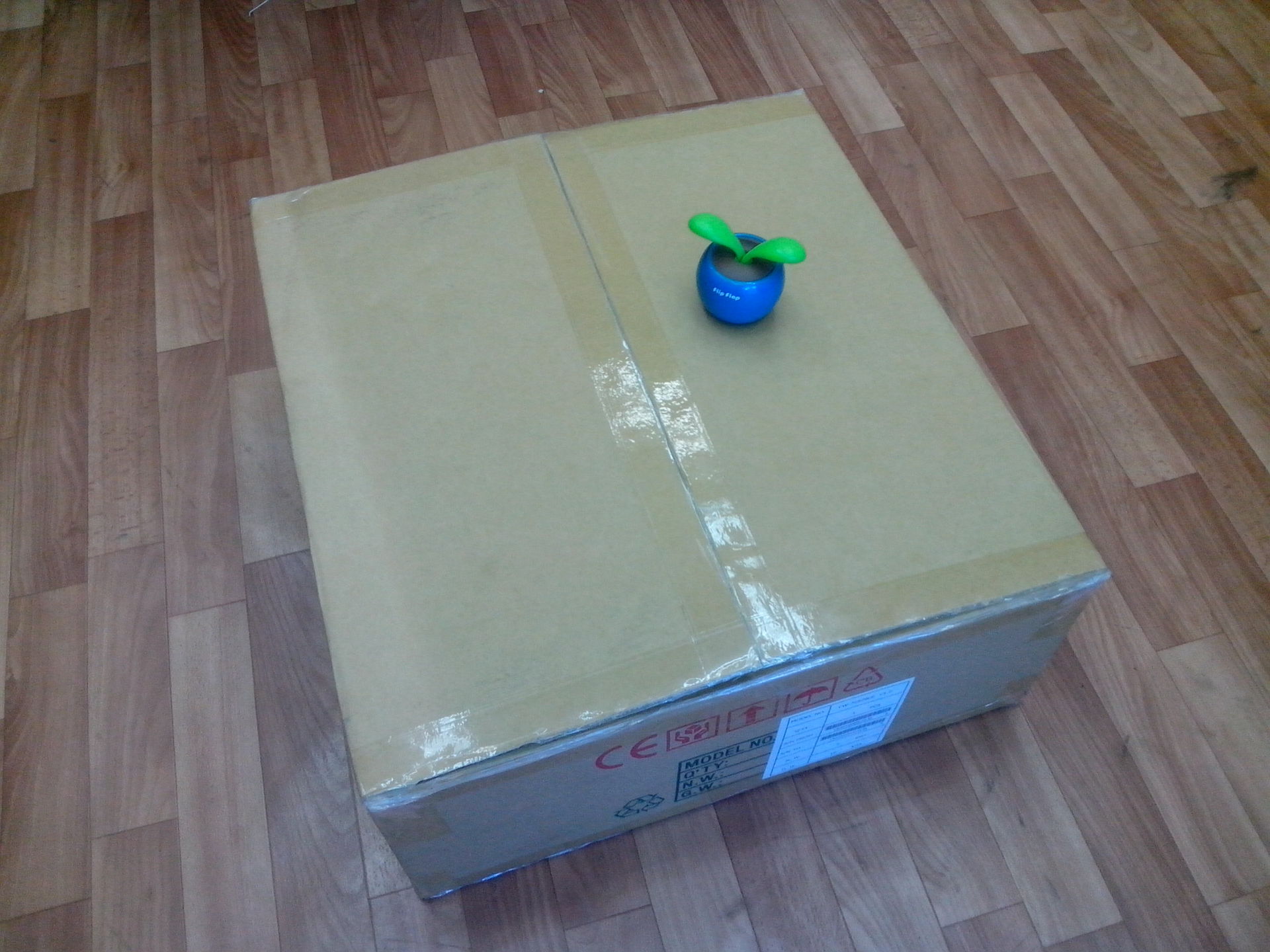
The box is quite impressive, with the device weighing ~ 7kg, the box weighs all 11 ...
Another box is found in the box, sorry for the pun.
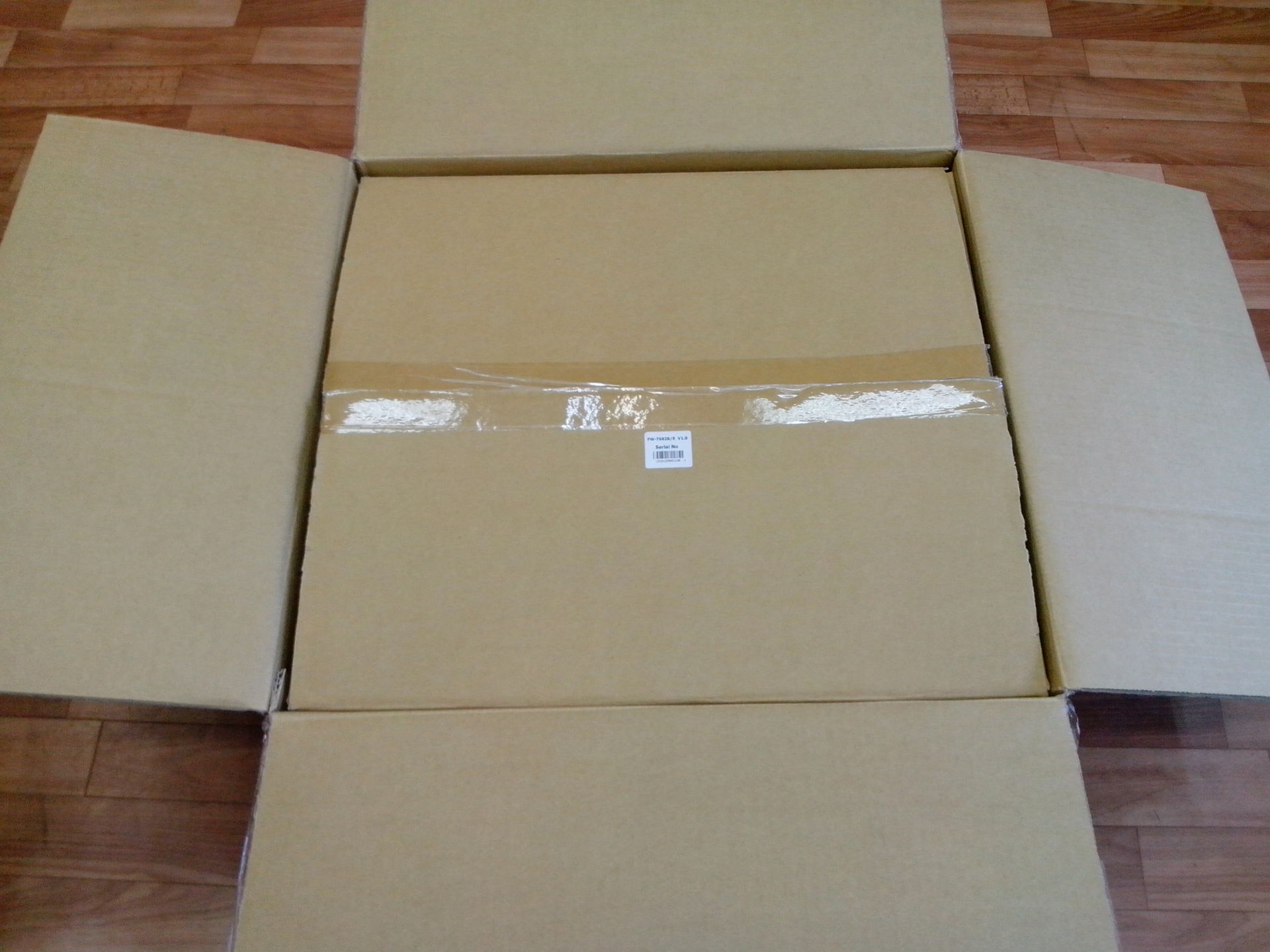
Well, sort of got. I see the patient. By the way, I must say separately that both outer boxes are made of thick and durable cardboard and weigh together as much as 3 kilograms. Most likely the Taiwanese are well aware of one of the main ills of Russia.

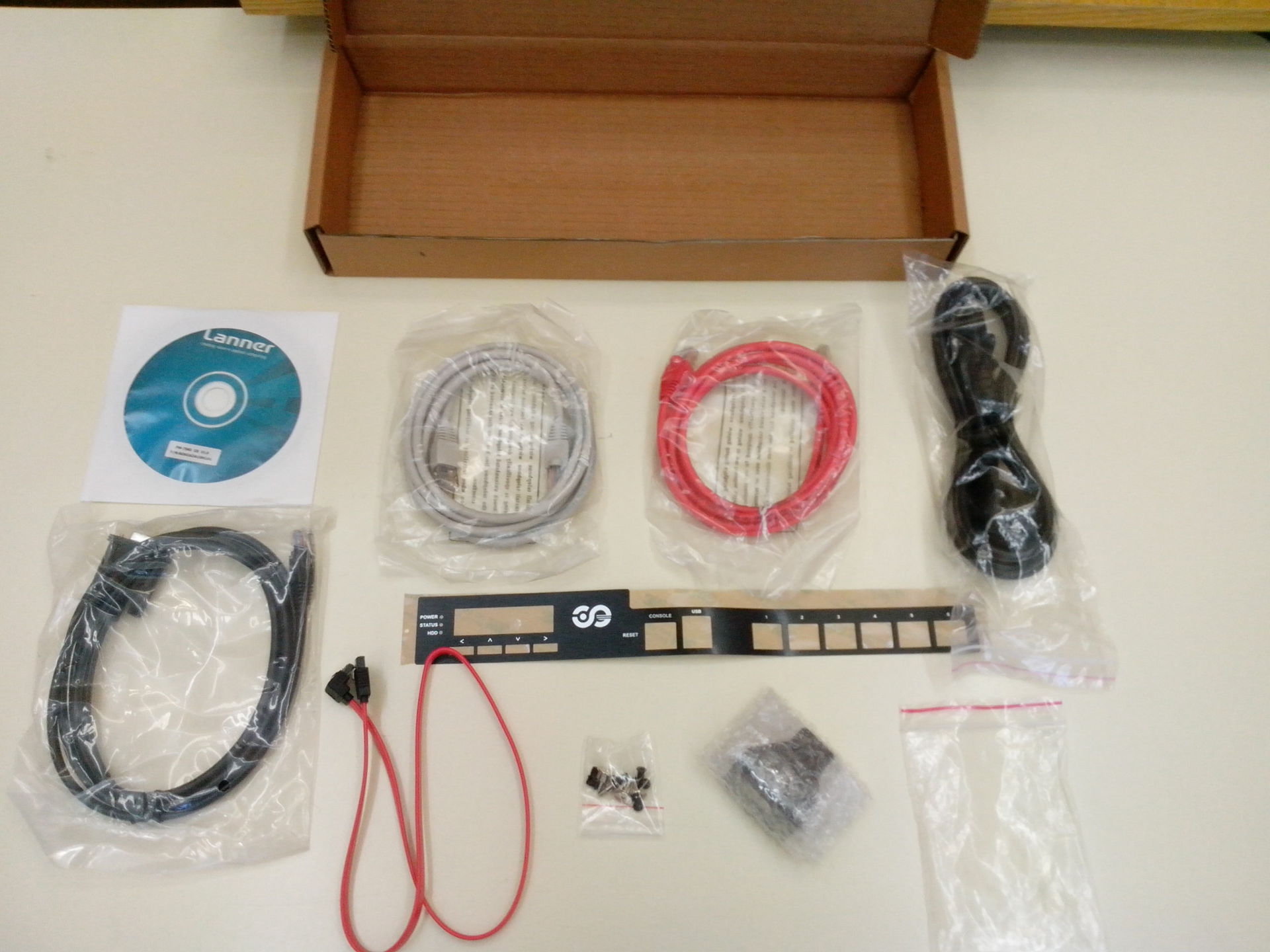
Content:

A small kit is packed in a separate box:
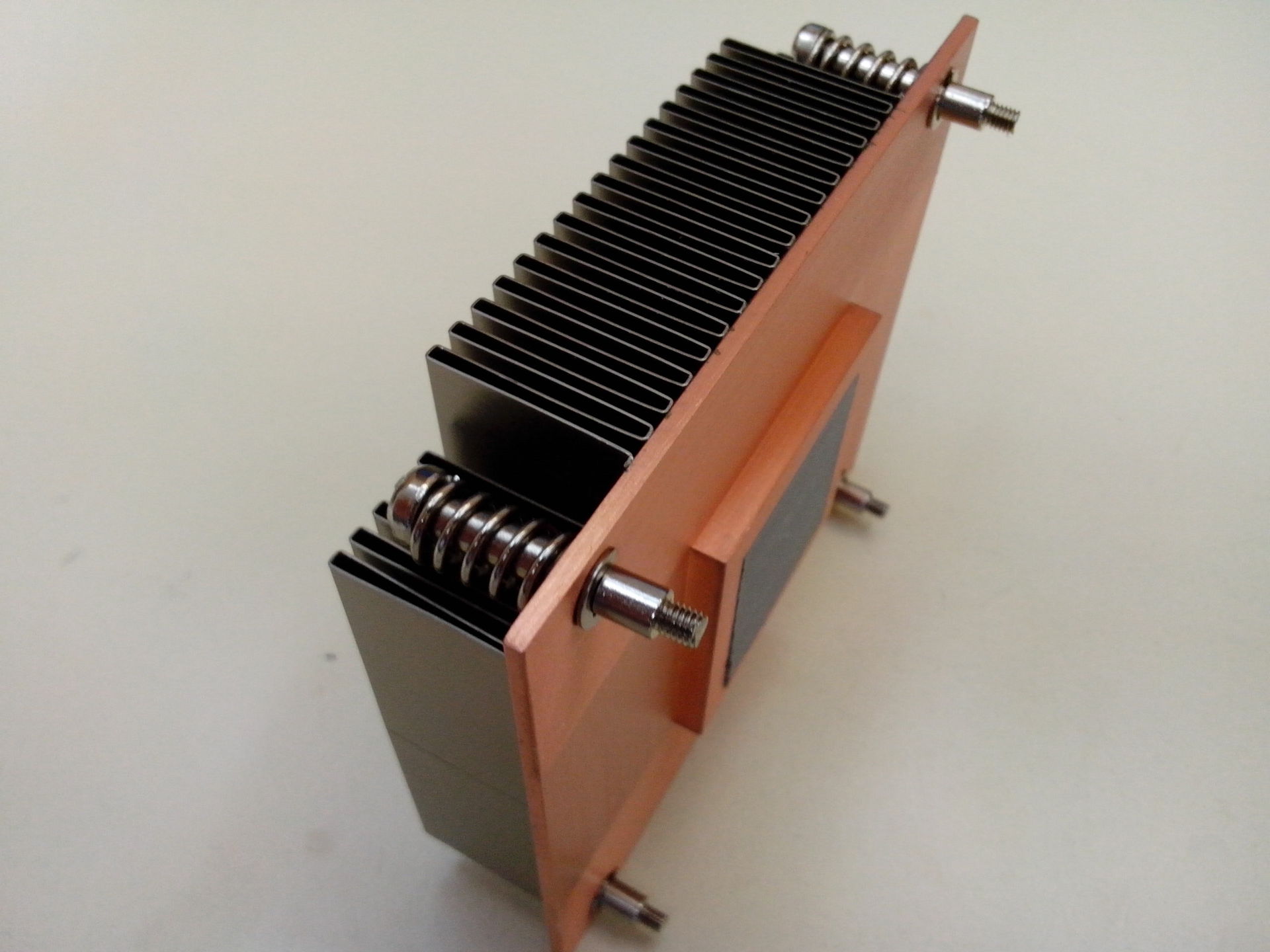
1U radiator with a rather impressive copper base:

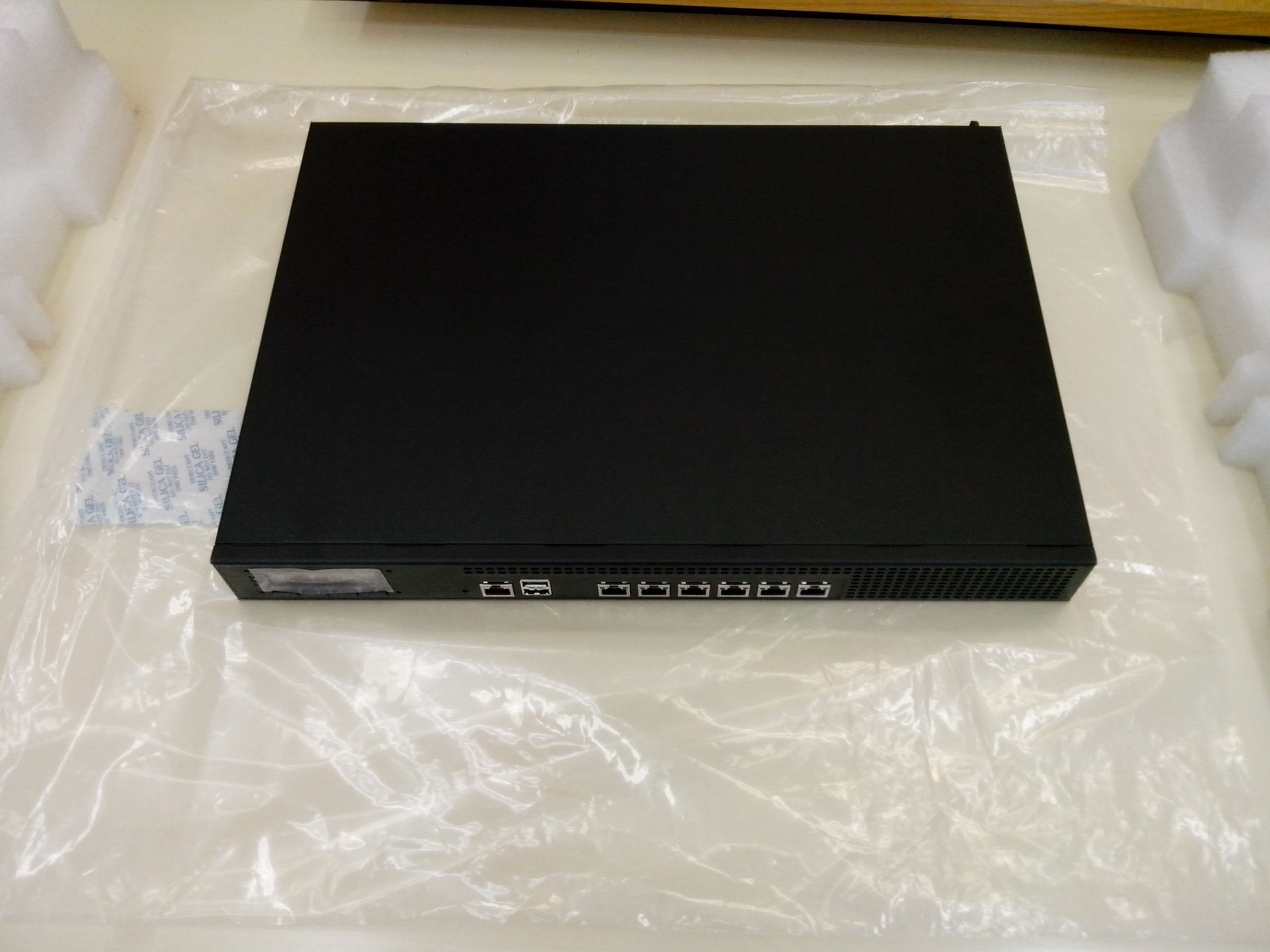
Well, the main character of the review:
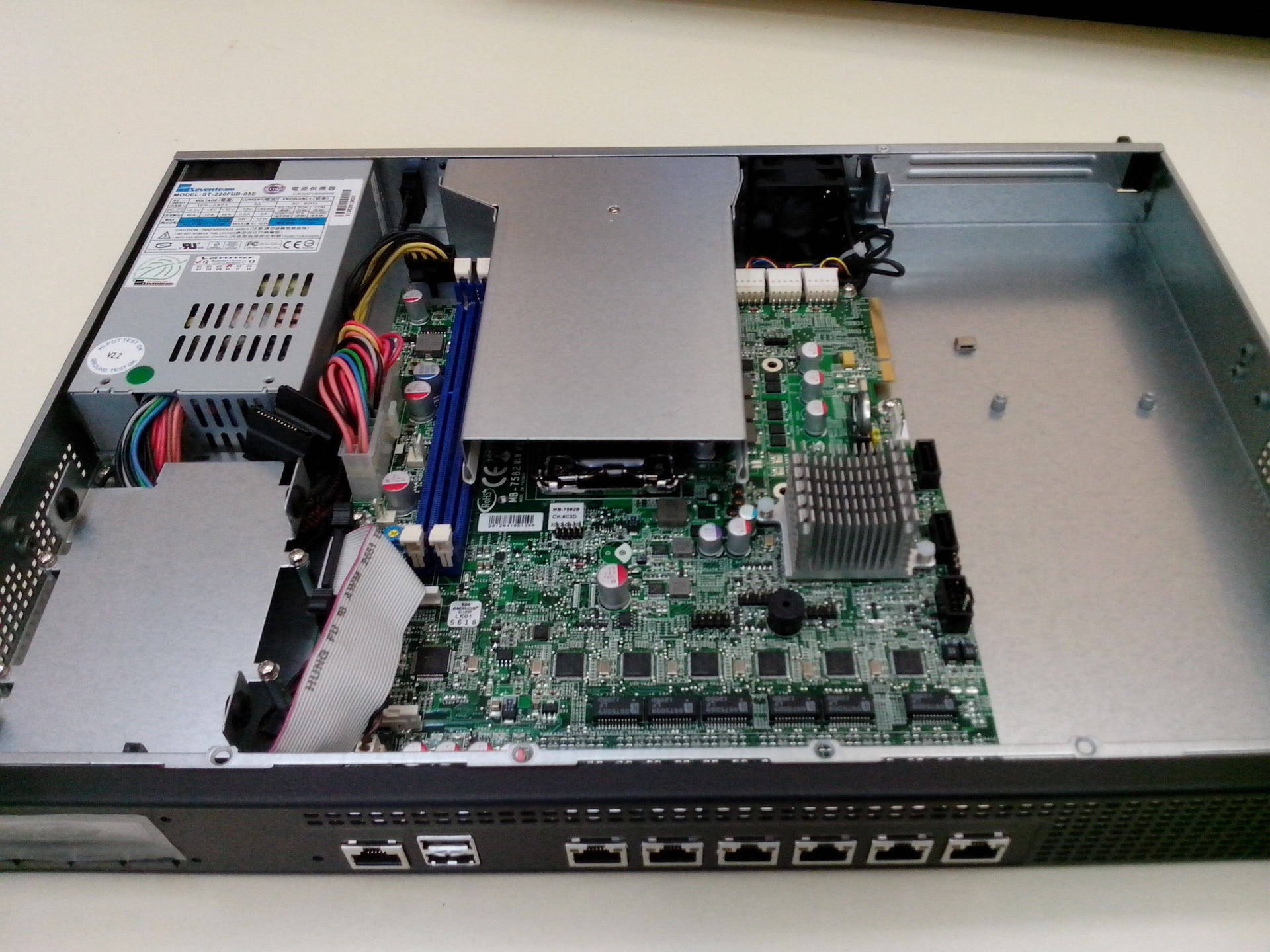
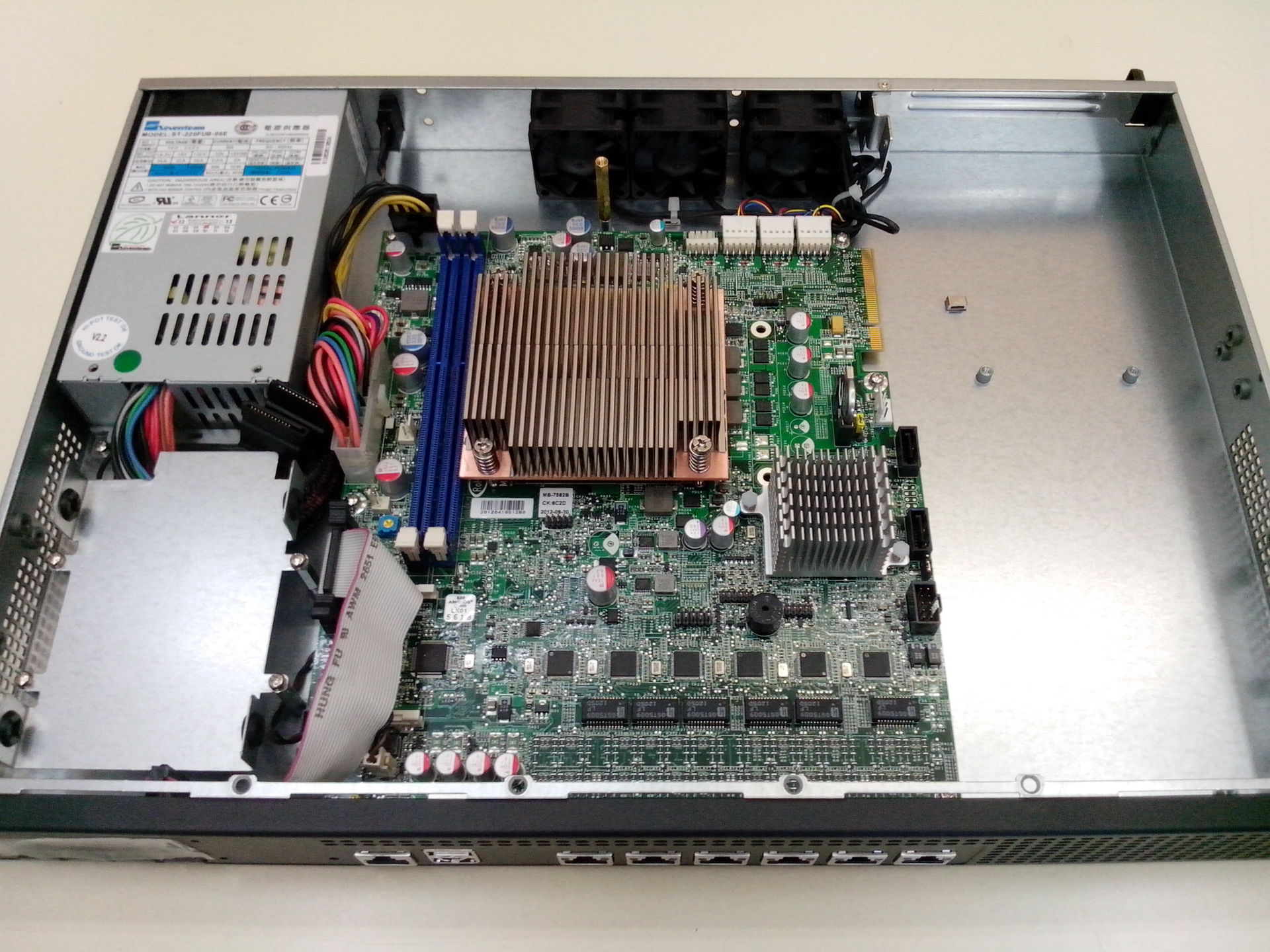
And his inner world. Here you can notice a strange thing - the HDD compartment on one side, and the SATA interfaces on a completely different side, since the cable in the kit is quite long:
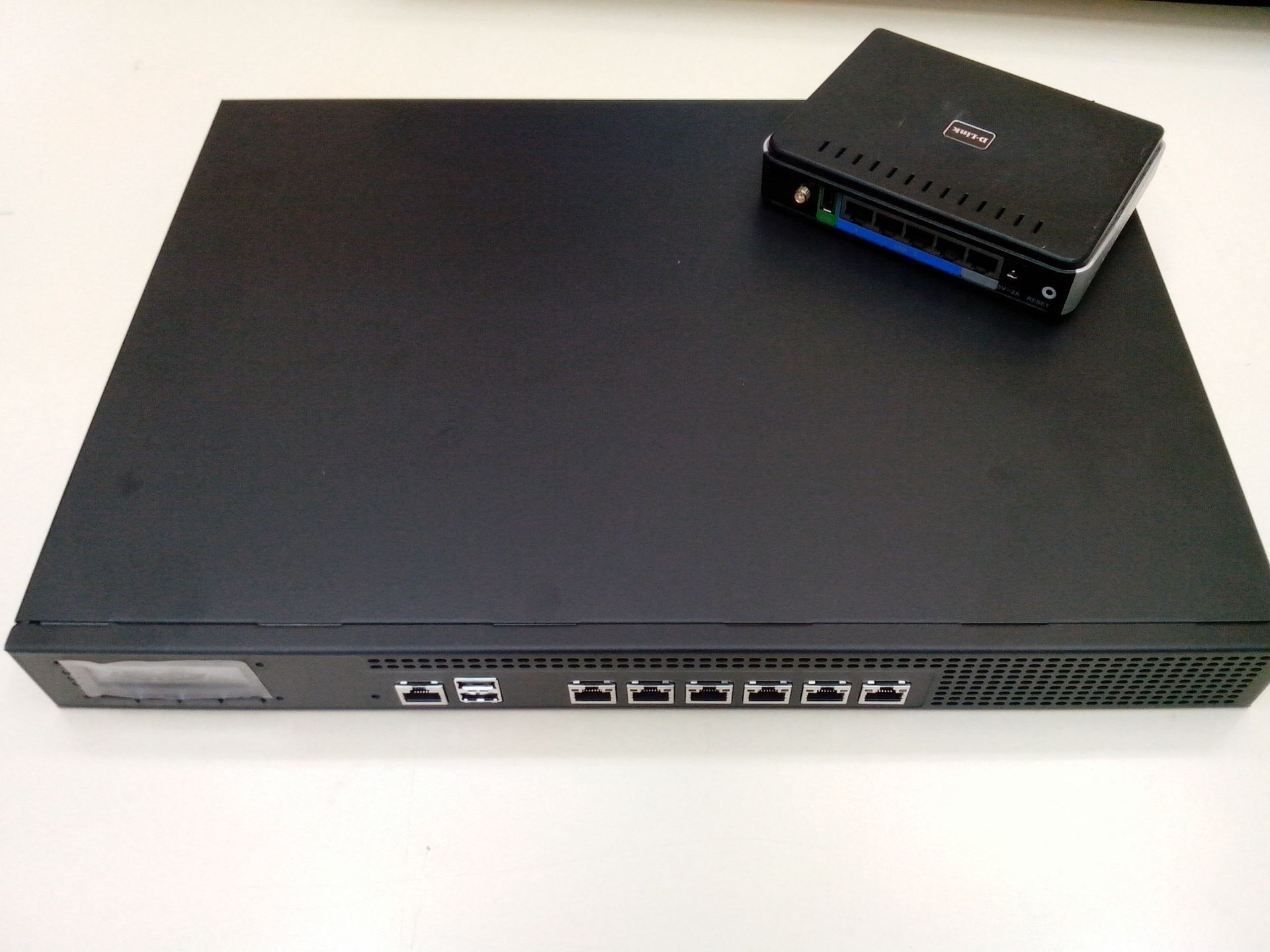
DIR-320 sadly hopes that he will someday grow:
Another box is found in the box, sorry for the pun.
Well, sort of got. I see the patient. By the way, I must say separately that both outer boxes are made of thick and durable cardboard and weigh together as much as 3 kilograms. Most likely the Taiwanese are well aware of one of the main ills of Russia.
Content:
A small kit is packed in a separate box:
1U radiator with a rather impressive copper base:
Well, the main character of the review:
And his inner world. Here you can notice a strange thing - the HDD compartment on one side, and the SATA interfaces on a completely different side, since the cable in the kit is quite long:
DIR-320 sadly hopes that he will someday grow:
Inside the platform, everything is pretty standard. A 220-watt power supply, mounts for a 2.5 "hard drive, 2 240pin DIMM DDR3 slots, and a CompactFlash slot hidden under the LCD cable. There is a lot of free space on the right side of the case for installing expansion modules on the PCI-E x8 interface. It can also be equipped with a mount for a standard 3.5 "HDD.
A more detailed layout of the motherboard interfaces:
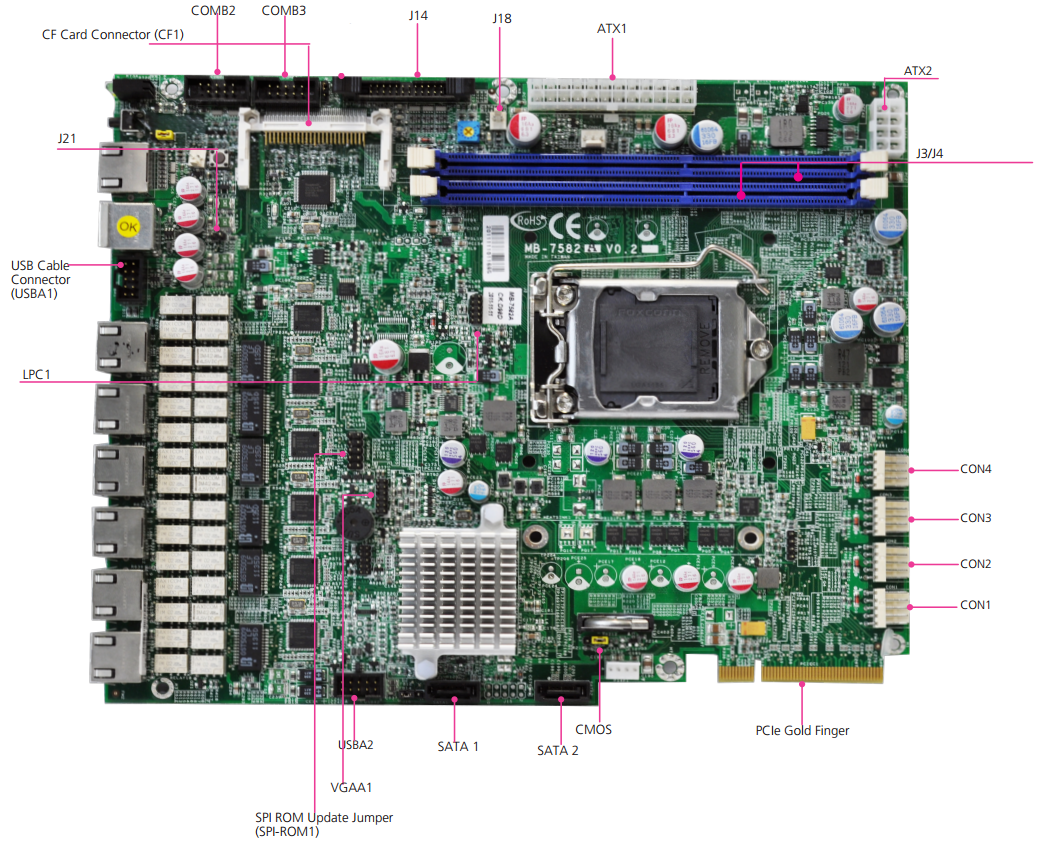
J14 - Front LCD Module Connector
J18 - AT Mode Power Button Connector
J21 - AT / ATX Mode Selection Jumper
Detailed characteristics:
- The form factor of the Rackmount 1U device is 431 x 44 x 305 mm.
- Intel H61 chipset, support for up to 16GB dual channel DDR3 1066/1333 / 1600Mhz RAM
- 1x CompactFlash Type II socket; 2x SATA2; 1x 2.5 ”HDD bay
- Passive CPU cooling + 2 coolers, 1 cooler for system cooling.
- 1x PCIe x8.
- 2x20 LCD
- 1U ATX SPS 220 Watts
- 6x GbE interfaces. 6x Intel Intel 82583V controllers.
- 1x FE 9620DM Management-port.
- 3 pairs LAN Bypass
- 1x Console RJ45 port; 2x USB 2.0
- Weight: 7 kg.
- BIOS: AMI BIOS, 64Mbit SPI Flash ROM
- Temperature mode: 0 ~ 40? C
- Certificates: CE emission, FCC Class A, RoHS
In the next review ...
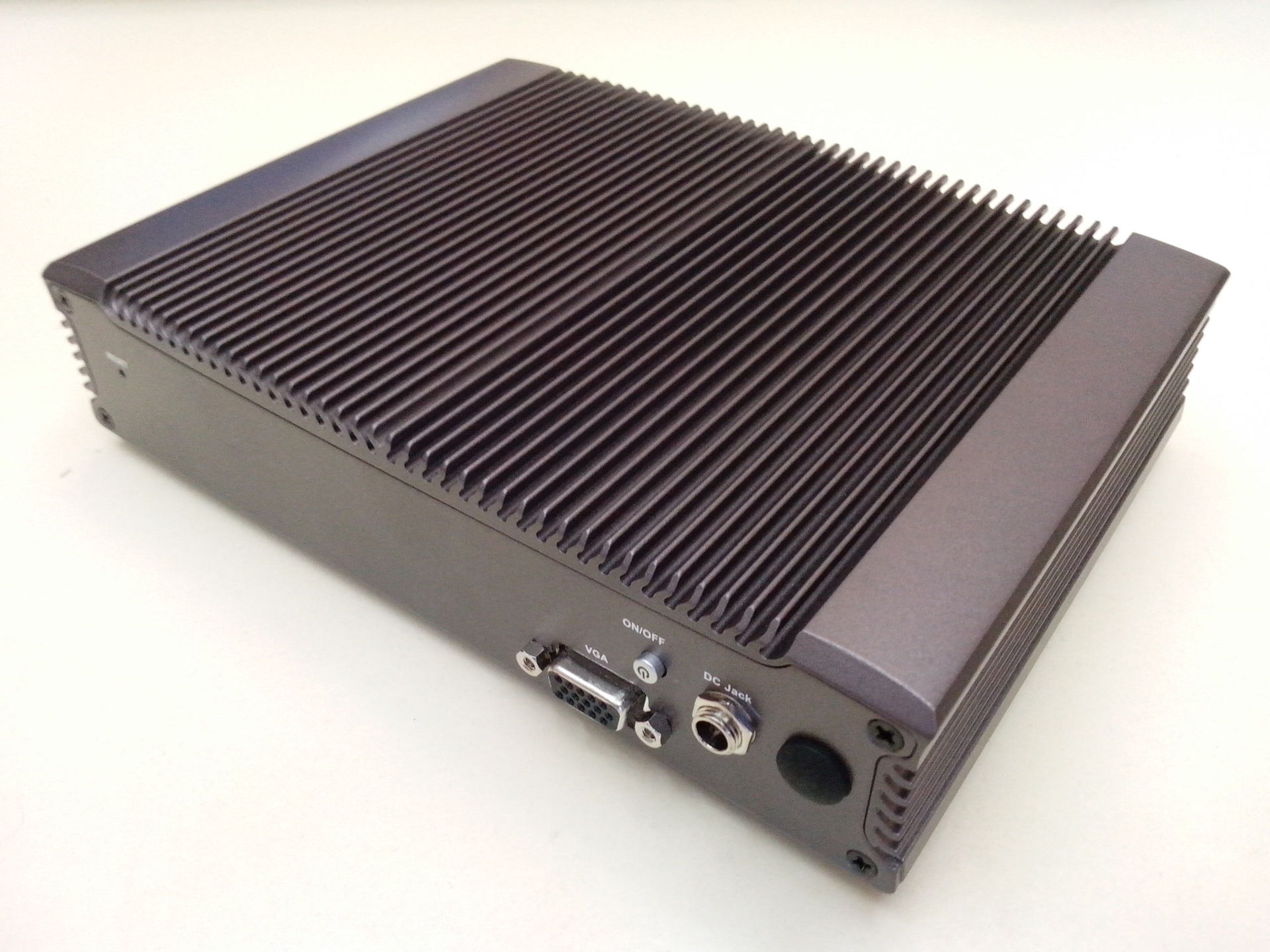
Fanless kid in a stylish case: