October 13, 2012 at 14:11
DriverPack Solution Update Configurator
The new “DriverPack Solution Update Configurator” feature allows you to save time and traffic on updates.
Key features: The
ability to select only those components that you need;
Allows you to receive updates directly from the program;
Maximum download speed, as almost everything goes through Torrent;
If downloading through Torrent is blocked by the provider, the Configurator will automatically switch to downloading via HTTP;
If any of the files are already in your assembly of DriverPack Solution, then it will not be downloaded again.
Thanks to the Configurator, now updates will be released much more often! Now it is in beta testing mode, errors may appear.
Write all complaints and suggestions here (the author reads the Habr) or on the official forum.
Screenshots are attached!
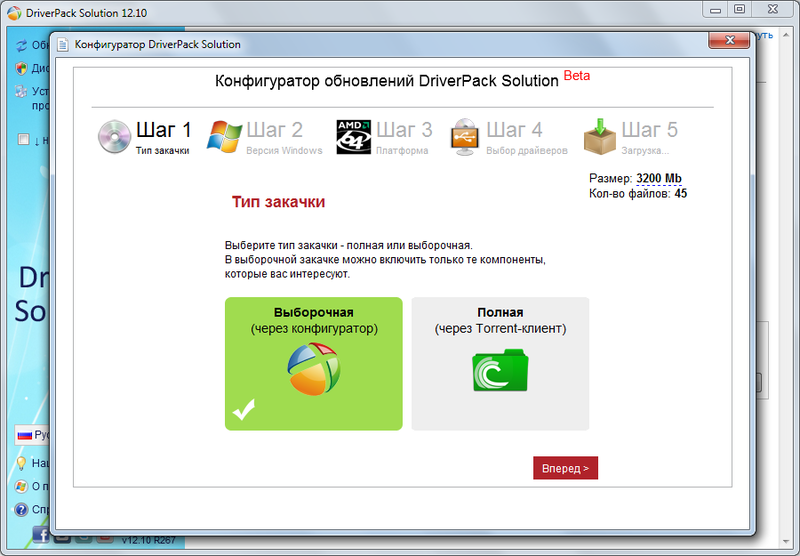

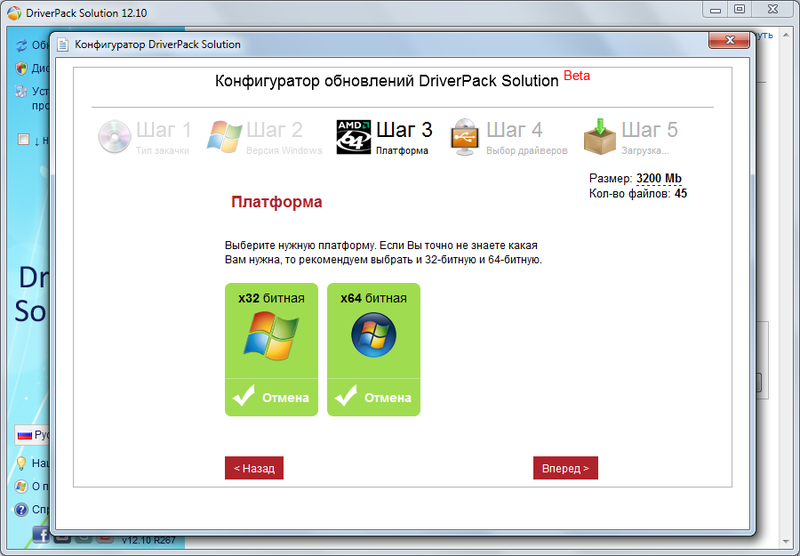
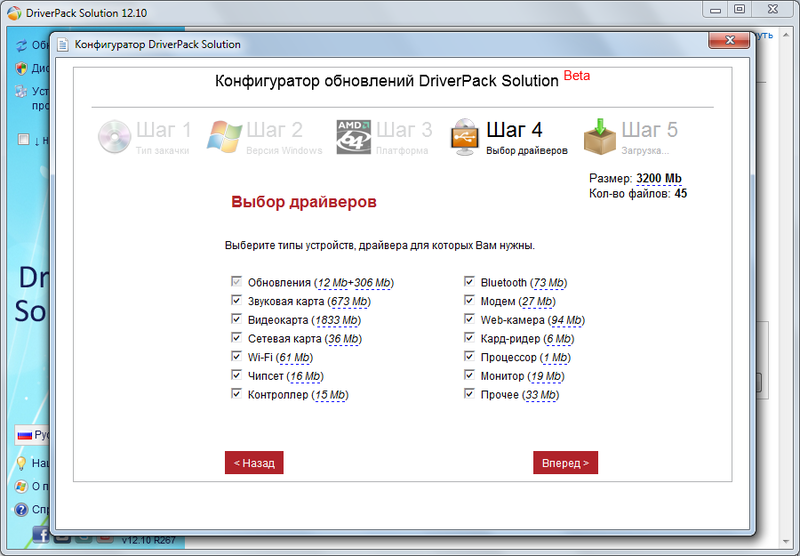
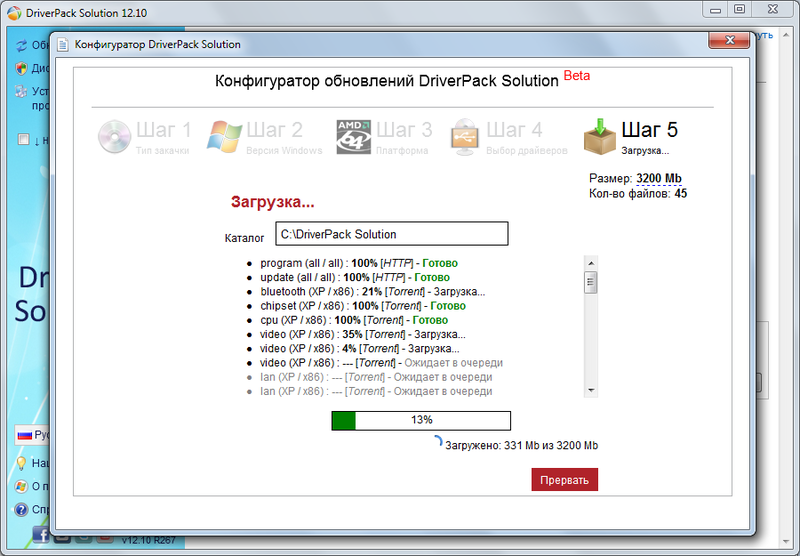
You can run the “Update Configurator” in any version of DriverPack Solution by pressing the “Ctrl + U” key.
I am not the author of this program, all claims to the forum of the program :)
Key features: The
ability to select only those components that you need;
Allows you to receive updates directly from the program;
Maximum download speed, as almost everything goes through Torrent;
If downloading through Torrent is blocked by the provider, the Configurator will automatically switch to downloading via HTTP;
If any of the files are already in your assembly of DriverPack Solution, then it will not be downloaded again.
Thanks to the Configurator, now updates will be released much more often! Now it is in beta testing mode, errors may appear.
Write all complaints and suggestions here (the author reads the Habr) or on the official forum.
Screenshots are attached!
You can run the “Update Configurator” in any version of DriverPack Solution by pressing the “Ctrl + U” key.
I am not the author of this program, all claims to the forum of the program :)