 November 2, 2008 at 20:52
14 free collaboration web applications
- Transfer
"People are not islands in the open ocean." This statement can be successfully used especially if you are a designer or developer. Despite the existence of paid tools like Basecamp and Zimbra , you can also use free ones, which, perhaps, are not inferior to paid ones (and sometimes overtake them).
In this article, we will look at 14 free Web-based collaboration applications on the Internet. Do you need a simple editor with the most basic features or a fully functional project management application, you can find here at least one application that meets your requirements.

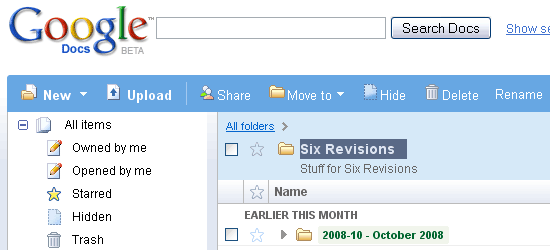
Perhaps this is the most famous online application for collaboration on documents. With it, you can open access to documents, spreadsheets to your colleagues or clients and work with them in real time. Since Google Docs is a Web application, its requirements are minimal, and documents are stored on a server, which allows you to access them from anywhere in the Solar System (provided that you have an Internet connection). If you have not yet figured out how to use this application, you are already prompted .
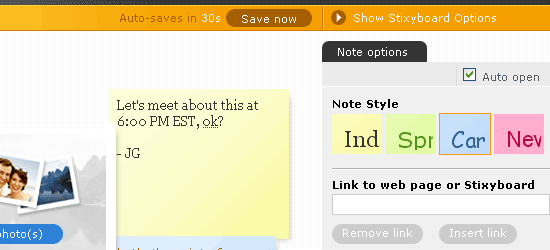
Stixy is a flexible system for drawing and posting ads. With it, you can create an unlimited number of notes, change their settings and move them around your virtual table. Among other things, there is another useful application: commenting and joint discussion of Web pages or parts thereof.
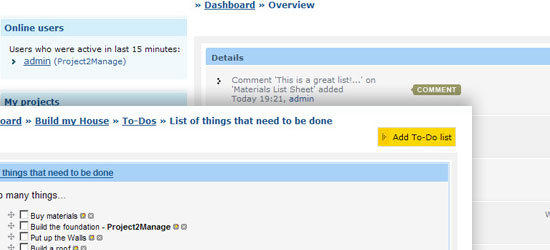
This application is a complete free project manager (such as Basecamp). Anyone who wants to start a project can make them an unlimited number. The user can set different access levels and restrictions for each of the team members, describe their tasks, work results, etc.
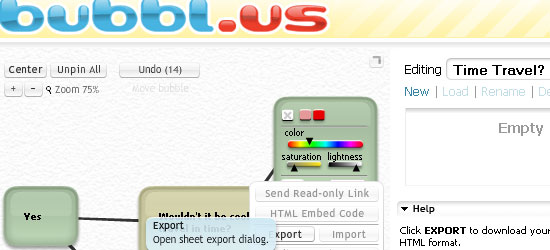
This service is a free, web-based application for collaborative brainstorming. You can use it to create beautiful mind maps (“mind maps”) by sharing them with other team members. After that, you can save the card, send it by mail, print it out or paste directly into the Web page (you are given the HTML embed code). Among other things, you can just give the link to the created map in read-only mode, for example, as I did . This service has taken pride of place among my bookmarks, as it allows you to quickly and conveniently work with mind maps.
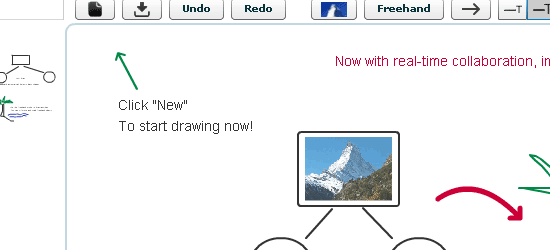
Dabbleboard is a self-contained drawing application. You can draw interface sketches , diagrams, create diagrams , including many other different things. You can create toolkits (sets of reusable drawing objects) or use predefined ones.
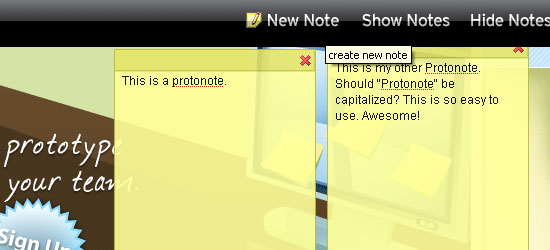
Protonotes is a free widget for your HTML prototypes. To add it to your own page, you just need to play around with JavaScript. Protonotes is very suitable for testing the usability of the interface, criticizing the design, testing anything. To keep abreast of events (for example, when colleagues add a new note), you can subscribe via RSS. In addition, all data can be exported, for example, to CSV and opened in applications such as Excel.
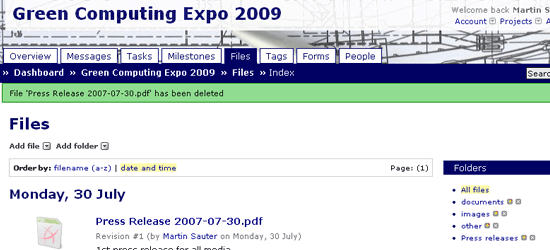
Another online project management application, however ProjectPier is also an OpenSource project written in PHP. Manage your tasks, team members, projects using a single interface, which in itself is very simple, easy. If you are still not sure whether to use this Web application, try to take 10 reasons for this from the developers.
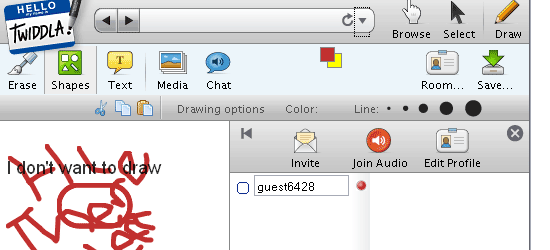
Developers position their product as a free Web-platform for meetings. Twiddla is an exceptional solution for this purpose. You can browse Web sites while painting them the way you like, share files, and arrange conversations with colleagues. However, there is also the possibility of audio communication (a special option for those who draw poorly). This project is also suitable for those who like to criticize Web sites, their design or usability.
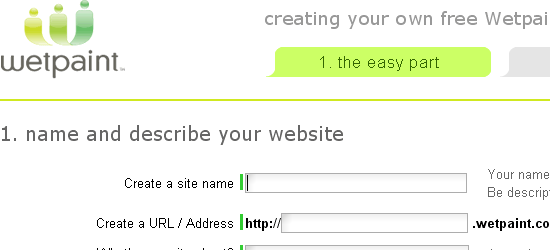
Wetpaint is a group collaboration application that combines the features of Wiki, blogs, forums, and social networks. However, despite the abundance of opportunities, the program is very simple and even a person without any special technical skills can easily master it.
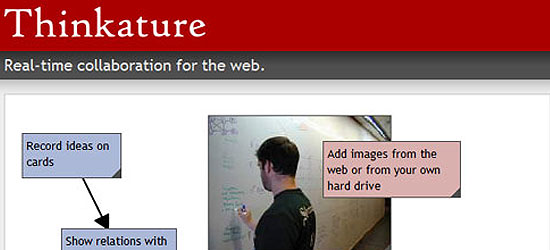
Free collaboration tool. You get a workspace where you can draw, chat with colleagues and collect content from around the Web. The flexibility of Thinkature allows you to become a true host of the program.
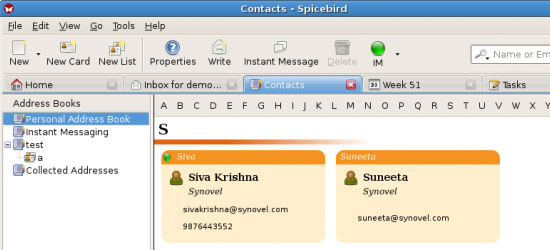
If you want to manage your project using a desktop application, you should pay attention to Spicebird, a full-fledged tool designed to satisfy all the needs of a project manager. It has built-in chat, group calendar, address book and much more. If you still have questions, you can watch a video demo of the application.
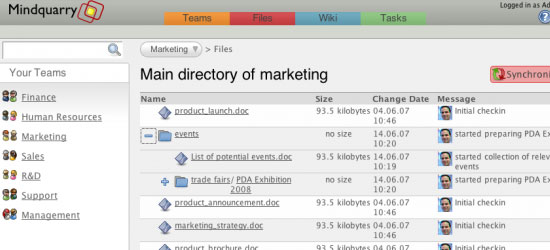
This open source team-based application is written in Java (J2EE). You can put it on your server and be sure that the data you transfer will not get to third parties. For additional installation information, be sure to refer to the list of requirements .
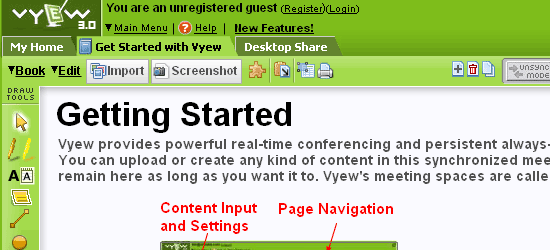
Vyew is very similar to Twiddla: it can be used to organize conferences in which up to 20 people can participate. You can share your desktops, use the built-in screen capture tool. However, you can create and share diagrams with other conference participants using the DiagramVyew extension.
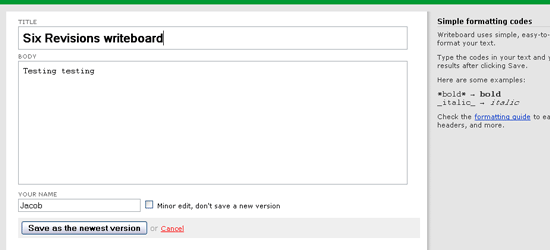
Written by the notorious 37 Signals enthusiast group, this application is an easy way to share information with colleagues. You start by creating your own workspace, invite colleagues and just start writing. Your colleagues will be able to see your changes and edits in real time. You can save and track changes, create new ones and roll back the document to old versions.
In this article, we will look at 14 free Web-based collaboration applications on the Internet. Do you need a simple editor with the most basic features or a fully functional project management application, you can find here at least one application that meets your requirements.
1. Google Docs
Perhaps this is the most famous online application for collaboration on documents. With it, you can open access to documents, spreadsheets to your colleagues or clients and work with them in real time. Since Google Docs is a Web application, its requirements are minimal, and documents are stored on a server, which allows you to access them from anywhere in the Solar System (provided that you have an Internet connection). If you have not yet figured out how to use this application, you are already prompted .
2. Stixy
Stixy is a flexible system for drawing and posting ads. With it, you can create an unlimited number of notes, change their settings and move them around your virtual table. Among other things, there is another useful application: commenting and joint discussion of Web pages or parts thereof.
3. Project2Manage
This application is a complete free project manager (such as Basecamp). Anyone who wants to start a project can make them an unlimited number. The user can set different access levels and restrictions for each of the team members, describe their tasks, work results, etc.
4. Bubbl.us
This service is a free, web-based application for collaborative brainstorming. You can use it to create beautiful mind maps (“mind maps”) by sharing them with other team members. After that, you can save the card, send it by mail, print it out or paste directly into the Web page (you are given the HTML embed code). Among other things, you can just give the link to the created map in read-only mode, for example, as I did . This service has taken pride of place among my bookmarks, as it allows you to quickly and conveniently work with mind maps.
5. Dabbleboard
Dabbleboard is a self-contained drawing application. You can draw interface sketches , diagrams, create diagrams , including many other different things. You can create toolkits (sets of reusable drawing objects) or use predefined ones.
6. Protonotes
Protonotes is a free widget for your HTML prototypes. To add it to your own page, you just need to play around with JavaScript. Protonotes is very suitable for testing the usability of the interface, criticizing the design, testing anything. To keep abreast of events (for example, when colleagues add a new note), you can subscribe via RSS. In addition, all data can be exported, for example, to CSV and opened in applications such as Excel.
7. ProjectPier
Another online project management application, however ProjectPier is also an OpenSource project written in PHP. Manage your tasks, team members, projects using a single interface, which in itself is very simple, easy. If you are still not sure whether to use this Web application, try to take 10 reasons for this from the developers.
8. Twiddla
Developers position their product as a free Web-platform for meetings. Twiddla is an exceptional solution for this purpose. You can browse Web sites while painting them the way you like, share files, and arrange conversations with colleagues. However, there is also the possibility of audio communication (a special option for those who draw poorly). This project is also suitable for those who like to criticize Web sites, their design or usability.
9. Wetpaint
Wetpaint is a group collaboration application that combines the features of Wiki, blogs, forums, and social networks. However, despite the abundance of opportunities, the program is very simple and even a person without any special technical skills can easily master it.
10. Thinkature
Free collaboration tool. You get a workspace where you can draw, chat with colleagues and collect content from around the Web. The flexibility of Thinkature allows you to become a true host of the program.
11. Spicebird
If you want to manage your project using a desktop application, you should pay attention to Spicebird, a full-fledged tool designed to satisfy all the needs of a project manager. It has built-in chat, group calendar, address book and much more. If you still have questions, you can watch a video demo of the application.
12. Mindquarry DO
This open source team-based application is written in Java (J2EE). You can put it on your server and be sure that the data you transfer will not get to third parties. For additional installation information, be sure to refer to the list of requirements .
13. Vyew
Vyew is very similar to Twiddla: it can be used to organize conferences in which up to 20 people can participate. You can share your desktops, use the built-in screen capture tool. However, you can create and share diagrams with other conference participants using the DiagramVyew extension.
14. Writeboard
Written by the notorious 37 Signals enthusiast group, this application is an easy way to share information with colleagues. You start by creating your own workspace, invite colleagues and just start writing. Your colleagues will be able to see your changes and edits in real time. You can save and track changes, create new ones and roll back the document to old versions.









