May 10, 2019 at 14:39
Recording video from an old computer - methods from LGR
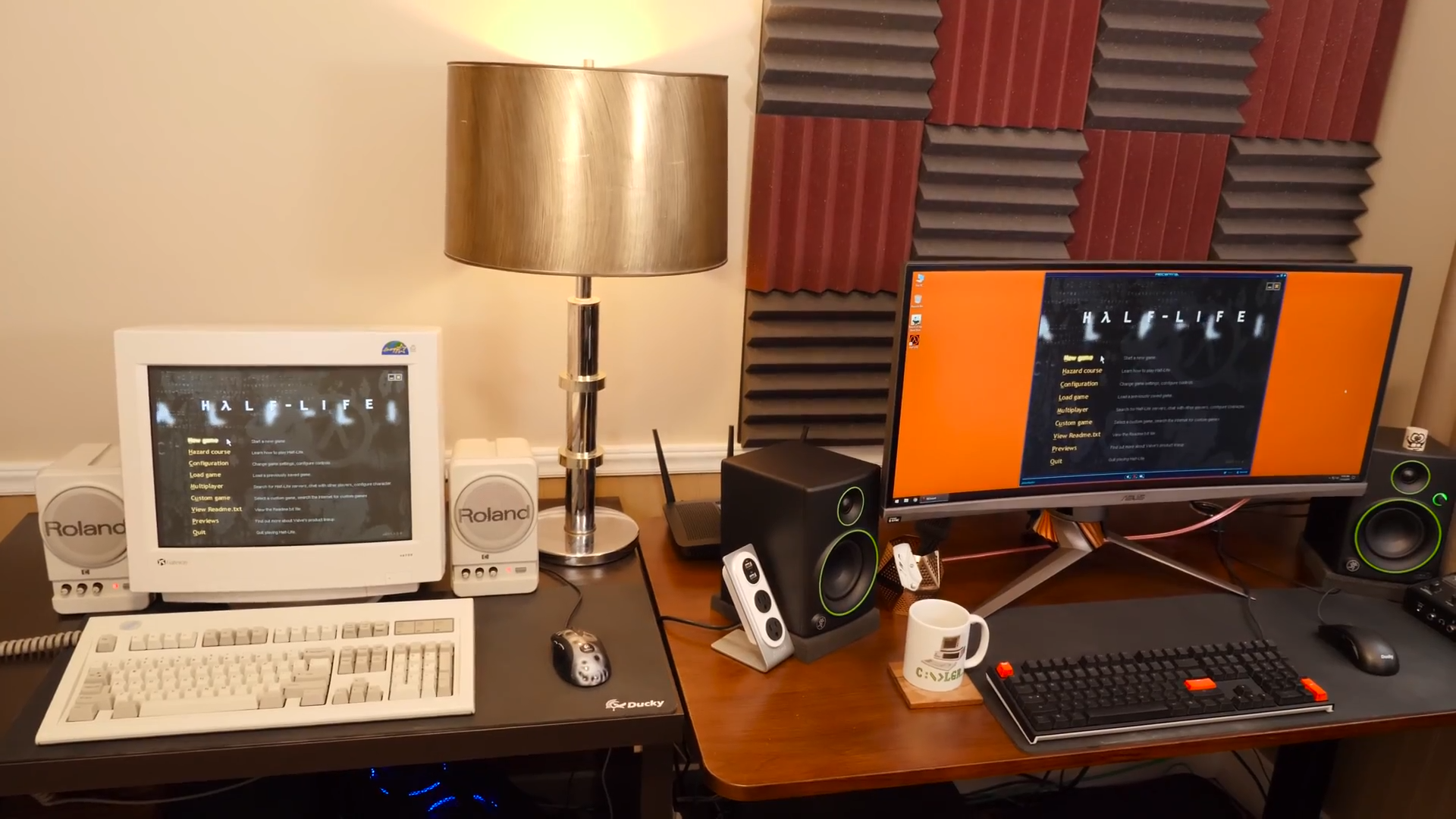
LGR (Lazy Game Reviews) is one of the largest English-language channels dedicated to old computer hardware and no less old games. At the end of 2018, he released a video with a story about how he records video from old computers - and I decided to turn this video into a small text note. The original video (in English) is at the end of the publication.
DTECH Powered 500MHz VGA Video Splitter (~ $ 25 on Amazon, ~ 1600 rubles)

A device for outputting pictures from a video card to two monitors simultaneously, or in the case of our task, to a monitor and a video capture card. Clint (author of LGR) notes that like many others, this splitter is not perfect, sometimes it gives interference and interference.
CablesOnline 3.5mm Stereo Audio Splitter (100-300 rubles)

Similar to a splitter, but for sound. Again, not perfect, but the next device helps with this problem.
Mpow Ground Loop Noise Isolator ($ 10 on Amazone / Aliexpress, ~ 650 rubles)
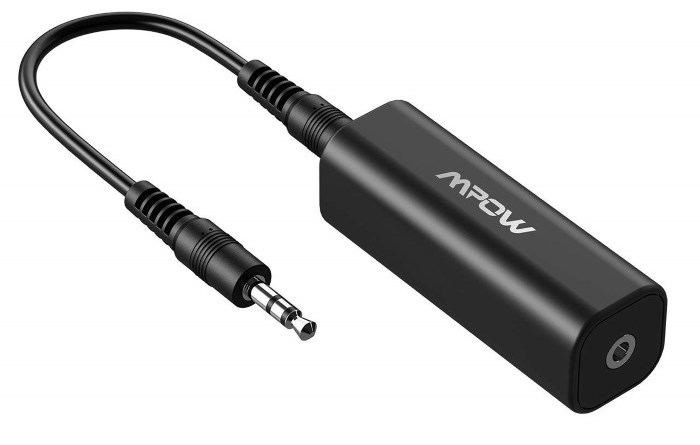
Noise isolator, helps to get rid of problems with interference in the audio signal.
Avermedia Game Broadcaster HD (discontinued)

Video card for recording video via VGA / HDMI. I even wrote my article about her on Habré. In general, an excellent device, but has some number of disadvantages:
- may glitch or not recognize the signal at resolutions below 640x480, non-standard resolutions or refresh rates. In the same 320x200 or 320x240, you can make it work, but only with a tambourine.
- This is a card that plugs into the PCI-Express slot, i.e. need a computer that will write video
- the board is discontinued (no longer in stores)
Avermedia Live Gamer Portable 2 Plus (10 thousand rubles)

On the plus side, it can work without a computer and write video to a microSD-card, though in this case the bitrate is limited to 20 Mbps in 1080p (in lower resolutions - even lower).
In the red - only supports HDMI. But on an old VGA computer, how to be that? And then the next device comes to the rescue.
Startech VGA2HDMI Pro (discontinued)
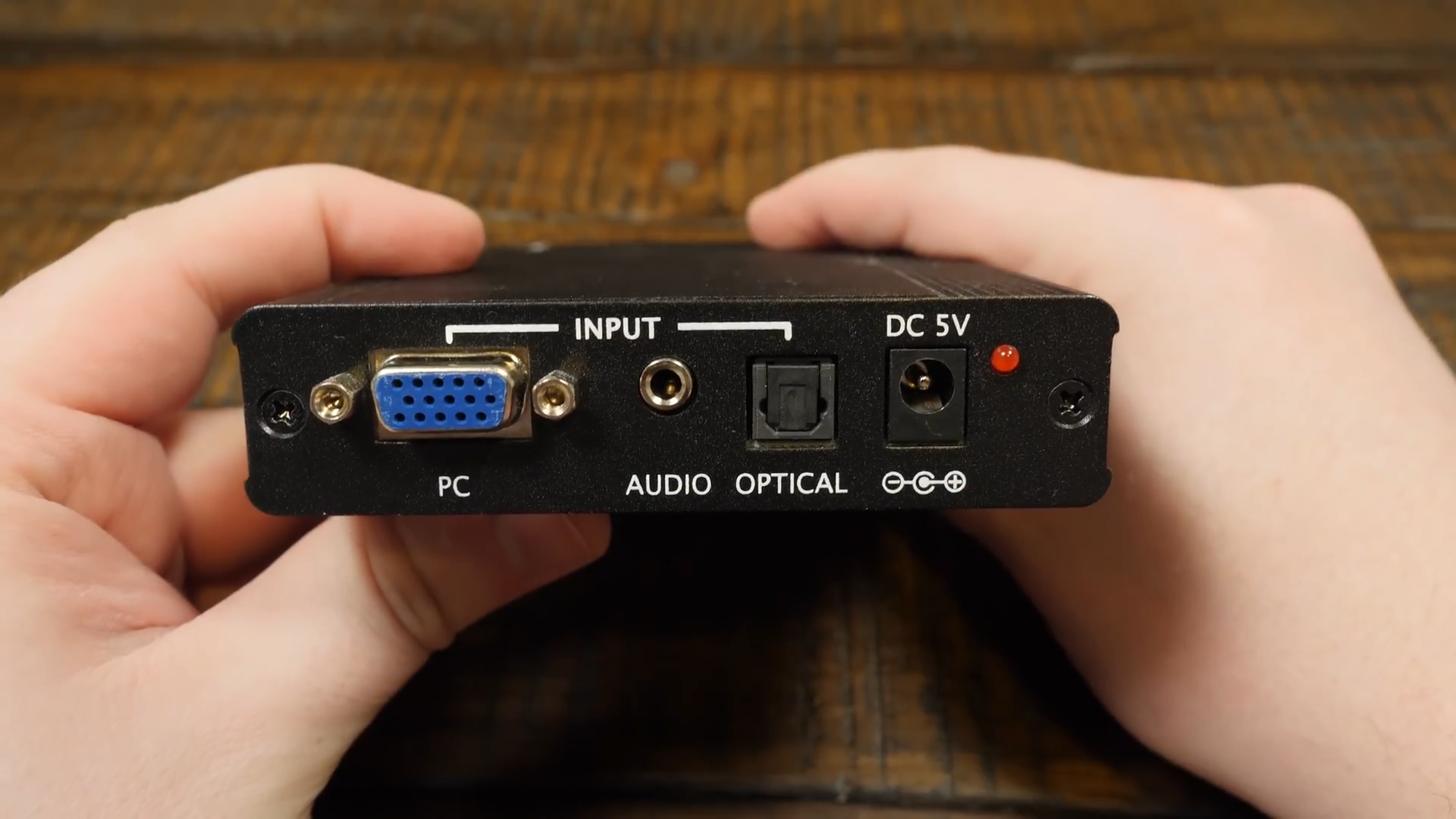
Converts a VGA signal to HDMI. Pros:
- supports resolutions below 640x480 and all sorts of non-standard ones, stretching them to clear 720 / 1080p while maintaining the aspect ratio (adding black bars at the edges)
- there is an audio input, so that sound can also be written via HDMI
Minuses:
- Clint talks about the first version of the device, and clarifies that the second version seems to not work so well with non-standard and low resolutions
- after changing the resolution, this resolution is displayed for a few seconds in the upper left corner, which is naturally recorded by the capture card
- the device is discontinued (no longer in stores)
Epiphan AV.io HD ($ 400, ~ 26 thousand rubles)

Mega-gizmo with full DVI input, through adapters capable of writing both VGA and HDMI, supports any low and non-standard resolutions.
The real minus is only one: price.
MCE2VGA (89 €, ~ 6500 rubles)
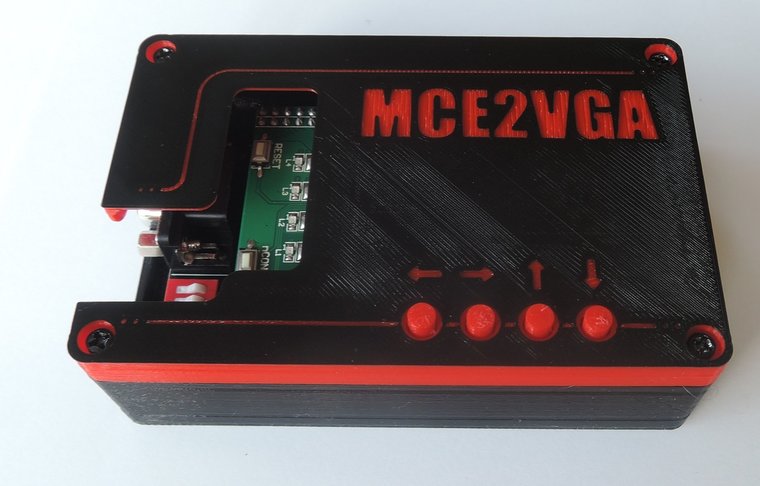
Bonus device for fans of the oldest iron: converts a signal from old video cards such as CGA / EGA / MDA / HERCULES, etc. in VGA. Clint has a separate video about him .