 May 19, 2015 at 18:24
Smart watch Pebble Time: anboxing and first impressions
It turned out that I was one of the first in Russia to hold a Pebble Time Development Preview smartwatch in my hands . The start of official sales is still a long way off, and even the watches for Kickstarter campaign participants have not begun to be distributed. Nevertheless, I already got this watch, since Pebble decided to send a number of test free watches in advance to developers of popular third-party applications.
I am not a developer so hot - only one watchpoint has been published - Ecliptic . At that moment, when I found out that I was entitled to free Pebble Time, there were 13706 downloads, 501 likes and 51st place in the category of most loved watchfaces.
I want to say right away that there will not be a full review yet. To get a watch, I had to check the box under the agreement according to which:
- You can take pictures of the front side of the watch with your running application;
- You can not photograph the back side, a close-up of the buttons, a charging cable and a charging port;
- You can not publicly discuss the system UI;
- you can wear a watch, but you can’t talk about them (a funny point, you can probably write).
Therefore, I will try to keep myself within the framework and not to talk too much, although I really want to. Photographed an antique fifth iPhone on a car seat, so what quality is, there is, do not blame me.
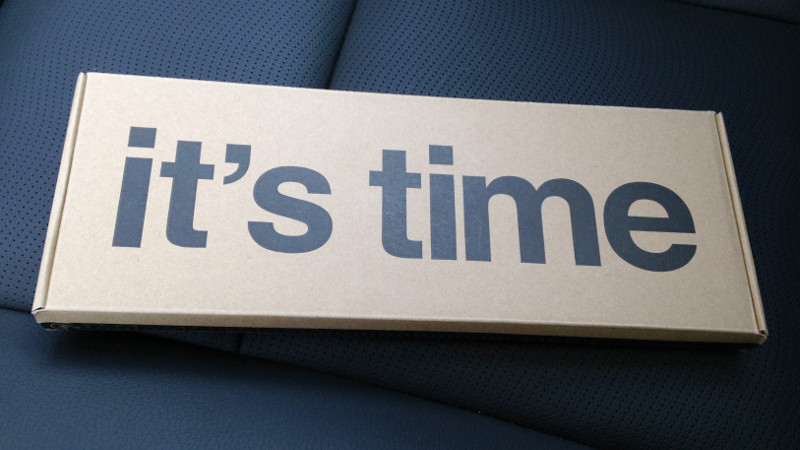
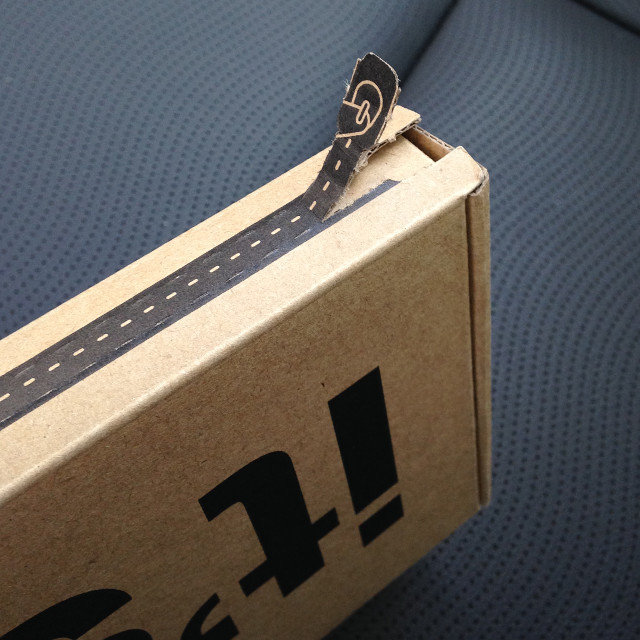
So, the watch arrived in a modest box shown in the title photo. There is no information other than the slogan “it's time” on the box. Most likely this is a temporary design for Development Preview and the real box will be more fun. To open the box you need to pull and tear off the strip on the side.
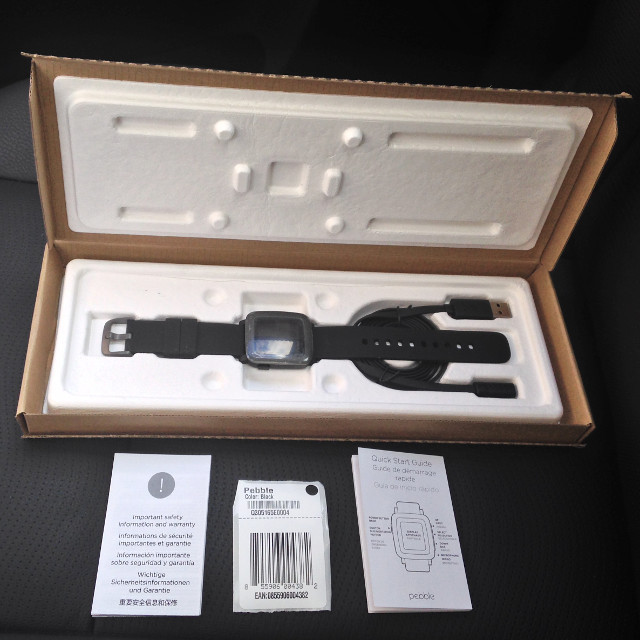
Inside were the watch itself, a charging cable, instructions, a guarantee, and some kind of sticker with a barcode. White inserts are not polystyrene, but recycled paper (like egg containers). The inserts are glued to the bottom and cover of the box.
Peel off the protective film:
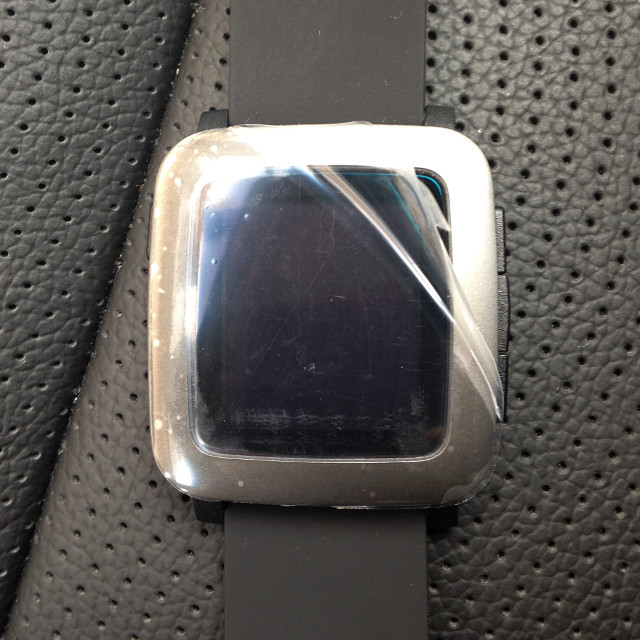
General view of the clock turned off:
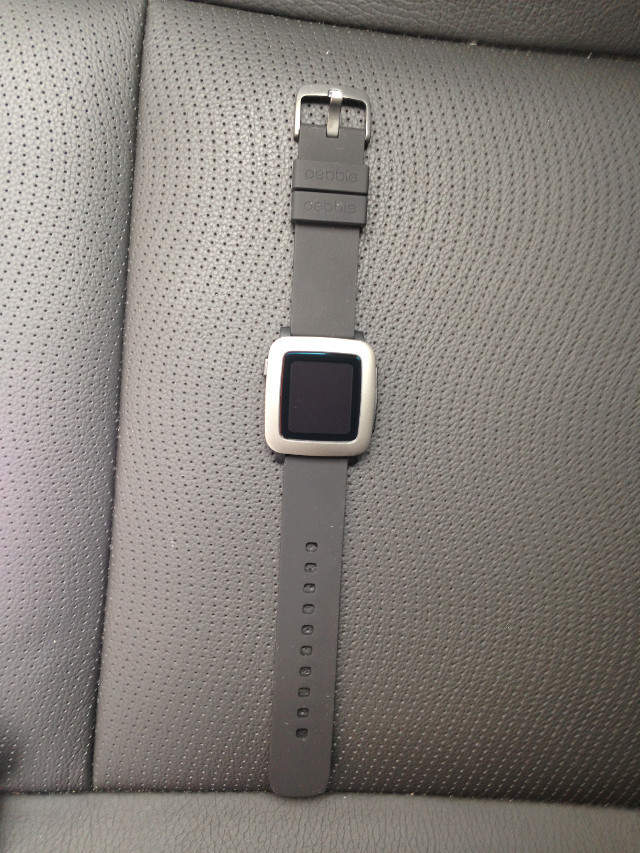
Closer: The
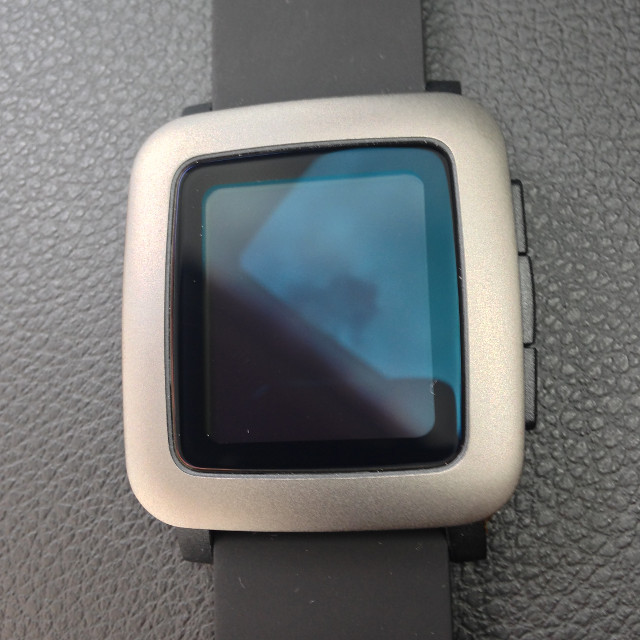
strap is made of soft rubber and resembles soft touch plastic to the touch. The strap mount is finally standard, you can easily replace the strap with any one you like at the nearest watch store. The frame around the screen and the clasp of the strap are metal (not steel, since it is not magnet), the case is plastic. The screws for disassembly are not visible, so most likely you will not be able to repair something yourself as it was with Pebble Steel ( Upd: in fact, everything will work out ). The screen is covered with slightly convex glass, the back wall, on the contrary, is concave.
The connector for charging a new format, from the old clock will not work. In general, it looks rude, it seems I got some preliminary version for the tests. The big minus is that the connector is now from the bottom and the clock can not be charged without removing it from your hand.
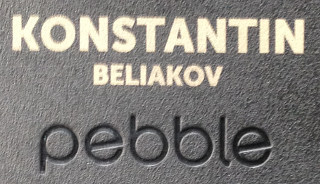
Special thanks for the engraved nameplate on the back. As I already wrote, it is impossible to photograph the back side. But I think that I will not break anything if I crop a fragment with my name.
After turning on, the watch does not show anything interesting except the offer to pair them with a smartphone, which I did. The old Pebble mobile app is not suitable, but there is no new app called Pebble Time in the app. They sent me an e-mail link that you need to open in the TestFlight applicationfrom Apple, as a result of "Pebble Time" download and install. After launch, the application looks like this:
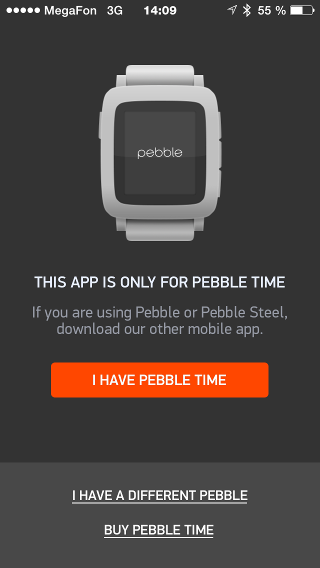
It is interesting that TestFlight requires iOS 8. An unpleasant surprise for those developers who jailbroken during iOS 7 and stayed on this version.
We register under our Pebble account:
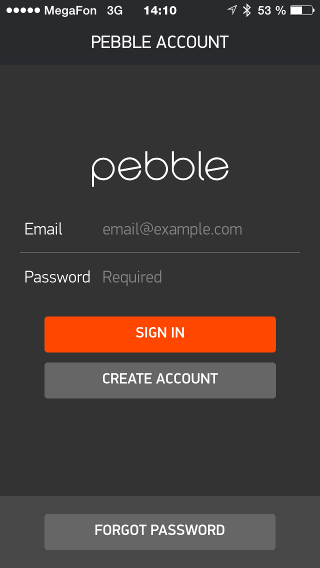
Next, the pairing process begins, but my application stubbornly did not want to see the clock, although the bluetooth settings section in iOS suggested that Pebble Time was somewhere nearby:
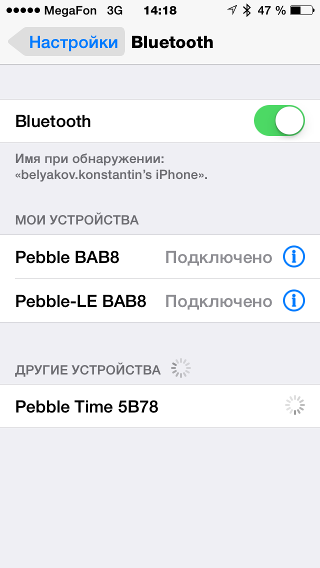
Without pairing with the phone, the clock is completely useless, even time does not show. After several unsuccessful attempts, I was completely desperate and was about to write technical support, but suddenly I remembered Roy from The IT Crowd .

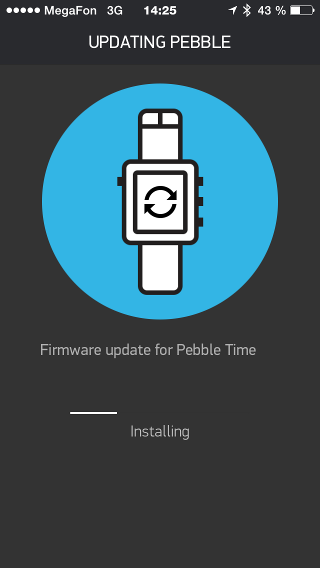
Turned off and turned on the clock and smartphone again, and it worked! Without further ado, updates themselves started to swing: The
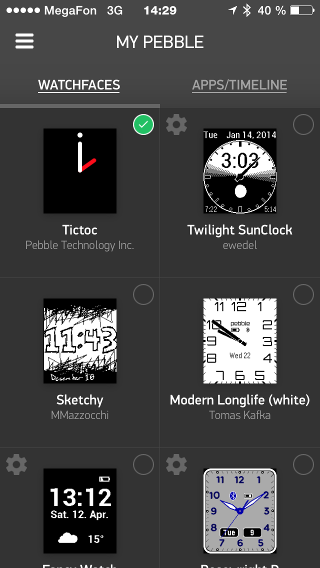
watch rebooted several times and finally showed the time! I can not show the photos of default vochfeysa on the clock, but you can see it in the app on your phone at the top of the left (about the ban to take screenshots of your phone does not say anything):
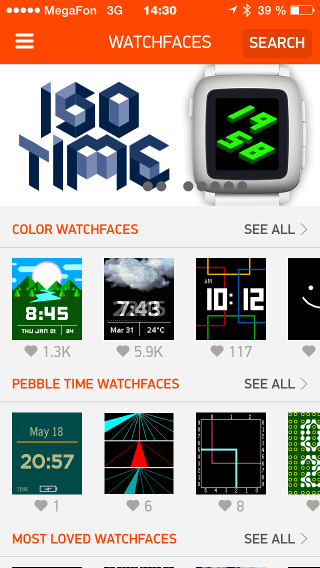
The Pebble AppStore already have colored vochfeysy applications and third-party developers:
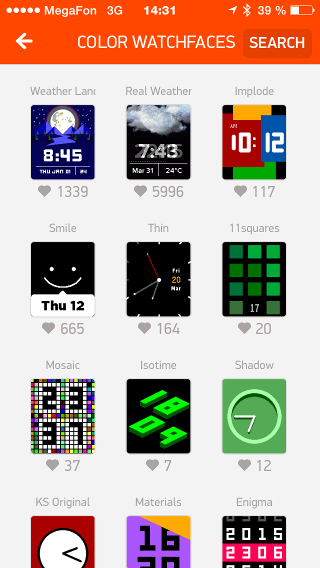
A separate section for color vochfeysov:
For some reason I didn’t find my Ecliptic watchface there, which I painted with you, although I already posted a color version a week ago and even received some feedback from users. Found only through a search:
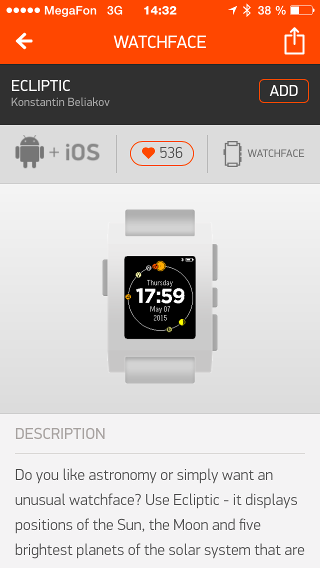
Installed on the clock:

Interestingly, the watch arrived more than half charged.
Paired photo from Pebble Steel: The
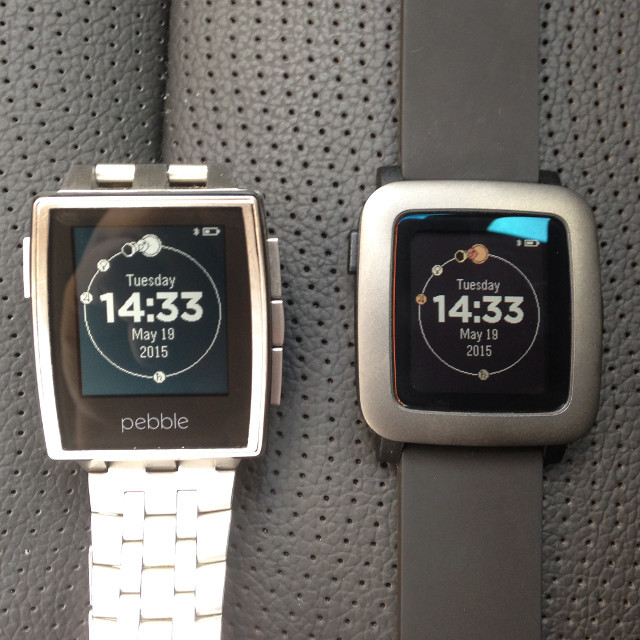
screen is larger, pixels are visible:
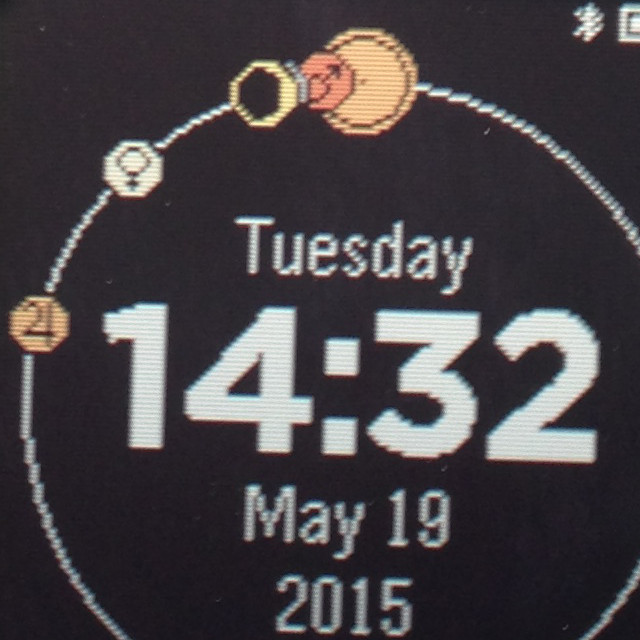
I want to note that anti-aliasing is supported, but I did not include it in my application, I did not like it on the emulator. We must now try on real hardware, maybe it’s worth turning it on.
I tried it, it seems convenient.
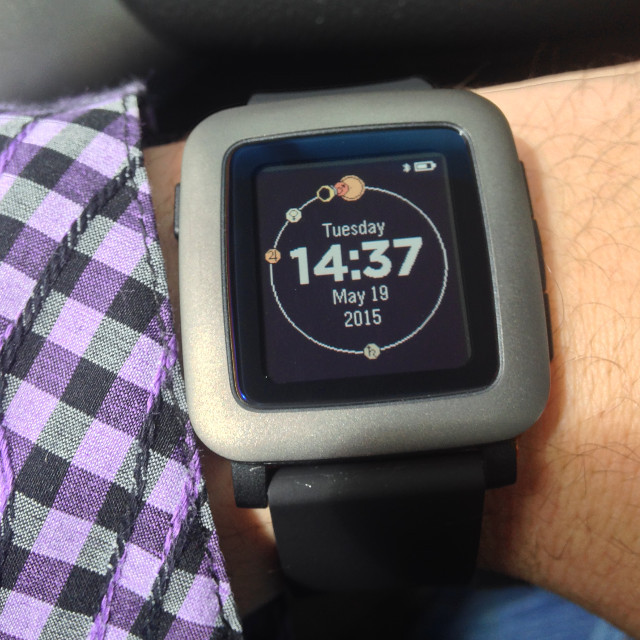
I am afraid that my wrist will not sweat due to the rubber strap. Well, all right, I already have Pebble Time Steel ordered on kickstarter and will arrive in August.
Russian is traditionally not supported out of the box. Of course, there is no third- party firmware from PebbleBits , so notifications come in squares. By the way, the old Steel does not conflict with the new watch at all, notifications come both here and here.
I foresee delivery questions, as many complain that Pebble refuses to send parcels to Russia. Banderolka helped me with the delivery , paid $ 26.10. Here’s the tracking, judging by yourselves quickly brought or slowly:

An order for delivery of a parcel already in the American warehouse was created and paid on May 8, the first record in tracking was May 12, received today in Tula on May 19. Those. 11 days have passed from payment to issuance. I was already wondering why they are resting on the weekend, but they explained to me that this is normal. Russian Post, by the way, works on weekends .
That's all for now, maybe later, when sales begin and restrictions are lifted, I will do a more detailed review.









