February 27, 2018 at 14:20
Xiaomi Mi Notebook Pro as the main tool of the web developer (through the eyes of the MacDrive)
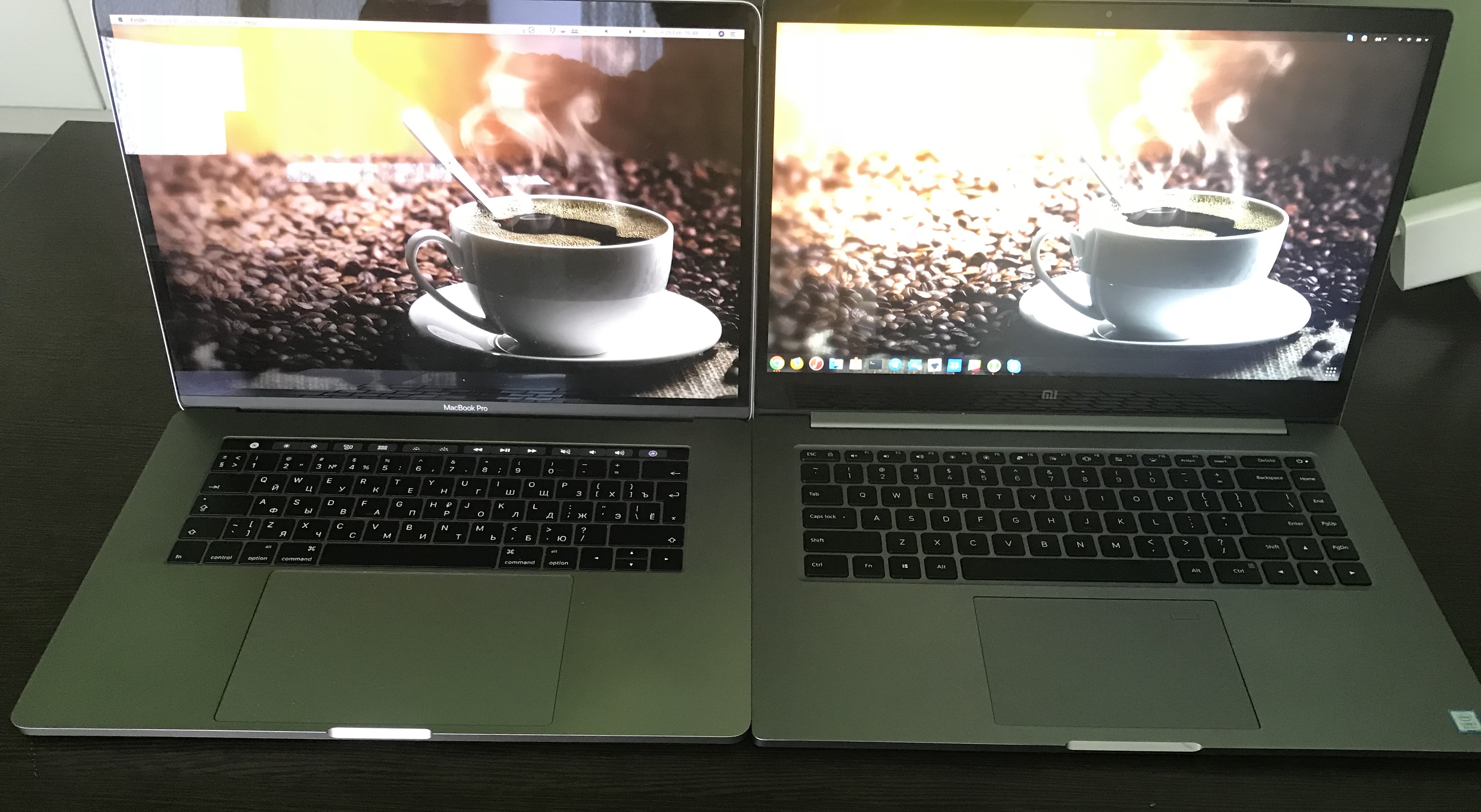
In this article, I hope that I will not affect the feelings of believers in ordinary laptops and Windows, as well as those people who need a laptop purely for surfing the Internet and storing photos. I will consider this laptop as the main working tool for a web developer.
Introduction
Since 2011, I have been using Mac OS as the main operating system, and during this time I’m very used to it, and thanks to the iPhone, Apple Watch and Apple TV devices, it will be hard to integrate and get completely off this “needle”, but fortunately, I it is not necessary!
At our company, we have long decided for ourselves that we will use apple computers, as there was a bad experience with ordinary PCs. We have always tried to make the workplace for employees as convenient as possible: large monitors, good tables and chairs.
We tried a lot of workplace variations: mac mini + 2 monitors, iMac + monitor, macbook + 2 or 1 monitor, but recently we realized that the best option is a personal table, laptop and monitors, plus there are a lot of sofas in the office and armchairs where people can work if they, for some reason, get tired of their workplace.
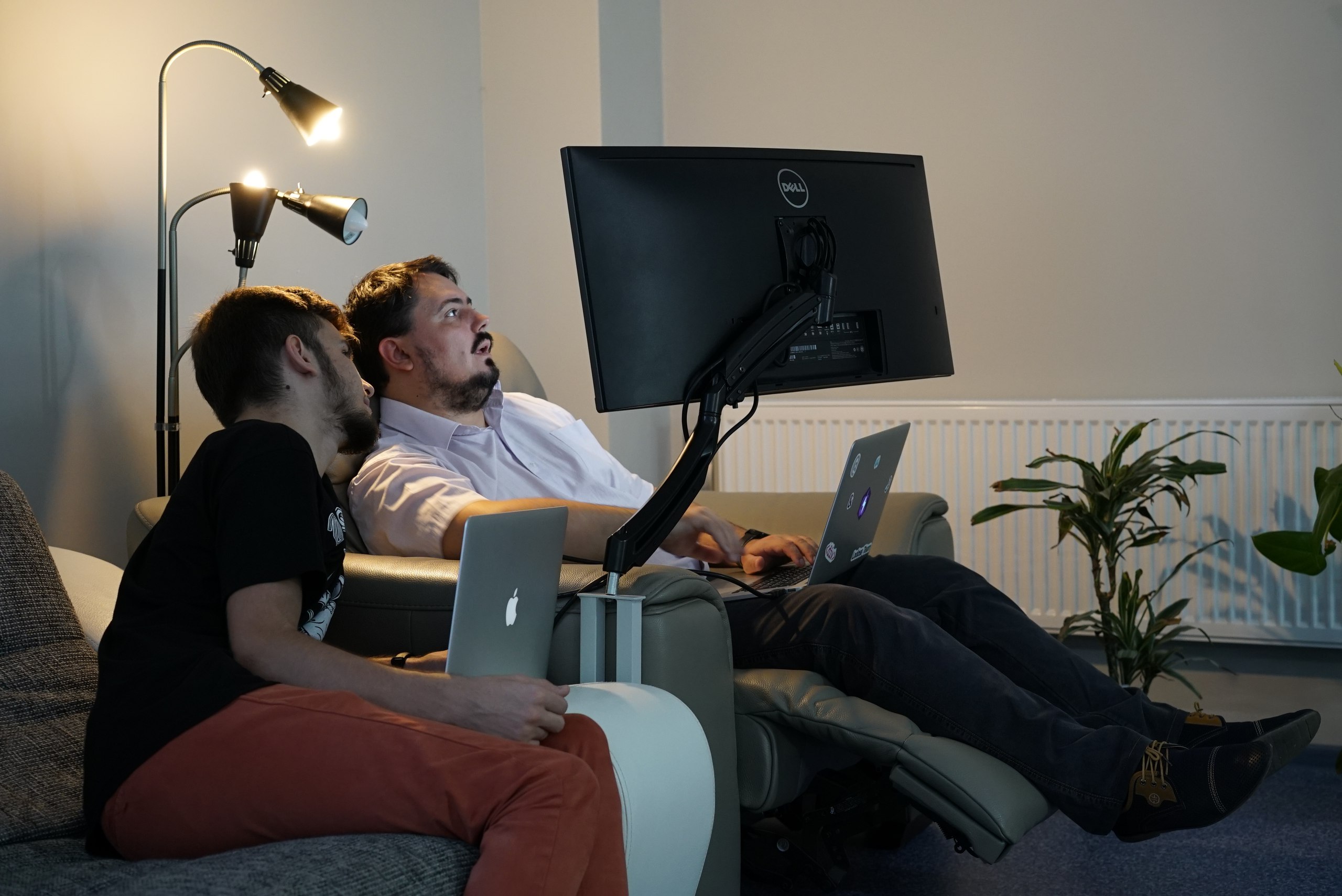
A person can take a laptop and work where he is comfortable. Therefore, the laptop should not only be powerful, but convenient, compact, lightweight and hold the battery long enough. That is why most ordinary laptops did not suit us, they are all thick, ugly, heavy, plastic, noisy.
After you once worked on a MacBook, other laptops will seem dull shit to you.
Chinese novelty
This fall, I saw a Chinese novelty, the 15-inch Xiaomi Mi Notebook Pro, and it seemed pretty good to me, even the best among non-macbooks. Great combination of price and quality.
| CPU | 8th Generation Core i7 |
| Hard disk space | 256GB SSD |
| RAM | 16GB |
Plus, the machine has all the necessary ports, including USB-C. All this for ~ 75 thousand rubles, a MacBook with similar characteristics will cost ~ 150 thousand rubles.
Recently, I decided to try it live and understand how convenient and viable it is for a web developer.
Unpacking
On the appointed day, I received the package. As soon as I saw the box, I immediately remembered the brands Abibas, Nkie, Pamu, which from afar are similar to the original, and nearby you understand that you were deceived. Once again I was convinced that the Chinese are kings of fakes. Although Xiaomi is not a fake of the Apple brand, and they made their own laptop, they borrowed everything they could, and on the one hand it’s even good, since they can’t do better.
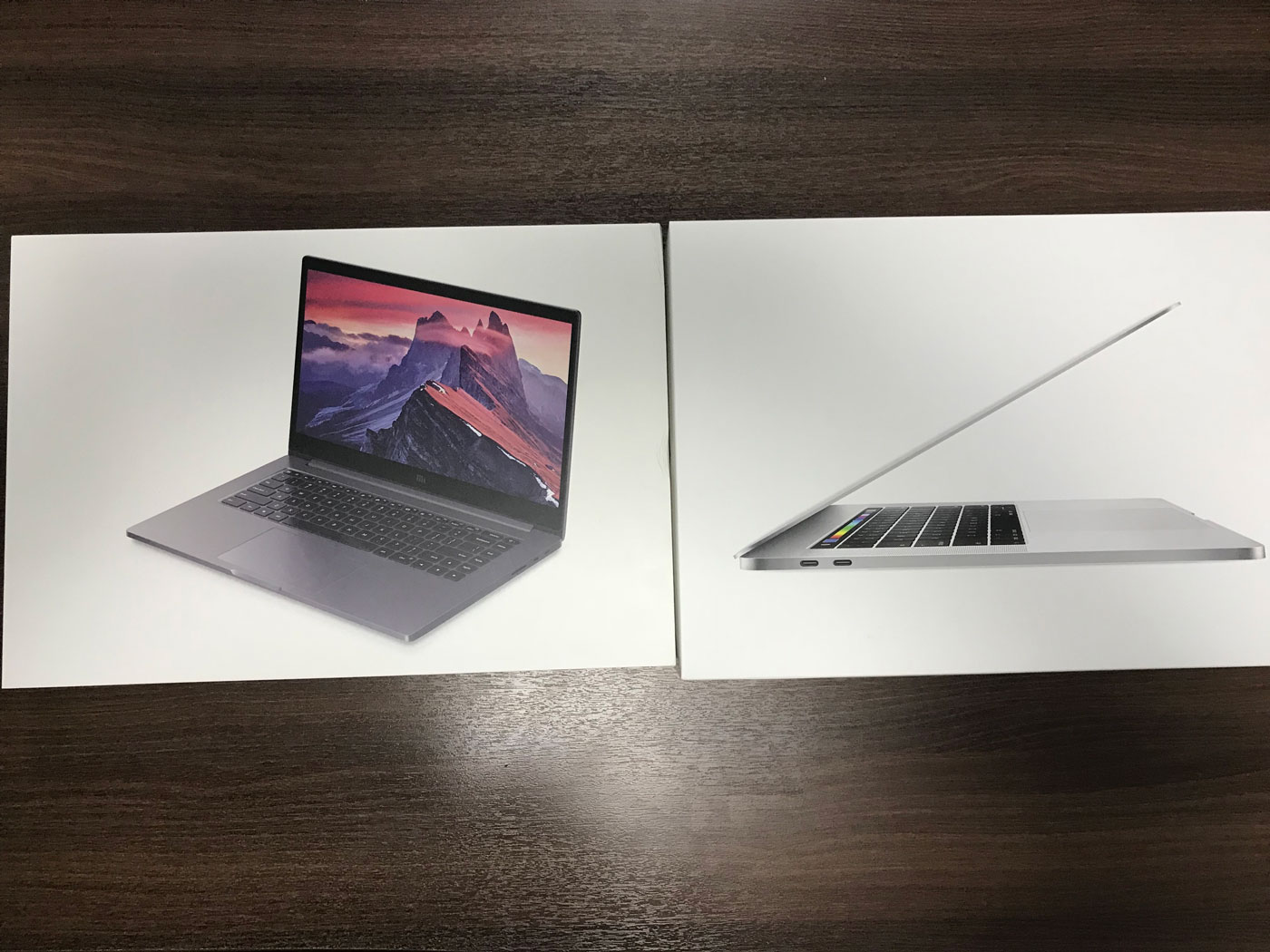
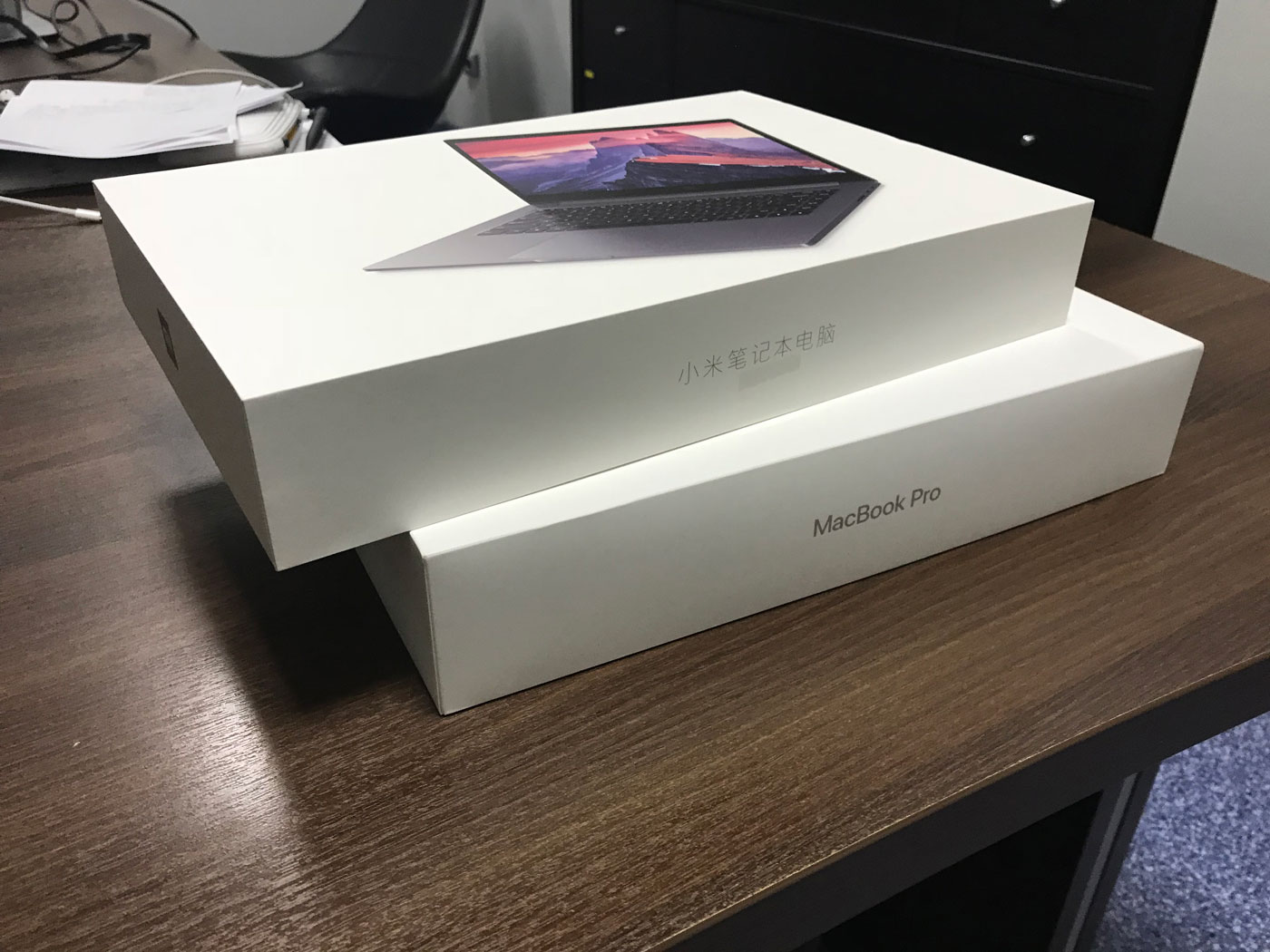
The Chinese even made the product packaging and accessories the same, but it’s more pleasant to open the MacBook, because everything, even the film, is much higher in quality, and the device has a unique smell of a new device.

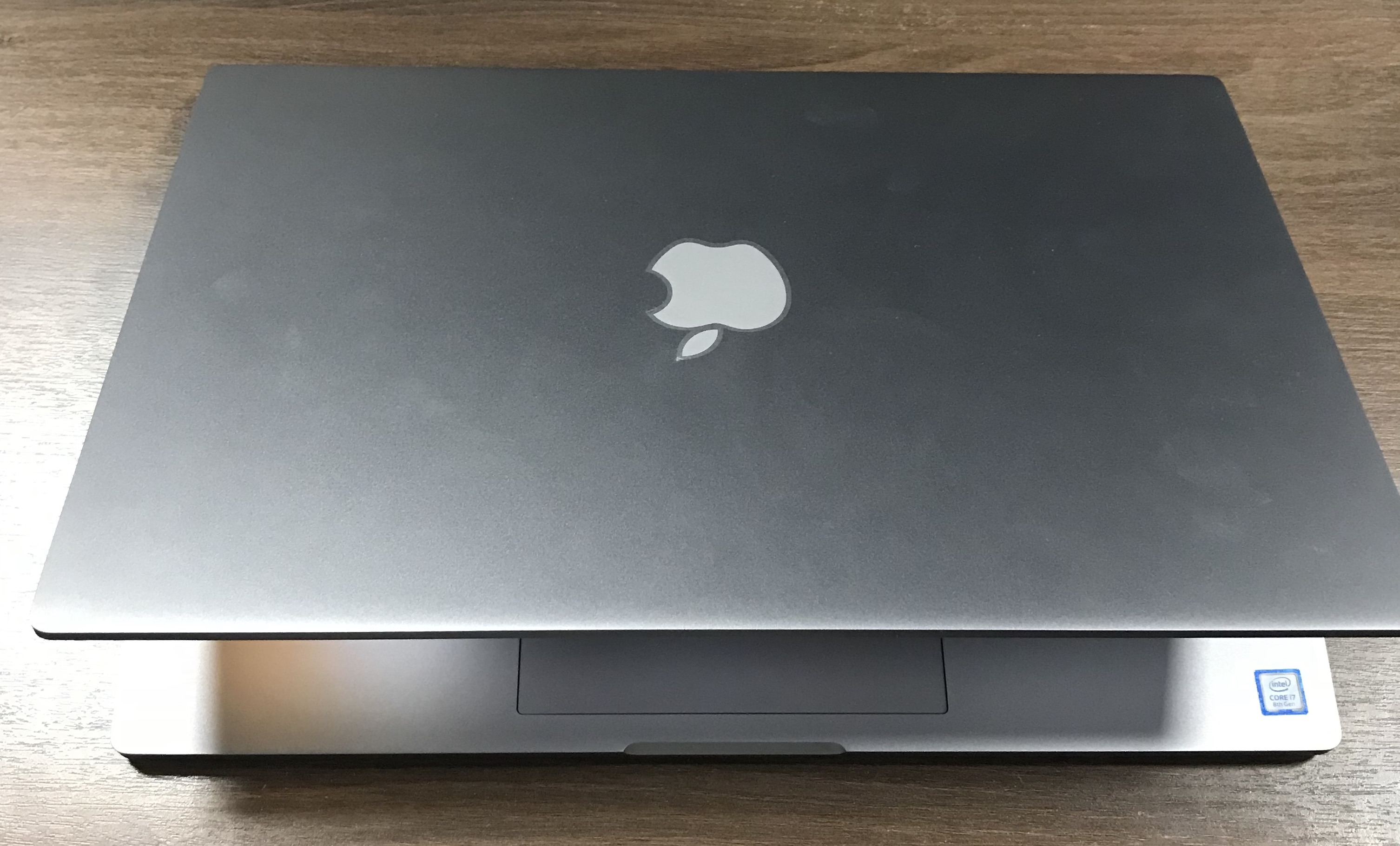
Finally, the MacBook sticker was useful
Turning on
After turning on the laptop, the start of pre-installed Chinese Windows began. This is the quest to choose English and configure, I had to use a Google translator with augmented reality. The language has not changed, but had plenty of fun.

Windows took less than an hour to use, but it was enough for me to understand that even with this OS the computer works pretty fast, but I can’t imagine how a modern developer can work on this system, so I quickly installed Ubuntu 17.10.
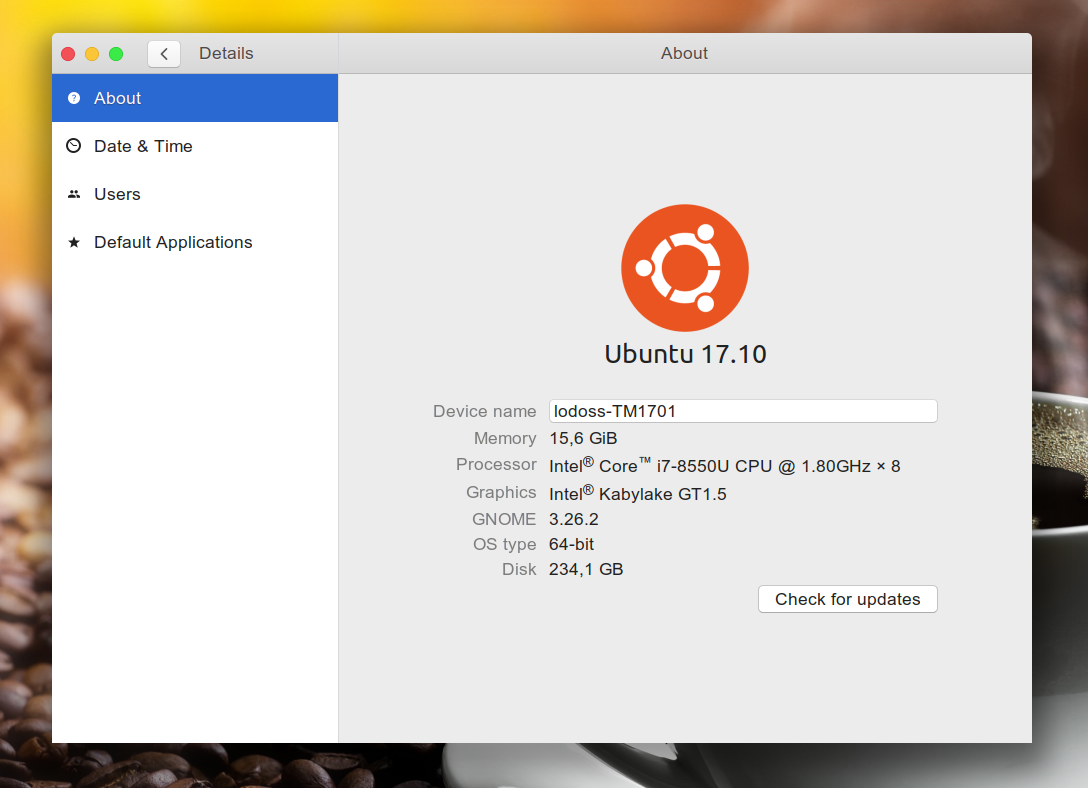
Ubuntu delivered, as they say, with a half kick, I found all the drivers and devices, bluetooth, wifi - everything worked out of the box, but I could not get a fingerprint. I think that this is a small problem and this did not affect the tasks for which the laptop was intended.
Yes, perhaps many will say that you can work perfectly on Windows, and I will not argue, but personally it seems to me that working without a normal console is hell. If the front-end developer is even less or less normal on Windows, then the back-end developer is not.
I put everything that was necessary for me to work, and decided to put my Macbook aside for a week and completely immerse myself in work using only Xiaomi Mi Notebook Pro.
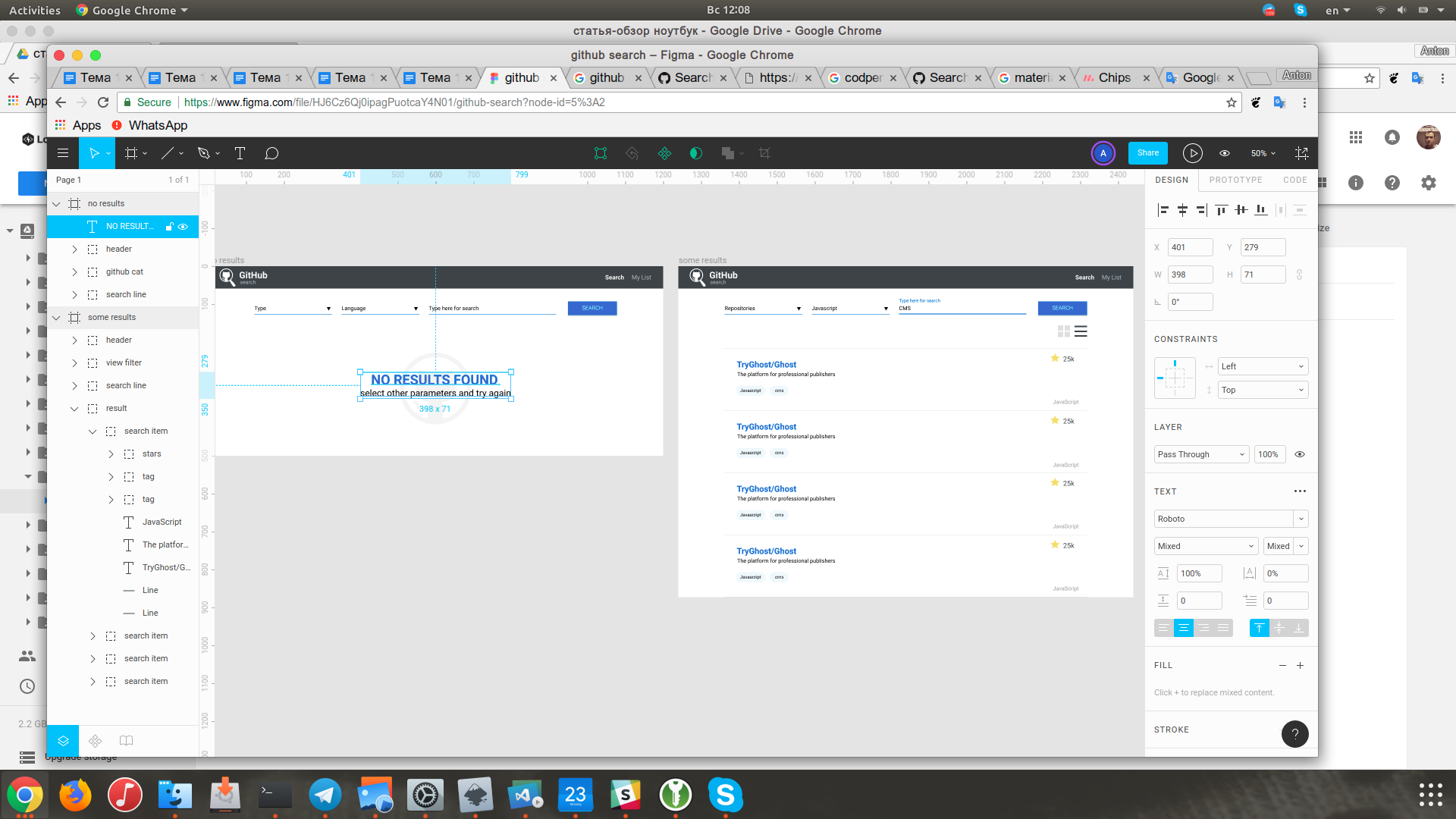
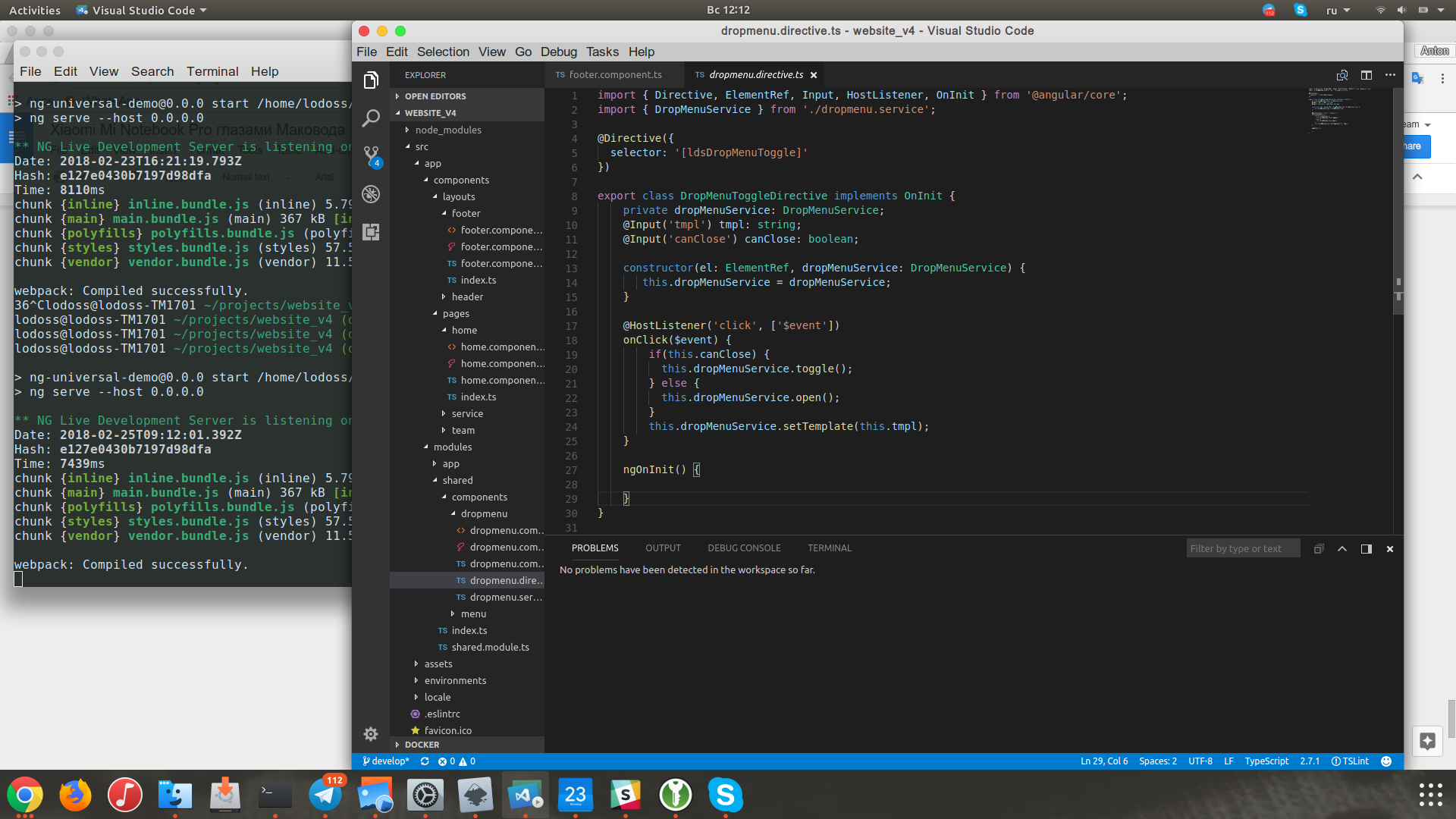
I tried to perform different types of tasks, tried to work both at the table and on the sofas, talked on skype, wrote and revised the code, wrote texts, collected builds, worked with docker, worked with graphics in order to maximally test the device in real work.
Adaptation
Monitor
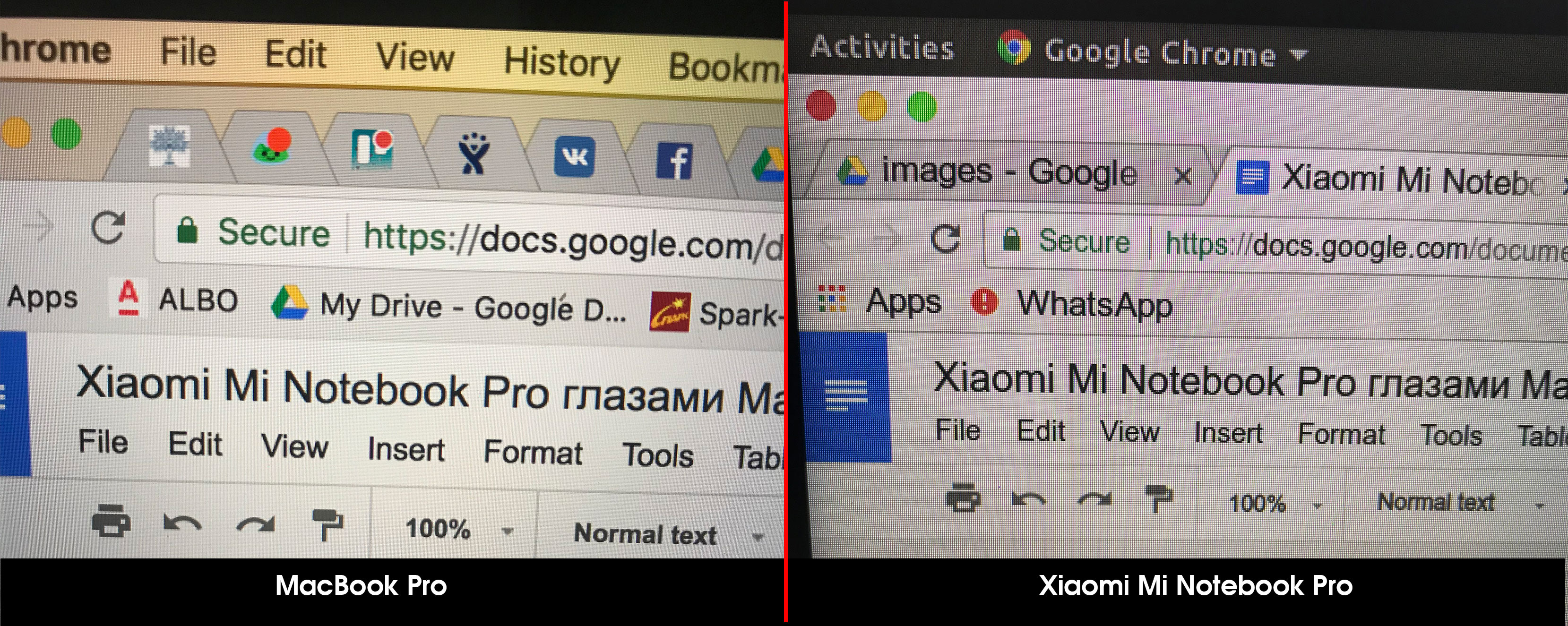
The first thing that caught my eye was the monitor, I'm used to retina, and on this laptop it seemed to me that I saw every pixel, although the screen and color rendition are really good, a day later I got used to it and didn’t notice this shortcoming, well, most of I worked behind a Dell U3415W 34 "monitor and this flaw was not noticed at all.
The touchpad
It is clear that the guys tried to do well, but maybe they didn’t have enough data, corporate espionage worked badly or they just had snowflake people who had ass hands grow.

Maybe I'm picky and n I’m used to using force touch, but I’m used to the touchpad for a long time and I’m still not used to it.In Xiaomi, they still use a mechanical touchpad, the left mouse button is lower left and the right one is lower right.
Two-finger scrolling works well, the responsiveness and movement of the mouse is a little dull, but you get used to it quickly and easily.
Keyboard The
keyboard on the laptop is soft, quiet and typing is very nice. It was difficult for me to get used to some shortcuts, for example ctrl + c, on a Macbook it is cmd + c, and it is pressed with the thumb, and not with the little finger like ctrl, and everything else I managed to configure as I was used to.

The keyboard was completely stolen from the previous generation MacBook, so I got used to it pretty quickly, although I still had to get used to it, since in a year and a half I was already used to the new “butterfly” keyboard with a small stroke.
There are no Russian letters, but personally, I didn’t even notice it right away, as I am typing in blind typing.
Charging
The charge holds for a long time, I did not detect the time, but it feels no less than my Macbook, and it charges very quickly.
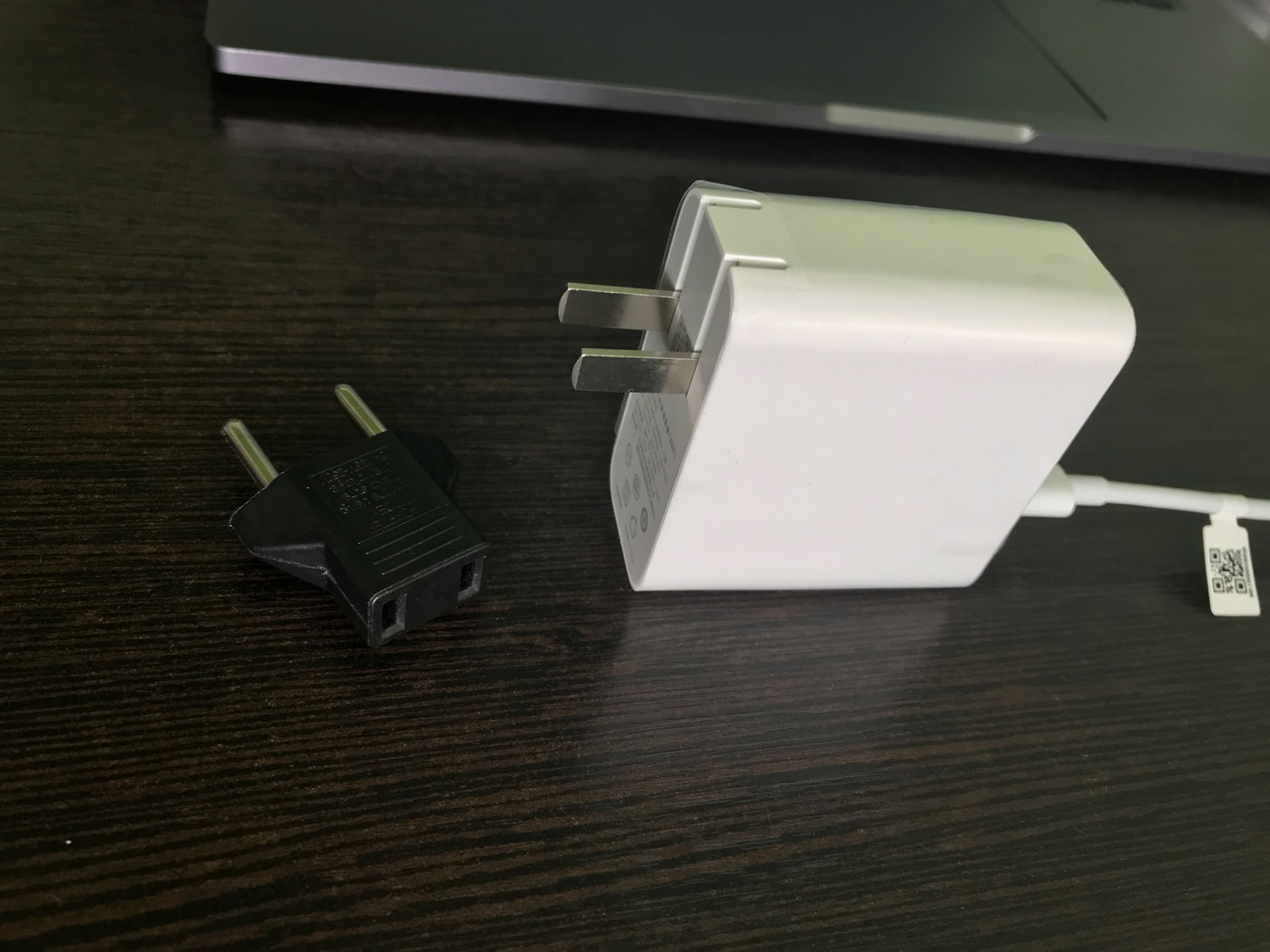
The charger is bundled with a Chinese plug, so think about the adapters in advance or you can use the charger from a Macbook like me.
Working with a laptop The
laptop is almost silent, like the Macbook Pro, it starts to make a lot of noise when it is busy with something very important and time-consuming, for example, it is building a build.
A little strange arrangement of cooling fans, if you play on your knees, you will surely burn them :) The
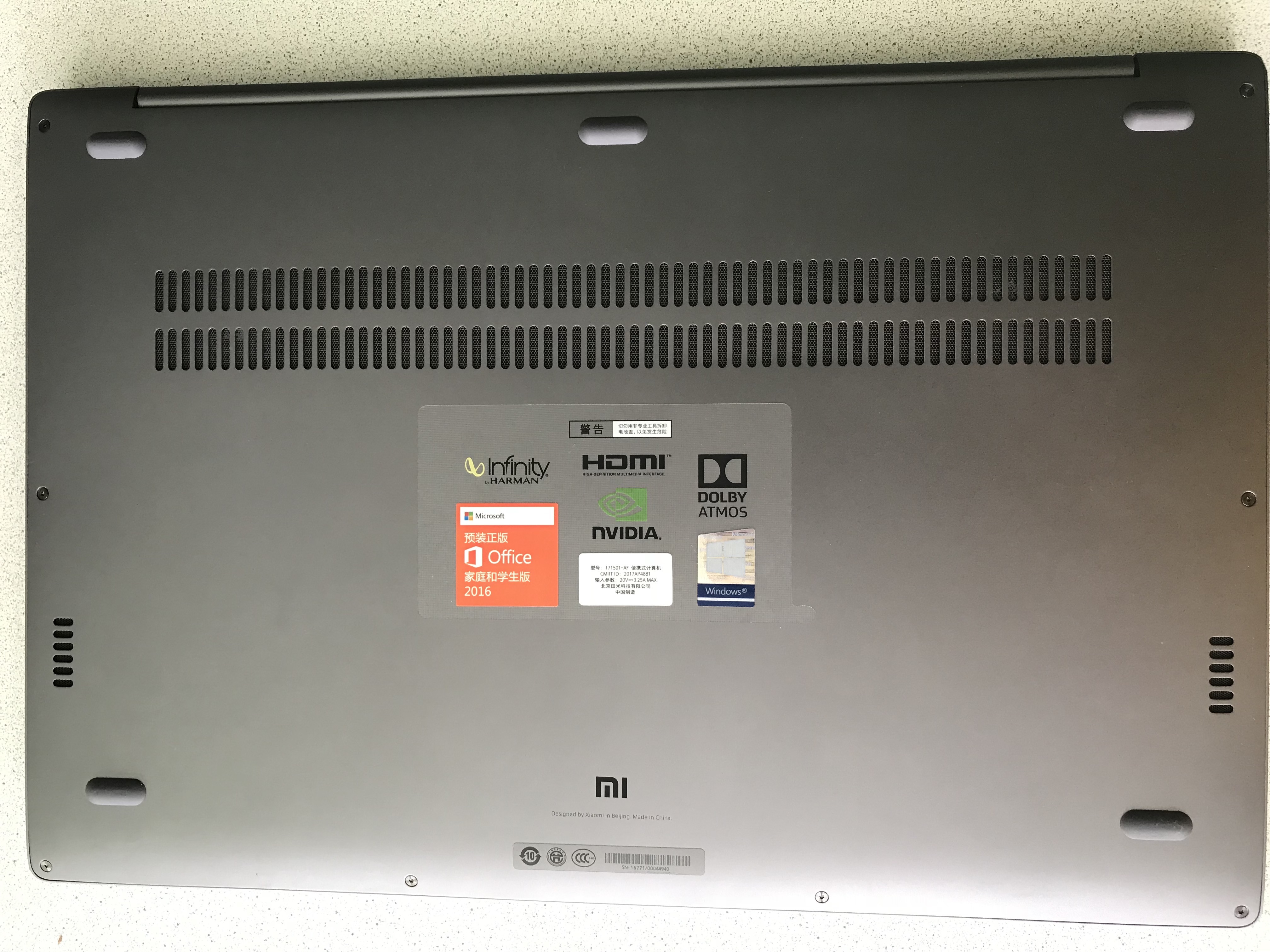
dimensions of the laptop are quite convenient for mobile work (work not at the table), it is quite convenient to work with it in a chair on your knees or standing at a high table.
There is a problem that I did not understand how to solve, but perhaps somehow it is possible. Closing the lid, with the monitor, keyboard and mouse connected, even with the power on, the monitor also goes out. That is, you can not work with a laptop with the lid closed.
Applications
Since the laptop is not MacOS, I had to look for alternatives or get used to new programs. Initially, I was very uncomfortable, but for a week I sometimes found myself thinking that I was doing tasks without problems and even forget that I was not working for my beloved MacBook Pro.
I had practically no problems with working with code and texts, since most of the programs that I use are cross-platform or in a browser, and working with the console is almost identical. I write the code in the VS Code editor, for texts, I mainly use Google Docs or Notes, I just missed it on Ubuntu, because sometimes I write from a phone or tablet and I'm very used to synchronization.
Communication applications: Telegram, Slack, Whatsapp everything works fine on Ubuntu. The only thing bothered me a bit was that the button to close the window really closes the application, rather than minimizing it to tray, as MacOS does, and this sometimes let me down.
The calendar and Trello that I use everyday also work great on this system. There were no problems either.
The only problem there is with the graphic editors. The front-end developer will be heavier in this regard, for example, there is no beloved Sketch, but today there is a browser Figma (although it does not reach Sketch, it’s quite possible to work for yourself), and you’ll have to make friends with Zeplin more.
Conclusion
As I said at the beginning of the article, I deeply swallowed the hook of Apple and it is very difficult for me to accept something else, I surrounded myself with this infrastructure, used to synchronization and interactions. But despite this, I believe that Xiaomi Mi Notebook Pro is a decent machine with a good price-quality ratio and is perfect for modern web development.