October 17, 2016 at 17:19
How we built our mini data center. Part 3 - Moving
Continued Part 1 - Colocation
Continued Part 2 - Hermozone
Hello! Judging by the reviews, letters and comments on the last two parts of our article, you liked it, and this is the main thing. I remind you that we are obliged to the “residents” of Habr by building our own mini-data center, it was you who helped us with the implementation of our ideas - with your articles. Therefore, this series of articles is grateful to users and commentators, from whose ideas we “drew” inspiration.
I want to say right away. We do not pretend to be certified in the TIER class (we simply cannot), we do not say that we did something new or ideal, we only tell about what we did, in a short period of less than 14 days, with our needs and capabilities. Treat this article as “visual food for the brain”, this is not ideal, it is only the experience of one project that will probably help you avoid mistakes in your business. We have allowed them quite a few.
So, let's begin. We had just a couple of days before the physical relocation of all the equipment, in our mini data center, almost everything was ready, except for the main one - Internet channels. We hastily agreed to connect two independent providers, but as we wrote earlier, they set unrealistic deadlines for us, up to 6 months. It turned out that we chose a place of deployment next to a group of providers and only broadened the coordination with the owners of wells / towers.
After talking with the technical director of the first provider, we still convinced him to do it “quickly” and submit the link as soon as possible. The brigade left and the very next day of signing the contract handed us the optics (they were pulling, by the way, 100 meters). I could not take the whole process, I went between the data centers, resolved related issues.
The second provider had a central office in Kiev and this bound us hand and foot. Sorry for the details, but they cannot even “sneeze” without a central office, not to stretch the cable. We were announced the final deadline of 11 months and we were completely numb. After talking with the provider, the manager suggested a way out of the situation. Namely, the contractors. They can stretch quickly and efficiently without additional papers (because they already have permission). Contacted them.
Unlike the first provider (sewerage), they offered to stretch by air. In general, we don’t care, this is a backup channel and we didn’t really count on it, but nevertheless its absence did not give us the opportunity to start, because everything should be "in the mind." Paid, agreed - work has gone. At first they offered to pull through the houses, then through the pillars, then through both, as a result, because of the creation of the OSMD, they were forced to do only through the pillars (not to get onto the roofs and not to coordinate), jumping over tree crowns, jumping from branch to branch. Indeed, this broach had to be seen, the guys risked their lives literally every second, throwing the cable through the tree, climbing on it without insurance and jumping to the next one. We have to give credit, the guys are professionals.
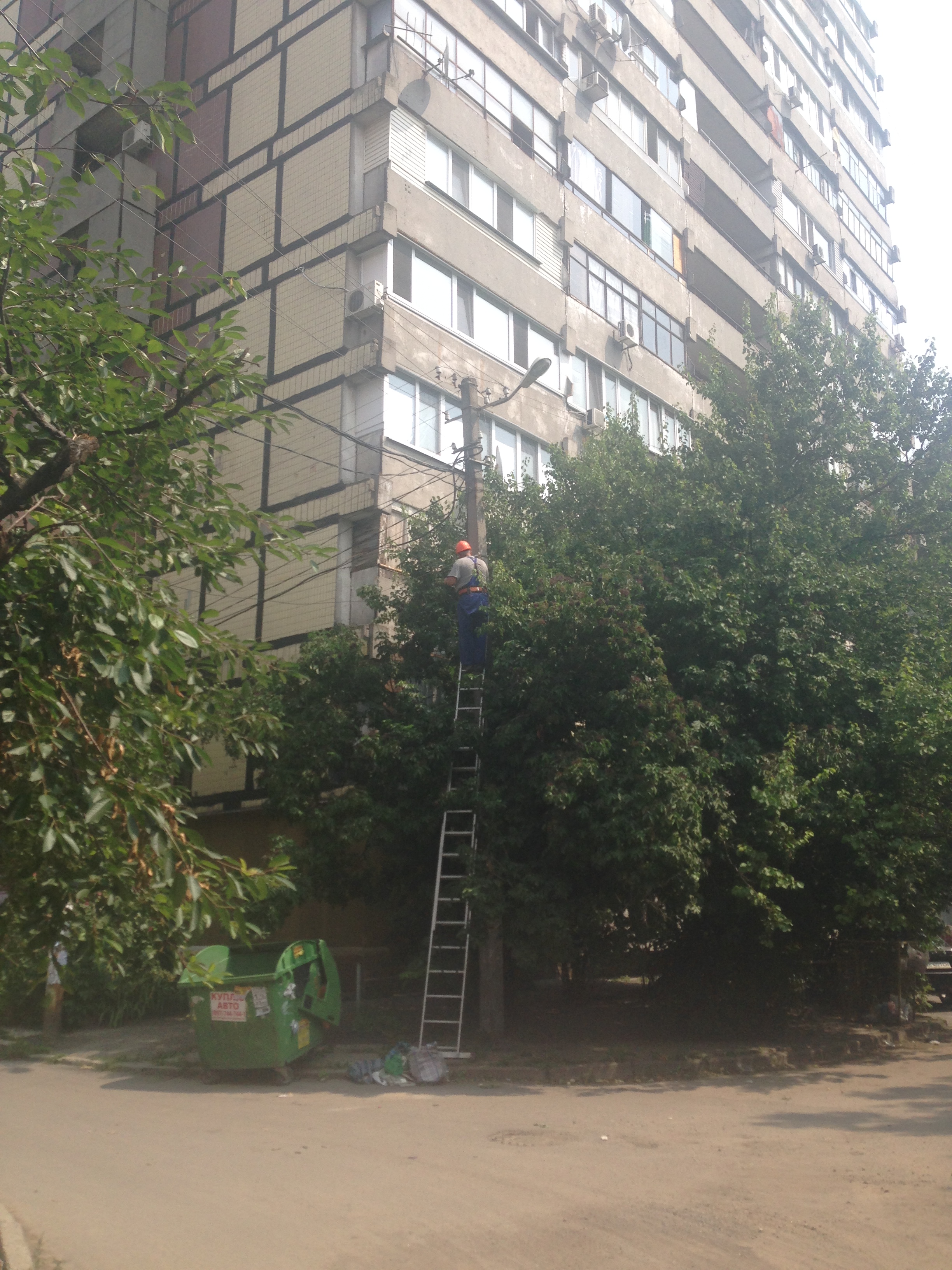
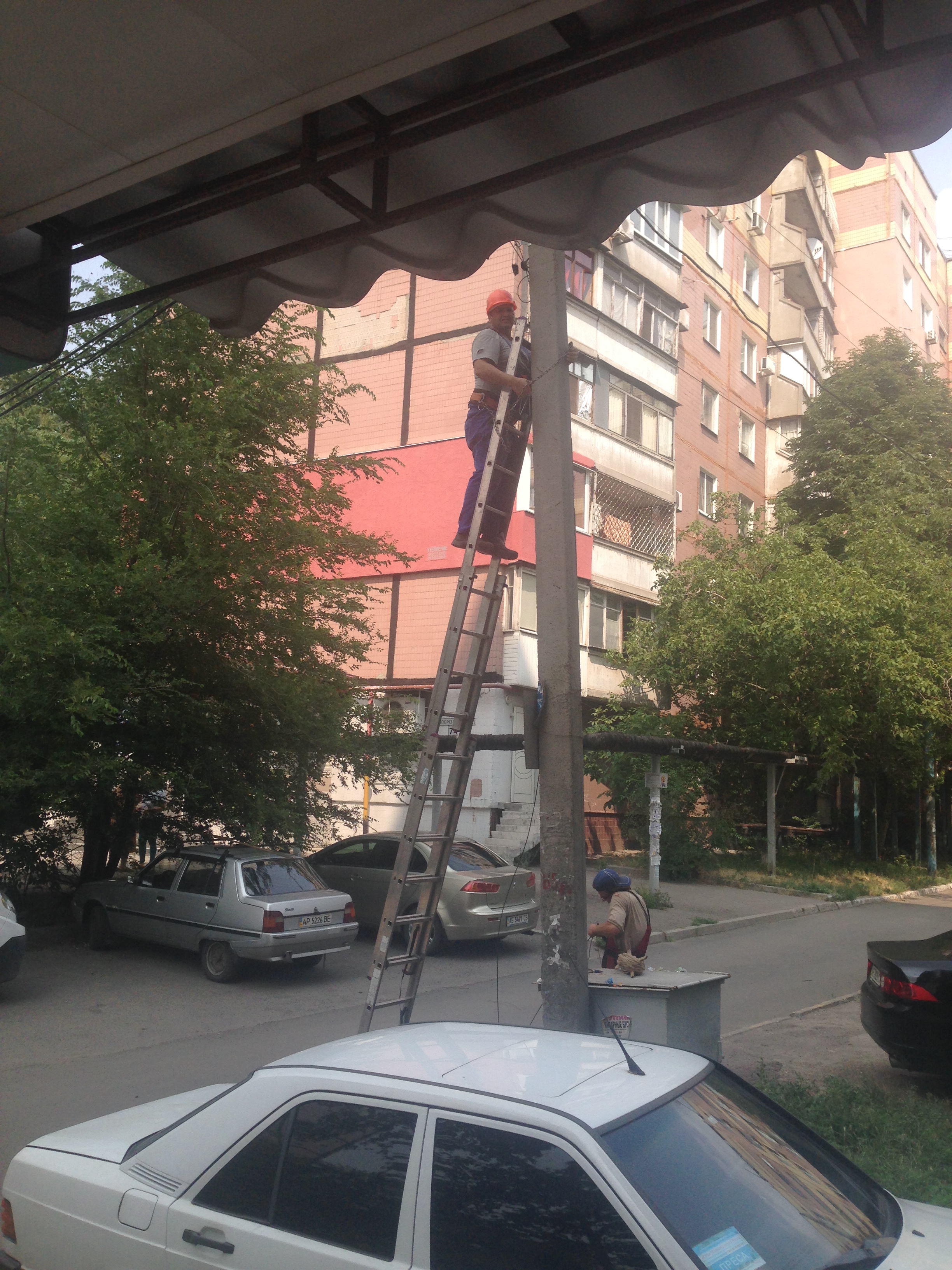
And it would seem that everything, optics are laid, there is a link for the first provider, for the second they still approve and wait for people to “base station” to turn on there, they stated that this is a matter of 1-2 days. We are generally satisfied and are thinking about moving.
Relocation day
Probably the most difficult thing for us - it was to think about how to move with minimal downtime. It so happened that we moved on Friday. One of the most difficult things is to raise the BGP tunnel. I will try to explain what it is on the fingers. BGP - Border Gateway Protocol, a protocol by which one provider with its AS (autonomous network) exchanges information with another provider and its AS (autonomous network). Roughly speaking, this is a joint that allows you to transfer traffic from one provider to another and so on in a chain.
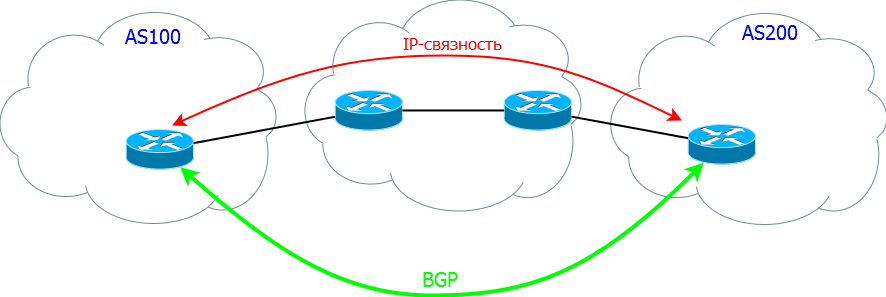
The difficulty in this situation arose in that at that time we had one AS on which our IPs were tied. To change data from one provider to another, you first need to reconfigure the main router (our Cisco), and then also make changes to RIPE and the provider. Thus, it is impossible to do this before the move, everything will fall. And to do it on time is the risk of a big downtime. Based on the fact that we moved as planned - we warned all users in advance by sending out, on twitter and on forums. Therefore, we decided to change the settings after the move. But more on that later.
So, we started to turn off the equipment. We take out the glands.
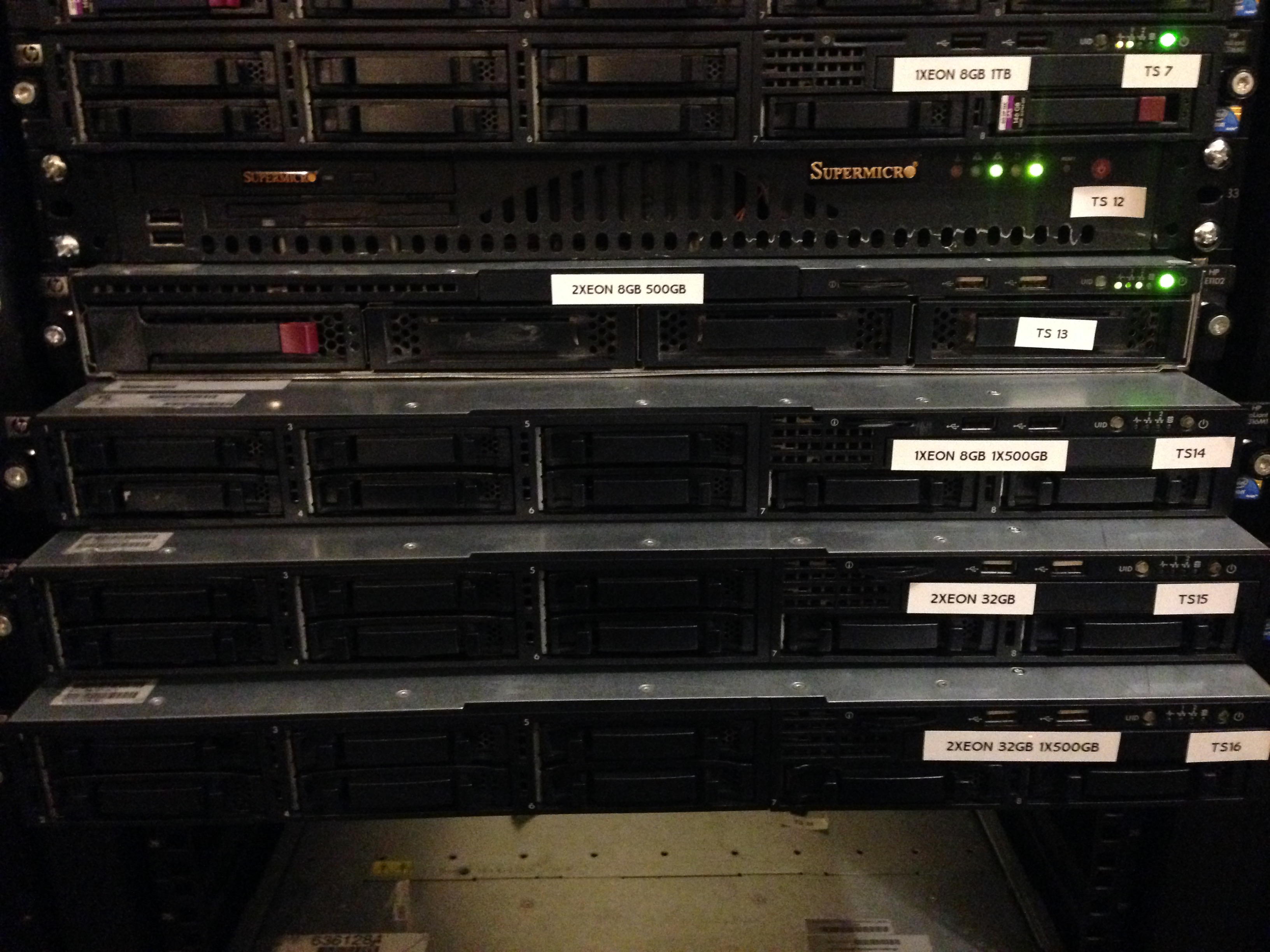
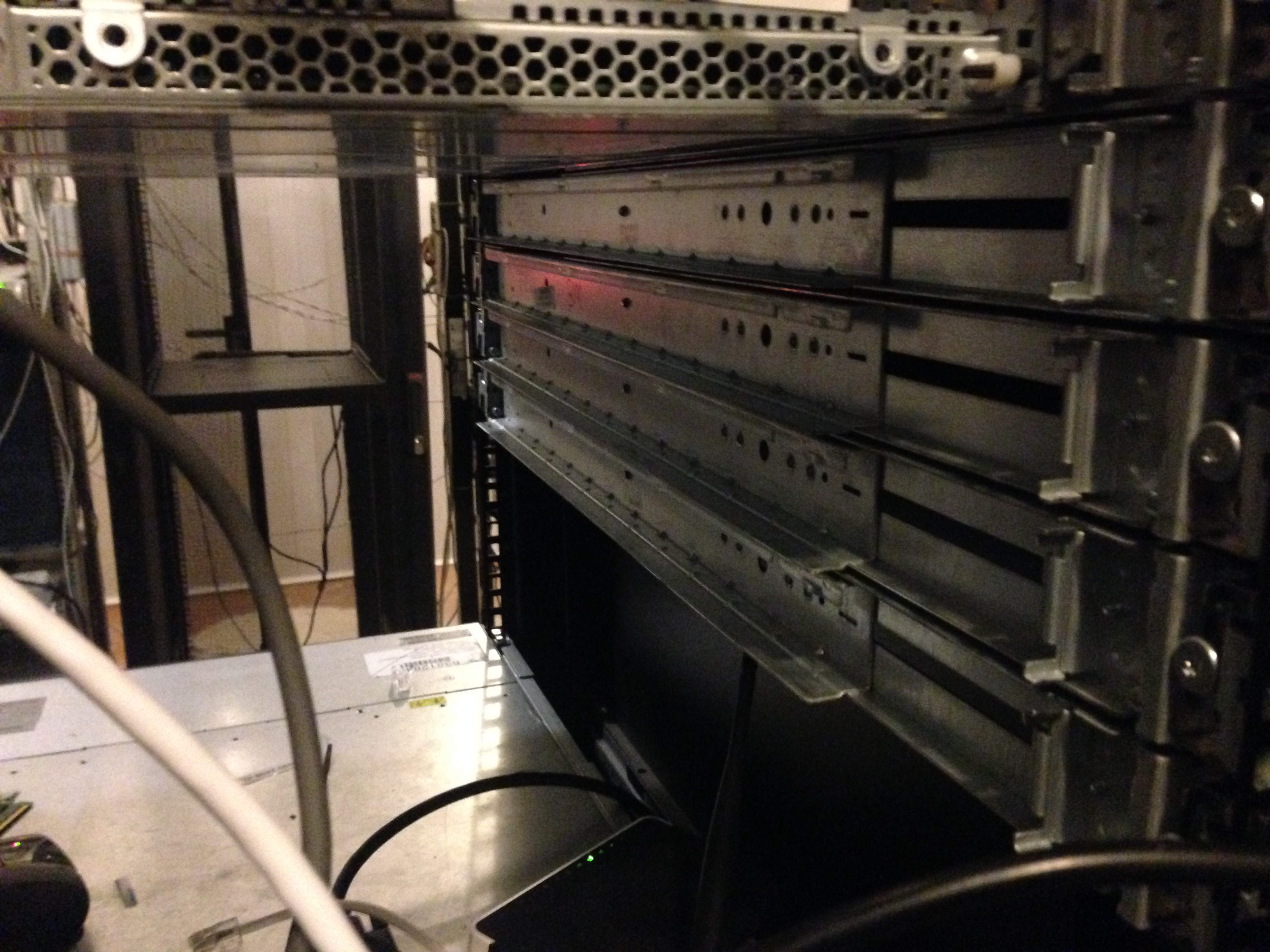
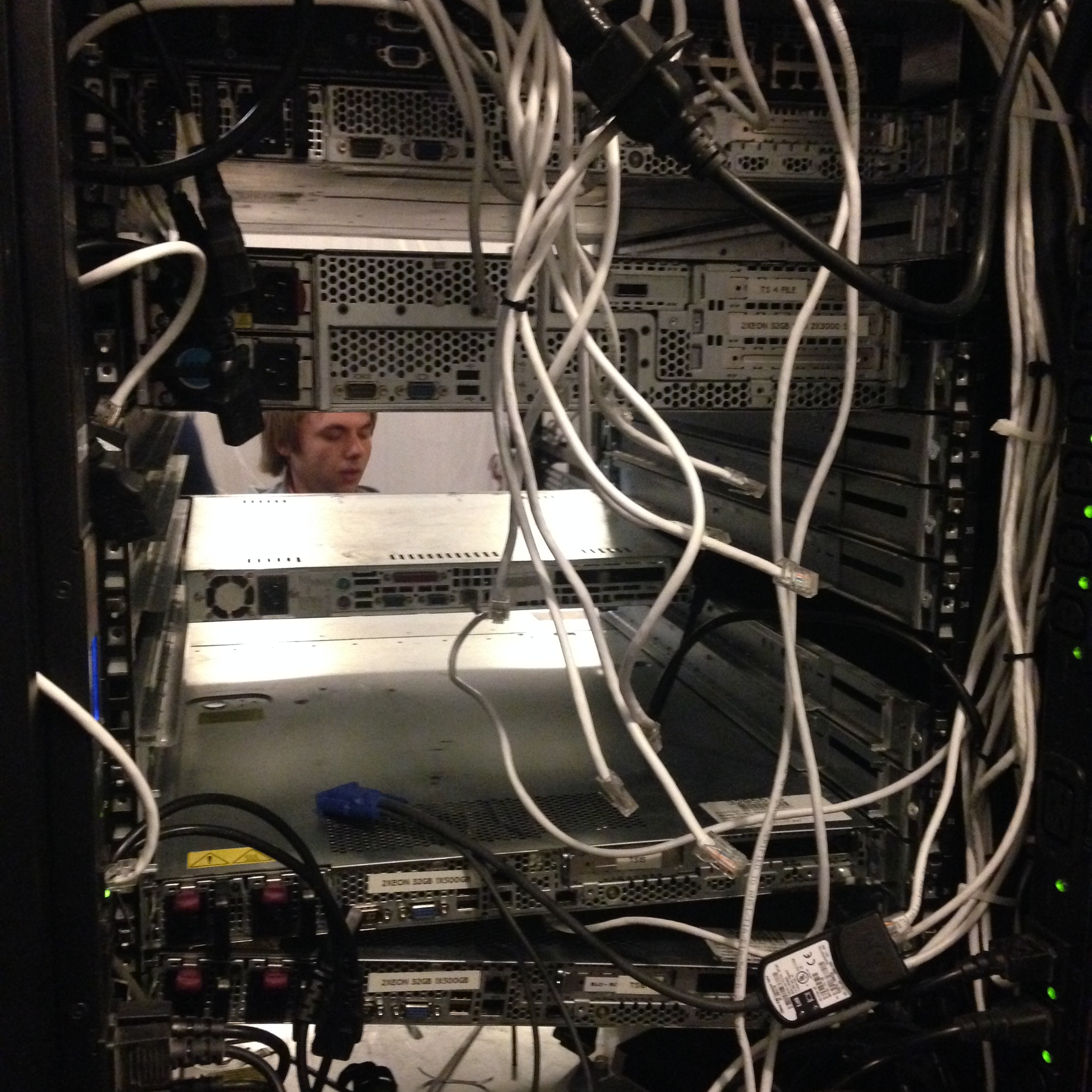
Wipe from dust.
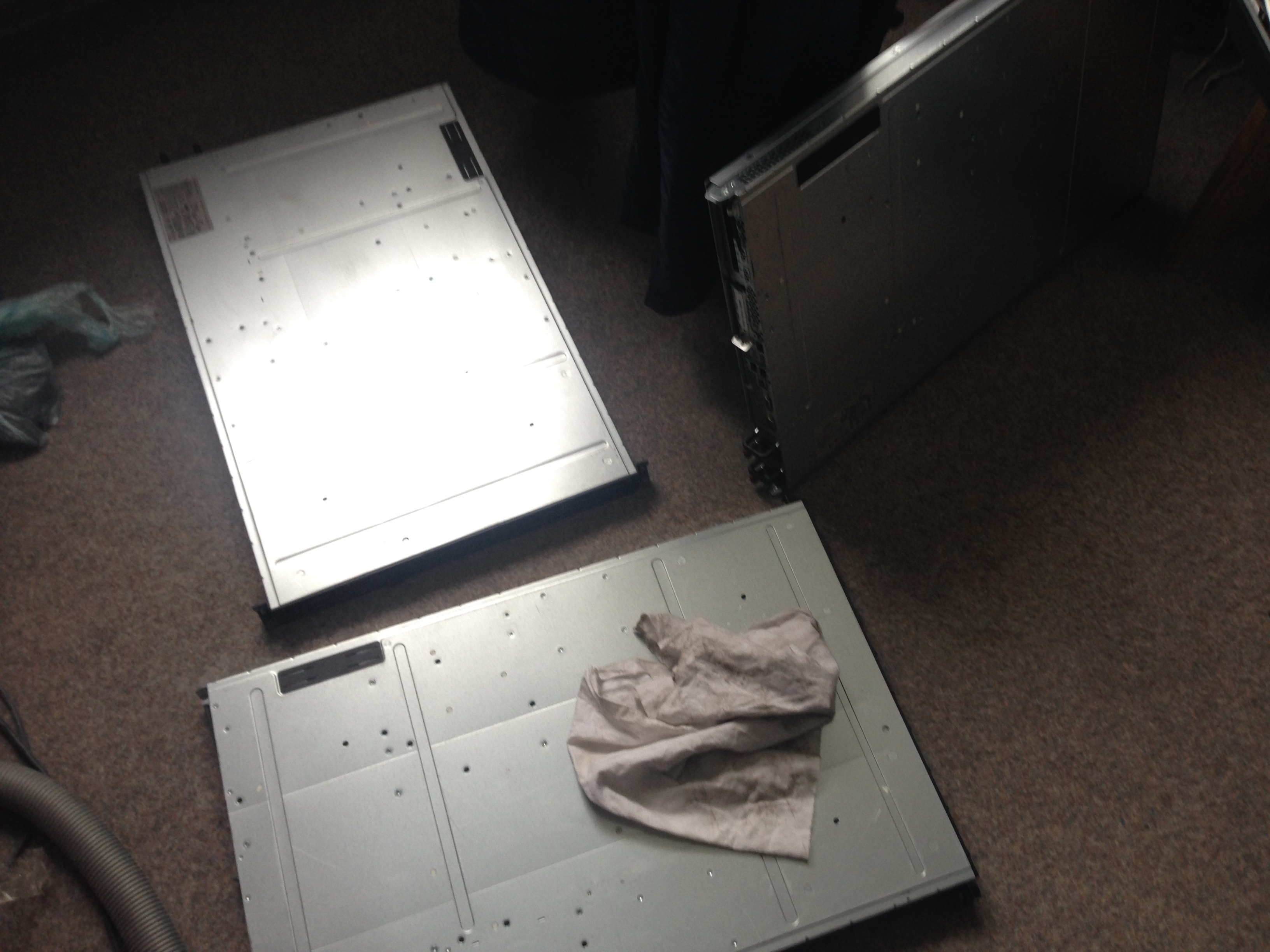
Considering that we drove there with three servers and added them little by little (carrying on our hands on the 5-6th floor) - we did not know how much it would not be easy to disconnect and carry it all, because There were already 14 servers at the time of the move, plus IBM IP-KVM. But fortunately, we took with us the guys to help and another machine (because everything would not fit into my car).
Having run a few times between floors, we realized that we won’t let it go, and asked to turn on the freight elevator (to turn it on you need to look for the owner of the building, take keys, negotiate, etc.), in general, this was just the case when it was needed. Thanks for that guys.
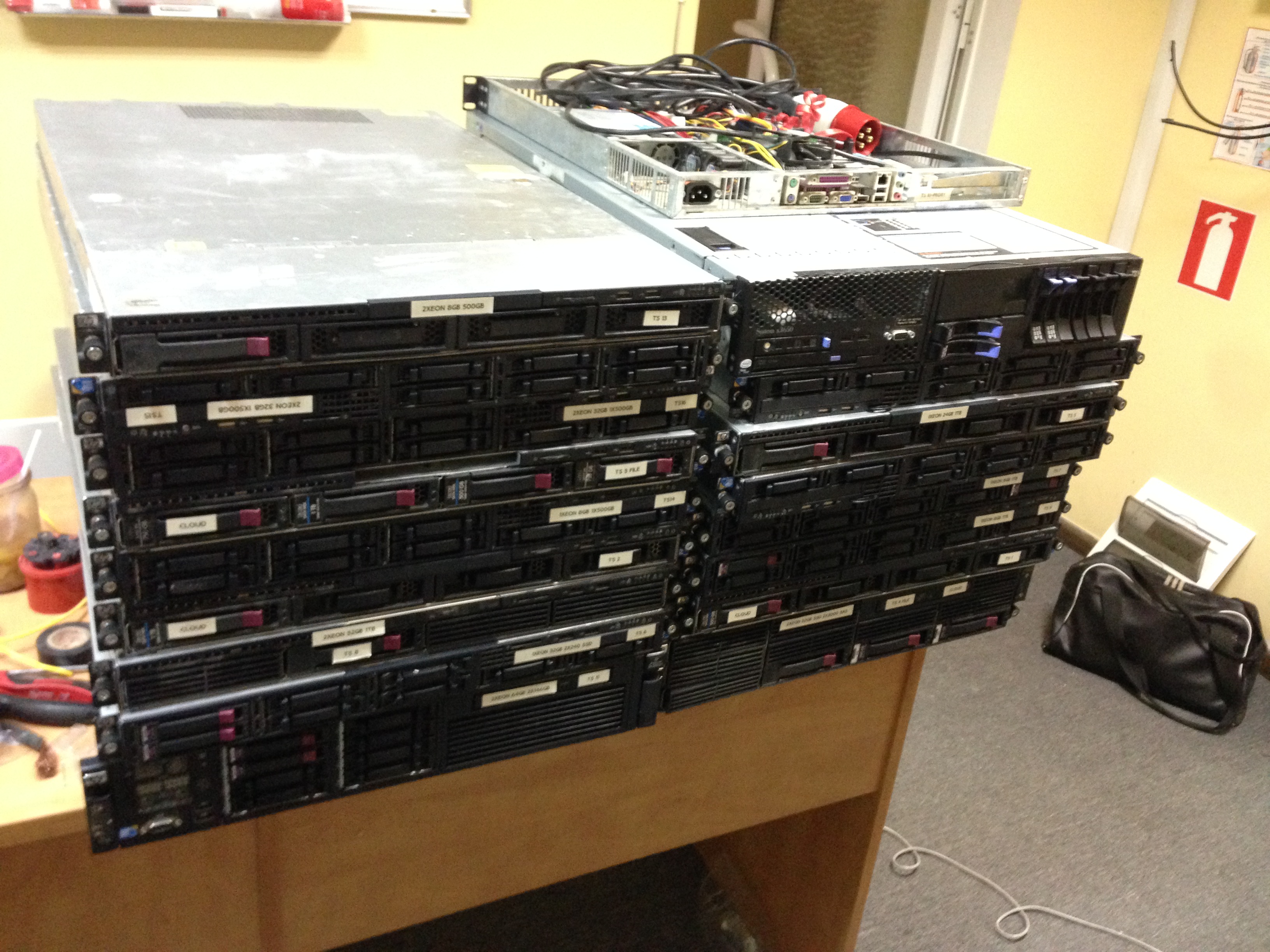
Junk has accumulated quite a bit, 14 servers, 1 client, PDU sockets, disks and other stuff for laying SCS. We are loaded and on the road.
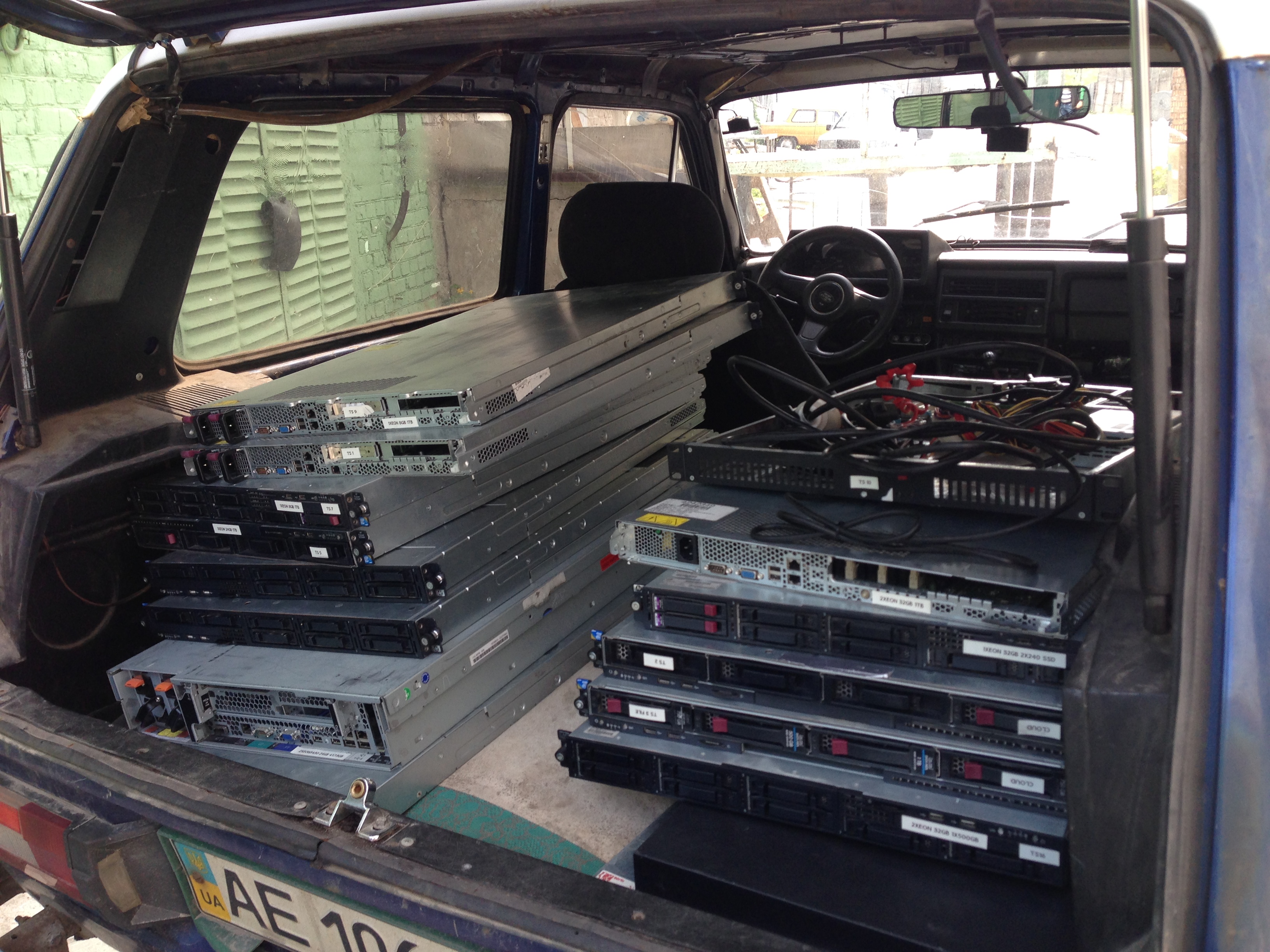
Drive not so far, about 5-8 km, so we go slowly, carefully. In our new mini-data center, colleagues are already waiting for us to unload and connect. We arrived, unloaded the iron on the table.
We started to install network equipment, connect it, pull and lay cables. For this, clamps were also bought. It’s very convenient with them.
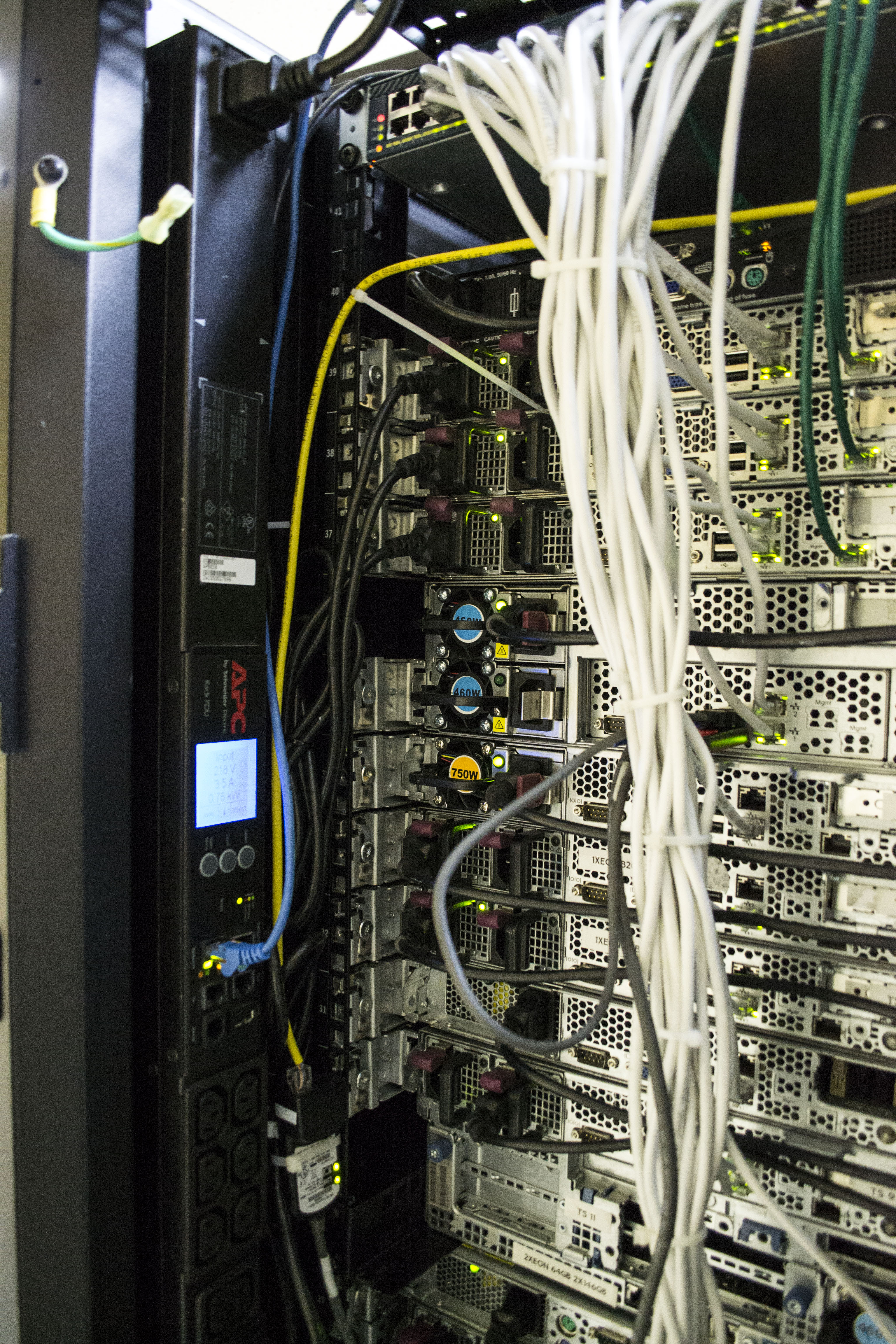
We mount the APC PDU (the benefit of the one managed we have already purchased).
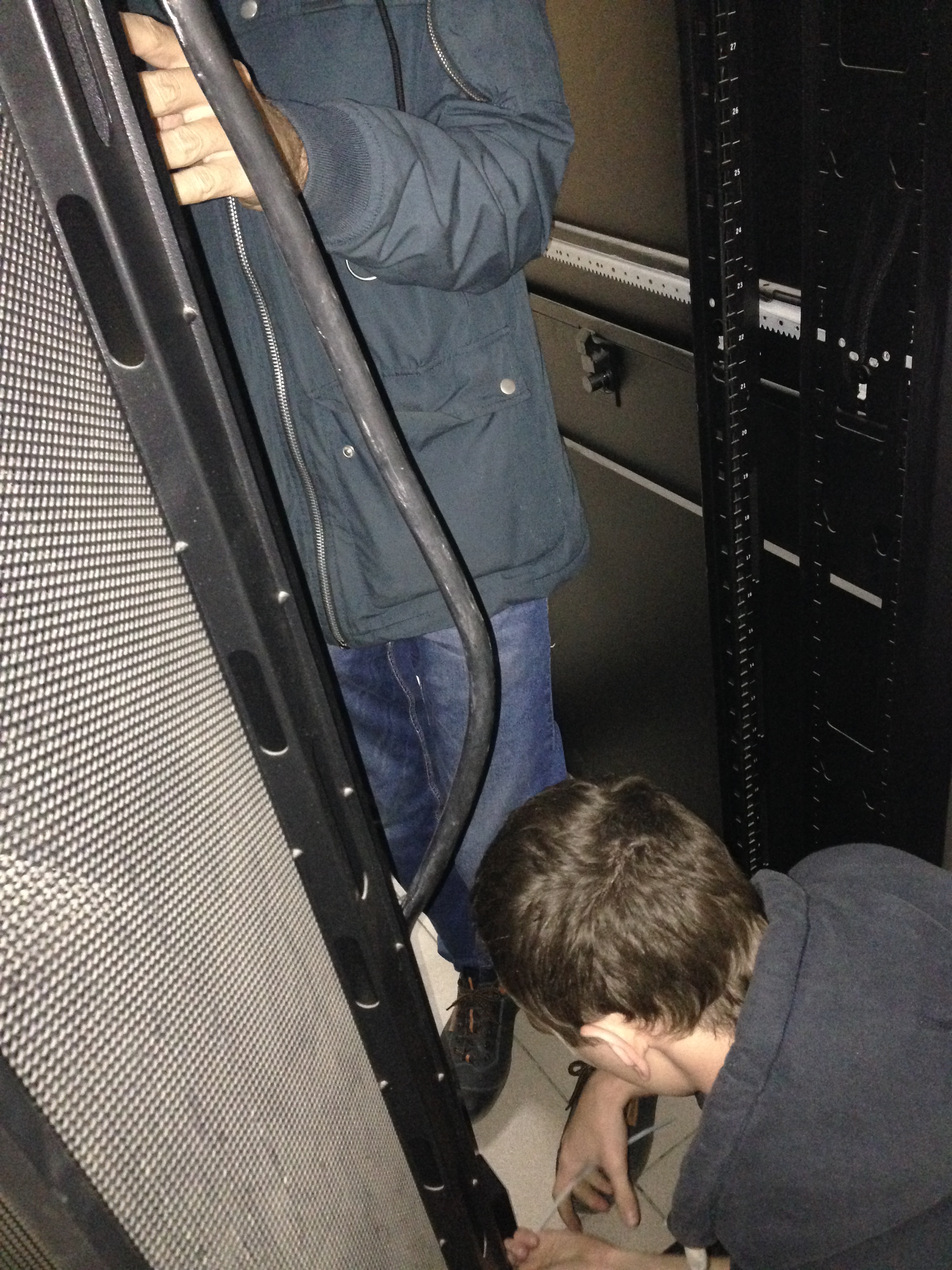
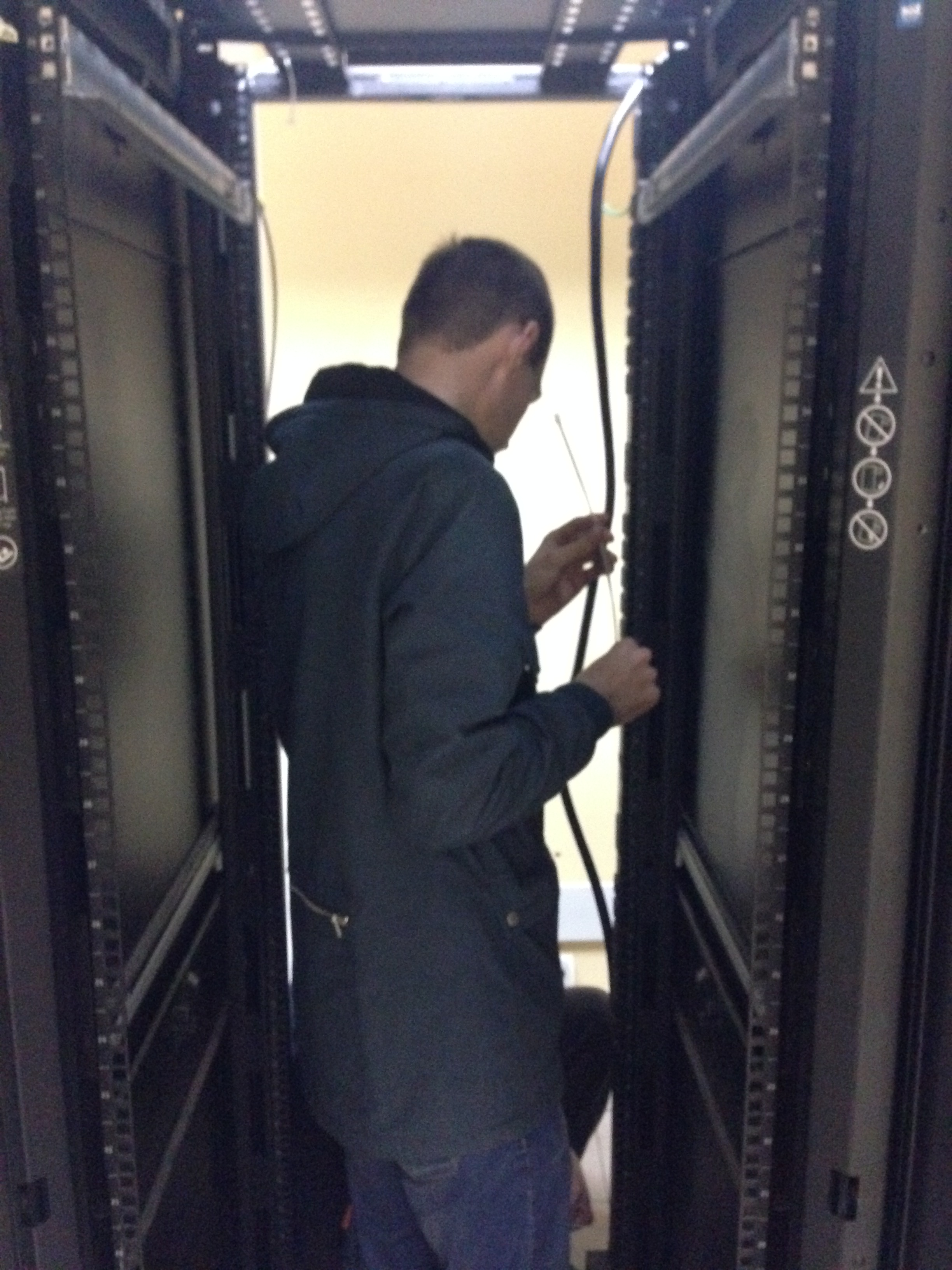
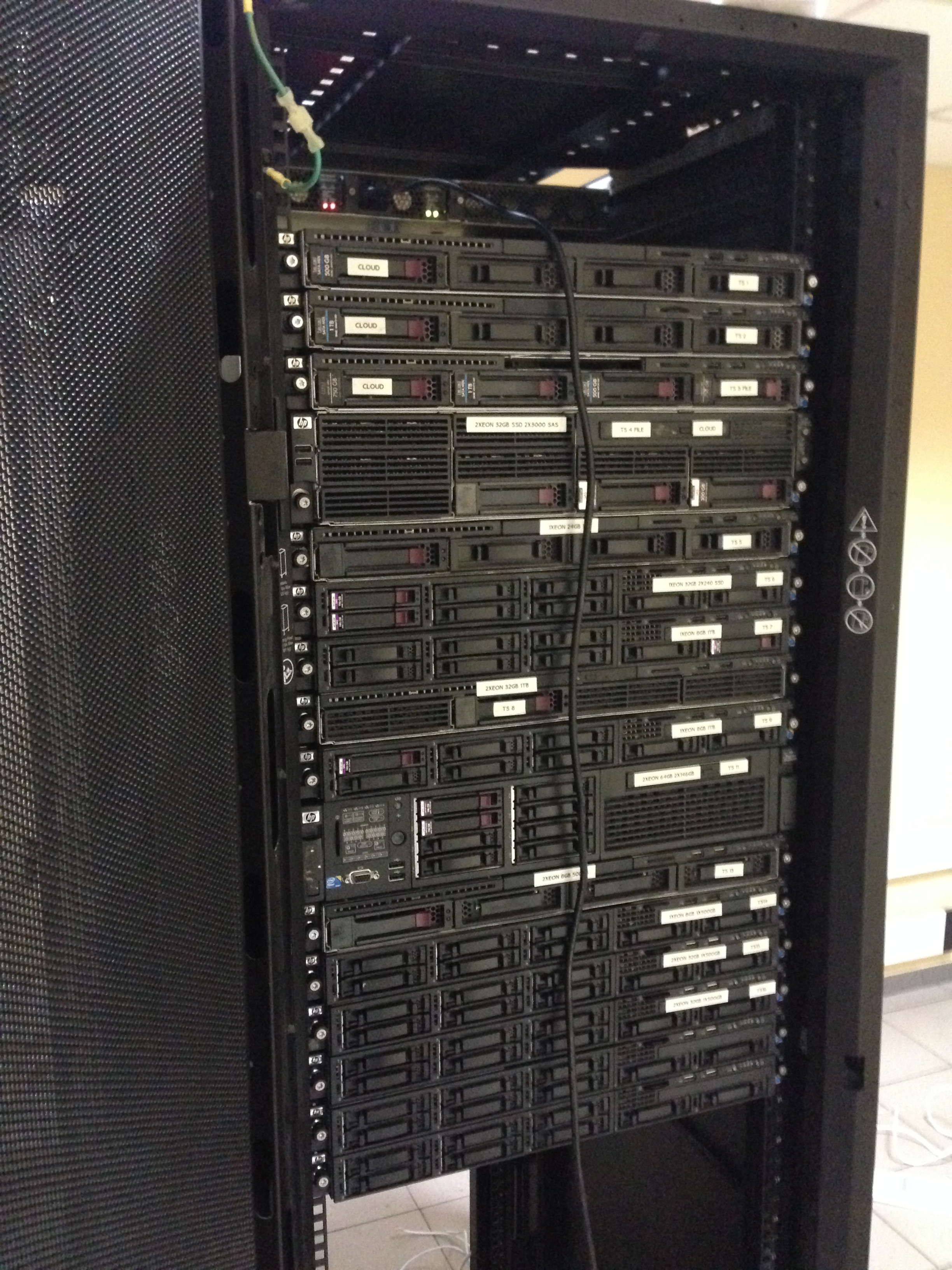
We begin to fill the cabinet.
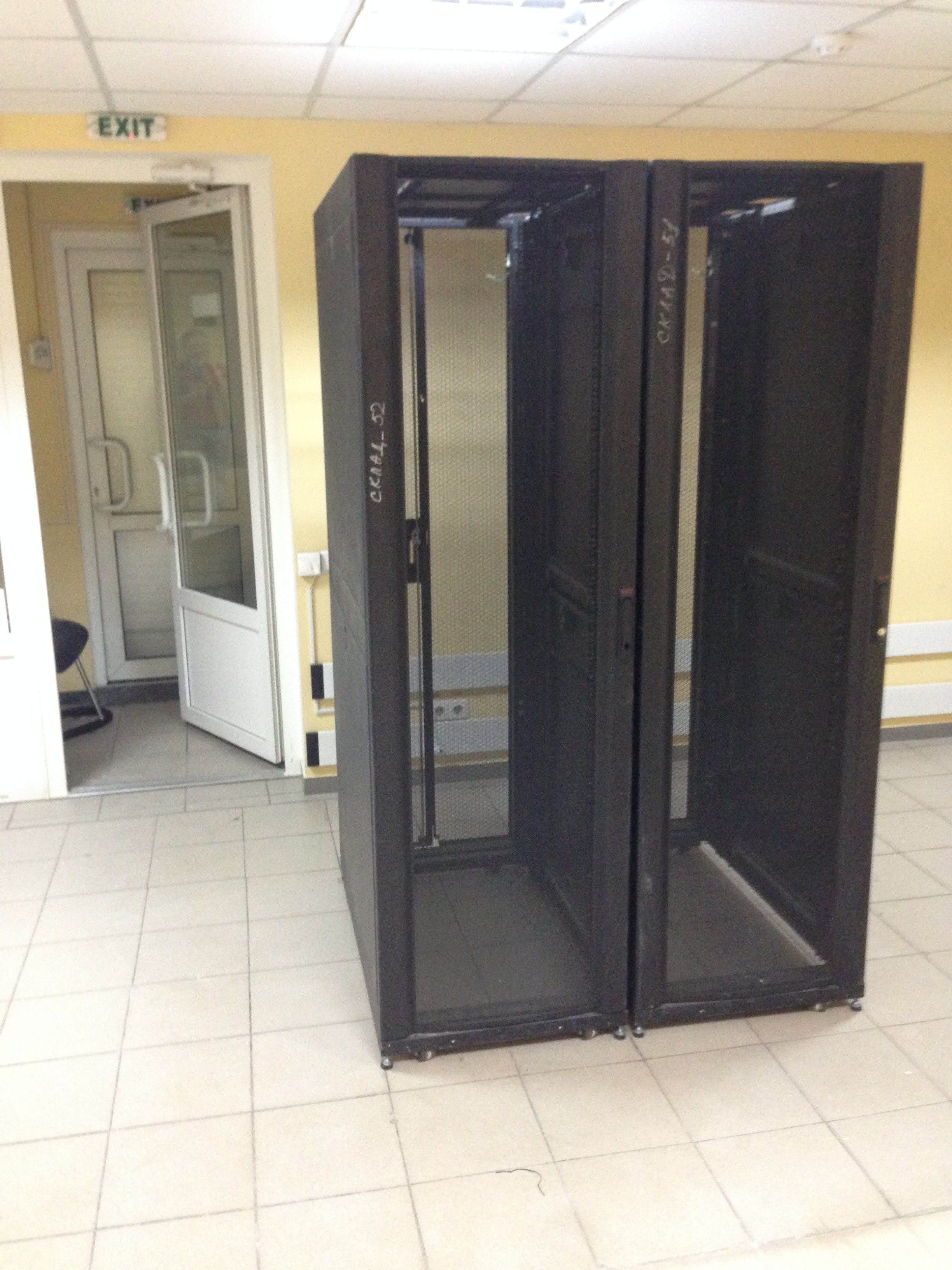
We inserted the glands, the tsiska, while the test cable was thrown only to the tsiska.
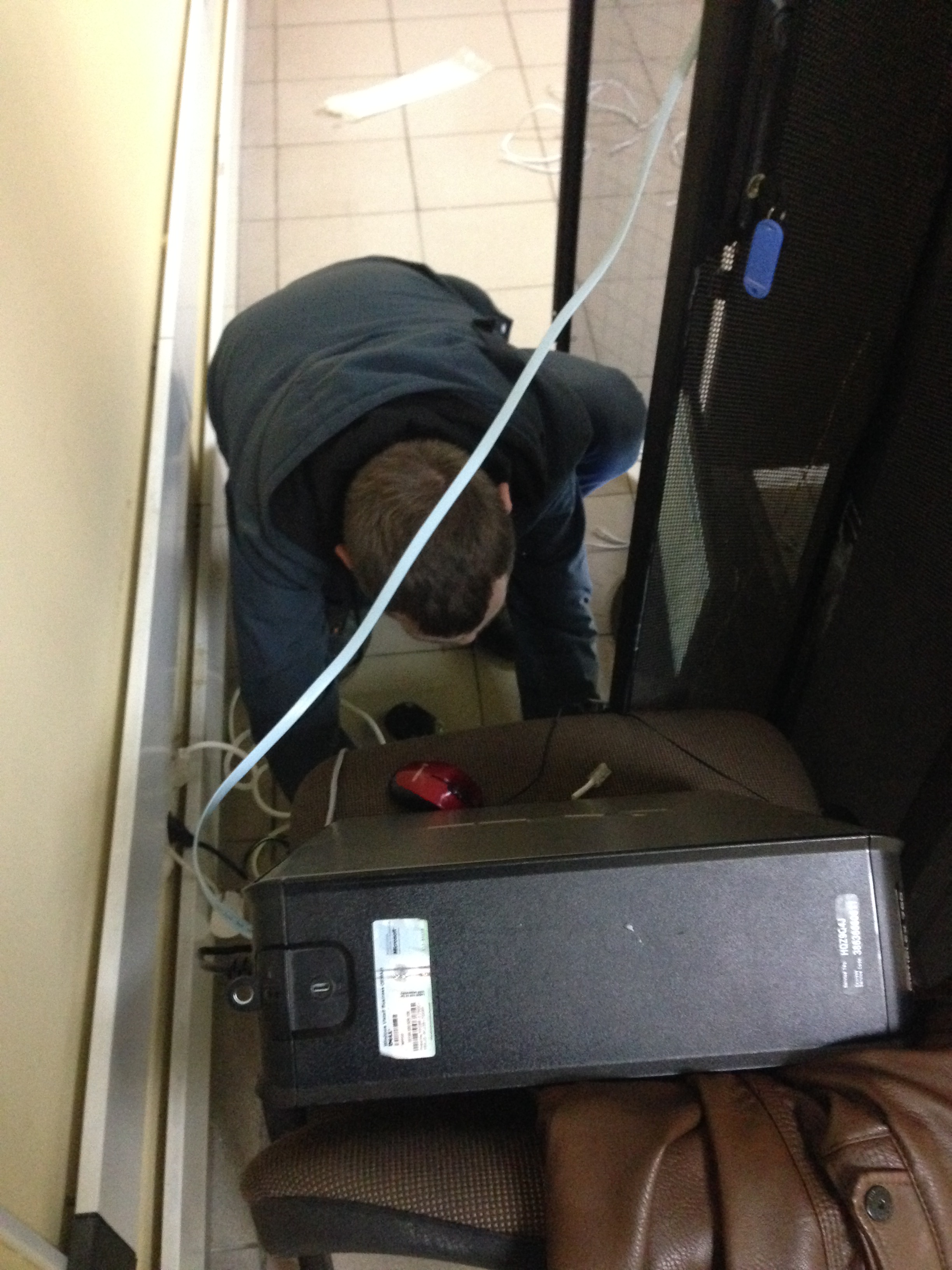
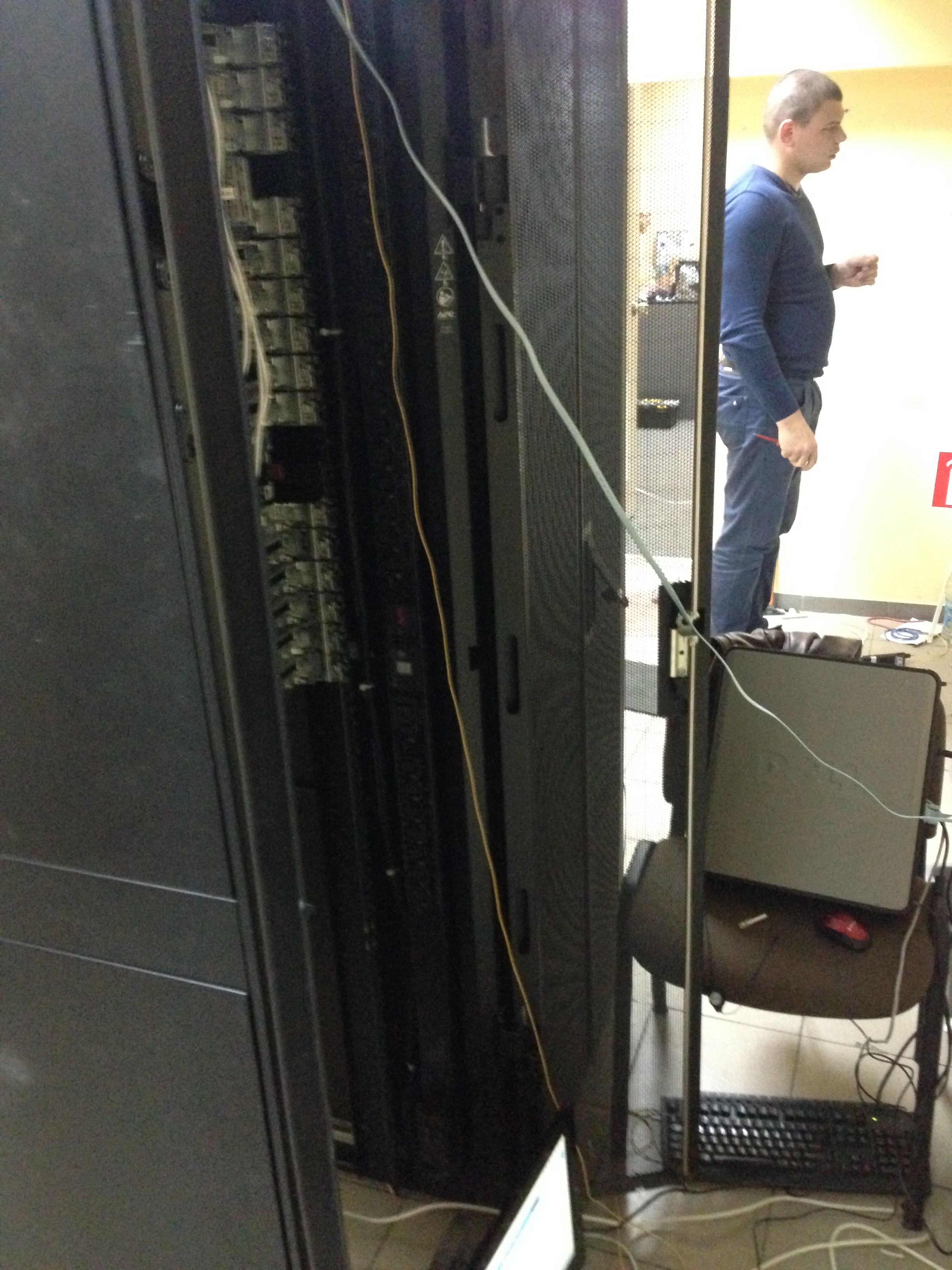
We started to configure tsiska. These were also those perversions. The monitor on the floor, the system assistant on the chair, all in a "suspended" state. Yes, it happens :)
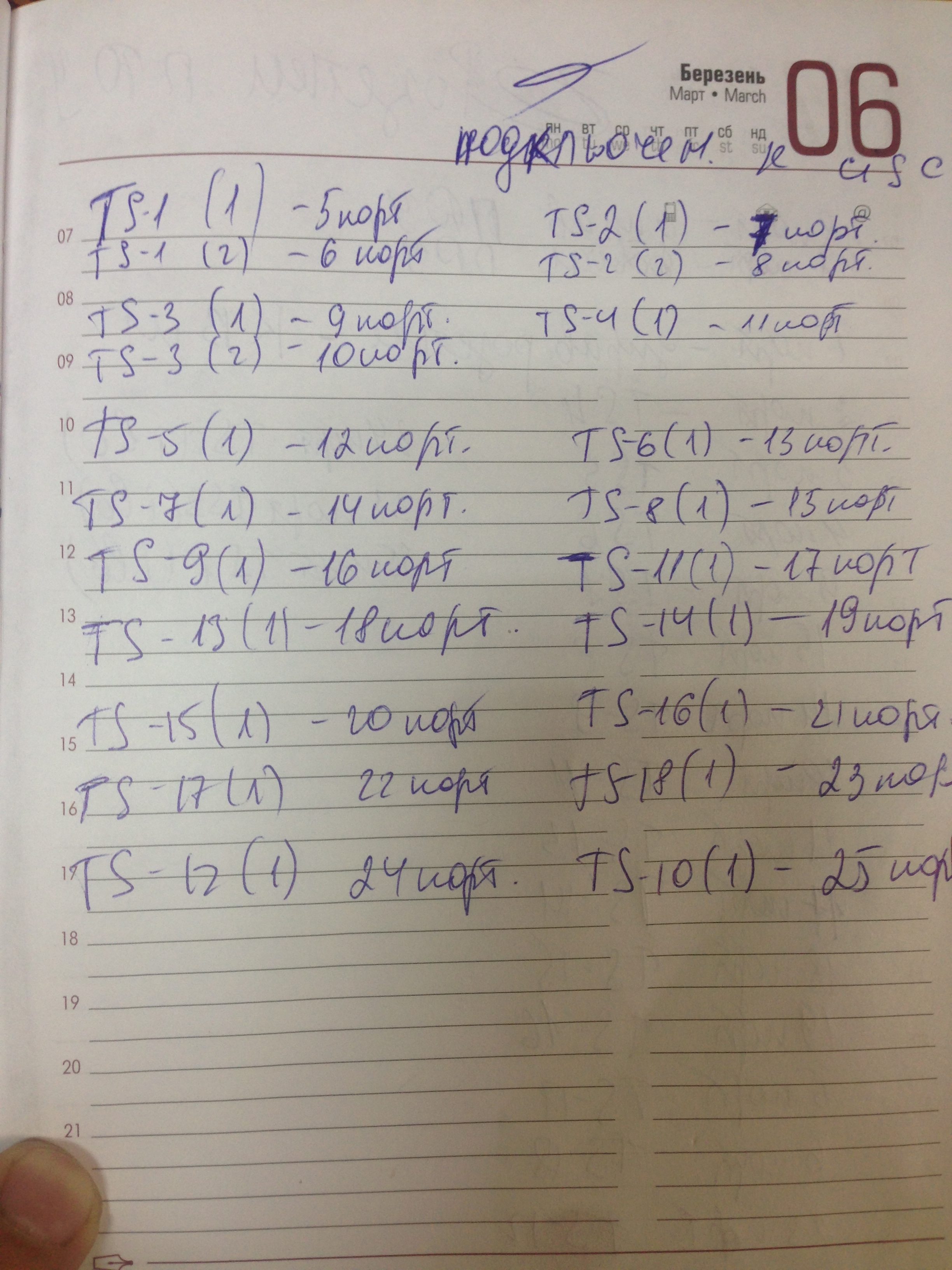
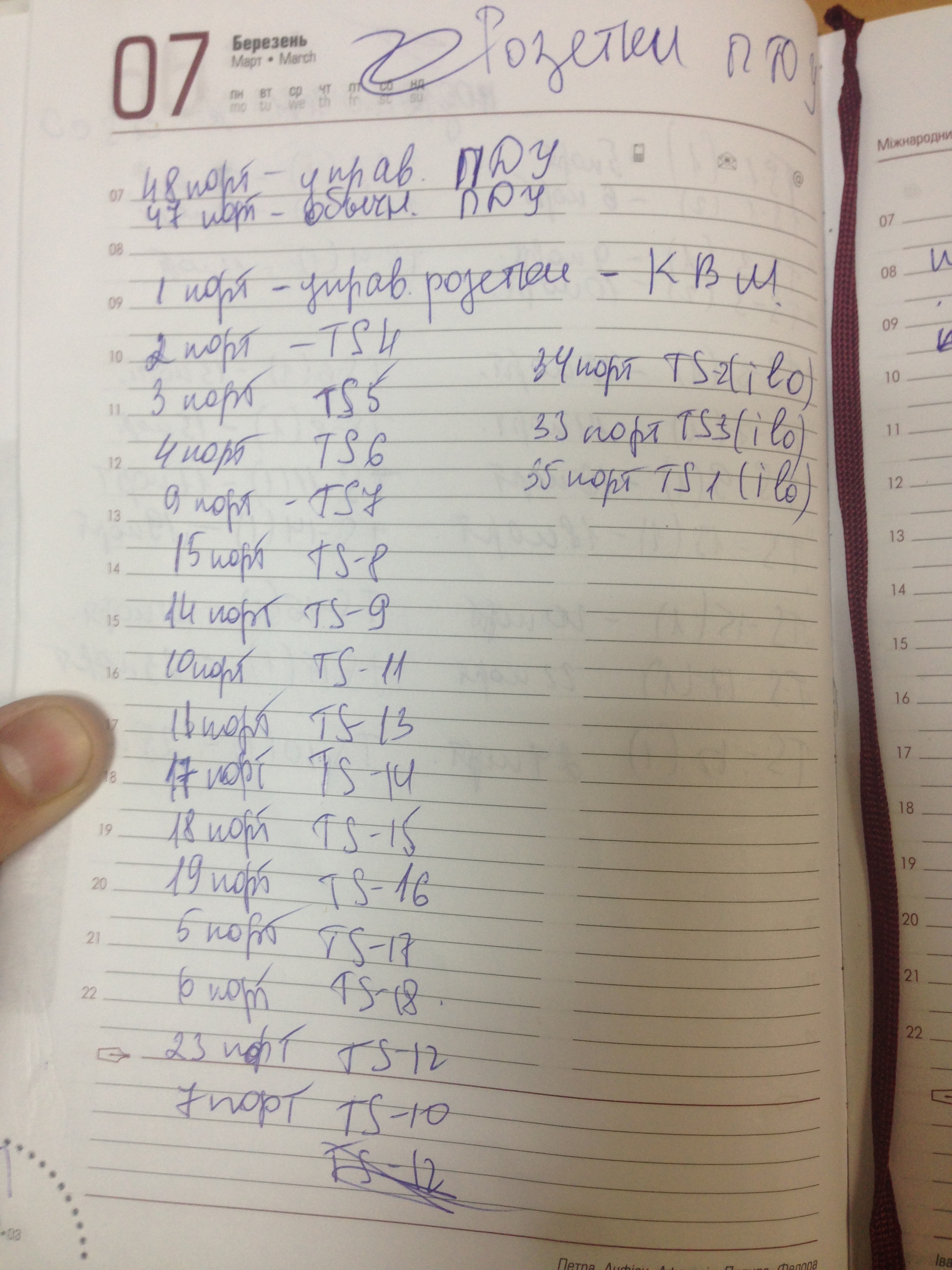
While we were setting up a tsiska, we began a rewriting of equipment, Cisco ports, and APC PDU ports. This is a very important point, it later helped us more than once.
It was already evening, about 4 hours, maybe half past four ... it would seem that the main work was done .., but if we knew how wrong ... We started to raise the BGP tunnel (got the settings in advance) - but figs ... There is a link, but it doesn’t want to work. The problem came to light quickly and was due to our inexperience. We got a gigabit link through fiber optic. Our Cisco supports 2x10GB. We boldly inserted optics into it (actually this is my jamb, did not consult with our administrators, they scolded me for a long time) - and nothing. It turned out that if the port is gigabit, and the module is 10 gigabit, it will not work. We started urgently calling the provider, asking for help, how and what to do ... but then it turned out that everyone went home (Friday, before 3 days off and a holiday) ... and we got into a stupor.
There was an option to connect everything through a media converter (as we did in the future), optics come in - twisted pair comes out, but we didn’t have it, and the shops were all closed, and they will start working only after 3 days. I had to call those through my friends. Director of the company, tearing his employee from home so that he would take a 10G module for their node in the office and plug it in. And only then, our tsiska began to perceive the link adequately and it worked (joint).
We finished all the work and waited ... when the records, routes, and everything worked, were updated. It was already 8 pm, everyone was tired, they even called one guy for an ambulance, one of ours scratched his hand, and the other of the guys we called for help as a physical person. strength - plopped down from the sight of blood with his nose on the threshold and cut his chin.
At about 3-4 a.m., traffic began to rise slowly. Everything worked, we ran and fixed problems on the go. But IPv6 never worked. Neither in the morning, nor in a day ... When communicating with the provider, it turned out that the manager concluded an agreement (including for IPv6), not knowing that the provider does not physically have IPv6 networks, and even more so the ability to route them. It was a collapse. But thanks again to the connection with those. Director of the provider, he found a way to “forward” traffic past them through a neighboring provider with IPv6 and everything worked for us, though it was already a bit late, some of the clients left us.
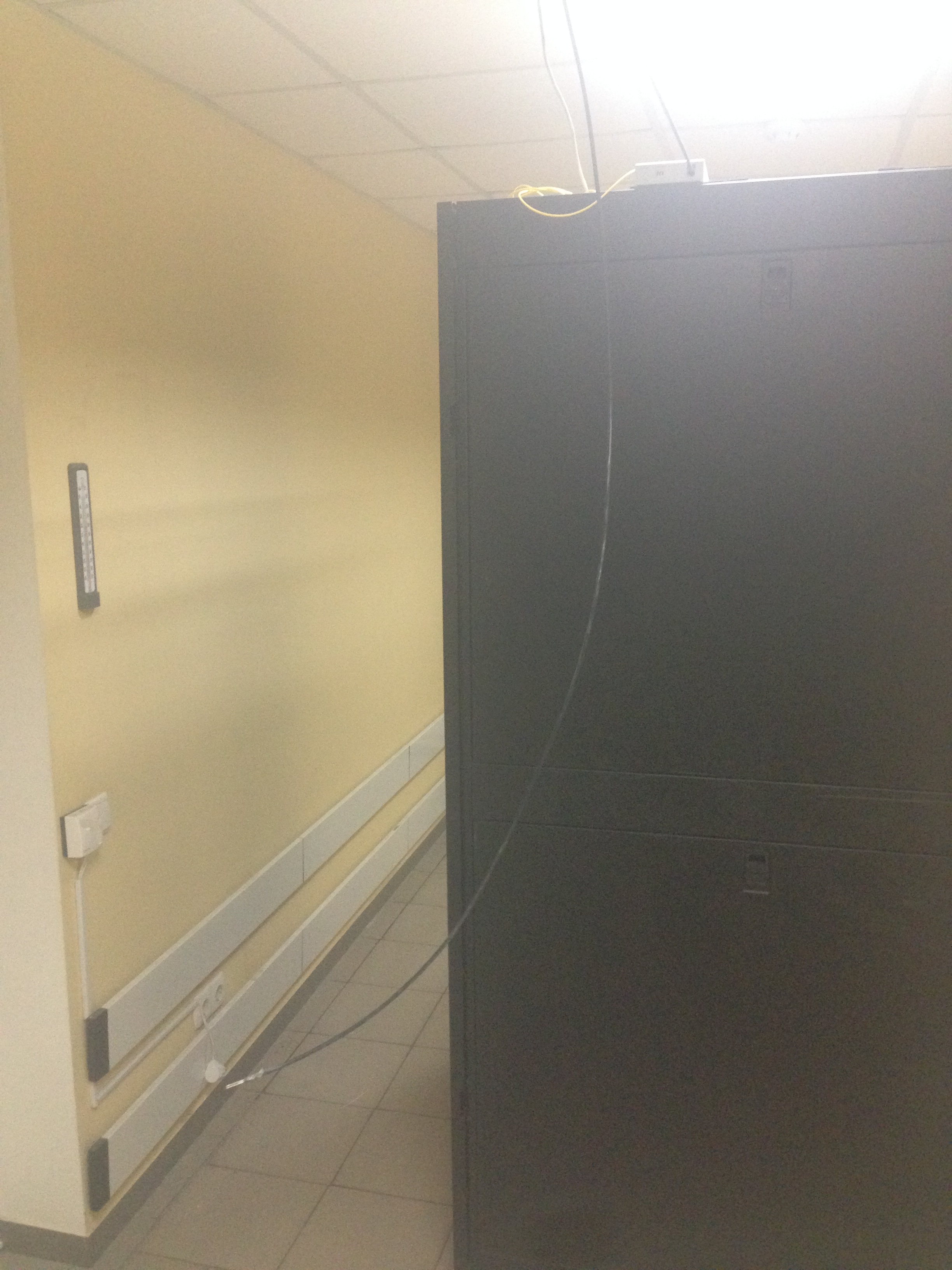
Upon completion of all work, our data center looked something like this:
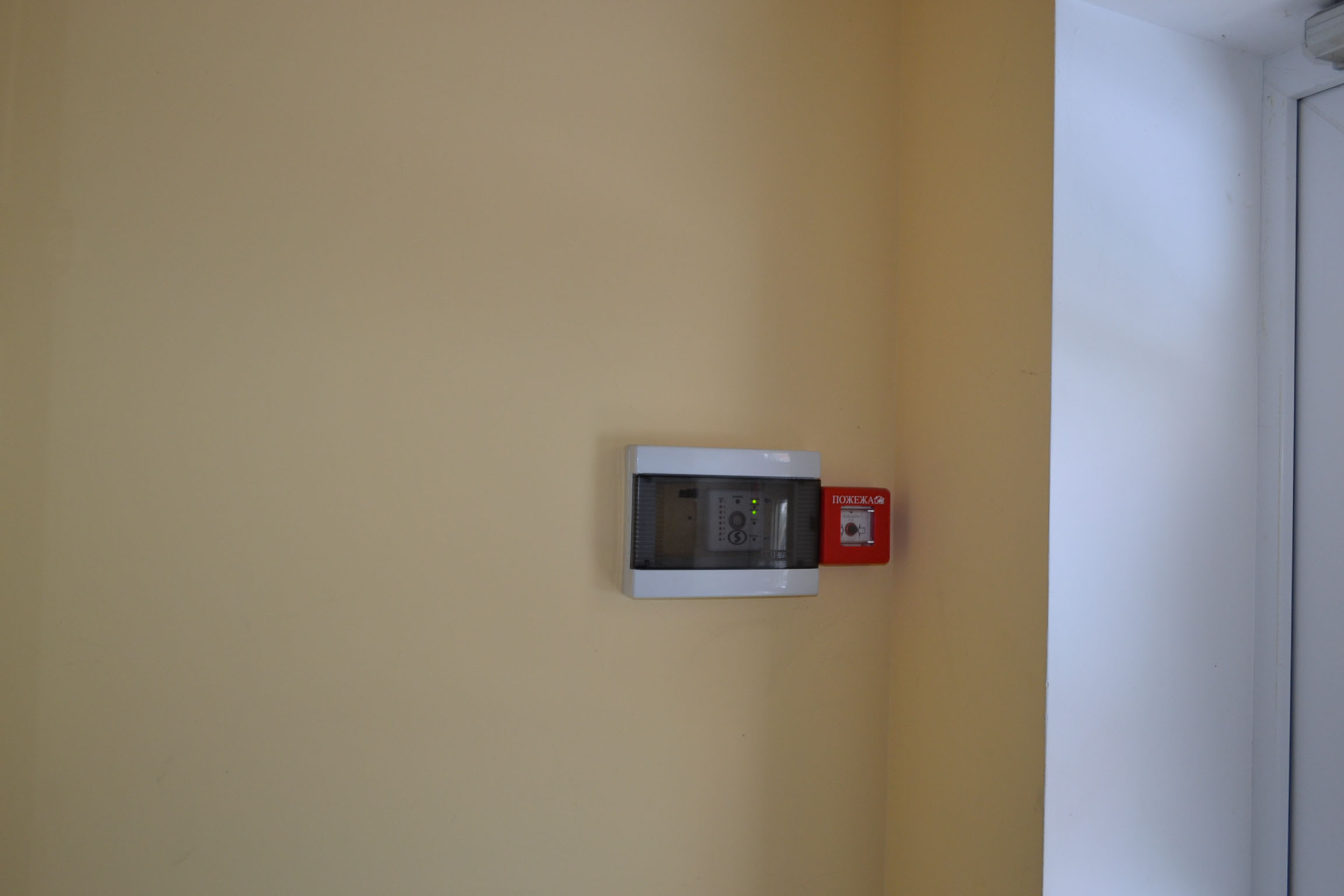
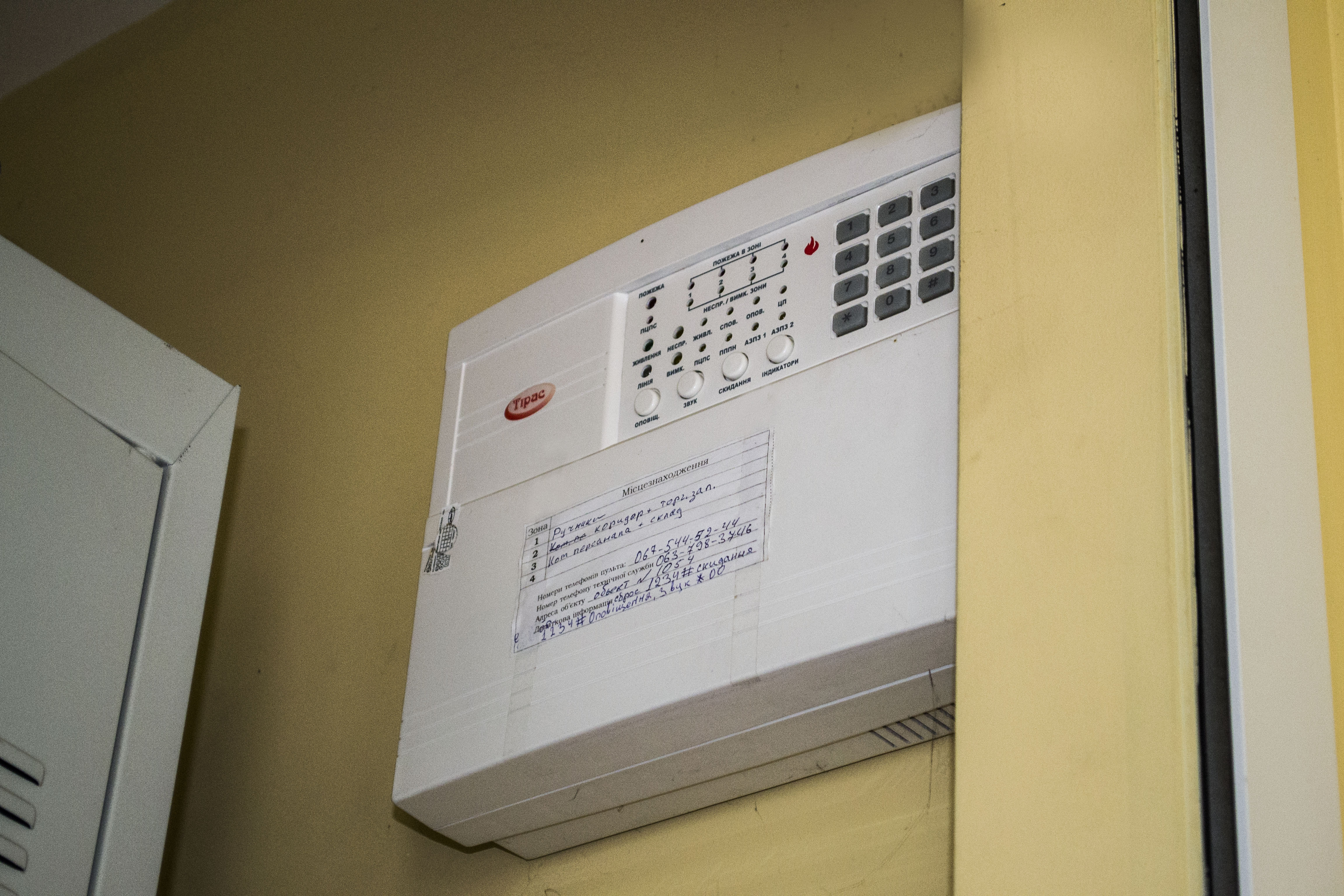
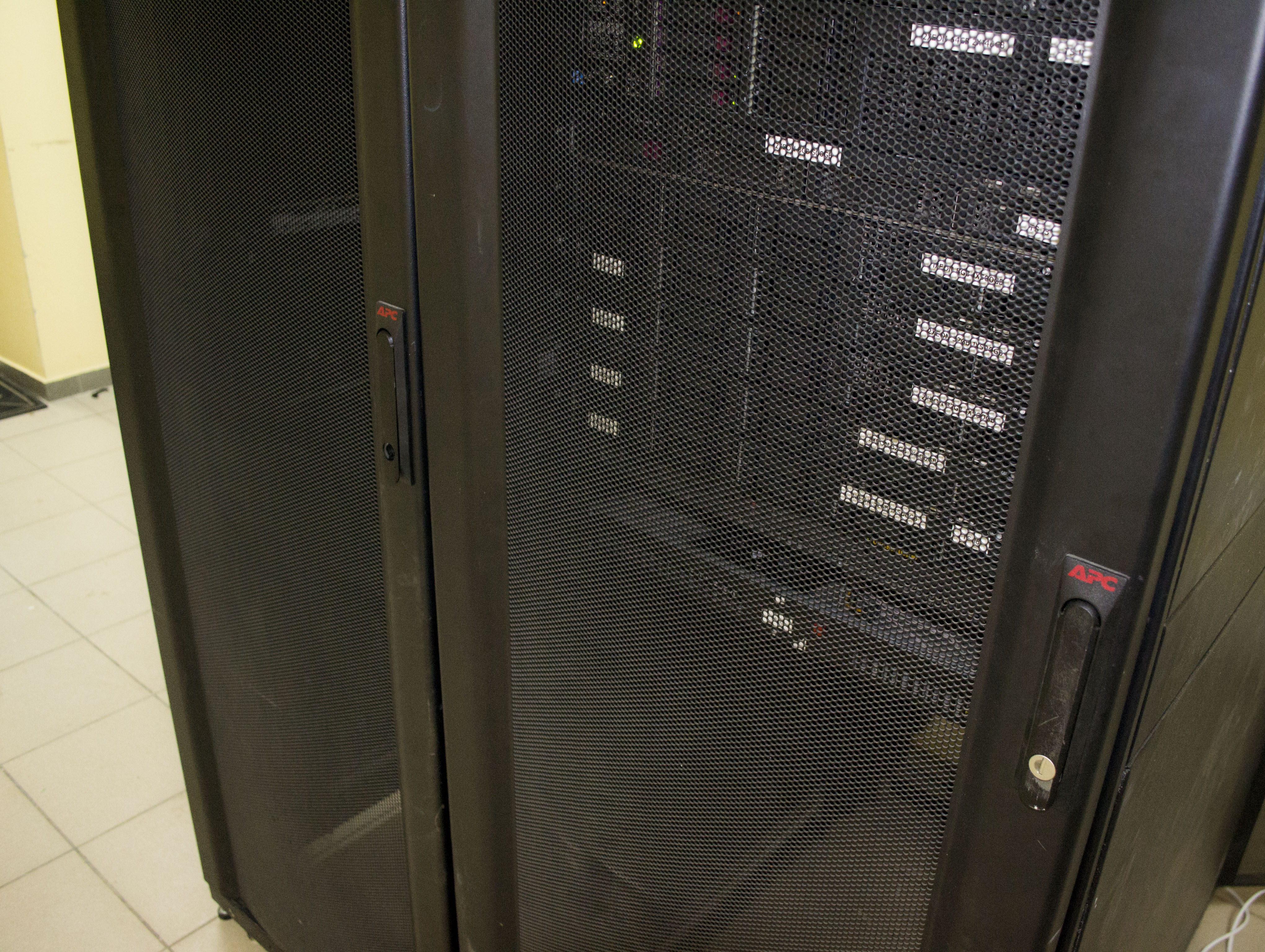
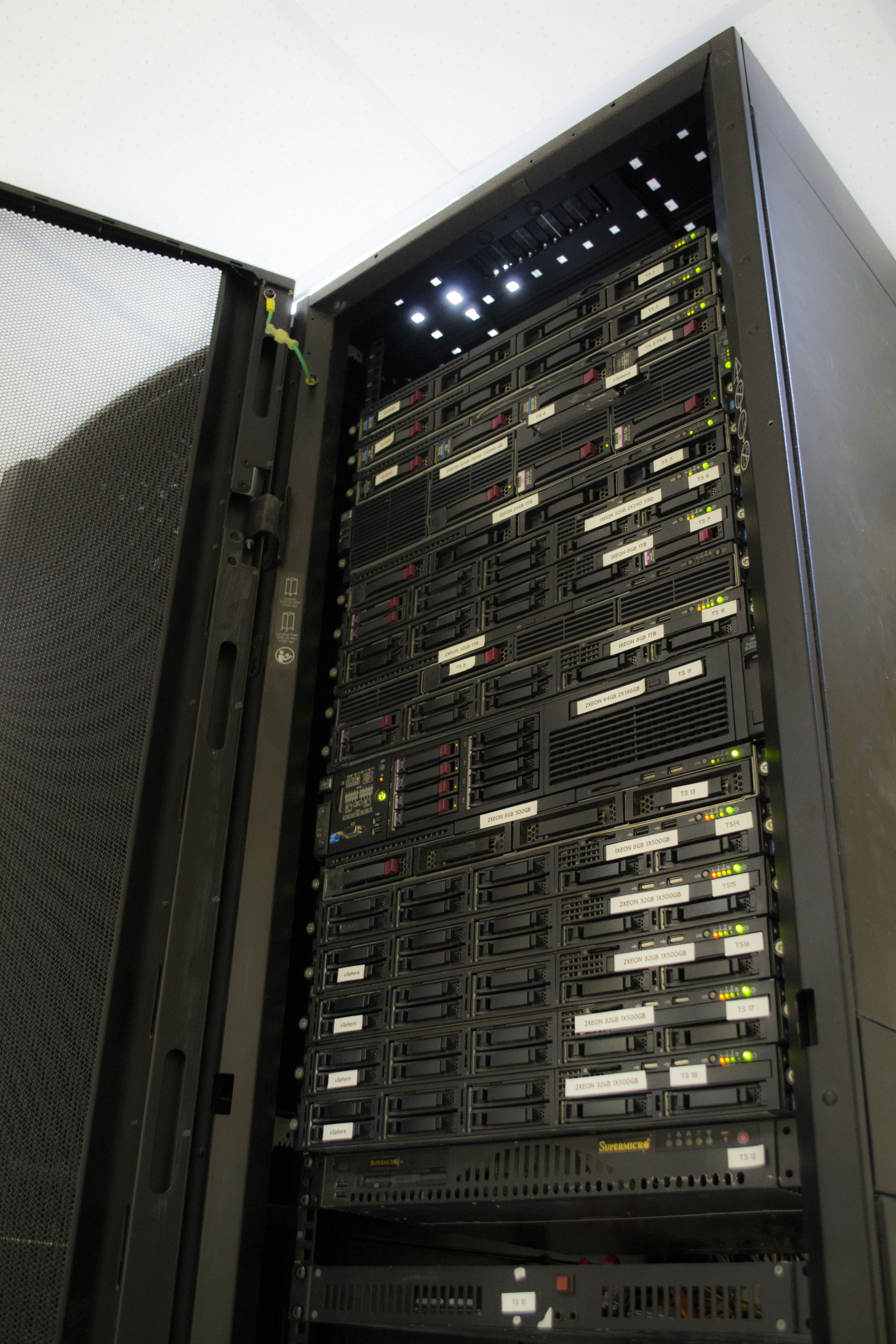
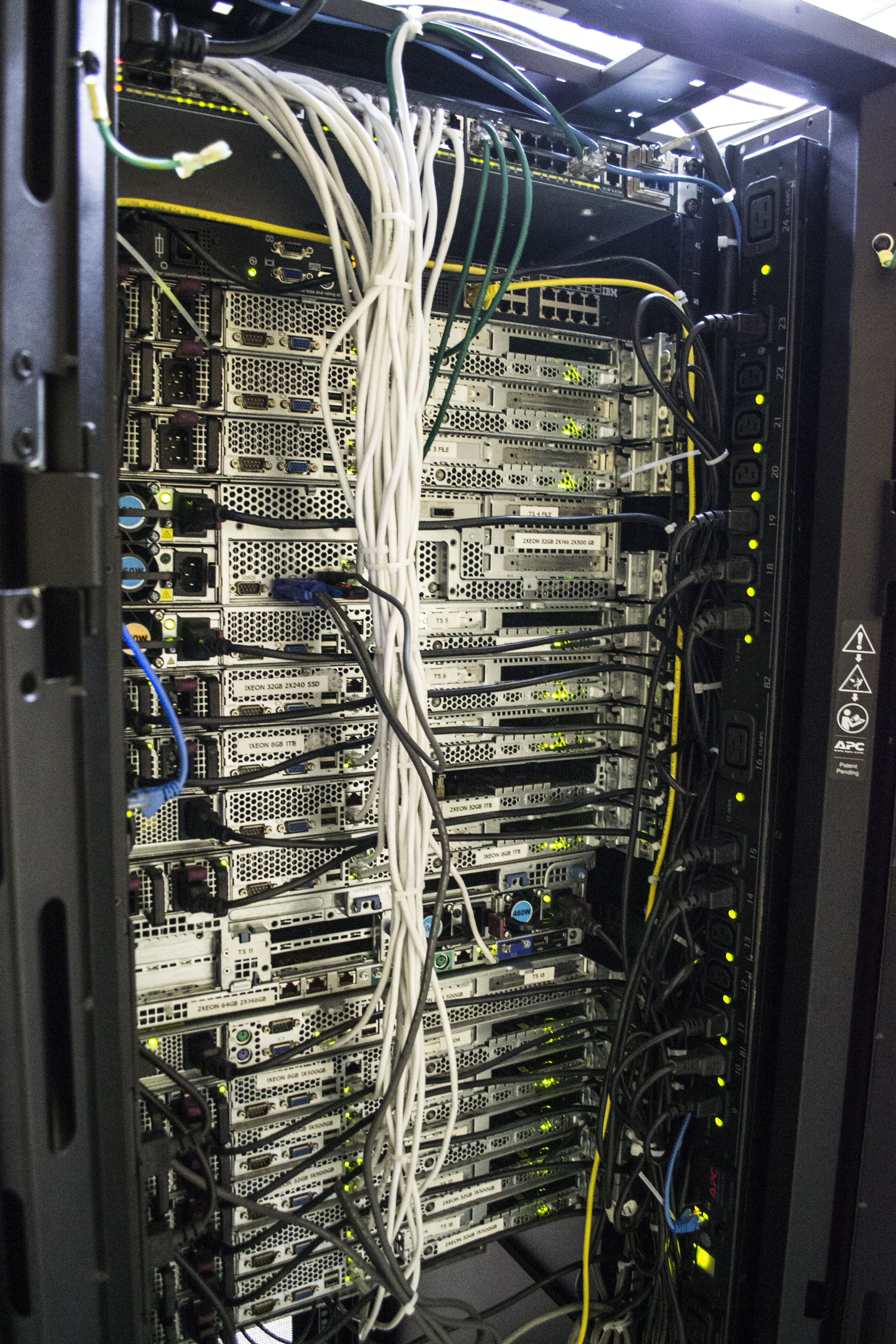
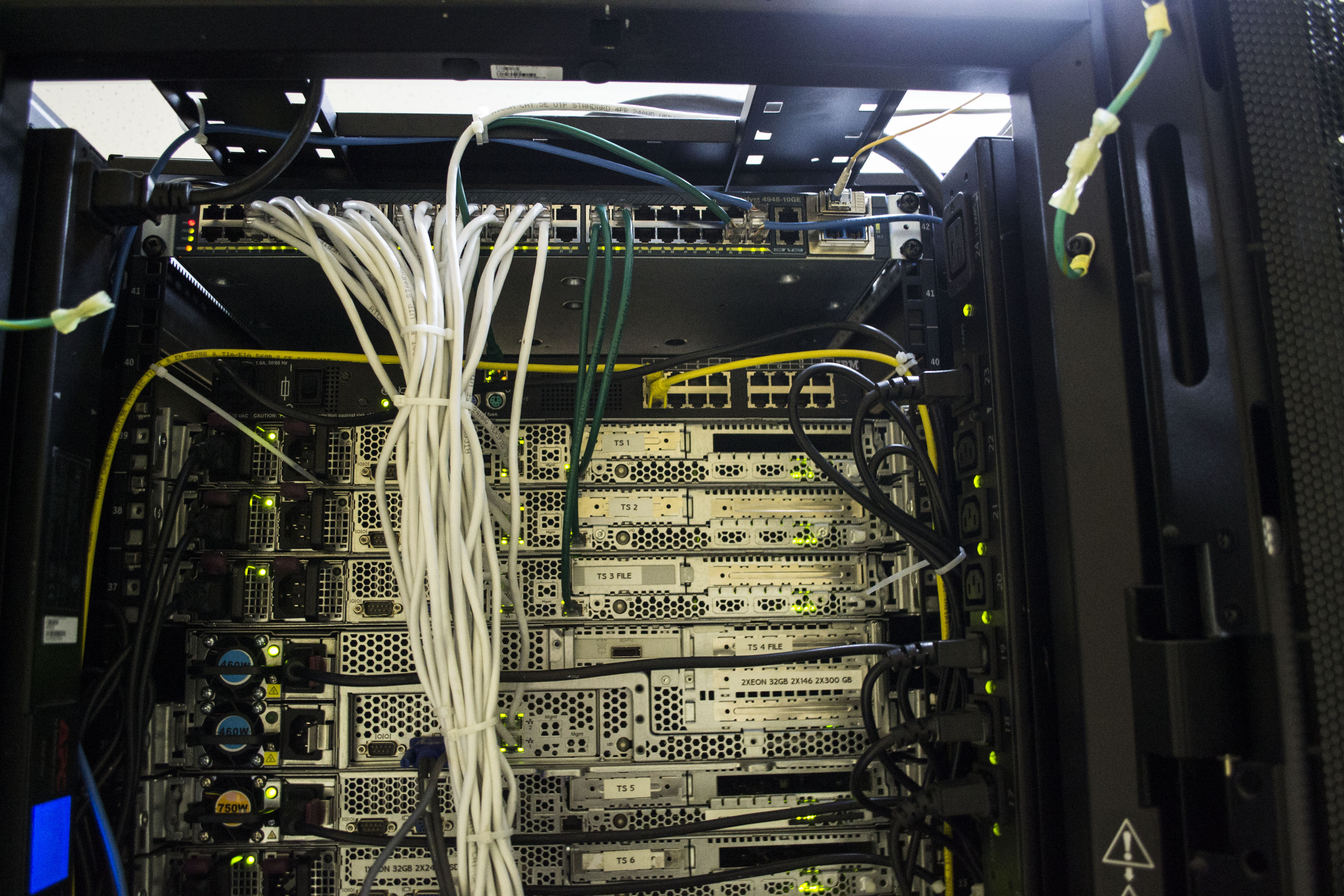
That was the end of our move. As you can see, there were many little things that we did not think about right away, we made many mistakes for which we later paid. We sincerely hope that this article will help to avoid our mistakes - to other people who will try their luck in such a thing.
Well, as always, there is one nice bonus. We plan to write a separate article on the financial part of our project (perhaps without specific figures, but in a comparative analysis it will be clear). From it you will understand what is cost-effective, what is not, what you can save on, and much more.
We will also continue to publish articles on Habré about the work of our mini data center, about the difficulties that arise and about our innovations. In one of the upcoming articles, you will see how we selected “self-assembled” equipment for specific purposes and what we ultimately chose. Thanks for attention!