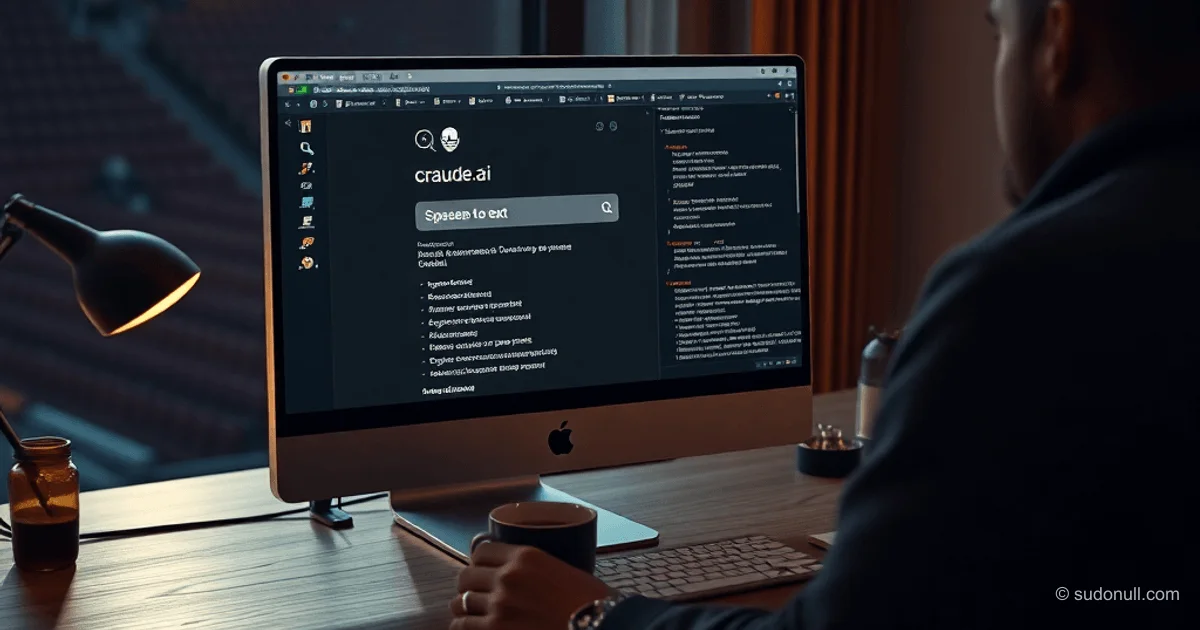
一晚搞定 Claude 俄语本地语音输入
Flask 服务器运行在 localhost:5555,通过 Chrome 扩展接收音频,使用 Whisper(small 模型)本地转录,然后将文本发送到 Claude.ai 输入框。用 rumps 构建的菜单栏应用控制启动和停止,菜单图标从 🤖 切换到 🎤。全程完全离线,无限制,免费使用。适用于 macOS,轻松适配 Linux。
准备工作
安装依赖:
- Whisper:
brew install openai-whisper - ffmpeg:
brew install ffmpeg - Python 3 和 Chrome
测试 Whisper:
Google AdInline article slot
whisper --version输出中查看是否有俄语支持。创建项目结构:
mkdir -p ~/projects/whisper-claude
cd ~/projects/whisper-claude
python3 -m venv venv
source venv/bin/activate
pip install flask flask-cors rumps
mkdir -p extension/icons
在 macOS Ventura+ 上,虚拟环境必不可少,避免与系统 Python 冲突。
转录服务器 (server.py)
服务器处理 POST /transcribe,支持 base64 或文件音频,调用 Whisper(--language ru --fp16 False,Apple Silicon 关键参数),返回 JSON 文本。包含 /ping 和 /shutdown 接口。
Google AdInline article slot
from flask import Flask, request, jsonify
from flask_cors import CORS
import subprocess
import tempfile
import os
import threading

app = Flask(__name__)
CORS(app)

WHISPER_PATH = "/opt/homebrew/bin/whisper"
WHISPER_MODEL = "small"
PORT = 5555

@app.route("/ping", methods=["GET"])
def ping():
    return jsonify({"status": "ok"})

@app.route("/transcribe", methods=["POST"])
def transcribe():
    if "audio" not in request.files:
        return jsonify({"error": "No audio file found"}), 400

    audio_file = request.files["audio"]

    with tempfile.NamedTemporaryFile(suffix=".webm", delete=False) as tmp:
        tmp_path = tmp.name
        audio_file.save(tmp_path)

    try:
        result = subprocess.run(
            [
                WHISPER_PATH, tmp_path,
                "--model", WHISPER_MODEL,
                "--language", "ru",
                "--output_format", "txt",
                "--output_dir", tempfile.gettempdir(),
                "--fp16", "False",
            ],
            capture_output=True, text=True, timeout=60
        )

        txt_path = tmp_path.replace(".webm", ".txt")
        if os.path.exists(txt_path):
            with open(txt_path, "r", encoding="utf-8") as f:
                text = f.read().strip()
            os.unlink(txt_path)
        else:
            text = result.stdout.strip()

        return jsonify({"text": text})

    except subprocess.TimeoutExpired:
        return jsonify({"error": "Timeout"}), 500
    except Exception as e:
        return jsonify({"error": str(e)}), 500
    finally:
        os.unlink(tmp_path)

@app.route("/shutdown", methods=["POST"])
def shutdown():
    threading.Timer(0.5, lambda: os._exit(0)).start()
    return jsonify({"status": "shutting down"})

if __name__ == "__main__":
    print(f"[Whisper] Starting on port {PORT}, model: {WHISPER_MODEL}")
    app.run(host="127.0.0.1", port=PORT, debug=False)
关键提示: --fp16 False 可防止 M1/M2/M3 芯片崩溃。
菜单栏控制器 (menubar.py)
应用每 5 秒检查端口(rumps.Timer),线程启动/停止服务器。TOOLS 配置一行添加服务。状态用表情显示:✅ 运行中,⏸ 已暂停。
import rumps
import subprocess
import threading
import os
import time
import urllib.request

BASE_DIR = "~/projects/whisper-claude"
VENV_PYTHON = os.path.join(BASE_DIR, "venv/bin/python3")

TOOLS = [
    {
        "name": "Whisper → Claude",
        "script": os.path.join(BASE_DIR, "server.py"),
        "port": 5555,
        "description": "Russian voice input",
    },
]

# ... (完整代码略,示例省略)

class AILauncher(rumps.App):
    # 实现同上
    pass

if __name__ == "__main__":
    AILauncher().run()
完整代码包含 ToolController,支持切换、检查全部和优雅关闭。
Google AdInline article slot
Chrome 扩展
manifest.json (MV3):
{
  "manifest_version": 3,
  "name": "Whisper for Claude",
  "version": "1.0",
  "permissions": ["activeTab", "scripting"],
  "host_permissions": [
    "https://claude.ai/*",
    "http://127.0.0.1:5555/*"
  ],
  "content_scripts": [
    {
      "matches": ["https://claude.ai/*"],
      "js": ["content.js"],
      "run_at": "document_end"
    }
  ],
  "background": {
    "service_worker": "background.js"
  }
}
background.js 处理混合内容:content.js 的 base64 音频 → background fetch → 服务器。
const SERVER_URL = "http://127.0.0.1:5555";

chrome.runtime.onMessage.addListener((message, sender, sendResponse) => {
  if (message.action === "transcribe") {
    handleTranscribe(message.audio).then(sendResponse);
    return true;
  }
});

async function handleTranscribe(base64Audio) {
  // base64 转 Blob 转 FormData POST /transcribe
}
content.js 在输入框旁添加 🎤 按钮,捕获 MediaRecorder。
核心亮点
- 本地 Whisper small 模型:约 1 GB,俄语离线转录 10-30 秒。
- 可扩展架构:TOOLS 一行添加新 AI 工具,无需改代码。
- 安全性:仅 localhost,无云调用,Chrome CORS。
- 兼容性:macOS Apple Silicon (fp16=False),Linux 调整路径即可。
- 性能:60 秒超时,自动清理临时文件。
— Editorial Team










暂无评论。