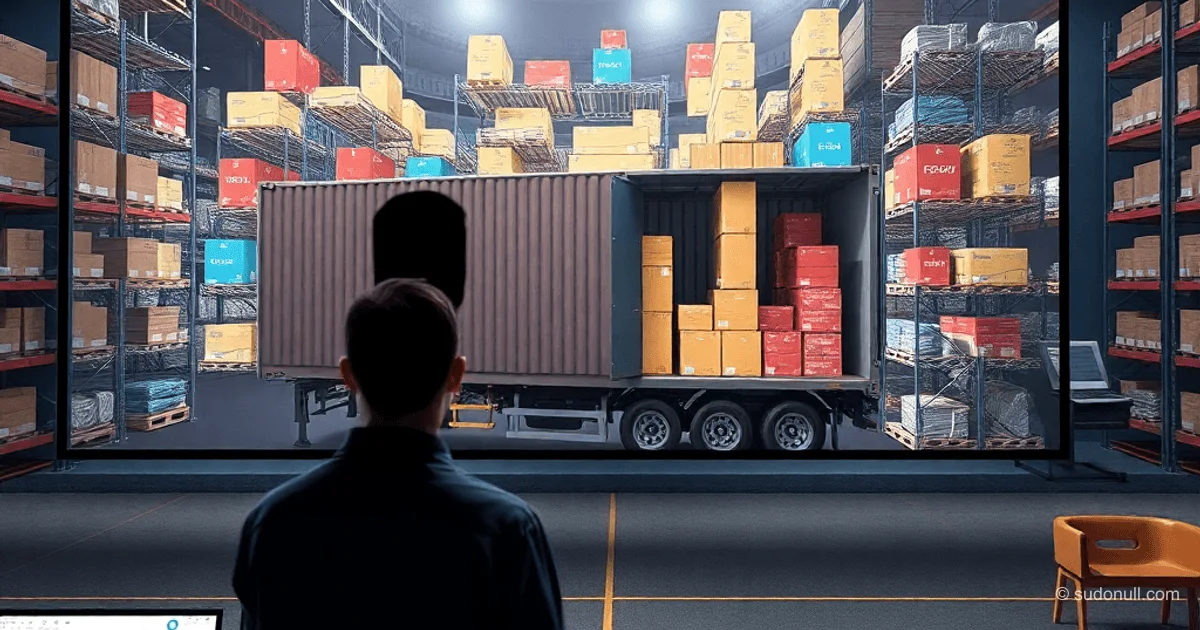
3D Cargo Packing in 0.3 Seconds: MaxRects Algorithm with LIFO and Full Rotation
A Django web service solves the 3D cargo packing problem for fleets of trucks, containers, and vans. The algorithm processes 400+ SKU items in 0.19–0.3 seconds, accounting for LIFO, 90% support area, and rotation across 6 axes. An interface with Three.js visualizes results in real-time, supporting Excel uploads and manual input.
Evolution from Telegram Bot to Full-Fledged Platform
The project started with optimization engines: 0.4 seconds for a traveling salesman problem with 10,000 points, under 1 second for packing complex shapes like trefoils. A Telegram bot accepted JSON with dimensions and output coordinates, but retail required a web interface.
Key product requirements:
- Two-panel interface for fleet and cargo.
- Excel parsing with validation.
- Interactive 3D visualization with Three.js.
Tech stack: Python/Django, PostgreSQL in Docker, frontend with Three.js. Priority: speed and practicality—LIFO matters more than perfect density.
3D MaxRects Algorithm: Physics Over Math
Modified 3D MaxRects works with a list of free parallelepipeds in the cargo space, avoiding full coordinate enumeration. Vectorization delivers performance of 0.19–0.3 seconds for a fleet of 8 vehicles.
Physical feasibility parameters:
- Full rotation (6 projections): Long items (2400 mm) try vertical or edge positions if dimensions allow.
- Support Area 90%: Boxes rest on the lower layer with at least 90% area, eliminating unstable solutions.
- LIFO order: Unloading sequence is considered for real-world warehouses.
Market comparison: competitors take minutes or hours, often ignoring LIFO and physics.
Architecture: Django, Docker, and Scalability
Backend on Django + PostgreSQL in Docker containers. Nginx + Gunicorn (3 workers) ensures fault tolerance. HTTPS on port 443 bypasses corporate firewalls. Average memory usage is 29% on an 8 GB server with 400 SKUs.
Authorization via Django Auth: data isolation per user, calculation history in ORM. Each user sees only their fleet and cargo.
Interface: Flexible Input and Fine-Tuning
Two-panel layout separates fleet (right) and cargo (left). Fleet: dimensions, load capacity, quantity. Cargo: size, weight, quantity, parameters (LIFO, StackLimit).
Input options:
- Manual forms for adjustments.
- Batch Excel upload with validation.
Optimization checkboxes:
- Tilt: Allow/restrict rotation for fragile cargo.
- Fleet optimization: Prioritize filling large vehicles to minimize trips.
Visualization and Exporting Results
Calculation in 0.19–0.3 seconds outputs a 3D scene with Three.js. Color coding by SKU, interactive rotation, LIFO and support checks. Export: PDF reports or Excel with X, Y, Z coordinates.
Deployment for Production
Gunicorn with 3 workers + Nginx reverse proxy. Docker ensures autonomy. Testing: 98% coverage, stability under load from multiple users.
Key Takeaways
- Speed of 0.19–0.3 seconds for 400 SKUs and 8 vehicles.
- Physical constraints: LIFO, 90% support, 6-axis rotation.
- Interface for logistics: Excel, 3D visualization, data isolation.
- Production stack: Django, Docker, Nginx/Gunicorn.
- Scalability: low resource consumption.
— Editorial Team










No comments yet.