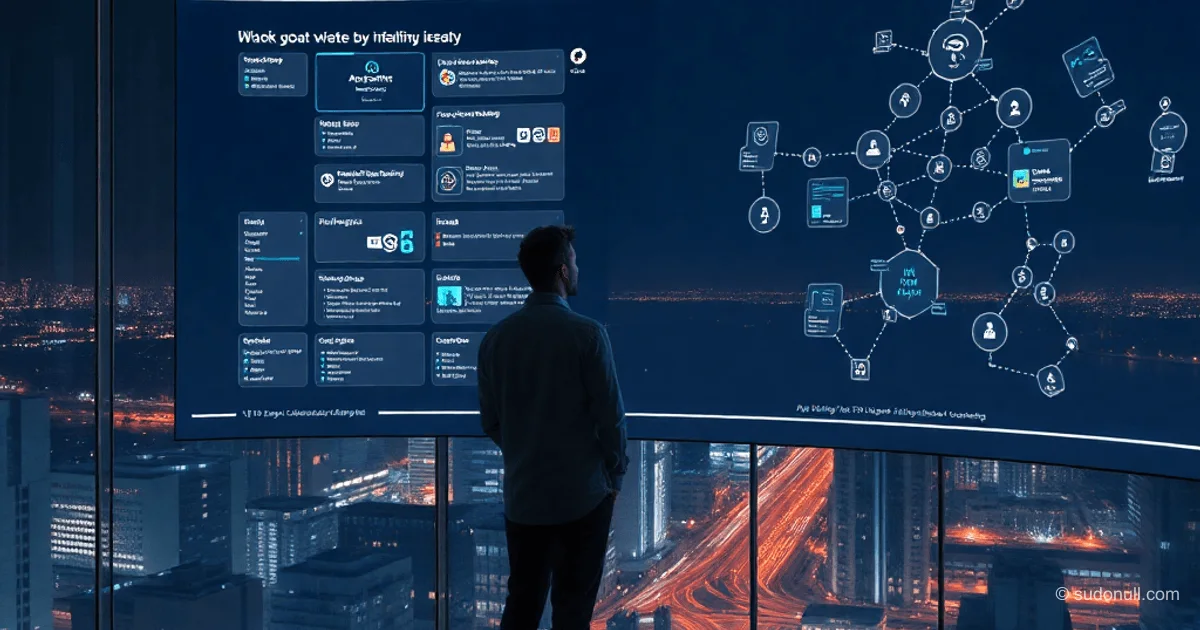
Agent-Bridge: Browser-Based Canvas for Managing Terminal Sessions and AI Agents
Developers juggling multiple AI agents and terminals across different machines often lose control. Agent-Bridge (AB) solves this with a self-hosted web app: an infinite canvas featuring live session windows, real-time status indicators, and access from any browser. Nodes are servers, containers, or VMs running a PTY daemon; agents include Claude, Codex, and similar tools; sessions are persistent PTY processes on nodes.
The canvas mimics an RTS interface: zoom, pan, and project-based window grouping. Statuses (busy/idle/error) appear as icons and mini-maps—instantly view 20+ sessions without opening each terminal.
Architecture and Core Components
AB deploys on a server and runs via URL—no Electron or VPN required. Key terms:
- Node: A compute node (VPS, Incus container, Docker, VM) with a PTY daemon.
- Agent: An AI tool running in the terminal (Claude, Qwen, Kilo).
- Session: A persistent, reconnectable PTY process on a node.
The canvas is central: terminal windows, agent interfaces, and notes. Group them into "islands" by task (backend, frontend, infrastructure). A mini-map with status dots offers a global overview.
Future features: usage statistics (runtime, resource consumption), session history.
Practical Deployment Scenarios
Remote Node via SSH
The SSH wizard automates PTY daemon setup: enter host details—get a canvas endpoint instantly. No manual configuration needed.
Parallel Work Across Projects
5 repositories, 8 terminals, 3 agents: the canvas displays activity, tiles windows in a grid, or focuses on a single pane.
Isolation Using Incus Containers
One host with Incus/LXD: system containers with root access for agents, full docker-in-docker support without workarounds. Benefits:
- Isolation: Break a container—recreate it, host stays clean.
- Nested Docker: Full daemon functionality,
docker-compose upworks. - Scalability: Manage 50+ nodes on one server, switch with a click.
- Bind-mounts: Shared folders between host and containers for artifacts.
AB on the host sees all PTY daemons as nodes.
Position in the Tool Ecosystem
AB complements tmux, Warp, and VS Code Remote—focused on visual management of dozens of sessions via browser. It’s not a terminal replacement, but a layer for multi-machine workflows. Privacy is preserved: boards are accessible only to the owner.
Roadmap for Development
- Mobile interface for monitoring.
- Incus integration: create/manage containers directly from AB.
- Proxy middleware: intercept agent traffic, capture metrics and logs.
What Matters Most
- Persistent sessions with auto-reconnect from the browser—no SSH juggling.
- Visual status monitoring on the canvas for 10+ nodes.
- Incus-based isolation: full Docker environments on a single host.
- Self-hosted web app: access from any device via URL.
- Open source: extend components (windows, analytics).
— Editorial Team










No comments yet.