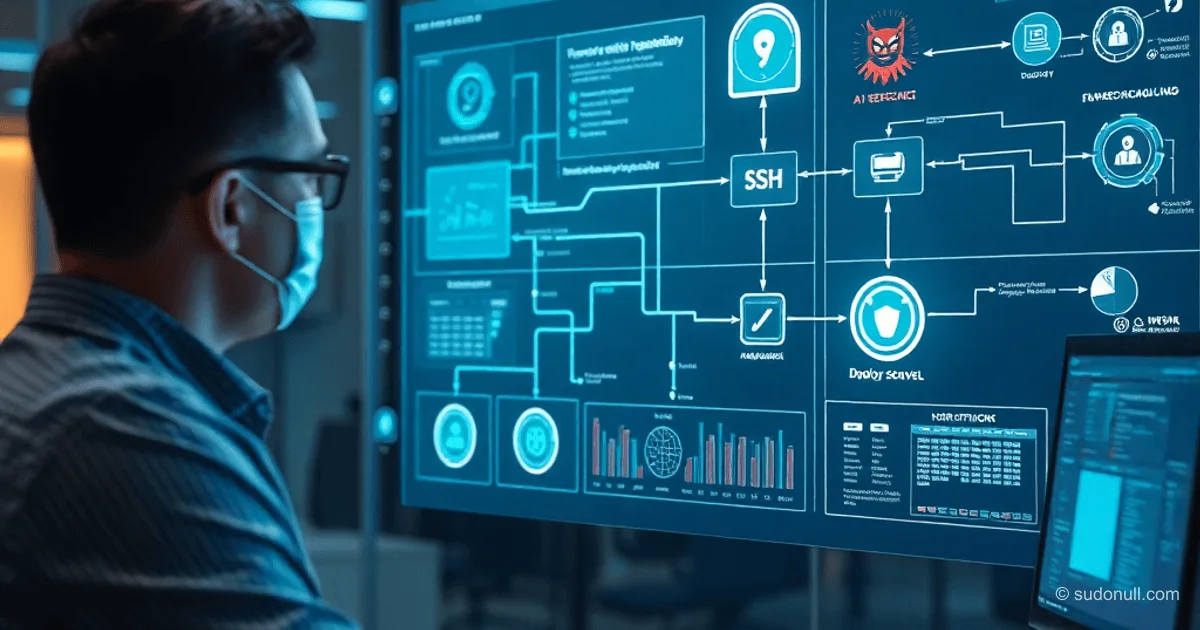
AI Agent Automation: Pipelines, Signals, and Schedulers in agent-pool
The agent-pool MCP server simplifies managing fractal teams of agents directly within your IDE and Gemini CLI. Workers delegate tasks, forming subgroups. Previously, orchestration required manual coordination—now, pipelines, bounce-back logic, cron schedulers, and SSH runners are all available under a single Google AI subscription.
The core challenge? Orchestration tools waste resources waiting for dependent steps (analysis → refactoring → tests). Instead, the pipeline daemon runs workers in the background, automatically propagating dependencies.
Pipelines for Task Chains
The create_pipeline tool defines steps upfront. The detached daemon launches workers on triggers:
on_complete— run after a specific step.on_complete_all— wait for a group of workers (fan-in).on_file— react to file creation.
Example workflow:
          ┌─ frontend ─┐
research ─┤            ├── deploy
          └─ backend  ─┘
The daemon survives IDE restarts, ensuring continuity.
Signals and Bounce-Back for Communication
Agents signal completion via signal_step_complete. If data is incomplete, bounce_back returns the task for revision with an error reason—similar to GitHub’s "Request Changes" feature.
The maxBounces limit prevents infinite loops. Workers receive feedback (e.g., "missing logs"), fix issues, and re-signal.
Cron Task Scheduler
schedule_task binds an agent to a cron expression, like 0 9 *. The scheduler uses atomic file locks to ensure unique execution—even across multiple IDE sessions.
Results are saved in .agents/scheduled-results/. Ideal for server monitoring or automated reporting.
Remote SSH Runners
Configure SSH in agent-pool.config.json:
{
  "runners": {
    "remote": {
      "type": "ssh",
      "host": "dev-server.company.com",
      "user": "agent",
      "geminiPath": "/home/agent/.nvm/versions/node/v22.0.0/bin/gemini"
    }
  }
}
Delegate tasks:
delegate_task(
  prompt: "Run tests in an isolated environment",
  runner: "remote"
)
Tasks continue even after closing the local session. Agents work in branches, commit changes, and push PRs.
Sessions for Context Transfer
Gemini CLI stores history in sessions. Passing session_id allows continuation:
# Analysis
delegate_task(prompt: "Analyze src/auth/") -> task_1

# Result
get_task_result(task_1) -> { session_id: "abc-123" }

# Continue
delegate_task(
  prompt: "Using analysis results, write tests",
  session_id: "abc-123"
)
list_sessions shows active sessions.
Access Policies and Directories
policy restricts tool access:
read-only— only read files.safe-edit— edit files without running shell commands.
Example:
delegate_task_readonly(
  prompt: "Check src/auth/ for vulnerabilities",
  policy: "read-only"
)
include_dirs extends visibility beyond the working directory.
Agent Groups and Pipeline Integration
create_group bundles configurations:
create_group({
  name: "backend",
  runner: "remote",
  skill: "node-dev",
  policy: "safe-edit",
  max_agents: 3
})

delegate_to_group("backend", "Refactor auth module", count: 2)
Groups are stored in .agents/groups.json. In pipelines:
create_pipeline({
  name: "Build & Test",
  steps: [{
    name: "run_tests",
    group: "backend",
    count: 3,
    prompt: "Run your test suite"
  }]
})
The daemon starts count agents with AGENT_INDEX, waits for all, and fails fast—if one fails, the rest are canceled.
Key Takeaways
- Pipelines automate dependencies, freeing the orchestrator.
- Bounce-back with limits prevents looping.
- SSH runners and cron enable distributed execution.
- Policies and groups reduce configuration duplication.
- Sessions preserve full context between agents.
— Editorial Team










No comments yet.