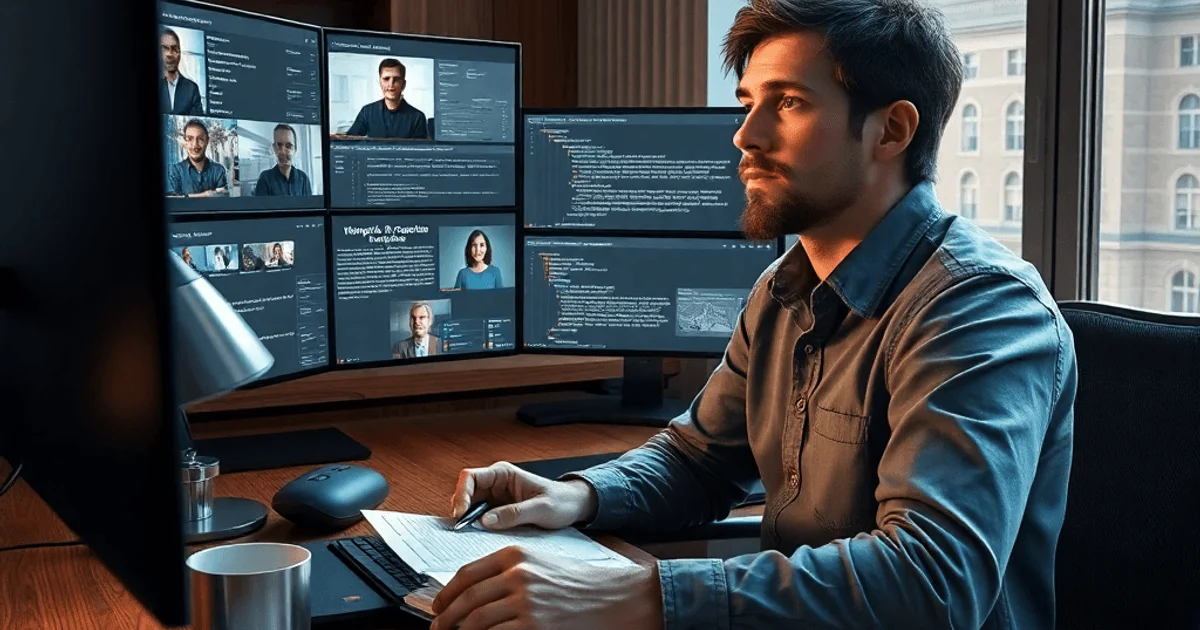
AI Assistant Architecture for Video Conferences: From Transcription to Meeting Notes
Building an AI assistant to automate work meetings calls for a comprehensive approach that ties together multiple tech components. The system needs to join video calls, transcribe speech, identify speakers, and generate structured meeting notes. This tool shines for recurring meetings, helping preserve context and automate grunt work like creating Jira tasks from discussions.
Choosing and Setting Up the Transcription Engine
Transcription quality is the bedrock of the entire service. For processing recorded audio, offline transcription with WhisperX is a top pick. It delivers solid results for Russian and supports custom vocabularies, which is key for nailing business jargon.
Key steps for model selection:
- Check community feedback (WhisperX is a popular go-to).
- Benchmark against commercial APIs (Deepgram, Google Speech-to-Text) on a test set of recordings.
- Manually review transcriptions to calculate WER/CER metrics and spot common errors.
Integration happens via an async API that takes an audio file and a diarize flag. Results come back via task_id.
Sample output from the transcriber with diarization:
speaker_1 00:00-00:13 Hey folks, gathered you for an hour-long meeting to help me find that button clearly documented
speaker_2 00:13-00:18 You're killing me here, seriously, just open the docs
Connecting to Video Conferencing Platforms
For seamless auto-joining of calls, you need a connector that detects the platform (Google Meet, Zoom, Teams) from the link. Playwright-based implementation spins up isolated containers with bots that capture audio and video.
Implementation details:
- Use Playwright's handle mode for session isolation.
- Record audio and video at low res (e.g., 800×600) for efficient processing.
- Respect platform anti-flood limits during bulk joins.
Managing via Interfaces and Calendars
The service supports multiple entry points for scheduling call recordings:
- Telegram bot for quick link adds.
- Web dashboard for settings.
- Auto-integration with work calendars by parsing emails (SMTP/IMAP) with ICS attachments or text invites.
A scheduler pushes calendar links to the connector API at the right time, ensuring bots join planned events automatically.
Identifying Meeting Participants
Once you have diarized transcription, match speakers to names. The main method analyzes video frames, where platforms often display the active speaker's name.
Identification algorithm:
- Pull random frames from video at the speaker's timestamps.
- Send name regions to an OCR API (e.g., Surya OCR).
- Assign the most frequent name in those frames to the speaker.
Caveat: Conference room participants (showing one name for the group) get labeled as "room speaker." Voice embeddings are an alternative but involve storing biometrics and legal hurdles.
Generating Notes with LLMs
Feed the transcribed text into a language model (e.g., deployed via vLLM) for structuring. Craft prompts for structured JSON output covering key discussion points, decisions, and tasks.
Key takeaways
- Transcription quality drives everything downstream, especially the LLM.
- Calendar integration fully automates recording recurring meetings.
- Speaker ID via video OCR is practical but limited for groups.
- Microservices architecture (separate APIs for transcription, OCR, LLM) ensures scalability and reliability.
- Data security is non-negotiable with voice embeddings or RAG accessing meeting history.
The resulting JSON converts to readable notes (HTML, Markdown) or auto-creates Jira tasks via function calling. This turns raw recordings into actionable outcomes.
Extra Features: RAG and Wake Word Detection
To level up, add these modules:
- Retrieval-Augmented Generation (RAG): Lets the assistant answer questions about past meetings without specific dates. Needs tight permission controls.
- Wake Word Detection: Real-time model activates the assistant via voice commands mid-meeting. Handle instructions ("add to to-do list") or queries, with TTS responses in the group chat.
Conclusion
Crafting an AI assistant for video conferences is an engineering challenge blending audio processing, computer vision, LLMs, and external API integrations. This modular architecture starts with basic transcription and scales to speaker ID, note generation, and interactive features. Success hinges on fine-tuning components and prioritizing performance and data security.
— Editorial Team










No comments yet.