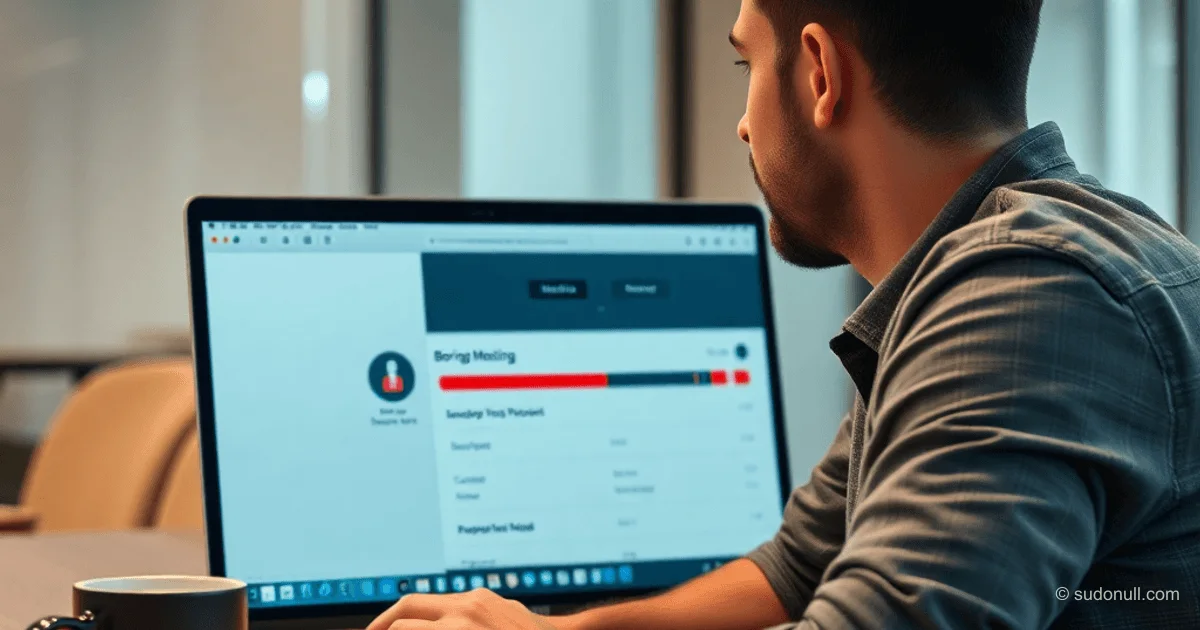
Boring Meeting Update: Faster Transcription and UX Improvements for macOS
The developer has refined the Boring Meeting app for macOS, focusing on everyday use cases. Minimum requirements have been lowered to macOS 15, expanding compatibility with work machines. The large-v3 turbo model has been added—an optimized version of the high-quality Whisper model, cutting transcription time by 50% without quality loss.
Support for 32 transcription languages has been selected based on high recognition quality: English, Russian, German, and others. A language visibility filter has been implemented in settings—users can keep only the options they need, avoiding long lists.
The audio player now features a compact mode with ±15-second buttons for quick navigation. For each recording, the original audio duration and transcription time are displayed. A processing time forecast based on hardware specs and selected model is planned.
A red indicator for active recording has been added to the menu bar, minimizing instances of forgotten sessions. Empty states have been improved with tips for first-time launches. A 'copy transcript' button has been added for instant text copying without selection.
Interface Change Details
These tweaks address common pain points for middle/senior developers and professionals dealing with long meetings:
- Large-v3 turbo model: Balances speed and accuracy, suitable for batch processing of recordings.
- Language filter: Customizable for multilingual teams, reducing cognitive load.
- Recording indicator: Prevents overwriting and data leaks in the background.
- Transcription metrics: Helps optimize workflow by predicting CPU/GPU load.
- Text copying: Speeds up integration with LLMs or editors like Obsidian/Notion.
The app remains local: all processing is on-device, with no cloud dependencies. No subscriptions, and data stays private.
A Pet Project for Real-World Tasks
The update is motivated by personal use: recording town halls, interviews, and business meetings. The author notes a shift from a niche tool to a daily driver—this revealed UX bottlenecks. The project is positioned as a pet project for experimenting with Whisper and macOS APIs.
For developers, implementation aspects are of interest:
- Integrating optimized Whisper models without external dependencies.
- Menu bar indicators via NSStatusBar.
- Empty states with NSViewController for onboarding.
- Audio metadata for statistics via AVFoundation.
Key Takeaways
- Lowered requirements to macOS 15 and support for Apple Silicon (M1+).
- Large-v3 turbo: 50% faster transcription.
- 32 languages with a filter in settings.
- UX fixes: recording indicator, text copying, time metrics.
- Local operation without cloud or subscriptions.
— Editorial Team










No comments yet.