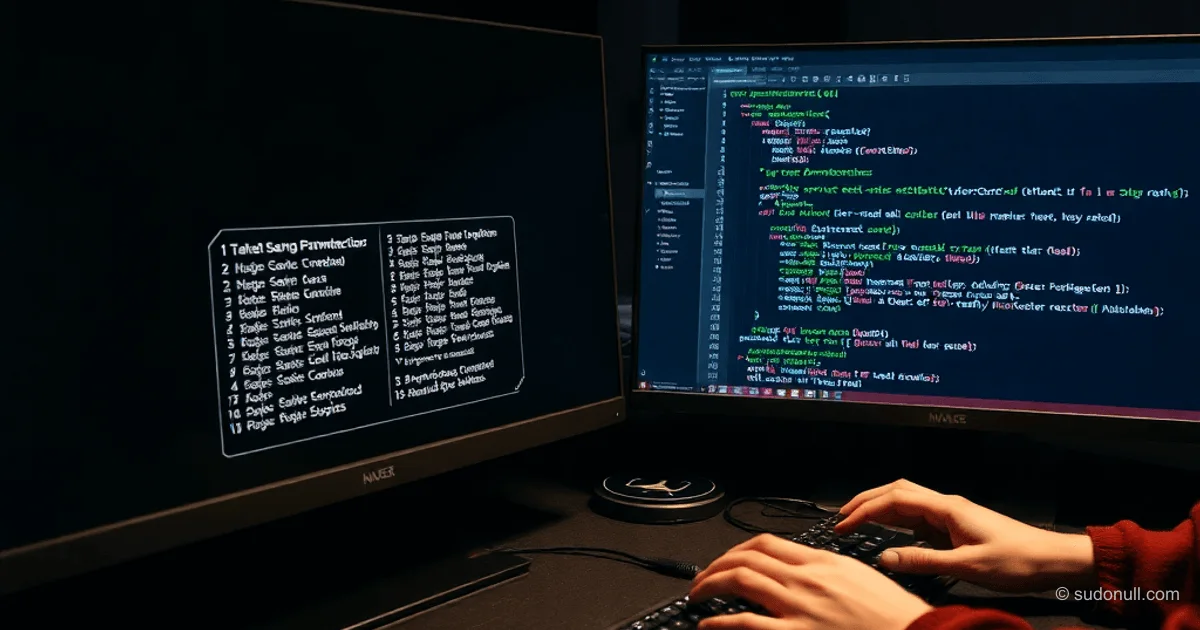
Programmatically Switch Desktop Backgrounds and Colors in C++ on Windows
This C++ program for Windows toggles the desktop background between images and a solid color. It runs without a visible console window. In debug mode, the window shows for troubleshooting; in release and test builds, it's hidden.
Two ways to hide the console:
- Programmatic hiding using
GetConsoleWindow()andShowWindow(hWnd, SW_HIDE). The window flashes briefly before hiding.
- Linker directives (recommended approach):
#ifndef _DEBUG
#pragma comment(linker, "/subsystem:windows")
#pragma comment(linker, "/SUBSYSTEM:windows /ENTRY:mainCRTStartup")
#endif
The first directive builds it as a GUI app with WinMain() entry point. The second keeps main() but skips console creation. No flashing.
Build Configurations
Three Visual Studio configurations: Debug, Release, TEST (inherits from Release).
TEST adds the _TEST preprocessor definition in project properties (C/C++ → Preprocessor).
- TEST: Images in the exe folder as
0.jpg...4.jpg. Run:ChangeDesktopColor.exe X(X=0-4). - Release: Uses full file paths, regardless of exe location.
For TEST debugging in Debug, uncomment #define _TEST.
Get exe path (key for TEST):
wchar_t pathTmp[MAX_PATH] = { L'\0' };
GetModuleFileName(NULL, pathTmp, MAX_PATH);
std::filesystem::path dir = ((std::filesystem::path)pathTmp).parent_path();
argv[0] is empty when launched from Explorer, so use GetModuleFileName.
Select file by argument:
#ifdef _TEST
    switch (*argv[1]) {
    case '0': filePath = dir.wstring() + L"\\0.jpg"; fileName = L"0.jpg"; break;
    // ... similar for 1-4
    default: filePath = dir.wstring() + L"\\4.jpg"; fileName = L"4.jpg";
    }
#else
    switch (*argv[1]) {
    case '0': filePath = L"C:\\folder\\subfolder\\filename0.jpg"; fileName = L"filename0.jpg"; break;
    // ...
    }
#endif
Check Current Wallpaper
Get current background:
wchar_t wallFile[MAX_PATH] = { L'\0' };
SystemParametersInfo(SPI_GETDESKWALLPAPER, MAX_PATH, wallFile, 0);
wchar_t* ptr = wcsstr(wallFile, fileName.c_str());- If
ptr == NULL: solid color or different file. wallFileholds the filename or is empty for solid color.
Set Wallpaper or Color
Toggle logic:
if (!ptr && std::filesystem::exists(filePath)) {
    BOOL result = SystemParametersInfoW(SPI_SETDESKWALLPAPER, 0, (void*)filePath.c_str(),
                                        SPIF_UPDATEINIFILE | SPIF_SENDWININICHANGE);
} else {
    COLORREF blackColor = RGB(0, 0, 0);
#ifdef MyCOM
    HRESULT hr = ChangeDesktopBackgroundColor(blackColor);
    if (SUCCEEDED(hr)) {
        SystemParametersInfo(SPI_SETDESKWALLPAPER, 0, NULL, SPIF_SENDWININICHANGE);
    }
#else
    if (SetDesktopSolidColor(blackColor)) {
        SystemParametersInfo(SPI_SETDESKWALLPAPER, 0, NULL, SPIF_SENDWININICHANGE);
    }
#endif
}
Choose API via #define MyCOM:
- WinAPI (
SetDesktopSolidColor): primary method. - COM (
ChangeDesktopBackgroundColor): alternative.
SPIF_SENDWININICHANGE broadcasts the update to all windows.
TEST run examples:
ChangeDesktopColor.exe 0→0.jpgChangeDesktopColor.exe 999→4.jpg(default)ChangeDesktopColor.exe 1 2→0.jpg(first argument)
Practical Uses
Great for cycling backgrounds: image → black → image → ...
Use wallpapers as cheat sheets: 0.jpg shows key combos for Razer NAGA X (12+12 buttons with modifier). Quick macro access without losing focus.
Key takeaways:
- Linker hiding beats programmatic—no flash.
_TESTsimplifies dev with local0.jpg-4.jpgfiles.wcsstrcheck distinguishes file from solid color.SPIF_UPDATEINIFILEsaves to registry.- Command-line arg picks wallpaper (0-4).
— Editorial Team










No comments yet.