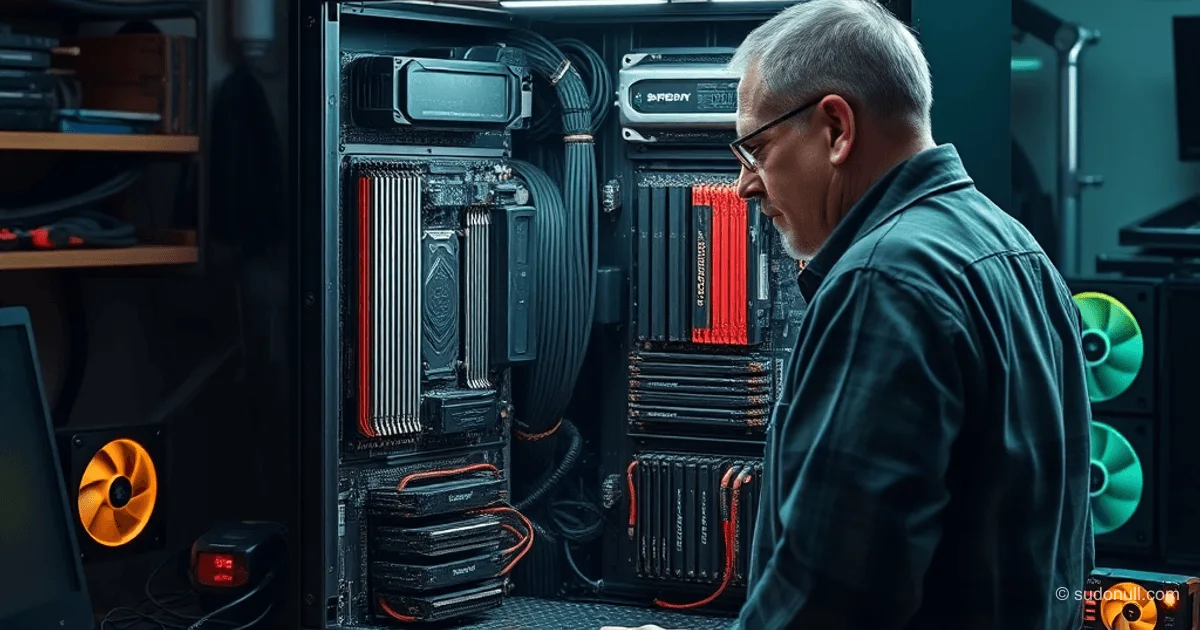
Building a Dual Xeon Cluster with 6 CMP 90HX GPUs: Assembly and Optimization for ML Workloads
Engineers often prefer local compute nodes over cloud services for full transparency and no external dependencies. Cloud setups suffer from network latency, API changes, and unpredictable pricing that disrupt steady workflows. A local cluster with dual Xeon CPUs and six RTX 3080-class GPUs eliminates these issues: all metrics are directly accessible, troubleshooting is straightforward, and there are no queues or limits.
This setup shines for latency-sensitive, resource-intensive tasks like log processing, computer vision, video upscaling, physics simulations, rendering, and on-premise automation services.
Hardware Platform Selection
The foundation is the Jingsha X99 Dual Plus motherboard with dual LGA 2011-3 sockets, six PCIe slots (4x16, 2x8), and support for 8 DDR4 slots. CPUs are used Xeon processors totaling 48 cores, delivering high parallelism for CPU-heavy workloads.
The star of the show is the GPU. Starter option: NVIDIA P104-100 on Pascal architecture (GP104, ~6.5 TFLOPS FP32, 8 GB GDDR5). These cards are cheap on the secondhand market post-mining and handle basic CUDA tasks.
But for modern ML, Pascal falls short:
- No tensor cores: matrix ops rely on general CUDA cores.
- Weak FP16/INT8 support: no hardware acceleration.
- Memory bottleneck for large models.
The sweet spot is CMP 90HX on Ampere (G102-100, ~RTX 3080 equivalent, 10 GB GDDR6X). Tensor cores supercharge matrix multiplications with mixed precision. Improved caches and memory bandwidth seal the deal. At ~$50 per card, it's on par with P104 pricing but delivers orders-of-magnitude better neural network performance.
| Architecture | TFLOPS FP32 | Memory | Tensor Cores | Price (approx) |
|--------------|--------------|------------|------------------|----------------|
| Pascal (P104) | 6.5 | 8 GB GDDR5 | No | Low |
| Ampere (CMP 90HX) | Higher | 10 GB GDDR6X | Yes (FP16/INT8) | Comparable |
Assembly Challenges and Fixes
Memory and POST Codes
Installing standard UDIMM DDR4 caused hangs at POST code 79 (hub initialization). Server boards demand ECC UDIMM: extra error-correction bits ensure stability under load. Xeon memory controllers ignore non-ECC modules, mimicking other faults.
Tip: Always use ECC UDIMM on dual-socket X99 boards—it saves hours of debugging.
Noise and Cooling
An 1800W PSU plus 6x250W GPUs demands serious airflow. Stock mining coolers are loud. Fix: 120mm quiet case fans pulling air over the cards. GPU fans auto-adjust RPMs.
GPU Diagnostics Under Load
All cards passed basics (nvidia-smi, memory stress), but one wouldn't run jobs: 100% utilization, static temps, no LLM or hashcat progress. Removing it fixed the cluster.
Signs of a faulty GPU:
- Full metrics load without chip heating.
- No task progress (LLMs, benchmarks).
- Normal init but fails under real workloads.
Not a PCIe issue (bandwidth is ample)—it's a chip defect where the GPU fakes activity.
Performance Testing
In non-tensor CUDA tasks, Ampere offers modest gains: higher clocks, better memory. For ML, it's a game-changer: tensor cores slash inference/training times via FP16/INT8.
Example: Loading a 10 GB LLM into CMP 90HX VRAM—no swapping—while P104 hits its 8 GB wall. GDDR6X bandwidth cuts data transfer latency.
For multi-GPU: The board balances loads evenly with proper setup (nvidia-smi topo -m). Use a 750 Ti as a display dummy in an x16 slot.
Key Takeaways
- ECC memory is non-negotiable on server boards—prevents bit flips under load.
- CMP 90HX crushes P104 for ML: tensor cores + 10 GB VRAM make it worthwhile.
- GPU diagnostics need real workloads, not just synthetics.
- Cooling is critical at 1800+W—quiet case fans tame the noise.
- Going local kills network delays in CV/video/simulations.
Cluster's ready for action: from local LLMs to circuit sims. (~3200 chars)
— Editorial Team










No comments yet.