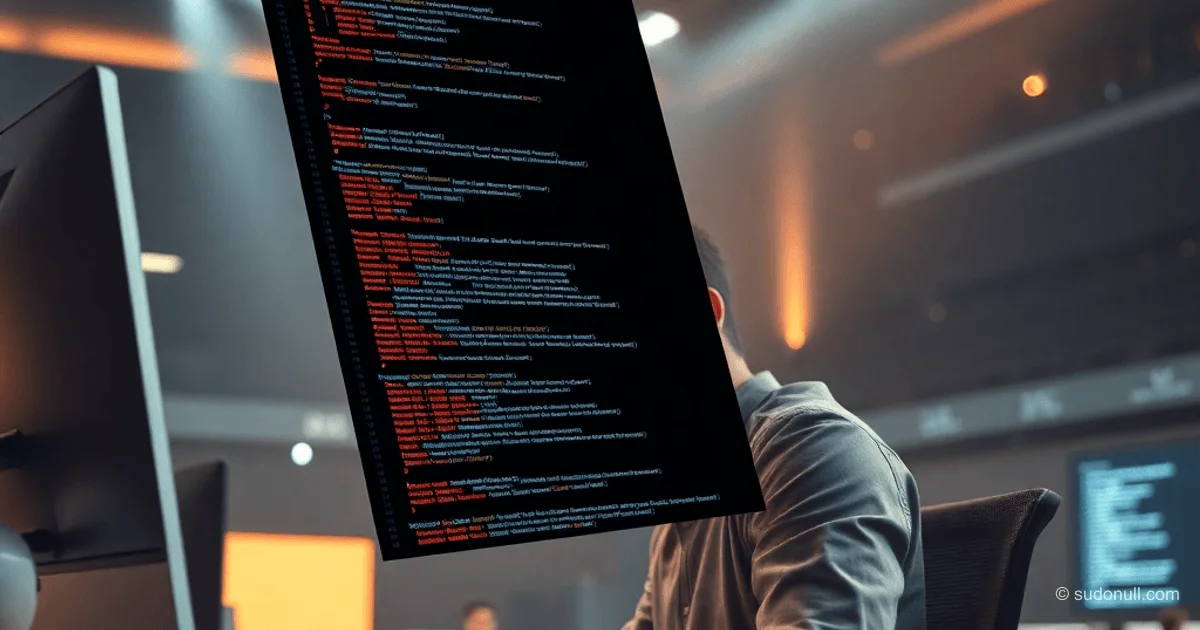
CodeShot: A Web Tool for Stylish Code Screenshots
CodeShot is an open-source web service that renders code and text into visually striking images with advanced transformation controls. It runs entirely in your browser, using Canvas API and storing settings in localStorage. Built with the help of LLM (Claude), it overcomes limitations found in tools like Carbon or paid alternatives.
The tool supports syntax-highlighted code and plain text. Key features include 3D effects (tilt, rotation, perspective), custom blurs, filters, shadows, and selective highlighting with individual colors.
Core Customization Features
The tool offers granular control over visual elements. Full feature list:
- Content Support: Code (with syntax themes) or plain text (standard fonts).
- Typography: Font size, line height, text alignment.
- Window & Padding: Window-like frame style, padding, border-radius, line numbers.
- Background & Transparency: Gradients, solid colors, window opacity.
- Transformations: Rotate, 3D tilt (vertical/horizontal), perspective (edge compression).
- Effects: Blur (directional, intensity), shadows, light sources.
- Filters: Instagram-style (warm, cool, etc.) with adjustable strength.
- Highlighting: Color and opacity for selected text ranges.
- Export: Direct PNG/SVG download from the browser.
All changes are persistent via localStorage, making iteration fast and seamless.
Technical Implementation
Built with vanilla JavaScript + Canvas2D. The initial renderer (~1,000 lines) was generated by an LLM and later refined manually in VS Code with Copilot support.
Key challenges addressed:
- 3D Perspective: Custom projection matrix for tilt and edge scaling.
- Syntax Highlighting: Prism.js-inspired highlighter with theme support.
- Filters: CSS filter() emulation via pixel manipulation (convolutions for blur).
- Performance: Offscreen canvas for previews, resize throttling.
Code isn’t optimized for readability—functionality comes first. Public repository welcomes contributions.
Example transformation: 40° top-left tilt, 30° depth, warm filter + right fade. Output surpasses DALL-E/Stable Diffusion in text rendering accuracy.
Comparison with Alternatives
| Tool | 3D Tilt | Custom Blur | Filters | Highlight Color | Free |
|------|--------|-------------|---------|-----------------|------|
| Carbon | No | No | Basic | No | Yes |
| Ray.so | No | No | Yes | No | Paid |
| CodeShot | Yes | Yes | Yes | Yes | Yes |
CodeShot leads in customization without requiring a subscription. Drawback: client-only—no server-side rendering.
For senior developers: under the hood—matrix transforms (affine + perspective), fragment shaders via canvas compositing. Scales smoothly to 4K on mid-range GPUs.
Why It Matters
- Fully client-side processing: no backend, instant previews.
- Advanced 3D geometry: tilt/perspective without WebGL.
- Settings persistence + shareable URLs (via query parameters).
- Open-source: GitHub repo for forks and improvements.
- LLM-assisted: Claude generated ~80% of the code in just 3 iterations.
— Editorial Team










No comments yet.