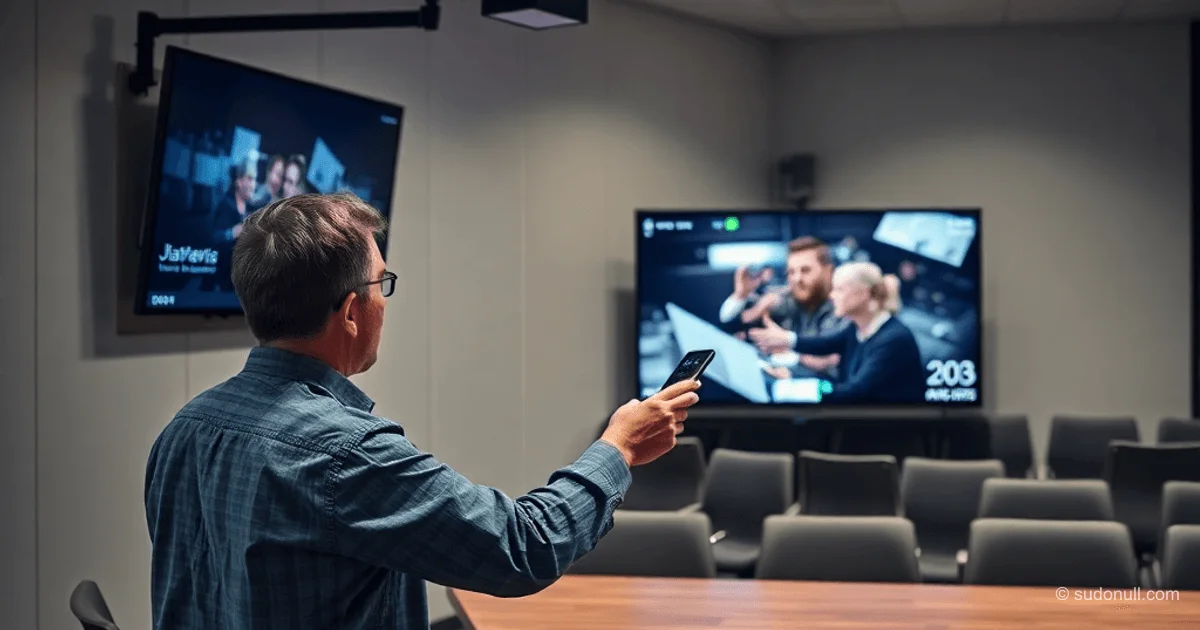
Budget Conference Room for Small Business: Technical Recommendations
For a conference room up to 30 people, sized 6x12 m, the display becomes the key element. Calculate screen height using the InfoComm formula: divide the nearest viewer distance by 2, and the farthest by 6 (for elongated rooms up to 8). For 16:9 screens, height is roughly half the diagonal. Avoid outdated 4:5 ratios due to lack of suitable content.
Place the bottom edge of the screen at a height of 1.2 m (seated eye level) or 0.9 m (table height). Prefer commercial TVs over consumer models:
- 16/7 operating mode vs. 8 hours for consumer models, extending lifespan.
- Better color reproduction and high frame rates without artifacts.
- RS-232 support for control.
Choose mounts considering VESA, weight, and diagonal. For wall mounting—tilt (not for touchscreens), for open-space—floor stands (Onkron with a shelf for a camera). Avoid ceiling mounts due to vibrations.
Cameras: From Web to PTZ
Webcams only provide a wide shot with low quality due to plastic lenses. Managed USB models like the Logitech Conference Cam PTZ Pro 2 with 10x zoom are recommended. Auto-tracking systems require precise distances to the speaker—problematic in small rooms.
Mount the camera above the screen for a natural gaze. Use a photo screw for fixation. With floor-to-ceiling screens—place it on the side at a low height, avoiding windows to prevent backlight.
Audio System and Microphones
Built-in TV speakers are suitable for output, but for monitors or projectors, use a soundbar or speakerphone. Choose speakerphones with directional microphone arrays (Jabra Speak2 75) instead of omnidirectional ones. Jabra Speak 510+ filters background noise but is limited to the table area.
Connect via Bluetooth, moving it on the table toward the active speaker. Output sound through the screen to avoid echo.
Cable Infrastructure
Without cable channels in the table, use a surge protector with USB under the cover. For video (HDMI/DP FullHD)—cables up to 10 m, but practically 7 m considering drops/rises. Test for compatibility with laptops.
USB for camera—active extenders (PALMEXX PX/EXT-USB30-10M). Over twisted pair—only for simple devices. Type-C hub (UGREEN CM498) simplifies switching: place it under the table, bring the port up top.
Hide floor cables—in floor cable channels.
Key Points
- Screen calculation per InfoComm: nearest/2, farthest/6 for optimal visibility.
- Commercial TVs 16/7: durability, RS-232, color reproduction.
- VESA mounts: check compatibility, avoid oversizing.
- Speakerphones with arrays: Jabra for noise suppression in small rooms.
- Active USB extenders: essential for cameras over 5 m.
— Editorial Team










No comments yet.