Building a DR Plan: Identifying Critical Services and Failure Points
A Disaster Recovery (DR) plan starts by focusing on end-user services. The goal is to minimize business process downtime, not just individual infrastructure components. Users notice outages at the service level: no access to email or the ERP system, not a failed disk on a server.
First, list your critical IT services—the tools without which the business loses revenue or efficiency:
- Corporate phone systems
- Enterprise resource planning (ERP, like 1C)
- Document collaboration platforms
- Network printing
- Internet access
- Corporate CRM and databases
Exclude non-critical items like game servers—they don't impact day-to-day operations.
Finding Failure Points in the Infrastructure
For each service, identify all potential failure points—infrastructure components whose outage makes the service unavailable. A failure point is any unit where troubleshooting stops at "it's down."
In modular devices (like routers), consider individual modules and chassis separately. If you can isolate and replace subcomponents, each is its own failure point.
Example for the "Email" service:
- Server OS (Linux/Windows Server)
- Email software (Postfix, Exchange)
- Core network switch
- Power systems (UPS, PDU)
- External DNS servers
- Blacklist filters (RBL)
- Server room climate control
- Data storage (SAN/NAS)
Don't overlook "reliable" gear: even a storage array with RAID and replication will need a recovery plan if it fails.
Analyzing Dependencies Between Failure Points
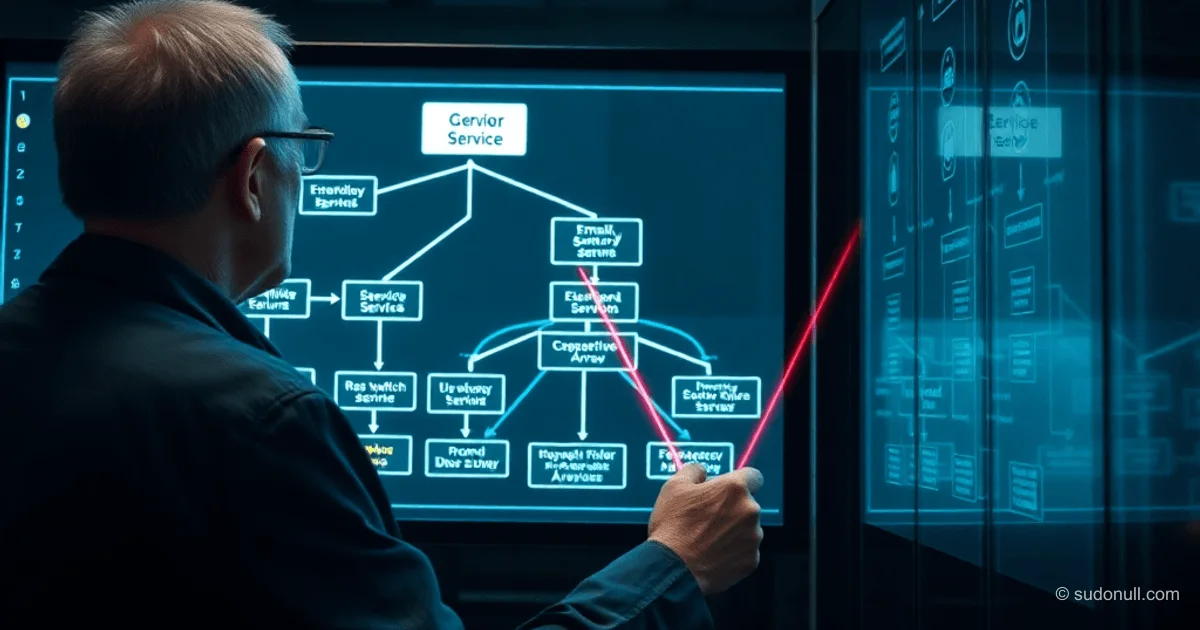
Failure points form a dependency graph: one outage can trigger a cascade in others. For instance, a UPS failure shuts down servers, and on hypervisor reboot, VMs might not start properly. A client-side switch, however, is independent.
For "Email," dependencies form a chain: power → servers → apps → network → external services. Extend this model across all critical services with an influence diagram.
This insight is key for prioritization: it dictates troubleshooting order, RTO/RPO targets, and risks. Later sections will cover recovery procedures and metrics.
Key Takeaways
- Focus on user-facing services, not hardware: businesses track downtime in minutes of lost key tools.
- List every failure point, no skipping "bulletproof" gear—Murphy's Law strikes anyway.
- Dependency graphs reveal cascading failures and speed up MTTR (Mean Time to Recovery).
- A DR plan turns reactive firefighting into proactive strategies with budgets and SLAs.
- Integrate with CMDB or ITSM for automated discovery.
— Editorial Team










No comments yet.