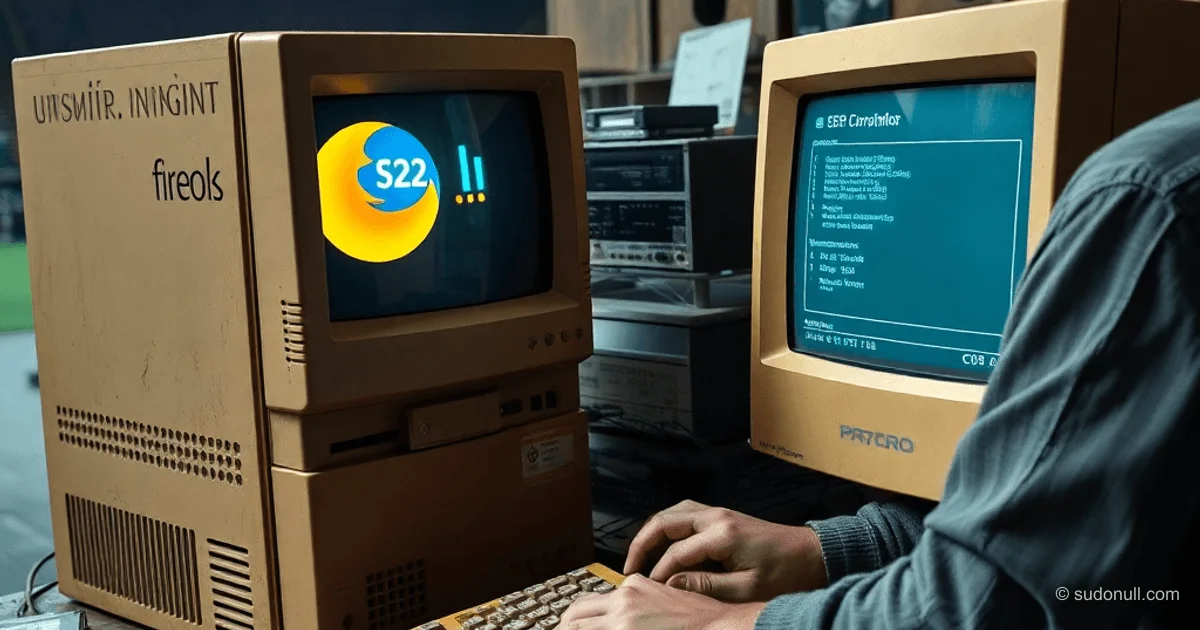
Optimizing Browsers and Windows XP on Old Hardware with 512MB RAM
On gear running Windows XP with just 512MB of RAM, the key to keeping things usable is picking a browser with rock-bottom CPU and memory demands. The last official Firefox versions for XP are 52.9 ESR (with SSE2 support) and 45.9 ESR (without SSE2). These builds handle HTTP/2 and some WebExtensions, so they play nice with modern web standards.
Fan-made builds push the envelope further:
- MyPal 78 (based on Firefox 68.12) — packs in features from newer versions, with a no-SSE2 option.
- K-Meleon 76.5.5 (Goanna engine) — the speed demon for weak hardware.
- Centaury 0.17 and PaleMoon 26.5.0 — XP-optimized forks.
- Tor Browser 7.5.6 (Firefox 52.9) and Basilisk for niche tasks.
Chromium-based options (Chrome 49, Yandex 17.4.1, Supermium) need SSE2 and at least 1.5GB RAM — save them as backups for stubborn sites.
Prepping Your System Before Install
Update root certificates first — without them, browsers and plugins like VLC or Flash will block HTTPS sites due to expired certificate authorities.
On Windows XP:
- Grab UpdRoots.exe for automatic updates (works offline with pre-loaded .sst files).
- Back up the original authroots.sst, roots.sst, and others in case you need to roll back.
In Firefox:
- For certificate errors (SEC_ERROR_UNKNOWN_ISSUER), hit "Advanced" → "Add Exception".
- The "Get Certificate" button often flops — manually import updated certs via about:preferences#privacy → Certificates.
Check your hardware:
- CPU-Z for SSE2 support.
- GPU-Z for your graphics card's DirectX/OpenGL level.
Tuning Firefox and Extensions
Install the latest ESR versions for rock-solid stability. For Firefox 53+ on XP, apply patches (involves DLL tinkering).
Top extensions for better performance:
- uBlock Origin (WebExtensions-compatible versions).
- NoScript to block scripts.
- User-Agent Switcher to mimic modern browsers.
- Fireminator to clear memory (frees up to 50% RAM).
Tweak about:config:
layers.acceleration.disabled= true (disable hardware acceleration).image.mem.max_decoded_image_kb= 25600 (cap image cache).network.http.pipelining= true (HTTP/1.1 speedup).
Windows XP Tweaks
Clean house:
- Ditch unneeded services:
services.msc→ disable Windows Search, Help and Support. - Slim down the registry:
msconfig→ kill startup junk. - In BIOS: enable AHCI (if SATA), tweak power saving.
For Vista-era apps: One-Core-API v4.0+ adds API compatibility but overwrites system files — risks BSOD and crashes. Test on a junk XP install.
Hardware Upgrades
With 512MB RAM:
- Bump it to 2–3GB (check mobo compatibility).
- Swap HDD for SSD (via IDE-USB adapter).
- Graphics card with ≥DirectX 9 for smooth rendering.
Dual-Boot: Windows XP + Linux
Install OSes on separate drives, toggling controllers in BIOS:
- Put Linux (AntiX 22) on an external drive.
- Disconnect it, install XP on the main one.
- Reconnect and pick boot drive with Esc/F6 keys.
Wine on AntiX runs XP apps (Firefox, old utils) on Pentium 4s without SSE2/OpenGL 2.0.
For IE6 workarounds: Enable TLS 1.0 in Internet Options for basic search engine access.
Key Takeaways
- Pick browsers by CPU: no SSE2 gets MyPal 45/52, SSE2 unlocks MyPal 78 or Supermium.
- Update root certs or 90% of HTTPS sites will lock you out.
- Add RAM and SSD for 200–300% snappier performance.
- Dual-boot XP+Linux with Wine as a legacy software lifeline.
- Skip One-Core-API on production rigs due to instability risks.
— Editorial Team










No comments yet.