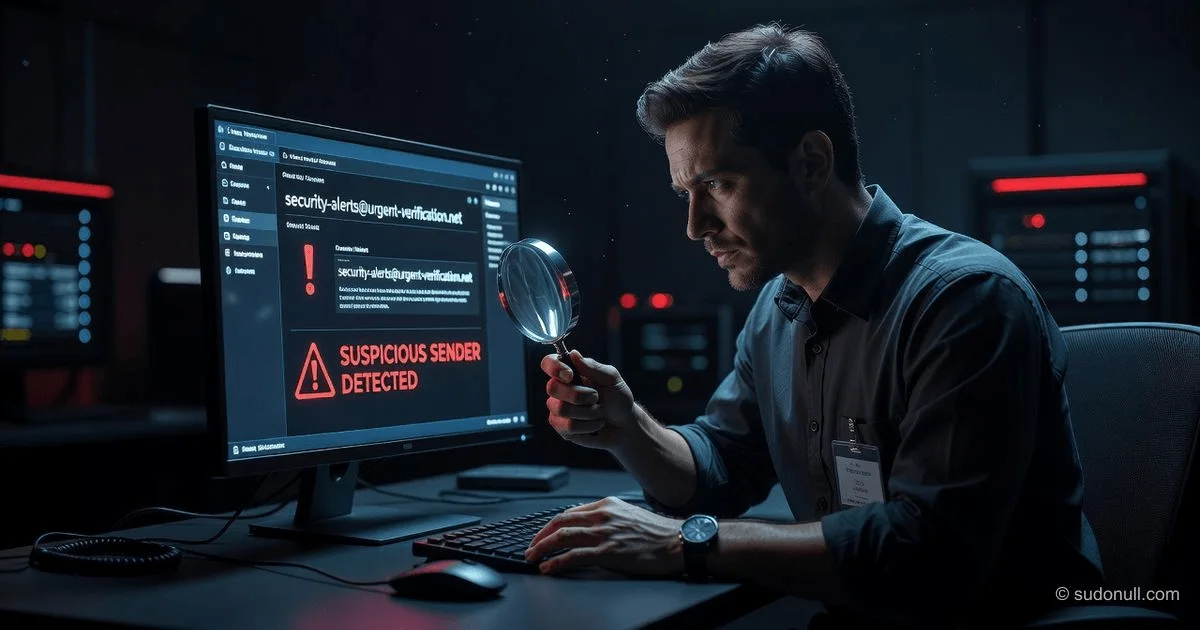
Phishing Attacks: How to Spot and Stop Them
In 2025, the average cost of a data breach reached an all-time high of $4.88 million, with phishing remaining the primary initial attack vector in over 40% of all incidents. While security software provides a critical first line of defense, the human element remains the ultimate battleground, making it essential for every individual and organization to master how to recognize and avoid phishing attacks before they compromise sensitive data.
What You'll Learn
Phishing attacks exploit human psychology rather than technical vulnerabilities, using urgency and fear to bypass logical reasoning. The most effective defense is a skeptical mindset combined with multi-factor authentication (MFA)—if you verify the sender's true identity and never use a link provided in an unsolicited message, you can stop over 90% of these threats without relying solely on technology.
The Anatomy of a Phishing Attack
Phishing is a form of social engineering where malicious actors impersonate legitimate institutions—banks, government agencies, or trusted colleagues—to steal credentials, financial information, or deploy malware. According to the Verizon 2024 Data Breach Investigations Report, 74% of all breaches involve the human element, with phishing and pretexting accounting for the majority of these errors.
To effectively learn how to recognize and avoid phishing attacks, you must first understand the three core psychological triggers that attackers weaponize:
- Urgency: "Your account will be suspended in 24 hours."
- Fear: "Unauthorized login detected from a foreign IP address."
- Authority: "This is a mandatory request from the CEO/IT Department."
Step 1: How to Spot a Phishing Attempt
The most sophisticated attacks can bypass even the best spam filters, but they rarely escape a trained eye. Here is a step-by-step verification process:
Check the Sender's Address (The Golden Rule)
Never trust the display name. A message may appear to come from "PayPal Support," but the actual email address might be [email protected] or [email protected]. Hover over the name to reveal the true source. Based on data from the Anti-Phishing Working Group (APWG), over 60% of phishing emails use domain names that are one character off from the legitimate brand.
Look for Linguistic and Visual Anomalies
- Poor Grammar: While AI has reduced typos, legitimate corporations employ professional copywriters.
- Generic Greetings: "Dear Customer" instead of your full name is a major red flag.
- Mismatched URLs: Hover over any link. Does it actually lead to
https://www.bankofamerica.com/or does it redirect to an IP address or a.tkdomain?
The Four-Question Test
Ask yourself these questions before clicking or downloading:
- Did I initiate this communication?
- Is the request logical?
- Does the email pressure me to act immediately?
- Does the message ask me to share a password, PIN, or MFA code?
⚠️ Critical Warning: Never reply to a suspicious email or use the contact information provided within it. If you believe the request might be legitimate, open a new browser window and navigate to the official website manually, or call the institution using a number from your physical records.
Step 2: Implementing Technical Defenses
While psychology is the front line, technical controls provide the necessary safety net. According to the National Institute of Standards and Technology (NIST) Special Publication 800-63B, the most effective protection against credential theft is Multi-Factor Authentication (MFA).
Non-Negotiable Security Protocols
- Multi-Factor Authentication (MFA): Even if an attacker steals your password, they cannot access your account without the second factor (SMS code, authenticator app, or hardware key). Enabling MFA can block 99.9% of automated attacks.
- Email Authentication Protocols: Organizations should implement SPF (Sender Policy Framework), DKIM (DomainKeys Identified Mail), and DMARC (Domain-based Message Authentication, Reporting, and Conformance) to prevent domain spoofing. These standards are officially published by the IETF and are considered the benchmark for email security.
- Password Managers: These tools autofill passwords only on the legitimate domain they are registered to. If you click a fake
facebo0k.comlink, the manager will refuse to autofill, serving as a real-time warning.
| Defense Layer | Purpose | Effectiveness against Phishing |
|---|---|---|
| MFA/2FA | Prevents stolen credential use | Extremely High (Blocks 99.9% of account compromises) |
| Spam Filters (AI) | Filters known malicious payloads | Moderate (Misses 15-20% of zero-day attacks) |
| Browser Warnings | Alerts users to malicious or unsafe sites | Moderate (requires user to pay attention) |
| Employee Training | Improves human detection rates | High (reduces risk by up to 70% when properly executed) |
Step 3: The "Zero Trust" Approach to Links and Attachments
A single click on a malicious link can launch a drive-by download or take you to a convincing "clone" website. To effectively master how to recognize and avoid phishing attacks, adopt a Zero Trust posture.
The Golden Rule for Links: Do not click the link in the email. If the email says "Your invoice is ready," navigate directly to the provider's website by typing the address yourself. If it is a message from your bank, open the bank's mobile app. This practice breaks the attack chain, rendering the fake URL useless.
The Golden Rule for Attachments: Treat all unsolicited attachments as hostile. Even if the file type appears to be a safe PDF or Word document, they can contain macros that execute code. If you must view the document, use a sandboxed environment or a cloud viewer (like Google Docs) which disables active scripts.
Step 4: Responding to a Suspected Attack
If you suspect you have engaged with a phishing attempt, time is of the essence.
- Disconnect: Immediately disconnect the affected device from the internet (turn off Wi-Fi and Ethernet) to stop malware from exfiltrating data.
- Report: Notify your IT department immediately if at work. For personal accounts, use the official "Report Phishing" feature in your email client to alert the provider.
- Change Passwords: Using a clean device (not the compromised one), change your passwords. Based on incident response best practices, prioritize financial and email accounts first.
- Monitor: Check for unauthorized transactions and enable credit monitoring.
The Business Perspective: Why Training is Non-Negotiable
For organizations, security awareness training is not a compliance checkbox but a business necessity. Research from Gartner suggests that organizations with continuous security training programs reduce the risk of material breaches by up to 40%. The most effective programs move beyond annual slideshows to "phishing simulations"—controlled tests that allow employees to learn by experience in a safe environment.
Simulations should provide immediate feedback: "You just clicked a test phishing link. Here is what you missed in the sender's address..." Based on aggregated data from security vendors, regular simulations can drive click-through rates down from 30% (on a first test) to under 5% within six months.
Understanding the Financial Impact of Spear Phishing
While broad "spray-and-pray" phishing campaigns are common, "Spear Phishing" (targeted attacks on high-value individuals) represents the greatest financial threat. The FBI's Internet Crime Complaint Center (IC3) reported that Business Email Compromise (BEC)—a form of spear phishing—caused over $2.9 billion in adjusted losses in 2023 alone.
A reasonable conclusion based on these figures is that organizations are grossly underestimating the cost of inaction. For a medium-sized enterprise, the cost of a comprehensive security training program is roughly 1/1000th of the average cost of a BEC incident, making the return on investment undeniable.
Frequently Asked Questions
1. How can I tell if a link is safe without clicking on it?
Hover your mouse cursor over the link to view the actual destination in the status bar of your browser. If the URL contains misspellings, a long string of random numbers, or a domain that doesn't match the company name (e.g., secure-login-paypal.com), it is a scam. For mobile devices, press and hold the link to preview the URL in a popup.
2. What should I do if I accidentally clicked on a phishing link? Immediately close the webpage and do not enter any information. If you suspect malware, disconnect your device from the internet and run a full security scan. Change your passwords for the compromised account from a separate, clean device, and enable MFA if you haven't already.
3. Can a simple phone call be a phishing attack? Yes, this is known as "Vishing" (Voice Phishing). Attackers may call pretending to be from your bank's fraud department. Never give out sensitive information like MFA codes or Social Security numbers over the phone to an unsolicited caller. Hang up and call the organization back using the number on the back of your credit card.
4. Why does my spam filter still let phishing emails through? Attackers are constantly evolving. They use new domains, legitimate email services, and variable content to bypass signature-based detection. Spam filters are highly effective but not infallible; they rely on reporting and pattern analysis, which takes time to update against new threats.
5. Is it safe to click "Unsubscribe" at the bottom of a suspicious email? No. Clicking "Unsubscribe" in a phishing email often confirms to the attacker that your email address is active and monitored by a human. This usually results in an increase in spam, not a decrease. Instead, mark the message as junk in your email client to train your filter.
— Editorial Team









No comments yet.