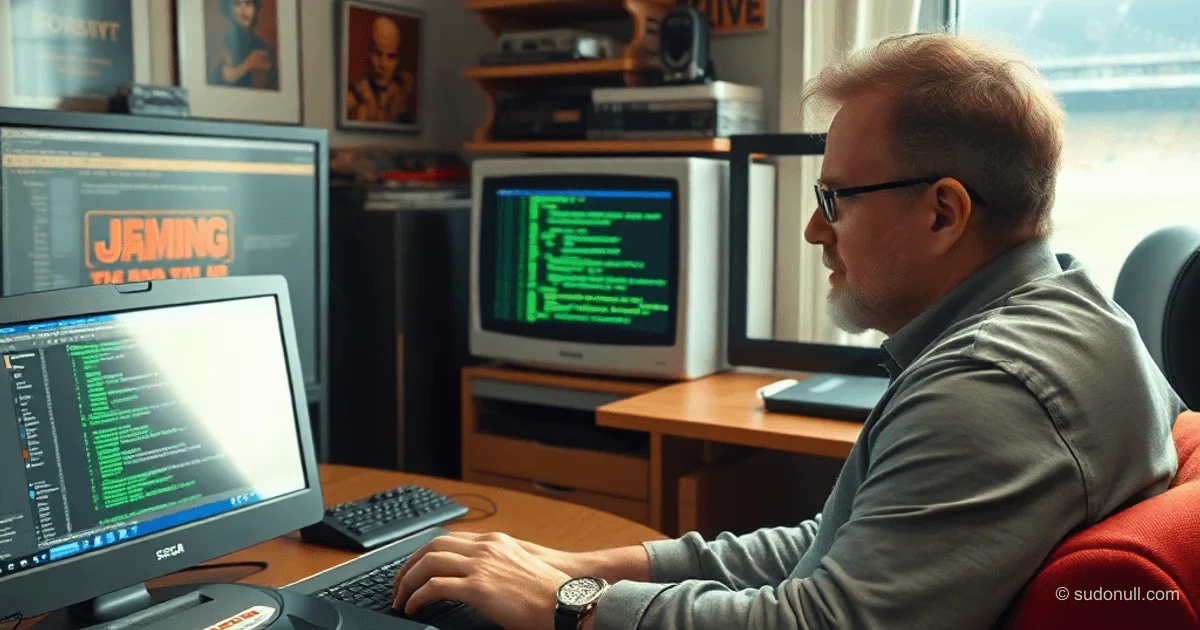
# Developing Games for Sega Mega Drive in Java: A Technical Guide
Yes, you can develop games for the Sega Mega Drive using Java. This is made possible by the Java Grinder project—a translator that converts JVM bytecode into Motorola 68000 assembler. Although the platform is outdated, interest in retro development remains high among engineers, especially with unconventional ways to interact with legacy hardware.
Setting Up the Environment
Java Grinder was originally developed for Linux, so on Windows, it's recommended to use WSL. You need to install the javac compiler (e.g., via OpenJDK) and the make utility. Then follow these steps:
- Clone the Java Grinder repository and build the
java_grinderexecutable. - Generate the
JavaGrinder.jarlibrary using themake javacommand. - Build the naken_asm assembler and place it in the Java Grinder directory.
- Use a template project (e.g., Empty-project-Java-Grinder) as the basis for your new game.
All these components form a minimal toolchain for translating Java code into a ROM image compatible with emulators or the original console.
Working with Graphics
The Sega Mega Drive uses a tile-based graphics system: the screen is built from 8×8 pixel blocks. Each tile takes up 32 bytes in video memory (VRAM), and each pixel's color is determined by an index in a 16-color palette. The palette is stored in CRAM (Color RAM) and consists of 9-bit values.
Example palette declaration:
public static short[] palette = {
  0xECE, 0x0A0, 0x0C0, 0x080, 0xEEE, 0x88C, 0xAAE, 0x246,
  0x8AE, 0x68C, 0x66A, 0xE80, 0xEA0, 0xC60, 0xC40, 0xA00
};
Colors are specified in a 9-bit palette format, where each channel (R, G, B) is represented by 3 bits. Conversion from RGB uses this formula:
((B >> 5) << 9) | ((G >> 5) << 5) | ((R >> 5) << 1)The reverse conversion is imprecise due to information loss from the shift.
Background and Sprites
The background consists of three components:
- Palette —
short[]array. - Tiles —
int[] patternarray containing encoded pixel data. - Tile map —
int[] imagearray indicating which tiles to display and in what order.
Loading the background is done via the API:
SegaGenesis.setPaletteColors(palette);
SegaGenesis.setPatternTable(pattern);
SegaGenesis.setImageData(image);
Sprites work similarly, but without a tile map. Each sprite is loaded directly into VRAM, which is less efficient but simpler to implement. Sprite control uses these methods:
setSpritePosition(index, x, y)— sets the coordinates.setSpriteConfig1()andsetSpriteConfig2()— define size, palette, VRAM address, and reflection flags.
Important: Sprites are rendered in a 512×512 coordinate system, where the top-left screen corner corresponds to point (128, 128).
Gamepad Input
The API provides the SegaGenesis.getJoypadValuePort1() method, which returns a bitmask of button states. Constants for checking:
public static final int JOYPAD_UP    = 0x0001;
public static final int JOYPAD_DOWN  = 0x0002;
public static final int JOYPAD_LEFT  = 0x0004;
public static final int JOYPAD_RIGHT = 0x0008;
public static final int JOYPAD_B     = 0x0010;
public static final int JOYPAD_C     = 0x0020;
public static final int JOYPAD_A     = 0x1000;
public static final int JOYPAD_START = 0x2000;
Proper button press checking requires bitwise operations:
int state = SegaGenesis.getJoypadValuePort1();
if ((state & SegaGenesis.JOYPAD_A) != 0) {
  // Handle button A press
}
This allows correct handling of multiple simultaneous button presses.
Limitations and Features
- Only uppercase Latin alphabet is supported for text output.
print()functions do not perform automatic line wrapping.- The font occupies a fixed VRAM range (0x0460–0x0479) — it cannot be overwritten.
- Maximum palette size is 16 colors per element (background or sprite).
- Sprites have separate palette slots (indices 16–63 in CRAM).
Key Points
- Java Grinder translates JVM bytecode into 68K assembler, enabling Java for retro platforms.
- Graphics are based on 8×8 tiles with a 16-color 9-bit palette.
- Input requires bitwise checking of gamepad state.
- Background and sprites are loaded separately, with different memory limits.
- Exact RGB color reproduction is impossible without a lookup table.
— Editorial Team










No comments yet.