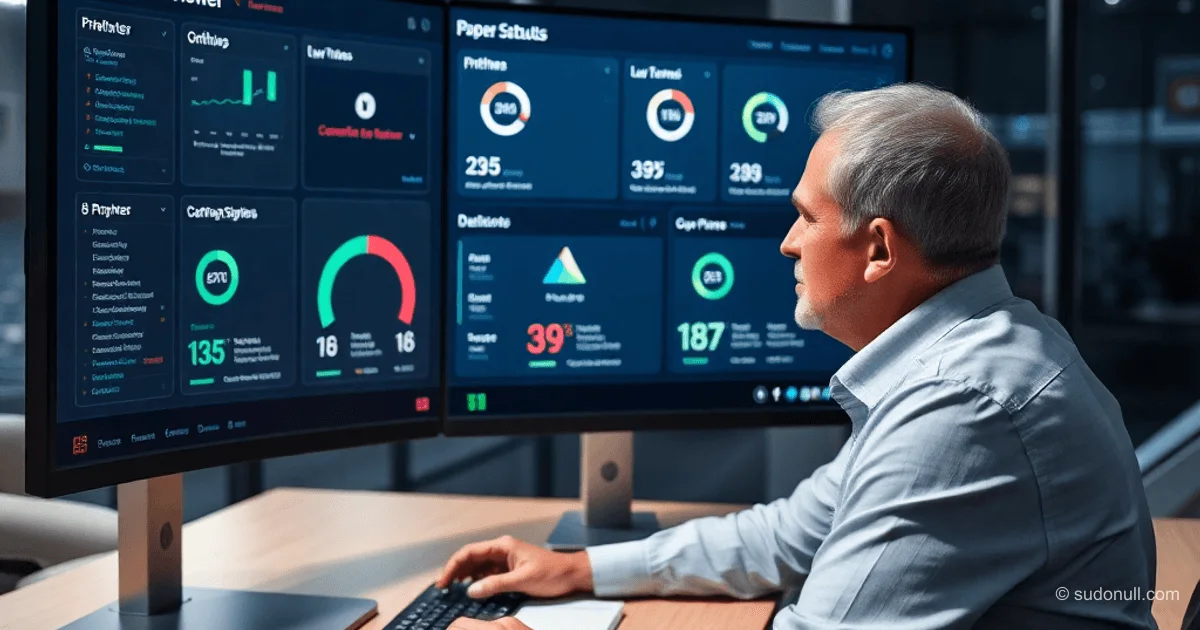
Kyocera Net Viewer: Monitoring Tool for Scaling L1 Printer Support
As the number of printers grows—from a few units to dozens across floors and departments—manual support at the L1 level becomes unsustainable. Tickets often consist of vague descriptions like "doesn’t print," "blinking lights," or "urgent." Kyocera Net Viewer solves the visibility gap by scanning your network via SNMP, detecting devices, pulling status data, and displaying it in a clear interface. It’s an observability layer focused on real-time device state—no remote control features included.
Most L1 incidents aren’t hardware failures but issues with print queues, toner levels, or user errors. Without a tool, technicians are blind until they arrive on-site or connect remotely. With Kyocera Net Viewer, you gain early insights into toner levels, online status, and print queue depth.
Key Benefits for Daily L1 Operations
The tool shifts focus from reactive firefighting to proactive prevention:
- Issue Prevention: Spot low toner levels ahead of time and alert before critical failures occur.
- Fewer Unnecessary Steps: No more back-and-forth questions or unnecessary site visits—status is visible instantly.
- Confident Communication: Instead of "Check if the printer is on," say "Device is offline—likely powered off."
This cuts down time on routine tickets, moving from guesswork to data-driven troubleshooting.
Real-World Use Cases
In retail locations or distributed office environments, Kyocera Net Viewer becomes part of daily L1 workflows. Example: Monitoring 20+ devices via SNMP reveals a 50-job print queue on a remote department’s printer. The technician sees this before any ticket is raised and reroutes print jobs proactively.
Another scenario: blinking indicator lights. The interface displays error codes, supply status, and network connectivity—enabling remote classification of 80% of incidents without physical access.
Risks and Best Practices
The tool isn’t perfect: status data may lag if SNMP responses are delayed or if a device is physically offline. Over-relying on icons can lead to misdiagnosis.
Recommended Usage Guidelines:
- Always verify critical statuses on-site or via remote access.
- Combine with other tools: logs, RDP for driver checks.
- Set alerts only for key metrics (e.g., toner <10%, offline >5 minutes).
- Document false positives to refine scanning accuracy.
What Matters Most
- Kyocera Net Viewer is an SNMP-based observability layer for Kyocera printers—no remote management included.
- Reduces L1 resolution time by 50–70% on common tickets through early visibility.
- Enables proactive alerts before users even report issues.
- Risk: Status data isn’t always 100% accurate—use as a guide, not a guarantee.
- Ideal for mid-sized networks (10+ devices) in retail and office settings.
Scaling Support Remotely
Without monitoring, L1 support devolves into a cycle: "run over, check, fix." At scale, this leads to burnout and recurring problems. With Kyocera Net Viewer, the focus shifts to patterns: analyzing logs by department uncovers systemic issues like outdated drivers or peak load spikes.
Adoption transforms KPIs: average resolution time (MTTR) drops, user satisfaction rises. Senior technicians can automate alerts or integrate with ticketing systems via API (if available).
— Editorial Team










No comments yet.