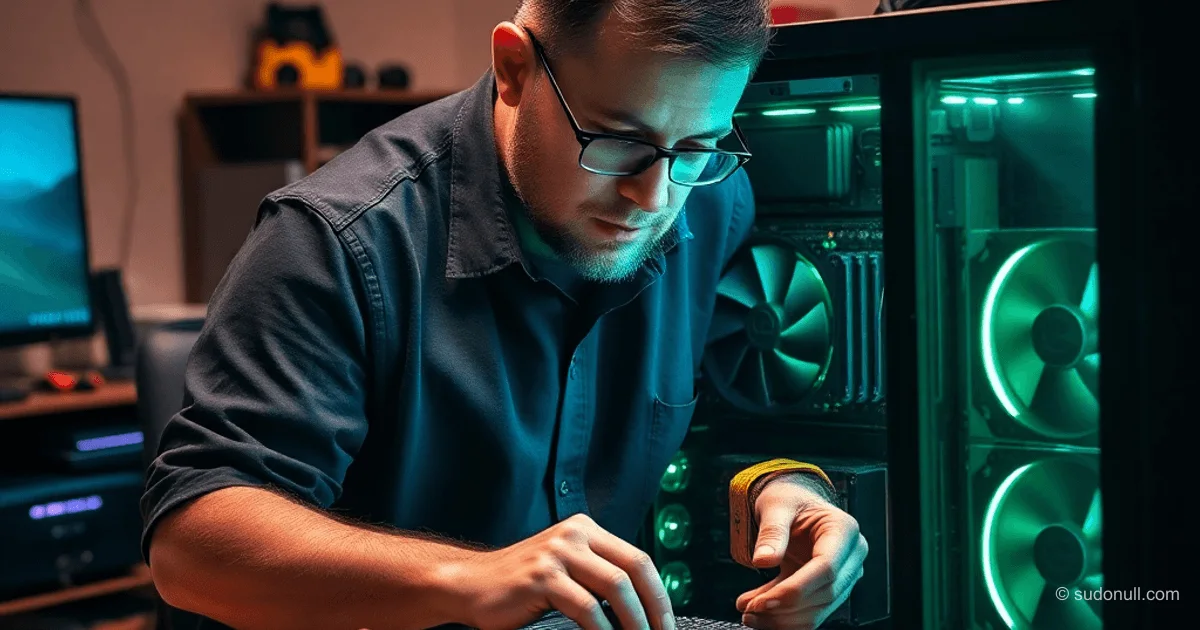
Building a Mining Rig for Local LLM Inference on RTX 3090
Running gpt-oss-120b locally on three RTX 3090 GPUs demands mining motherboards packed with PCI slots. Tests proved standard desktop boards can't handle this setup due to space and bandwidth limits. Switching to ETH B75 and H510 Pro BTC+ boards let us fit the cards and hit 110 t/s on Q8_K_XL quantization via llamacpp.
Tests used NVIDIA driver 580.82.07 with the prompt: "Write a full Vulkan triangle renderer app in Go." We measured initial inference speed for the MoE model, where performance drops as context fills up.
GPU Selection
The base used cards with varying TDP and power connectors:
- Tesla P40 (250W, CPU connector, 2 PCI slots) — unstable on x1 lanes.
- RTX 3090 TI KFA2 (450W stock, 360W real-world, 12+4 pin, >3 slots).
- Asus Rog Strix RTX 3090 (390W stock, 480W max, 3x PCI).
- Gigabyte RTX 3090 Gaming OC (350W stock, 400W max, 2x PCI).
Three RTX 3090s in the final build deliver stable inference without power constraints.
First Build: ETH B75 + Case + PSU
Kit for $35: horizontal case with 4 turbine fans, ETH B75 (LGA 1155, 8x PCI x1, 1x DDR3 SO-DIMM, 100 Mbps Ethernet) and True Miner 1800W PSU.
Issues:
- Tesla P40 fails on x1.
- Loading gpt-oss-20b (12GB) — 80s, inference 100 t/s (load <80%).
- PSU too noisy for home use.
Case tailored to ETH B75 with specific slot spacing.
Switch to H510 Pro BTC+
Board for $48 (LGA 1200, 1x DDR4 up to 3200 MHz, Gigabit Ethernet, PCIe x16, sync for 2 PSUs) paired with Celeron G5905 3.5 GHz and 8GB DDR4 2400 MHz.
Results with Tesla P40 + 2x RTX 3090:
- Loading gpt-oss-120b (64.4GB) — 3:30 min (~314 MB/s).
- Inference — 65 t/s.
Full x16 slot fixes Tesla issues, but weak CPU holds it back.
GPU and PSU Swap
Gigabyte RTX 3090 Gaming OC replaces Tesla. Azerty Red Power 1050W ($53) swaps out the noisy unit.
Limit: power cap at 170W due to cables — inference 100 t/s.
Speeding Up Model Loading
Bottleneck: DMI x4 PCIe 3.0 (~4 GB/s) for SATA SSD, M.2 (SATA3), and peripherals.
Pre-optimization flow:
SATA SSD (~550 MB/s)
 → DMI (~4 GB/s)
  → CPU
 → DMI (~4 GB/s)
 → PCIe x1 (~1 GB/s)
 → GPU
Optimization: NVMe SSD via PCIe adapter in x16 slot.
NVMe (~3 GB/s)
 → PCIe x4 (~4 GB/s)
 → CPU
 → DMI (~4 GB/s)
 → PCIe x1 (~1 GB/s)
 → GPU
Result: loading drops from 3:30 to 2 min, speed ~549 MB/s (x1 limit ~985 MB/s + unpacking/allocation overhead).
Final Upgrade
- CPU: i5-10600KF 6-core 4.1 GHz ($74).
- RAM: 16GB DDR4 3200 MHz.
- PSU: Azerty 1200W ($64, 12VHPWR + 5x PCI).
Result: inference 110 t/s (+10%), loading unchanged. Total TDP ~800W. mxfp4 quantization boosts tokens further.
Right-angle cable connectors let the case lid close.
Key Takeaways
- Mining boards (H510 Pro BTC+) essential for 3+ GPUs due to slots and bandwidth.
- NVMe in x16 slot speeds LLM loading 40% vs SATA over DMI.
- CPU/RAM upgrades yield <10% gains — minimal ROI.
- 3x RTX 3090 at 110 t/s replaces cloud for gpt-oss-120b.
- Total cost ~$480–530 (GPUs excluded).
— Editorial Team










No comments yet.