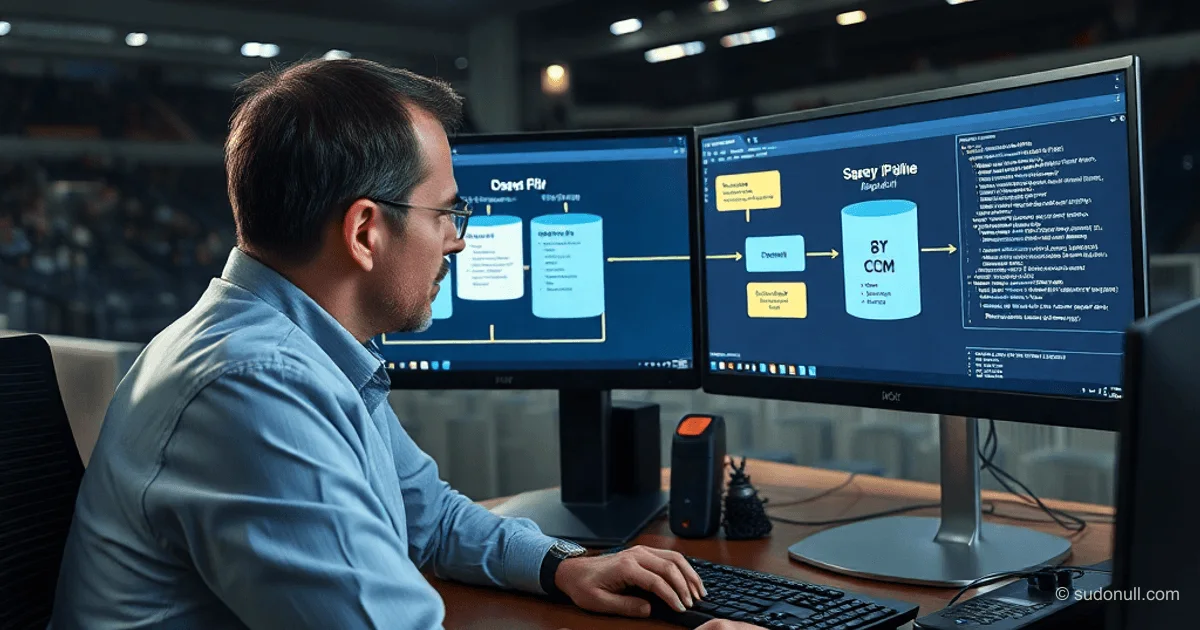
Migrating Data from 1C:ERP to 1C:HC: Python, SQLite, and COM Pipeline
1C developers often hit roadblocks with standard conversion tools when switching from ERP to HC. Custom source modifications, data structure mismatches, and repeated runs call for an intermediate layer. A Python + SQLite + COM pipeline delivers full transparency: import to raw databases, mapping-based processing, and export to the target. Open-source code is available on GitHub.
Three-Stage Architecture
The pipeline breaks down into independent stages:
- import: Read from ERP via COM, normalize, and save to SQLite.
- process: Transform to fit HC model using field, type, and reference mappings.
- export: Locate/create objects in HC and write via COM.
Intermediate SQLite databases let you inspect data at every step and compare raw vs. processed versions. Each entity gets its own database file.
Migration Pipeline Requirements
This setup tackles key industrial migration challenges:
- Transfer related entities while respecting dependencies.
- Separate reading, processing, and writing.
- Store intermediate data for analysis.
- Auto and manual field/enum mappings.
- Dedicated reference tracking by UUID.
- Selective re-export of records.
- Web interface for launching and monitoring.
- Scheduled auto-runs with notifications.
Why SQLite as the Intermediate Layer
SQLite shines for practicality:
- Local access, no server needed.
- Easy stage-to-stage comparisons.
- Handles repeated runs without issues.
- One DB per entity and stage.
Data format is predictable: references in JSON with display name, UUID, and type; enums as Enum.Name.Value.
{
  "presentation": "Romashka LLC",
  "uuid": "xxxxxxxx-xxxx-xxxx-xxxx-xxxxxxxxxxxx",
  "type": "Catalog.Counterparties"
}
Import from ERP: Modular Structure
Modules in IN/ connect to ERP via COM, run queries, normalize types, and save to DB. Core tasks:
- Extract display names and UUIDs for references.
- Handle enums.
- Preserve types for later transformation.
Automated ERP and HC metadata export generates initial mappings, compares attributes, and flags discrepancies.
Data Processing: Processor and Mappings
The process stage is the heart: field renaming, type conversion, account consolidation, reference prep. Logic splits into:
- Core processor for infrastructure.
- Custom
PROCESS/<catalog>_processor.pyfor business rules.
Mappings live in dedicated files:
catalog_mapping.json— loader/processor/writer routes.chart_of_accounts_mapping.json— chart of accounts.- Object, field, type, and enum matches.
Automation drafts from metadata; manual tweaks handle semantics.
Reference Management: reference_objects Database
A dedicated DB tracks created objects by UUID:
- Source reference (object, field).
- Record status.
- Support for partial updates and re-exports.
This cuts through error chaos: reference status is always visible.
Export to HC
The writer reads the processed DB, finds objects by key, populates attributes, and updates reference_objects. Key win: data is prepped, debugging is straightforward.
Operational Web Interface
Web layer kicks off the pipeline, displays logs, DBs, and selective exports. No logic duplication, team-friendly access.
Automation and Scheduling
Scheduler integration: overnight runs, messenger alerts. From manual kicks to hands-off operations.
Edges Over Standard Conversion
This pipeline delivers:
- Transparent intermediate data.
- Export-analyze-tweak cycles.
- Controlled mappings and references.
- Granular oversight.
- Web UI and scheduling.
Faster onboarding of new entities, no full rebuilds.
Key Takeaways
- Three-stage SQLite pipeline slashes migration risks.
- Auto + manual mappings speed custom setups.
- Dedicated reference tracking prevents data loss.
- Web UI and scheduling operationalize the process.
- Open-source code for easy replication.
— Editorial Team










No comments yet.