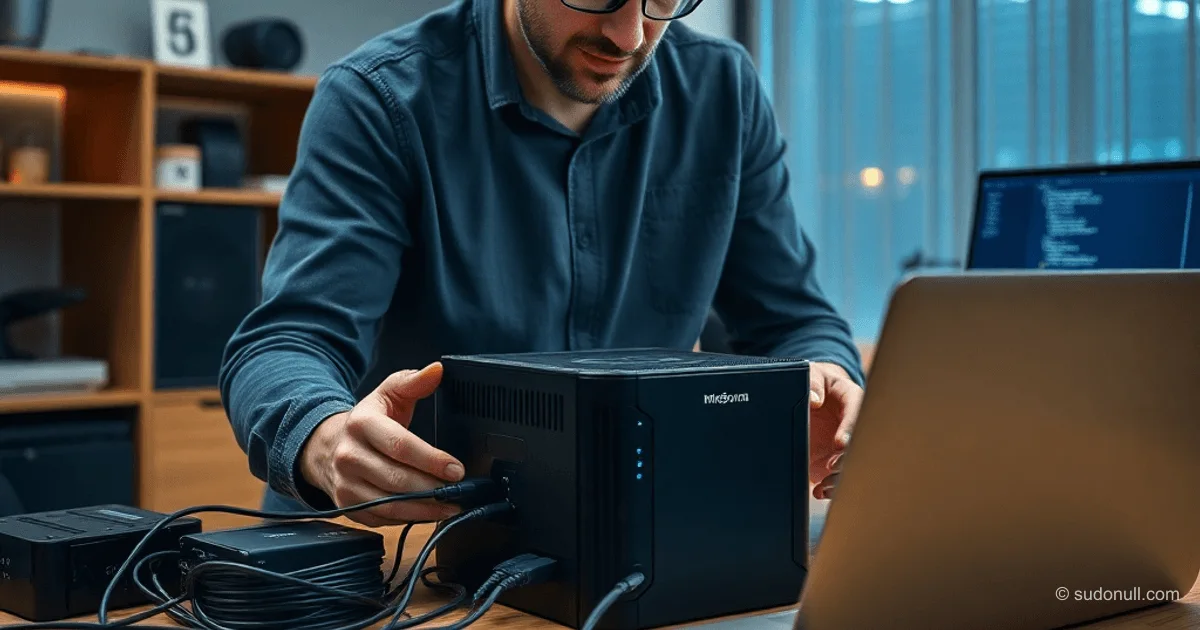
Minisforum N5 Pro: From DIY Chaos to a Ready-to-Use Home Server
Home NAS setups often start as a mess of external drives: duplicate files, tangled cables, and constant failure risks. Classic PC builds take forever to assemble, run loud fans, and rarely pay off. Off-the-shelf Synology or QNAP units skimp on CPU and RAM in budget models, while high-end ones cost as much as full servers.
Routers like the Xiaomi BE10000 Pro with 10Gbps ports and NVMe slots seem like a compromise, but their container support is gutted: limited bind mounts, permission headaches, and volumes-from that complicate deployments. Rooting the firmware is risky. USB data copying fails when disks crap out—SMART flags critical errors, and ddrescue keeps bombing.
Needs evolve: you want a server for storage, containers, VMs, and ditching VPS bills (over $70/month).
Minisforum N5 Pro Specs
x86 powerhouse with 24 CPU threads, up to 96GB RAM, integrated graphics (handles transcoding and even light gaming loads). Slots galore: multiple NVMe, PCIe, OCuLink, up to five 2.5" HDD/SSD bays, dual Ethernet (10Gbps + 5Gbps).
What's in the box: the unit, power brick, HDMI, RJ-45, expansion board, disk mounting screws. Compact chassis, sturdy packaging for shipping. Downside: external power supply.
Price in China: ~$1,000 with RAM (~$800 without); buying RAM separately jacks up the cost.
Setup and Interface
Plug it in, grab the app (Mac/iOS). Setup wizard via IP over HDMI: Russian language support, dead-simple UI. Needs a storage pool with a disk to kick off (the built-in 128GB NVMe won't boot solo).
Main dashboard is straightforward: containers (docker-compose ready), VMs (TrueNAS and others in two clicks), DLNA streaming. Runs whisper-quiet without HDDs. Easy OS reinstall.
Quick Start Guide:
- Connect via HDMI, note the IP.
- Enter IP in the app, run the wizard.
- Create an account.
- Slot in a disk, init the pool.
- Jump into the dashboard.
Real-World Use Cases and Plans
- Data Recovery: ddrescue dying drives via direct connect.
- Backups: Squeeze iCloud before sub expires (+30 days access).
- Drives: New HDD/SSD (~$230 for 4TB), used, or hybrid—goal is ditching externals.
- Services: Unlimited containers, VMs for tinkering.
Drawbacks: No direct terminal/Linux app installs (fix with VM), rising drive prices.
Key Takeaways
- Full server, not just NAS: storage + compute (containers, VMs).
- Beastly hardware: 24 threads, 96GB RAM, 10Gbps Ethernet, OCuLink.
- Plug-and-play setup with Russian UI and out-of-box docker-compose.
- Ditch VPS costs, kill the cable jungle.
- Price justified for mid/senior devs with side projects.
This is your no-compromise platform for storage, hosting, and testing—better than DIY hacks or gimped routers.
— Editorial Team










No comments yet.