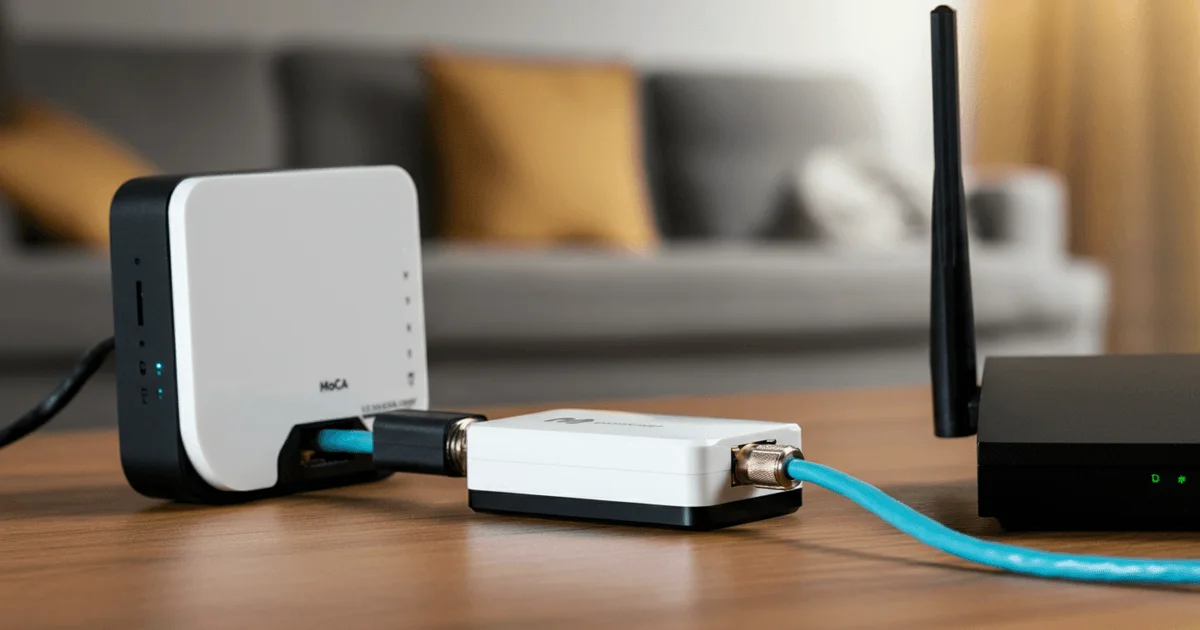
MoCA 2.5: Gigabit Internet Over Coaxial Cable for a Stable Home Network
In situations where running new Ethernet cables in an existing home is difficult, and Wi-Fi fails to deliver the required stability and speed, MoCA (Multimedia over Coax Alliance) technology offers an effective solution. It leverages your existing coaxial cable infrastructure, originally designed for television, to transmit high-speed internet signals. This provides an alternative for creating a stable wired network with speeds up to 2.5 Gbps, overcoming the limitations of wireless networks and the high cost of installing new cables.
How MoCA Works and Its Advantages
MoCA technology is designed to transmit high-speed data over standard coaxial cables, typically used for cable television. The core principle involves using specialized MoCA adapters that convert an Ethernet signal into a high-frequency signal for the coaxial cable and then back again. These adapters operate on a "plug and play" basis, requiring no complex configuration. The current MoCA 2.5 standard supports speeds up to 2.5 Gbps with a minimal latency of 3–5 ms, comparable to wired Ethernet.
Comparing MoCA with other data transmission technologies:
- Ethernet: The gold standard for wired networks, offering 1–2.5 Gbps and excellent stability. Its primary drawback is the need to run new cables, which can be expensive and labor-intensive in homes that are already finished or renovated.
- Powerline: Utilizes existing electrical wiring. Speeds typically don't exceed 50–200 Mbps and are highly dependent on the quality and configuration of the electrical grid. Stability can also be inconsistent.
- Wi-Fi Mesh: A convenient wireless solution providing whole-home coverage. However, speed (200–800 Mbps for backhaul) and stability depend on numerous factors: node placement, obstructions (walls), and interference from neighboring networks. A portion of the Wi-Fi bandwidth is also consumed for communication between nodes (backhaul), which reduces the available speed for end-user devices.
MoCA 2.5 stands out by offering speeds comparable to Ethernet without the need for new cable runs, by utilizing existing infrastructure. This makes it an attractive solution for upgrading home networks, especially in multi-unit dwellings where coaxial cables are often pre-installed in every room.
The Challenge and MoCA Network Architecture
The primary goal of implementing MoCA in this scenario was to address two key issues: ensuring a stable wired connection for a desktop PC in the office and creating a wired backhaul for a mesh Wi-Fi system. Traditional Wi-Fi, despite its convenience, exhibited inconsistent speeds, fluctuating between 50 and 500 Mbps, which failed to meet the requirements for reliable access.
A wired backhaul in a mesh system is critically important for maximizing performance. Without it, mesh nodes communicate wirelessly via Wi-Fi, which reduces overall throughput as a portion of the radio channel is used for inter-node traffic. Connecting nodes with an Ethernet cable (or, in this case, via MoCA) frees up Wi-Fi bands for client devices, significantly boosting the speed and stability of the entire wireless network.
The planned network architecture included the following components and connections:
- Entry Point Node: The provider's Optical Network Terminal (ONT) connects to the first mesh node via Ethernet. From the first mesh node, an Ethernet cable runs to the first MoCA adapter. This adapter, in turn, distributes the signal via a coaxial splitter to two coaxial cables leading to the living room and the office.
- Living Room Node: The coaxial cable from the wall connects to the second MoCA adapter. From there, an Ethernet cable goes to the second mesh node, thus forming a wired backhaul between the mesh nodes.
- Office Node: The coaxial cable from the wall connects to the third MoCA adapter, which directly provides a wired Ethernet connection for the desktop PC.
Implementing this setup required three MoCA adapters, one coaxial splitter supporting MoCA's high frequencies, as well as various F-connectors, coaxial patch cables, and standard Ethernet cables.
Installation Process and Overcoming Technical Hurdles
The installation of the MoCA system began with preparing the coaxial cables in the central utility closet. The bare ends of the cables leading to the living room and office were stripped, and twist-on F-connectors, which require no special tools, were attached.
The initial attempt to connect the MoCA adapter in the office to a standard TV wall outlet proved unsuccessful. This is because typical television outlets often contain a built-in low-pass filter, which only allows signals up to 862 MHz, whereas MoCA operates in the 1125–1675 MHz range. For proper operation, it was necessary to dismantle the TV outlet, remove its filter, and connect the MoCA adapter directly to the coaxial cable emerging from the wall, using an F-connector and a female-to-female adapter for extension. After connecting and powering the adapters, they synchronized within 30 seconds, indicated by flashing lights. Connecting the PC via Ethernet to the adapter confirmed a successful wired connection.
A similar procedure was carried out in the living room for connecting the second mesh node. After successfully testing both channels, a coaxial splitter was installed in the utility closet at the entry point. It's crucial to note that the splitter must be wideband, supporting frequencies up to 2600 MHz, to avoid blocking the MoCA signal. Connecting the splitter allowed both MoCA channels (to the living room and office) to be used simultaneously from a single central adapter. The entire installation process took about two hours, including time spent troubleshooting the unexpected issues with the TV outlets.
Required Equipment and Financial Outlay
Acquiring MoCA adapters and related equipment can sometimes be challenging in certain regions, as they are not always readily available in local retail stores. In this particular case, all components were ordered through international shipping services from Amazon. The total project cost amounted to approximately $280, including shipping and customs fees.
List of main components:
- MoCA 2.5 Adapters (e.g., goCoax MA2500D): 3 units. These adapters support speeds up to 2.5 Gbps and are equipped with a 2.5GbE port. They require external power, and since the adapters typically come with US plugs (Type A), power adapters for European outlets were necessary.
- Coaxial Splitter (e.g., TKCHAX 2-way): 1 unit. It is critically important to choose a splitter that supports a frequency range up to 2600 MHz. Standard TV splitters with an 862 MHz limit are unsuitable.
- F-connectors (twist-on): Several units. Used for quick and reliable connection of coaxial cables without the need for a crimping tool.
- Coaxial Patch Cables: Several units of various lengths for connecting adapters to the splitter and for cable extensions.
- Ethernet Cables (Cat6): Several short patch cables for connecting MoCA adapters to the router, mesh nodes, and PC.
- US→EU Power Adapters: 3 units for powering the MoCA adapters.
The economic viability of this solution is justified by achieving high internet stability and speed throughout the home without major renovation work or the installation of new cable infrastructure. In the long run, this can be more cost-effective than constantly battling Wi-Fi limitations.
Implementation Results and Key Takeaways
Upon completion of the MoCA 2.5 system installation and configuration, significant improvements were observed in the quality and stability of the home network. While previous Wi-Fi speeds fluctuated widely, the transition to MoCA in the office and the use of a wired backhaul for the mesh system resulted in consistently achieving speeds close to the provider's advertised tariff (500 Mbps). Speed tests from the PC connected via MoCA showed impressive results: approximately 524 Mbps download, 477 Mbps upload, with an 8 ms ping. These metrics remained stable regardless of the time of day or network load, significantly surpassing the previous experience with wireless connections.
This approach enabled the creation of a high-performance and reliable home network that effectively supports all modern bandwidth demands, whether for online gaming, 4K video streaming, or video conferencing.
Key Takeaways:
- MoCA 2.5 is an effective solution for creating a gigabit wired network using existing coaxial cables.
- For MoCA to function correctly, it's necessary to remove filters from standard TV wall outlets and use wideband splitters (up to 2600 MHz).
- The technology provides stable speeds up to 2.5 Gbps and low latency, comparable to Ethernet.
- The implementation cost (around $280) is justified by the elimination of expensive new cable runs and a significant enhancement in network quality.
- MoCA is ideal for wired backhaul in mesh systems, freeing up Wi-Fi bands for client devices.
— Editorial Team










No comments yet.