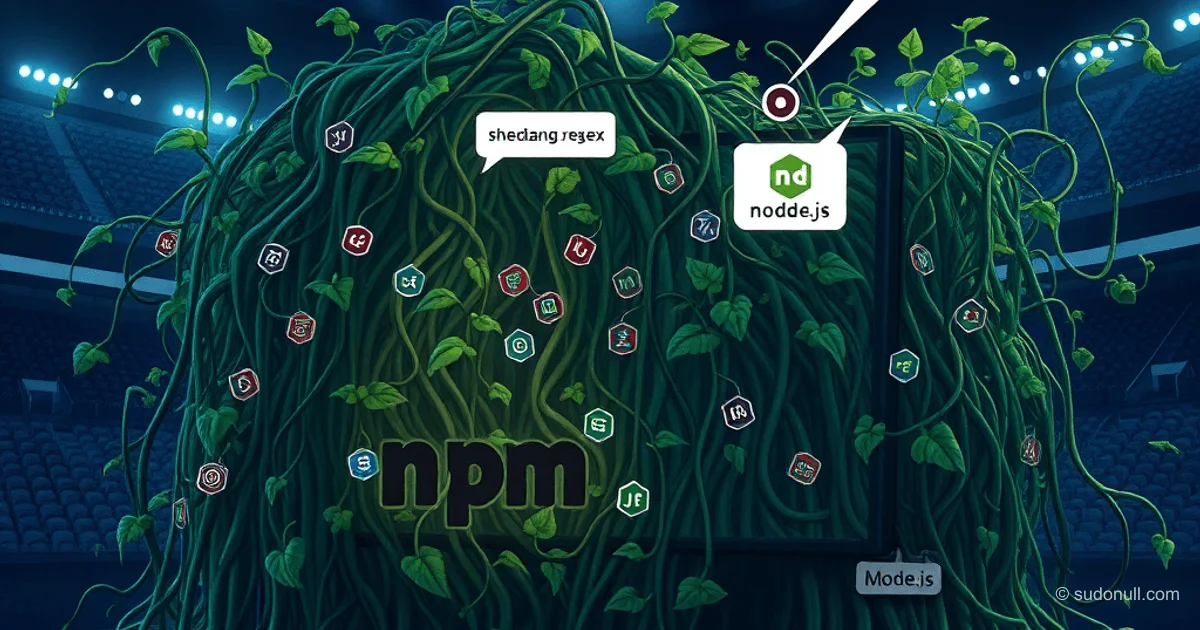
Why npm Dependency Trees Bloat: Three Key Reasons
Dependency trees in JavaScript projects often grow due to outdated packages and redundant platform features. This leads to unnecessary download costs, version conflicts, and supply chain vulnerabilities. Let's explore three typical scenarios that explain this situation and how to fix them.
Legacy Environment Support and Realm-Specific Issues
Many packages like is-string or hasown exist for compatibility with ancient runtimes, such as ES3 (IE6/7, early Node.js). They implement missing methods: Array.prototype.forEach, Array.prototype.reduce, Object.keys, Object.defineProperty.
Additional motivations:
- Global namespace protection: Node imports primordials (e.g.,
Map) to prevent breakage from overrides. Packages likemath-intrinsicsre-exportMath.*for similar purposes. - Realm compatibility:
instanceofdoesn't work between iframe and parent (differentRegExpconstructors). An alternative isObject.prototype.toString.call(val) === '[object RegExp]', as used inchaioris-stringfornew String(val).
const shebangRegex = /^#!(.*)/;
export default shebangRegex;
For most mid- to senior-level developers, this is overkill: modern Node (not older than 10 years) and browsers don't require such hacks. Recommendation: check your browserslist and remove unnecessary polyfills.
Atomic Architecture: From Theory to Problems
The philosophy of 'atomic' packages involves breaking code into minimal blocks for reuse. An example is the dependency graph of execa with packages like shebang-regex (5 lines of code).
Typical atomic utilities:
arrify:Array.isArray(val) ? val : [val]slash: path slash normalizationcli-boxes: JSON with UI element borderspath-key:env['PATH'] || env['Path']onetime: one-time function callis-wsl:process.platform === 'linux' && /microsoft/.test(os.release())is-windows:process.platform === 'win32
In theory, this simplifies CLI building. In practice:
- One-time use:
shebang-regexis only used byshebang-command(same author);cli-boxes— only byboxen/ink. - Hoisting duplicates: In
nuxt, duplicates likeis-docker,is-stream,is-wsl(2 versions each). Inline code duplicates for free, without npm overhead. - Supply chain risks: More packages mean more vulnerabilities. Compromising one maintainer (as happened last year) affected hundreds of dependencies.
Solution: inline simple functions, use tree-shaking, and pnpm with strict hoisting.
Ponyfills That Have Outlived Their Era
Ponyfills are polyfills without mutating globals, imported directly. Useful for libraries: @fastly/performance-observer-polyfill allows using PerformanceObserver without altering the environment.
Problem: they aren't removed after native support arrives.
Examples of outdated ponyfills (with weekly downloads):
globalthis— forglobalThis(supported since 2019, 49M downloads/week)indexof— forArray.prototype.indexOf(since 2010, 2.3M/week)object.entries— forObject.entries(since 2017, 35M/week)
In eslint-plugin-react, half the graph consists of legacy polyfills. For libraries: rely on consumer-side polyfills (core-js). Check caniuse.com before adding.
Key Takeaways
- Optimize legacy: 90% of packages don't need ES3/ES5 polyfills; use
typeofinstead ofis-string. - Atomicity harms: Inline 5-line functions to reduce duplicates and attack surface.
- Audit ponyfills: Remove packages for features supported for >5 years in target runtime.
- Tools: Use
npm ls --depth=0,depcheck,npm-check-updatesfor analysis. - e18e initiative: Focus on cleaning up outdated deps for performance.
Practical Cleanup Steps
- Run
npm dedupeandnpm prune. - Add
overridestopackage.jsonfor forced hoisting. - Use
esbuild/vitewith tree-shaking. - Monitor bundle size with
webpack-bundle-analyzer.
This can reduce bundle size by 20-50% without losing functionality.
— Editorial Team










No comments yet.