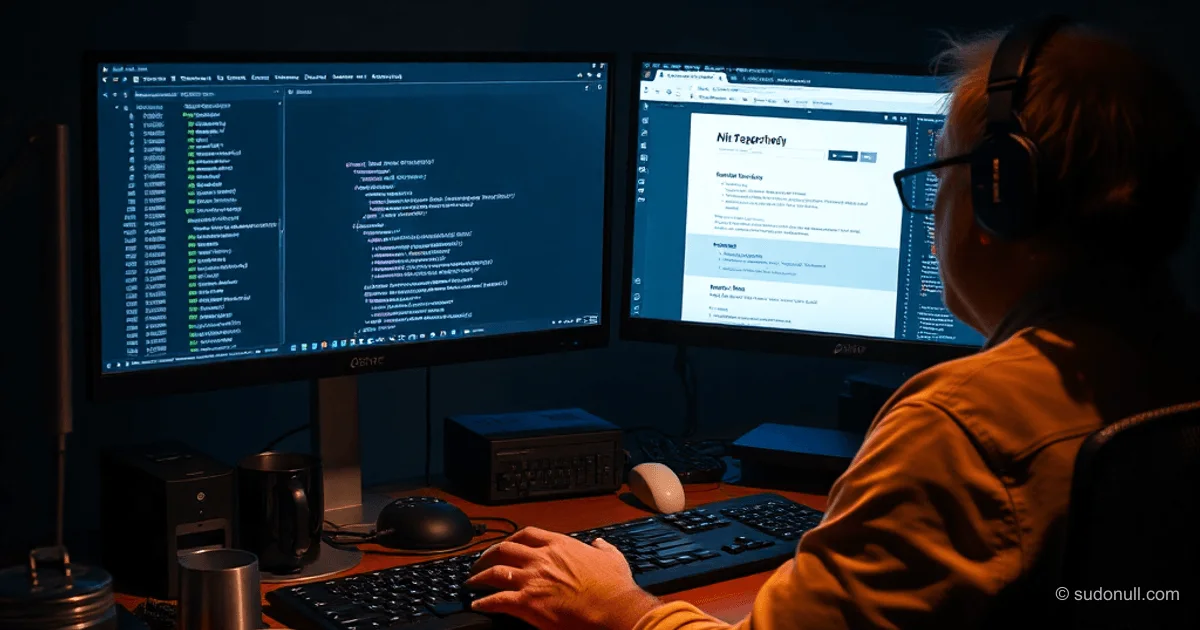
Offline Web Caching: MITM Proxy on Electron
Developers often face unreliable access to documentation and websites. An application based on an MITM proxy allows pre-caching HTTPS resources, ensuring offline access. It generates a self-signed certificate to intercept traffic and uses an embedded Chromium with an isolated profile. In offline mode, it serves cached responses without a network connection.
The solution targets mid/senior-level specialists: it preserves terminology and focuses on technical implementation details.
Architecture and Background
The project evolved from a proxy server for migrating a corporate website in 2016. At that time, the task required caching public content without backend access. The proxy forcibly saved all HTTP/HTTPS requests, replacing the original source.
Updates included TypeScript and ESLint. Switching to Electron enabled the creation of a desktop application. Integrating AI agents accelerated UI development, certificate management, and i18n.
Key components:
- MITM proxy for traffic interception.
- Chromium with a custom profile.
- Cache storage by namespaces.
Interception and Caching Principle
Upon launch, a self-signed CA certificate is generated. The user installs it as trusted to bypass HTTPS. The embedded browser routes traffic through the proxy.
// Proxy logic pseudocode
if (online) {
  proxy.intercept(request) -> cache.save(response);
} else {
  return cache.get(request);
}
The proxy parses requests and saves full responses, including resources. Offline mode checks the cache before making a network request.
Features for Developers
The application minimizes UI for quick startup without documentation. Key capabilities:
- Auto-caching websites: Built-in crawler using Crawlee + Playwright. Recursively downloads pages but is sensitive to SPAs (load events).
- SOCKS5 proxy: Support for external proxies to bypass blocks.
- Namespaces: Isolate cache by projects or sites (e.g., docs for Electron and PrimeReact).
- Export/import: Serialize namespaces into files for transfer.
Example scenario: cache electron-vite.org and work offline with code examples and APIs.
Use in Development
Ideal for:
- Offline documentation (React, Vue, framework-specific sites).
- Archiving legacy sites before redesign.
- Working in isolated networks without internet.
- Testing UI with fixed responses.
Limitations: the crawler struggles with dynamic JS content. Manual navigation is recommended for precise caching.
Transferring Chrome profiles is possible but requires caution with security: export cookies and localStorage via --user-data-dir.
Key Points
- MITM on Electron: HTTPS interception via self-signed cert + Chromium.
- Cache isolation: Namespaces prevent resource conflicts.
- Crawlee/Playwright crawler: Automation with caveats for SPAs.
- Minimalist UI: No instructions for experienced users.
- File export: Transfer cache between machines.
Conclusion and Improvements
The tool solves real problems: stable access to docs while traveling or under sanctions. A HUB for sharing namespaces is planned.
Questions for the community: license (MIT/Apache?), secure import of Chrome profiles.
— Editorial Team










No comments yet.