June 4, 2014 at 02:20
Overview of the North Korean distribution of Red Star 3.0. Server version
Yesterday, an anonymous user of ThePirateBay posted a distribution of North Korean production - Red Star 3.0. Earlier versions of this distribution were available earlier, but this version is relatively recent, dated 12/12/2013.
The torrent file contains the distress rss3_32_key_gui_20131212.iso (817M), the cracked boot.iso (37M) bootloader and readme.txt.
At first I tried to run the distribution in my favorite QEMU, however, for some reason, the installer did not proceed to the copy process files, so I had to use VirtualBox.

Yes, you understood correctly, this is a serial number request. You need to run the installer via boot.iso, it contains a cracked loader that does not check the serial number.
Press “Enter” and go to the network settings:

In business! This is not a joke to you! North Korea is not far behind modern technology - IPv6 out of the box.
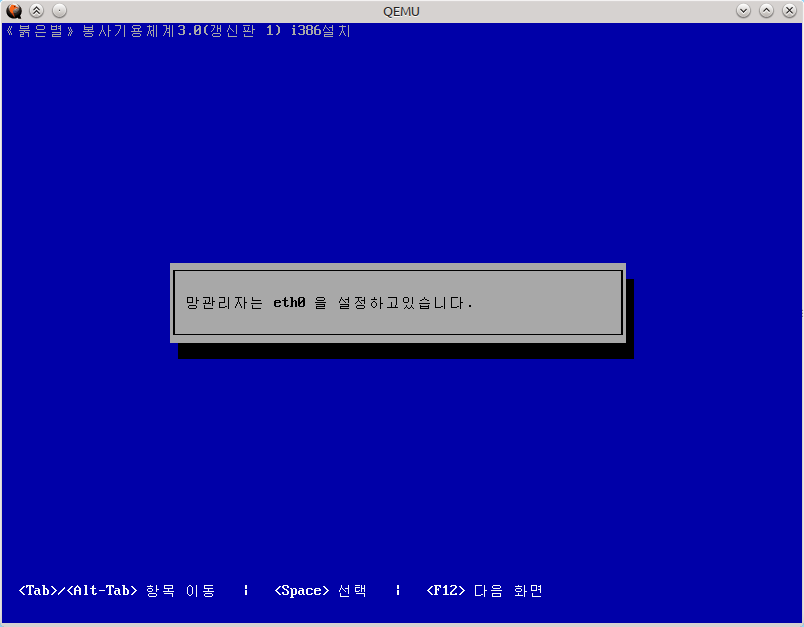
We
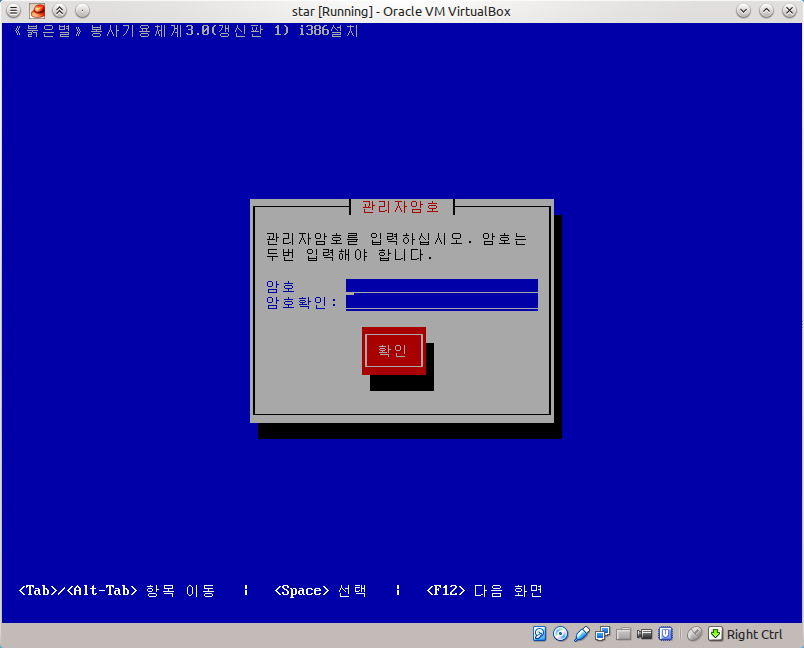
get the IP address ... You need to enter the root password. Password must contain a capital letter, number and special character.
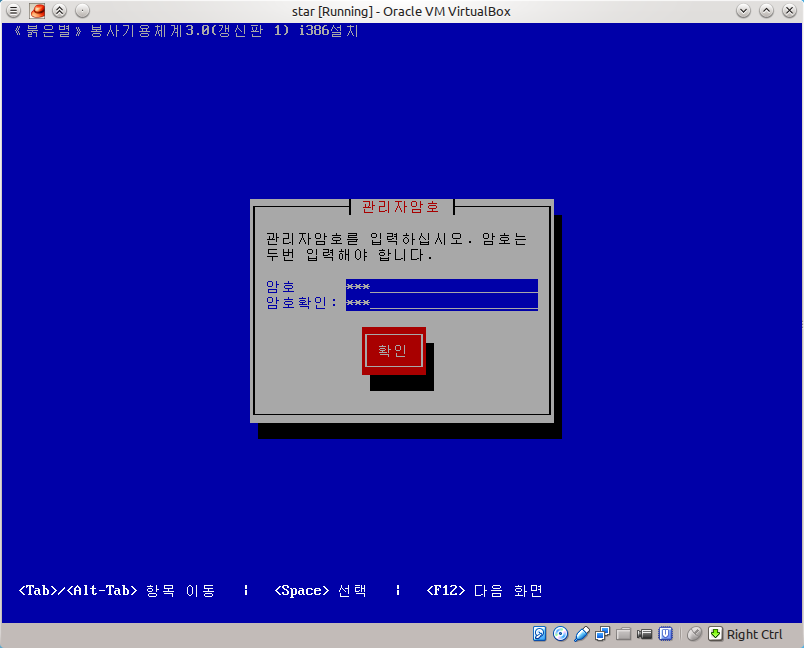
Oooh ...

Partitioning a disk. I was afraid of manual markup and used automatic (the highest point). Used LVM.

On the next screen, we are prompted to select the packages that will be installed. Among them are Apache, PHP, MySQL, PostgreSQL, Java and others.

If we go into the "GUI" menu, we will be given a choice: KDE, QT3 and QT4. I do not quite understand what exactly QT3 and QT4 give, so I chose KDE.
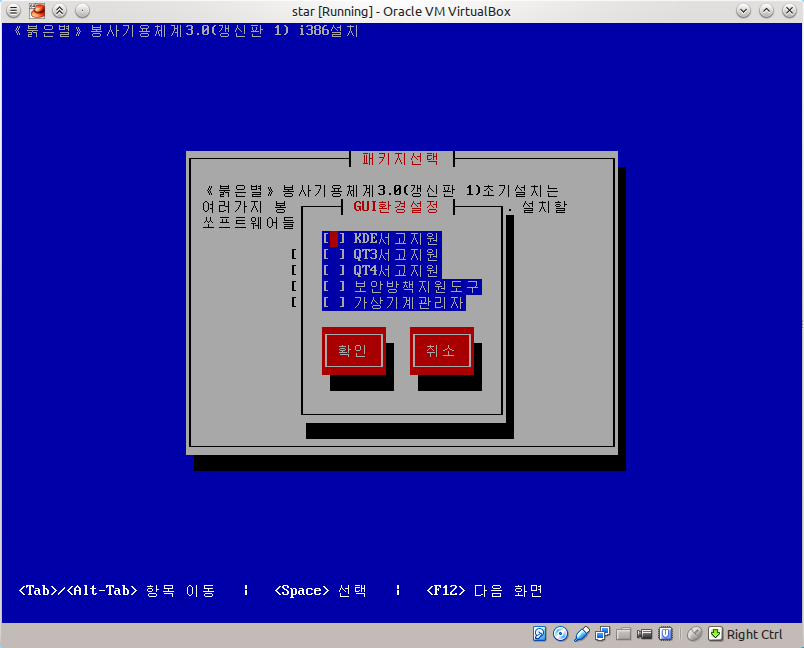
If you select the last two items (antivirus and virtualization tool) in the previous menu, then you can install the GUI for them.

The process has begun ...
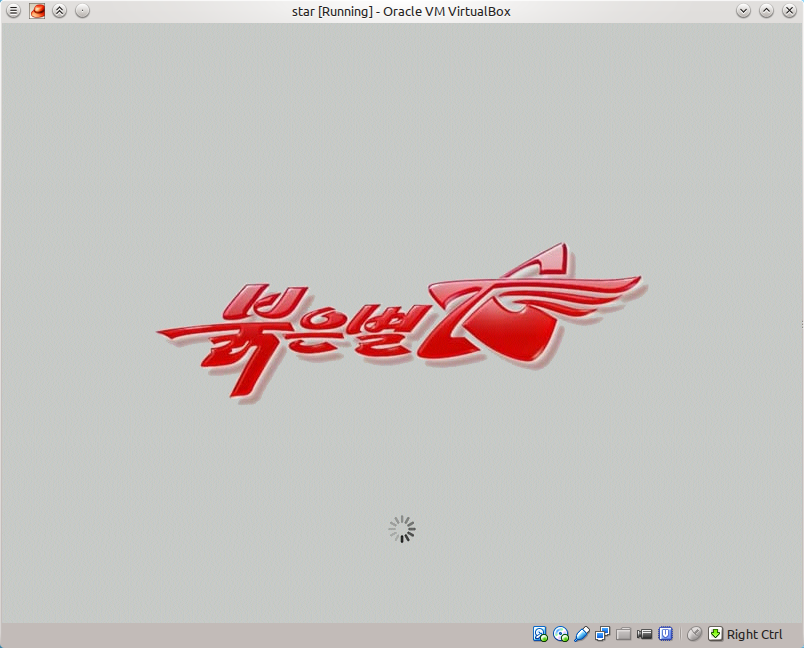
We boot ... it loads very quickly, by the way, faster than typical distributions.
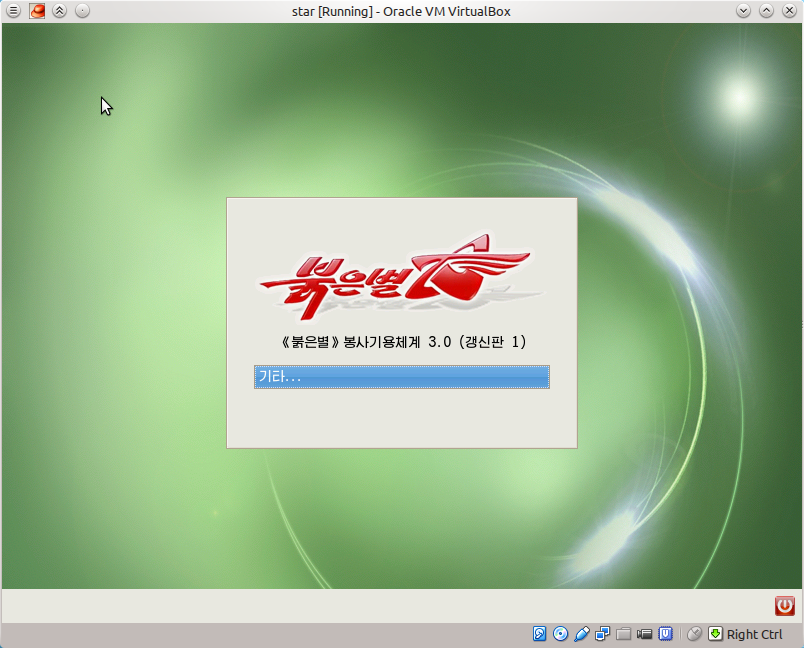
Login window. We drive in our root user and password.
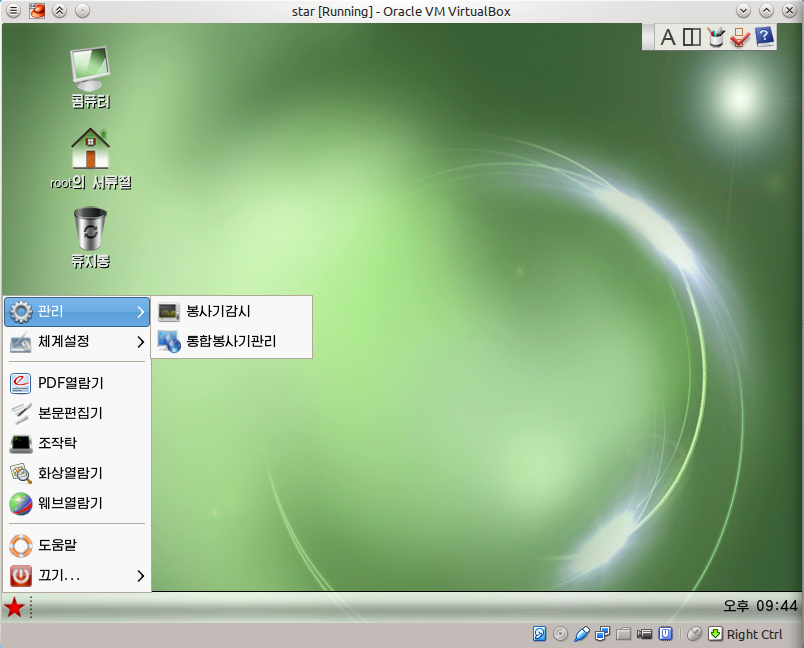
Here is the desktop. There are not many desktop applications: a browser (fork of firefox 10), a PDF reader, a picture viewer, a GUI for QEMU and an antivirus tuner.
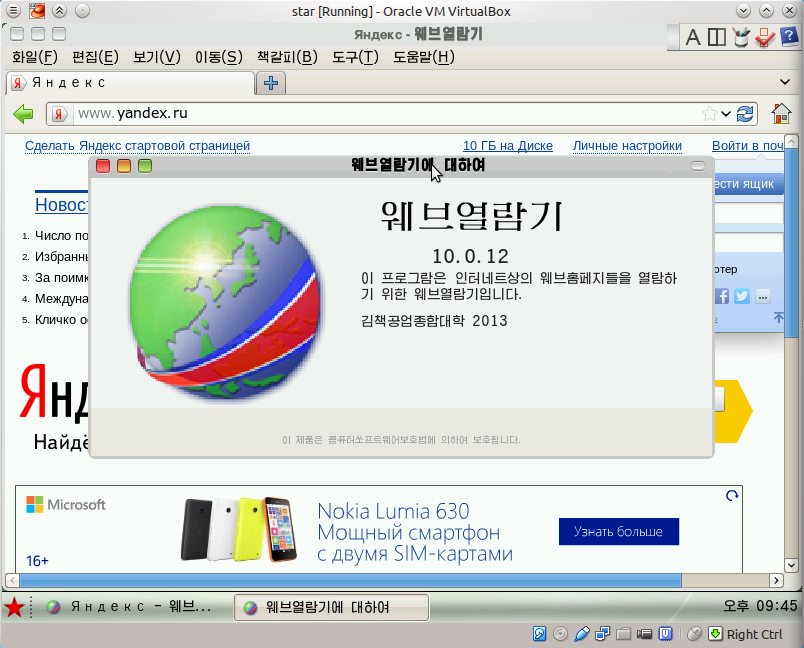
Browser.
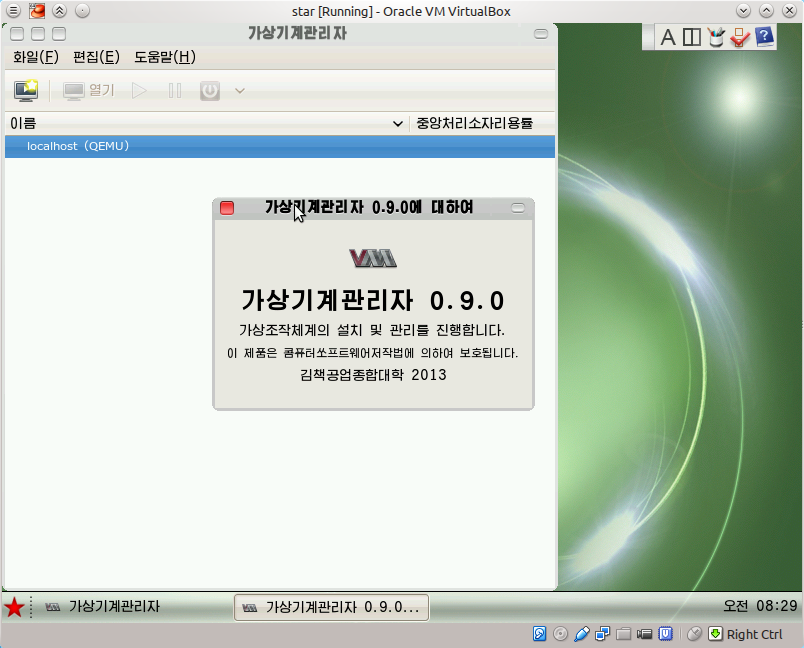
GUI to QEMU.
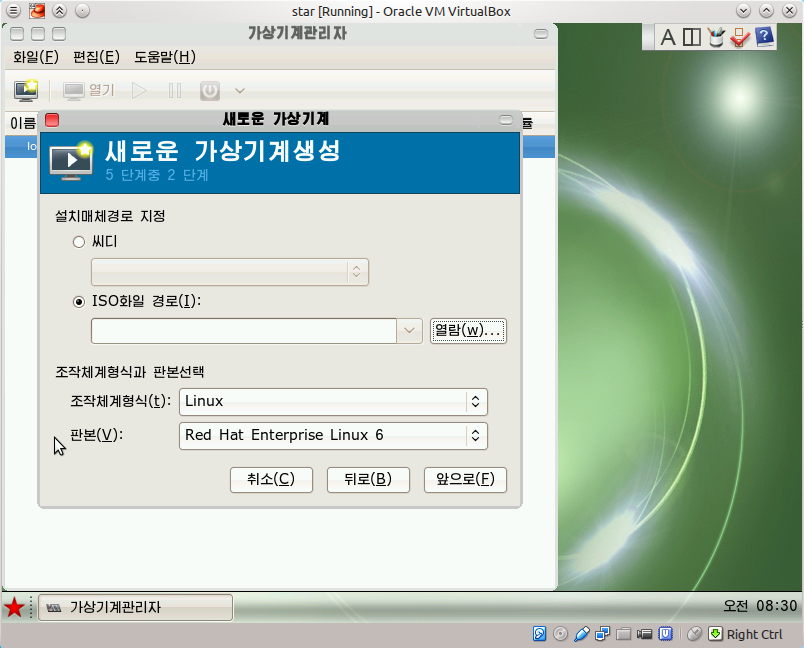
Supports both Linux
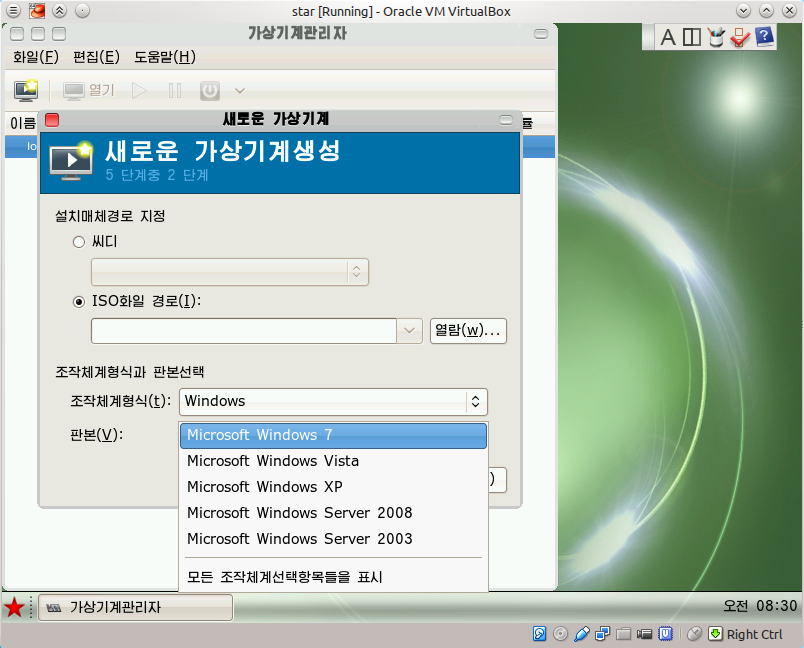
and Windows.

Antivirus Customizer He wants an administrator password from me, which I don’t know. ROOT password is not suitable. The error message is exactly the same: "Enter the administrator password."
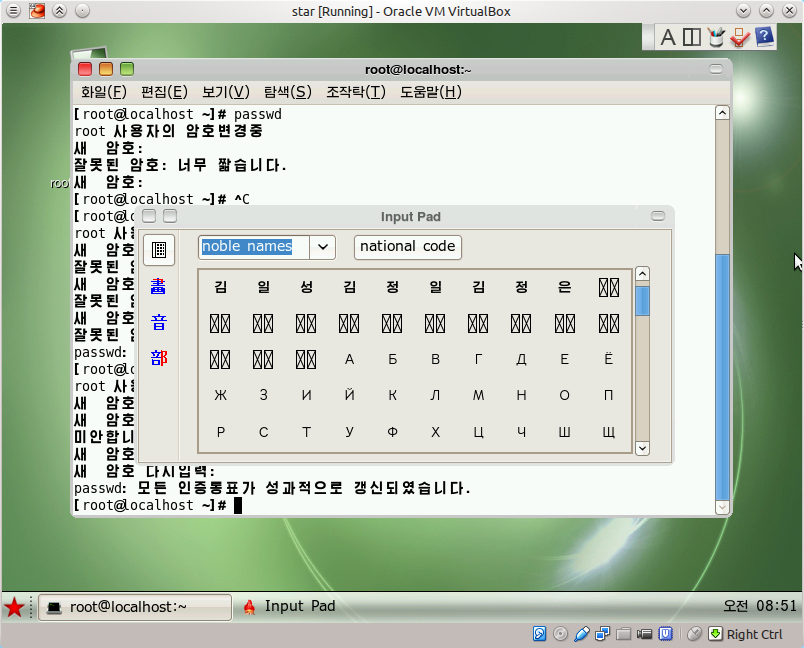
Input Pad. Opens in the "Noble names" section, the first line says: "Kim Il Sung Kim Jong Il Kim Jong Eun"
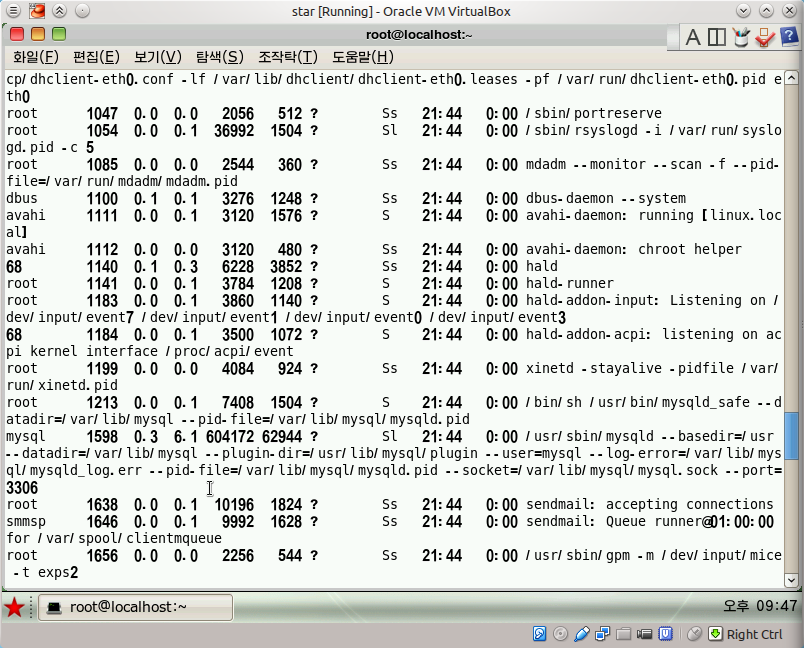
A list of running processes.
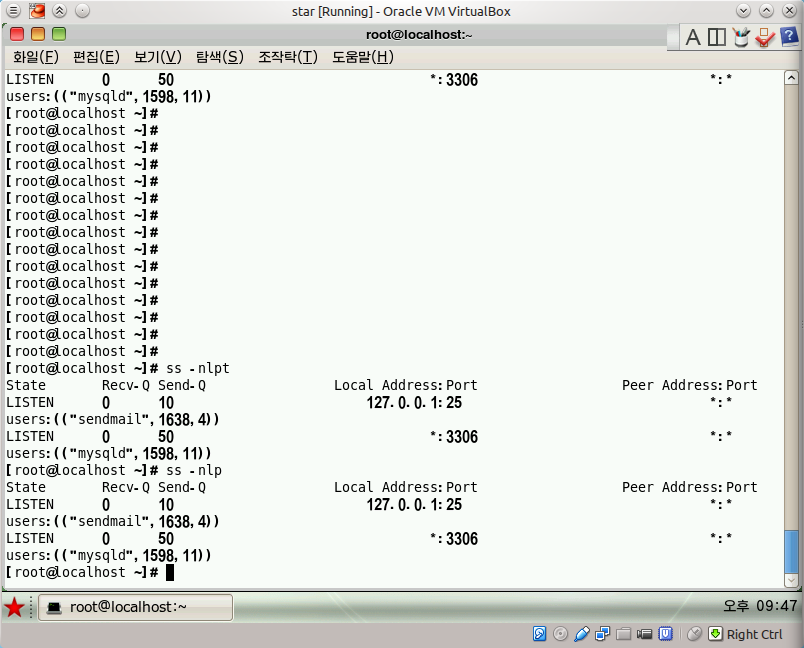
Listened ports.

yum.conf. Nothing unusual.
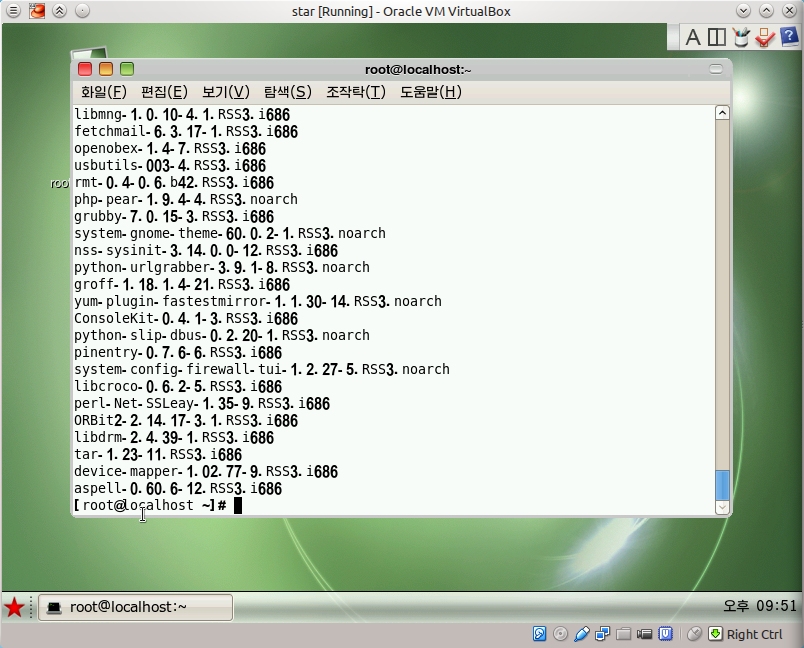
Installed sachets.
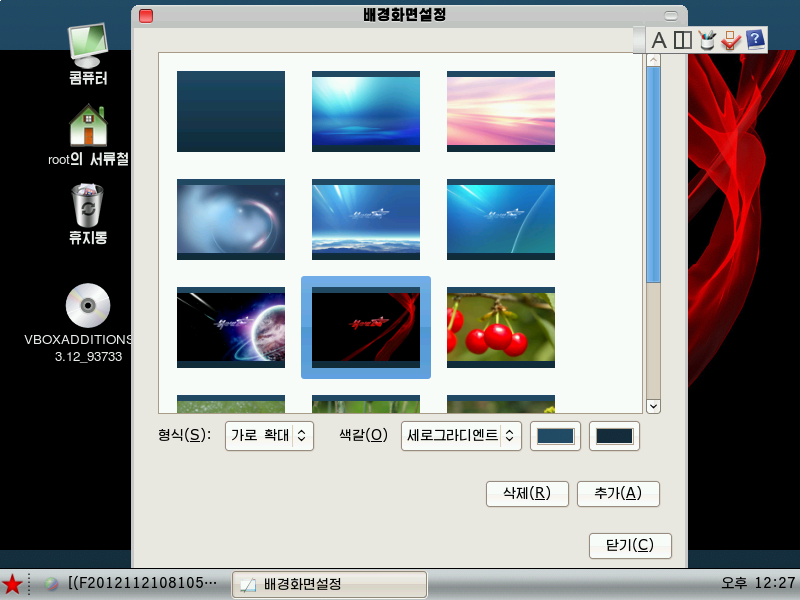
Boring wallpapers.
Somehow pretty boring, I thought a lot ... that would be much better. But very boring, just very boring. I thought it would be much better. How many times did the OS install! It was much better, but this time it somehow didn’t work off-axis ... Firstly, there are few applications, the OS is not very ...
The torrent file contains the distress rss3_32_key_gui_20131212.iso (817M), the cracked boot.iso (37M) bootloader and readme.txt.
At first I tried to run the distribution in my favorite QEMU, however, for some reason, the installer did not proceed to the copy process files, so I had to use VirtualBox.
Yes, you understood correctly, this is a serial number request. You need to run the installer via boot.iso, it contains a cracked loader that does not check the serial number.
Press “Enter” and go to the network settings:
In business! This is not a joke to you! North Korea is not far behind modern technology - IPv6 out of the box.
We
get the IP address ... You need to enter the root password. Password must contain a capital letter, number and special character.
Oooh ...
Partitioning a disk. I was afraid of manual markup and used automatic (the highest point). Used LVM.
On the next screen, we are prompted to select the packages that will be installed. Among them are Apache, PHP, MySQL, PostgreSQL, Java and others.
If we go into the "GUI" menu, we will be given a choice: KDE, QT3 and QT4. I do not quite understand what exactly QT3 and QT4 give, so I chose KDE.
If you select the last two items (antivirus and virtualization tool) in the previous menu, then you can install the GUI for them.
The process has begun ...
We boot ... it loads very quickly, by the way, faster than typical distributions.
Login window. We drive in our root user and password.
Here is the desktop. There are not many desktop applications: a browser (fork of firefox 10), a PDF reader, a picture viewer, a GUI for QEMU and an antivirus tuner.
Browser.
GUI to QEMU.
Supports both Linux
and Windows.
Antivirus Customizer He wants an administrator password from me, which I don’t know. ROOT password is not suitable. The error message is exactly the same: "Enter the administrator password."
Input Pad. Opens in the "Noble names" section, the first line says: "Kim Il Sung Kim Jong Il Kim Jong Eun"
A list of running processes.
Listened ports.
yum.conf. Nothing unusual.
Installed sachets.
Boring wallpapers.
Somehow pretty boring, I thought a lot ... that would be much better. But very boring, just very boring. I thought it would be much better. How many times did the OS install! It was much better, but this time it somehow didn’t work off-axis ... Firstly, there are few applications, the OS is not very ...