EGPU EXP GDC Overview
Good afternoon, dear habro-community.
Earlier I wrote about eGPU . Since then, a sufficient amount of time has passed and more similar solutions have appeared on the market.
In my free time, my wife and I play games. However, the video system of her Lenovo X220th leaves much to be desired. Therefore, it was decided to buy another eGPU. For a change, we settled on eGPU of a different company than mine, namely, EXP GDC.
EXP GDC eGPU is also available in two versions, namely ExpressCard and mPCIe.
Having received the treasured boxes, we open, analyze, admire.
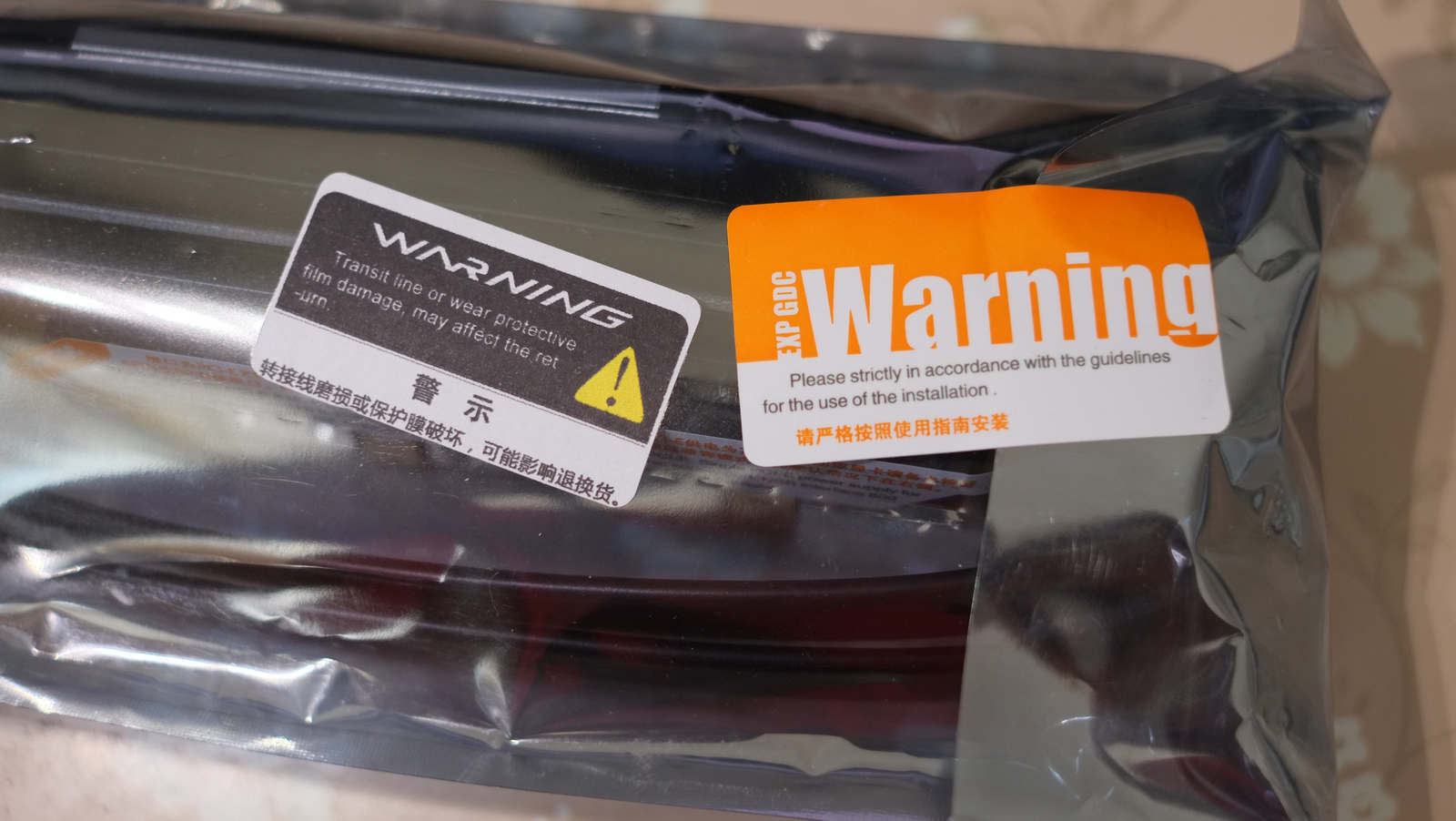
The first one we have is EXP GDC eGPU. In my opinion, this eGPU, unlike the one I use, is more like a finished product. Everywhere protective and warning stickers (with the correct English, which is rare for products from China). A protective paper layer is glued on the black plastic of the adapter.


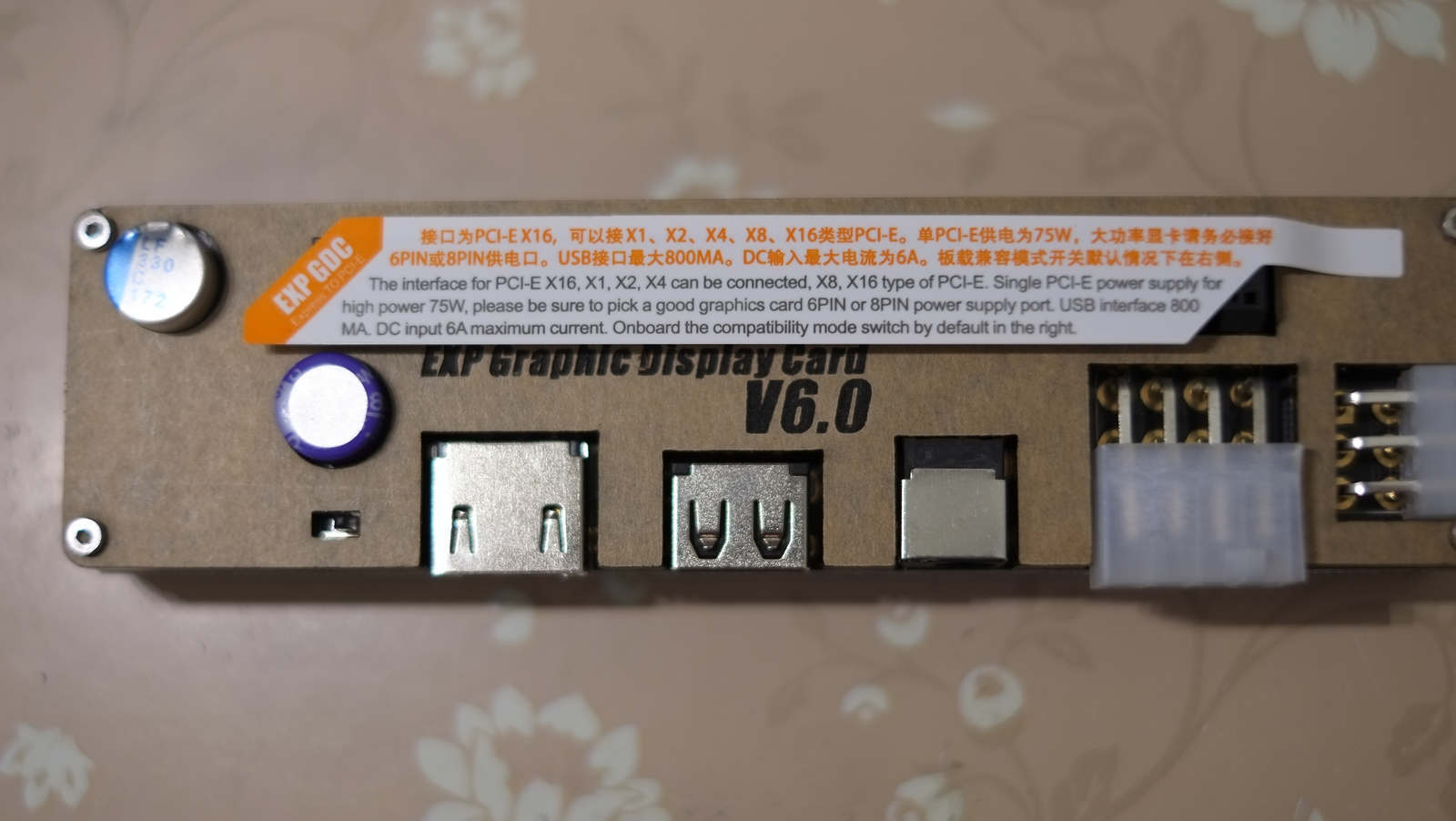
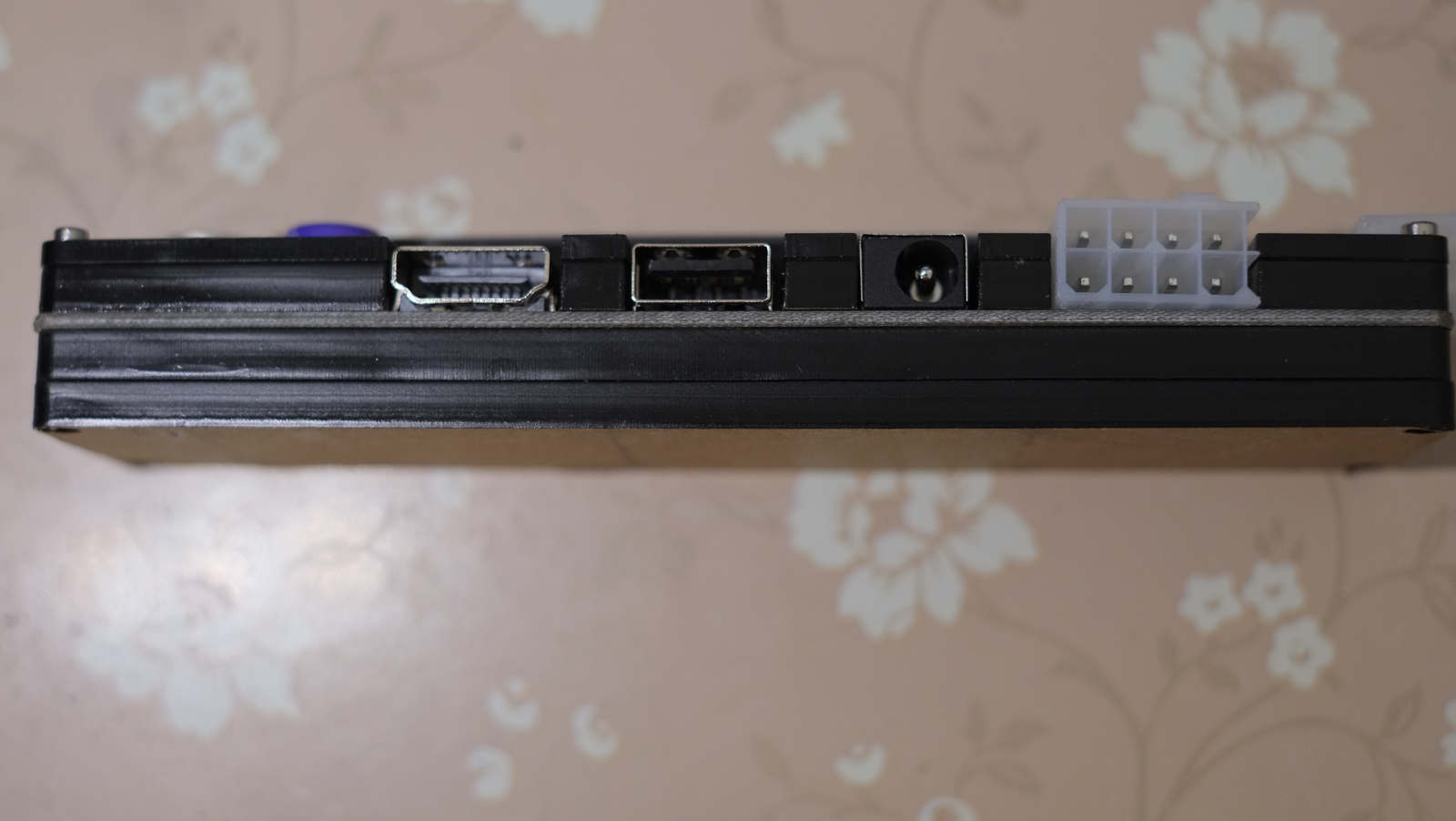
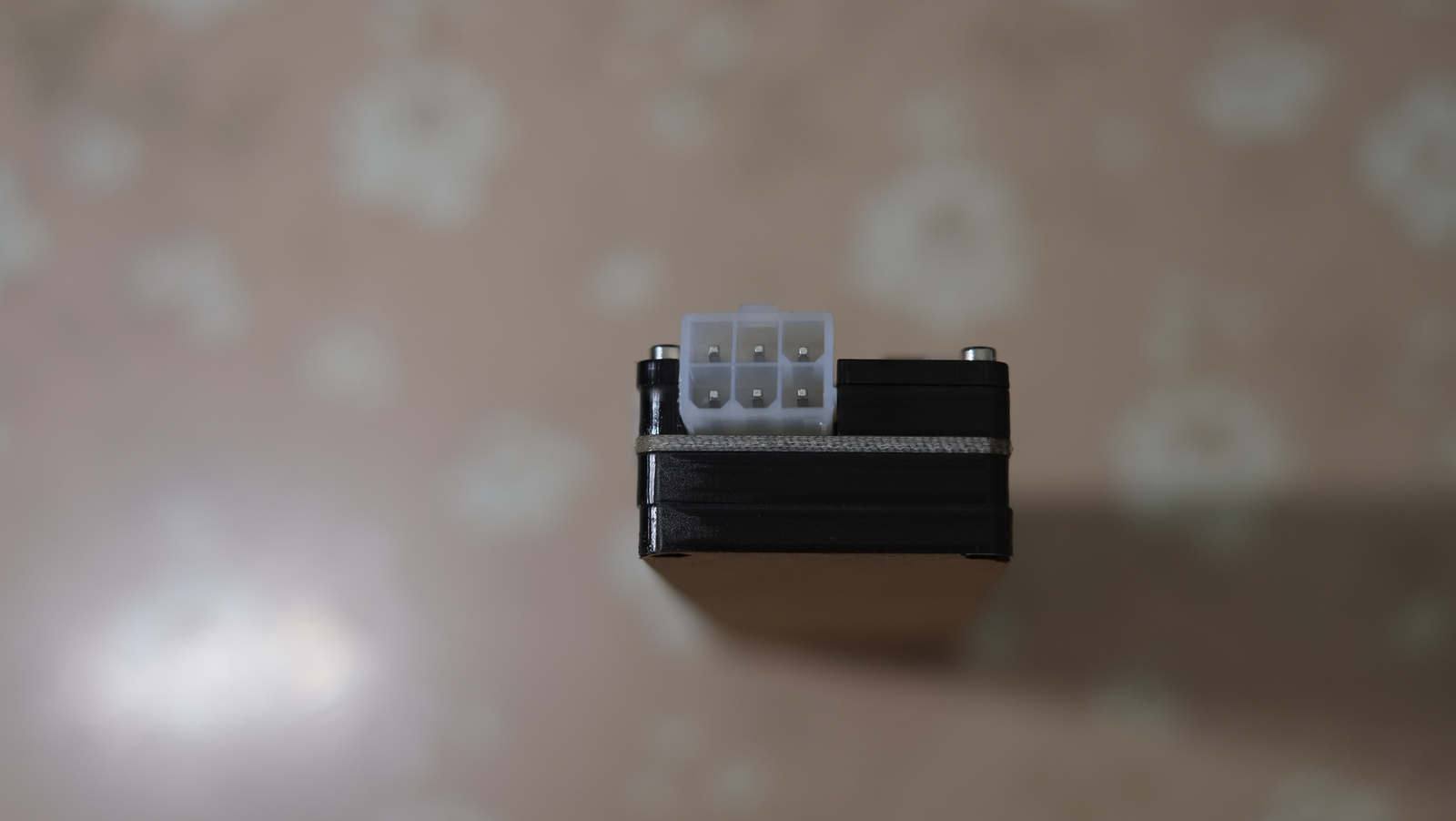
From left to right: compatibility switch for video cards (for setting a delay), port for ExpressCard and mPCIe cable, USB 2.0 port (why I didn’t get it there), 12DC power socket, main power socket, video card power socket.
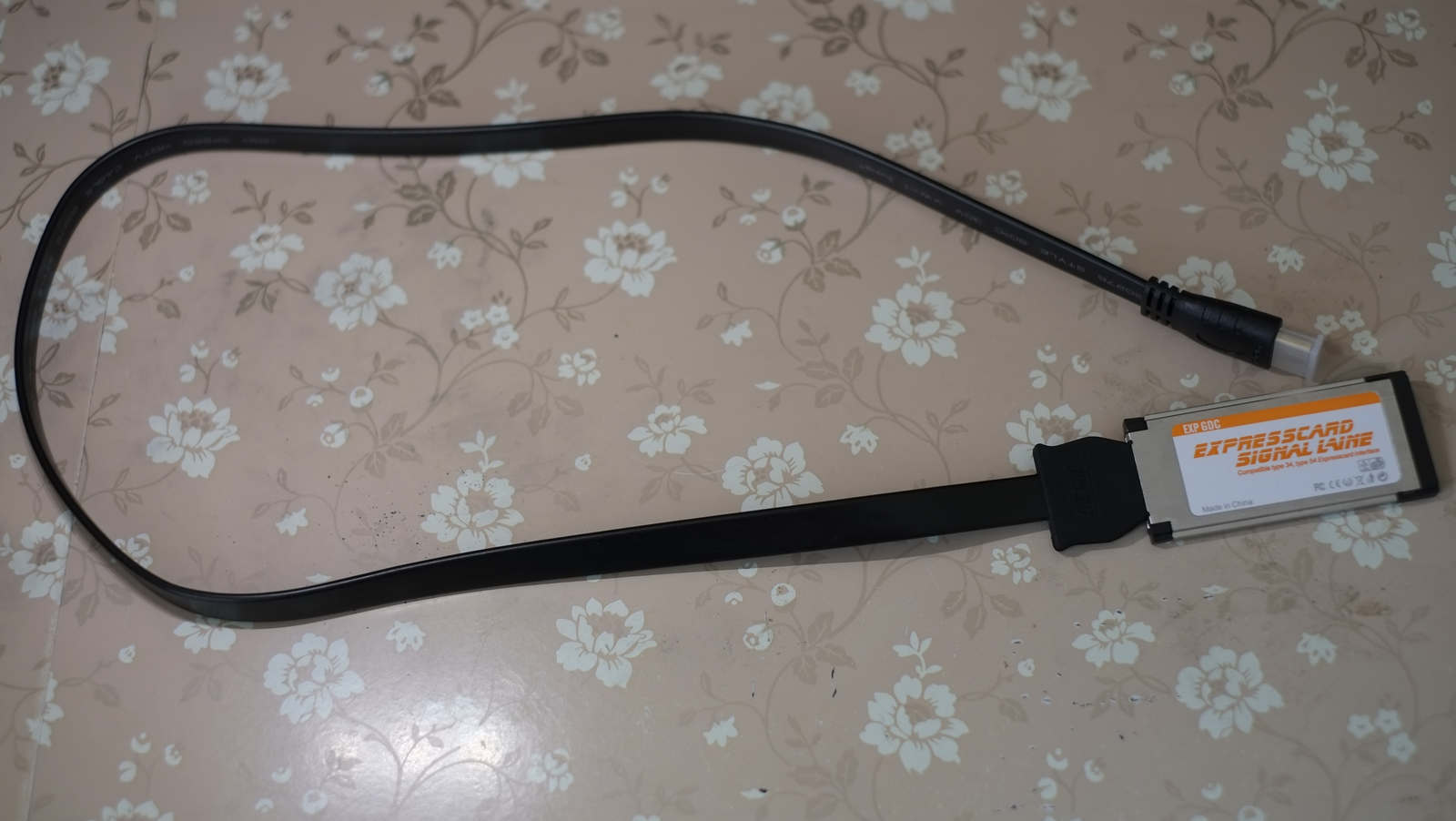

ExpressCard Cable


And this is the included 220W power supply from Dell. According to the official seller, 216 W comes out in practice, but this is not critical, because it is more than enough to power video cards up to the GTX760. If you have something more serious, then it is better to take without a power supply, and buy a separate PSU. The power supply itself is really large (20cmX10cmX5cm, a nearby AAA battery) and weighty - 1.35 kilograms. I don’t know why, but by default, the seller sends B \ U power supplies, and without options - either B \ U or nothing.

8-pin power supply plug.
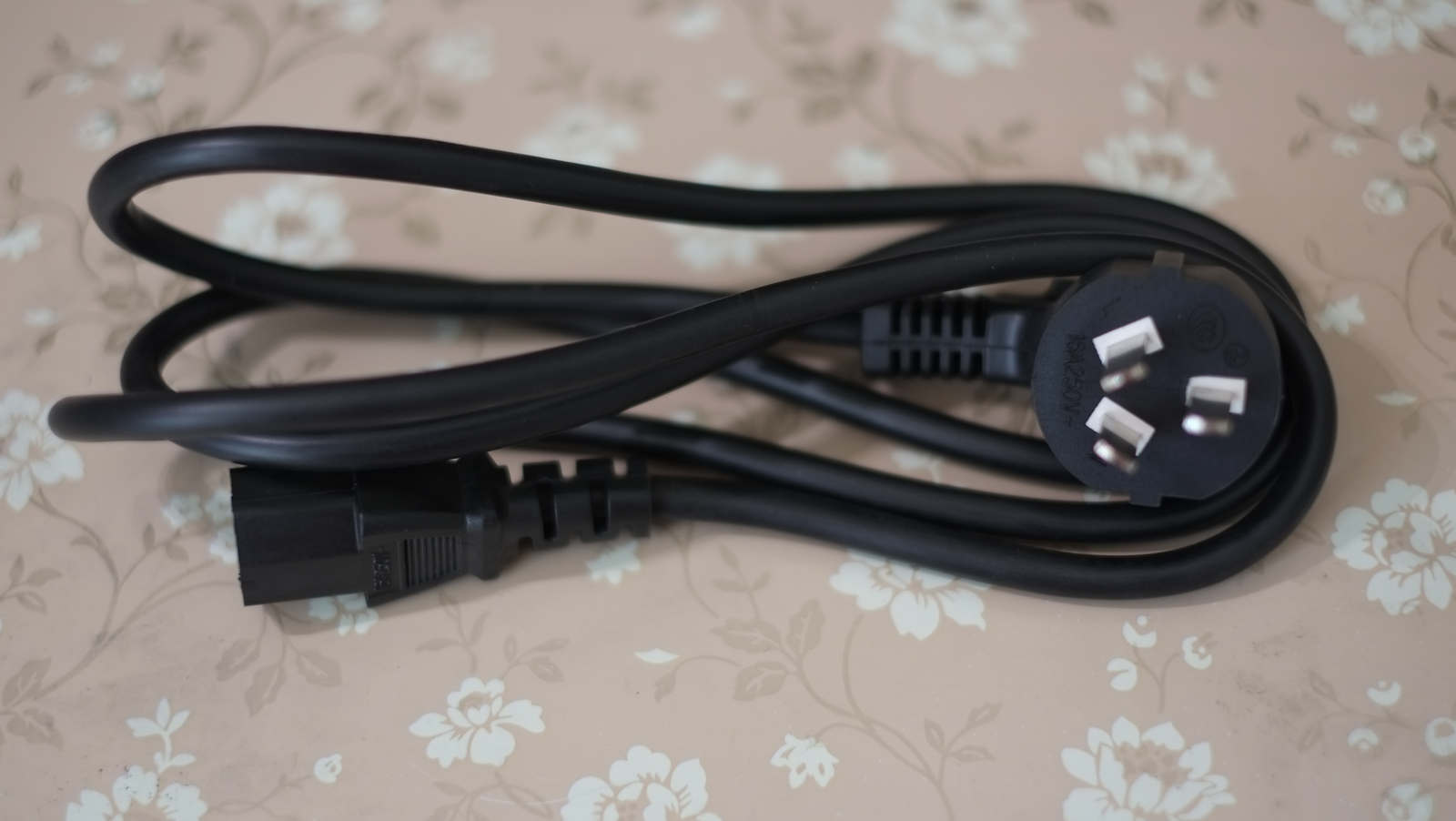
Power supply cable
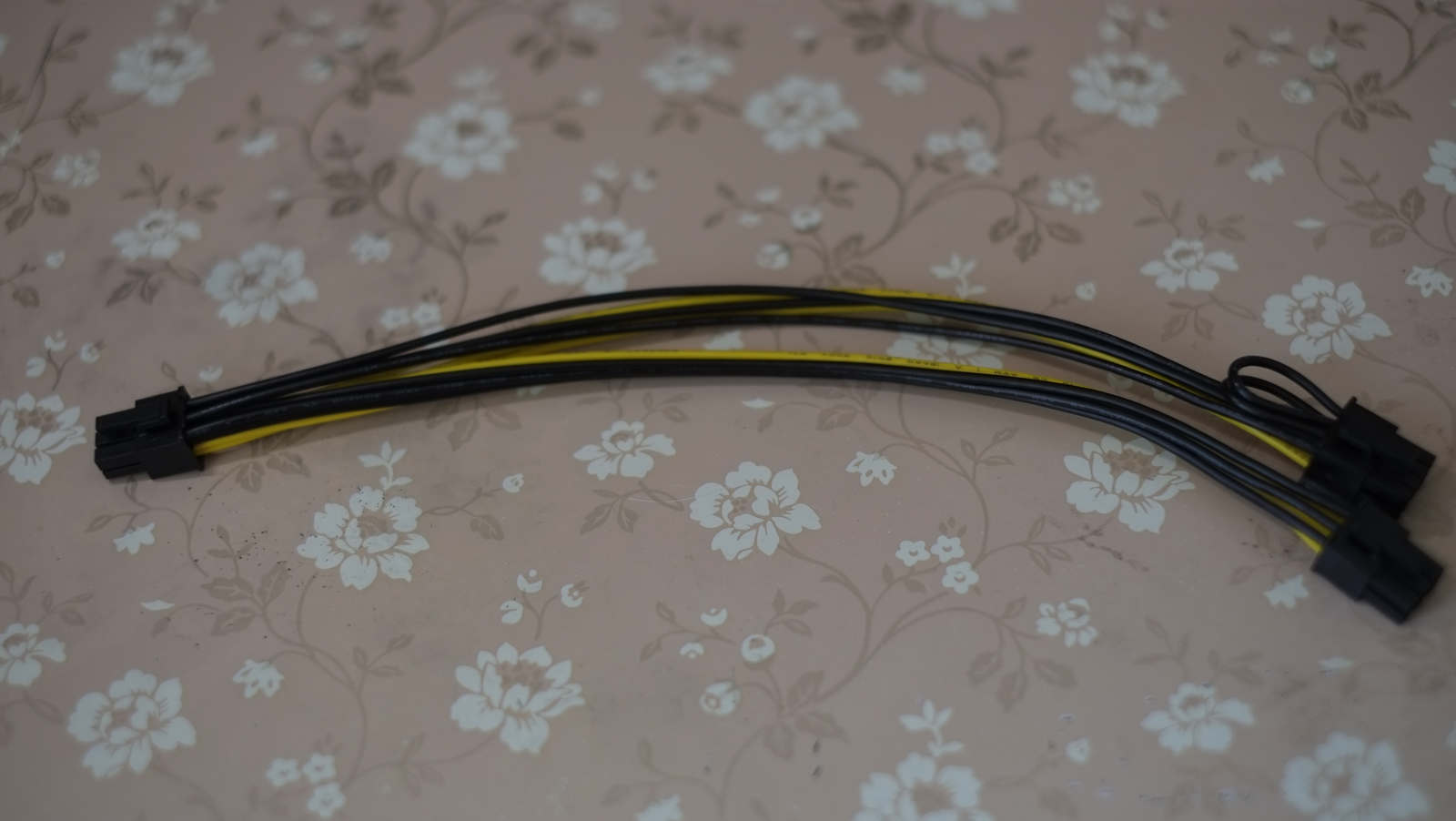
Cable to power the video card.
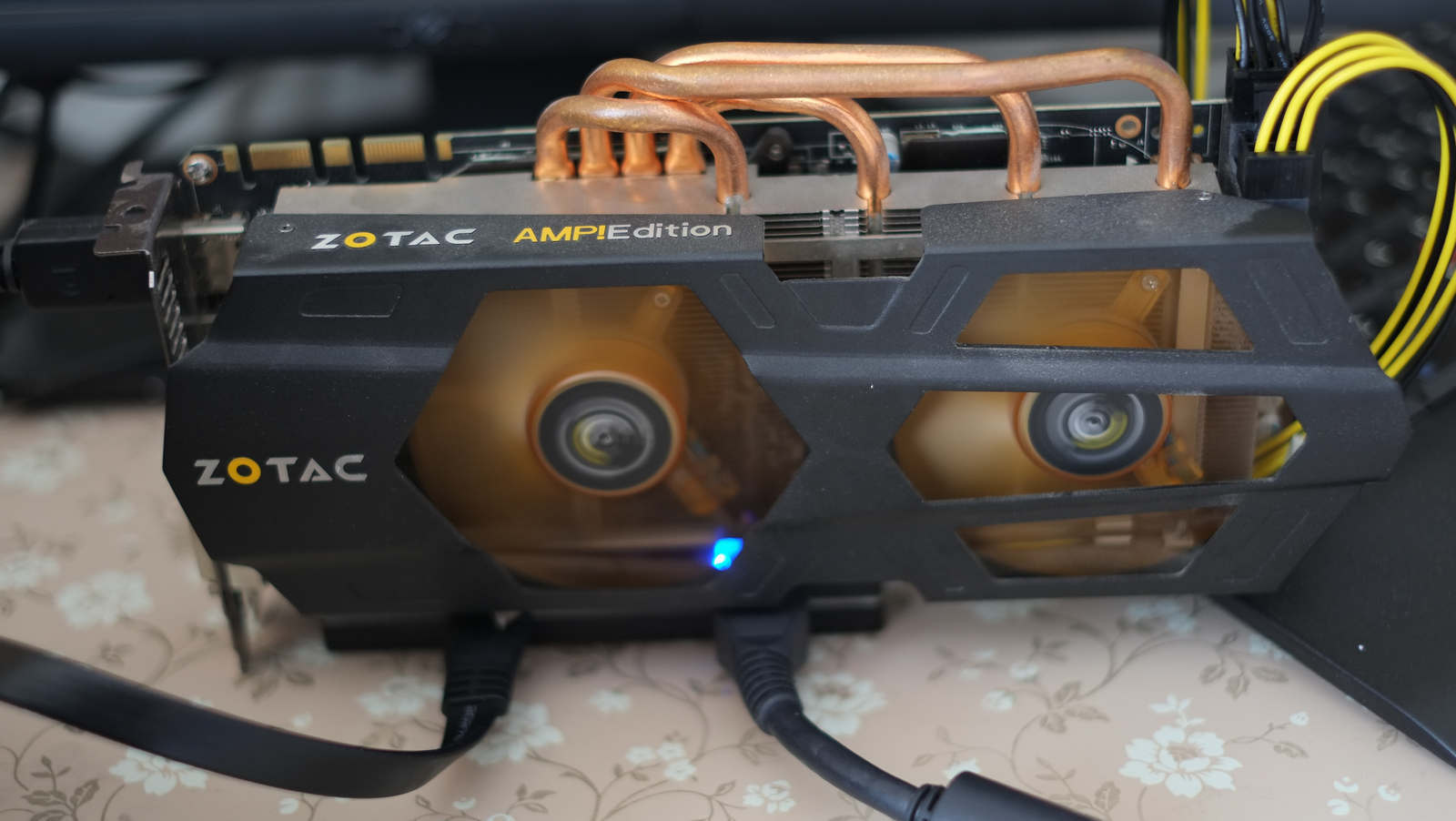
Since I am comparing two eGPU systems, therefore I am using the previous test bench. There is only one exception - during testing, the video card was connected to an external monitor, which gives an increase in performance.
Test bench :
- Lenovo x220 i7-2640M \ 8GB \ SDD Samsung 840 Pro 256GB
- The latest version of Futuremark 2014 Basic with default settings (1280x720)
- eGPU from Bplus - PE4L
- eGPU EXP GDC
- ZOTAC GeForce GTX 670 AMP! Edition 2 GB (no overclocking)
In each of the two configurations, tests were run twice.
Results for PE4L:
www.3dmark.com/3dm/2937501
www.3dmark.com/3dm/2937569
Results for EXP GDC:
www.3dmark.com/3dm/2937658
www.3dmark.com/3dm/2937718
As you can see - there is practically no difference. However, in terms of mobility, accessibility and convenience, the EXP GDC is in a better position.
That's all. I will be happy to answer any questions.
UPD: In the assembled state, it all looks like this: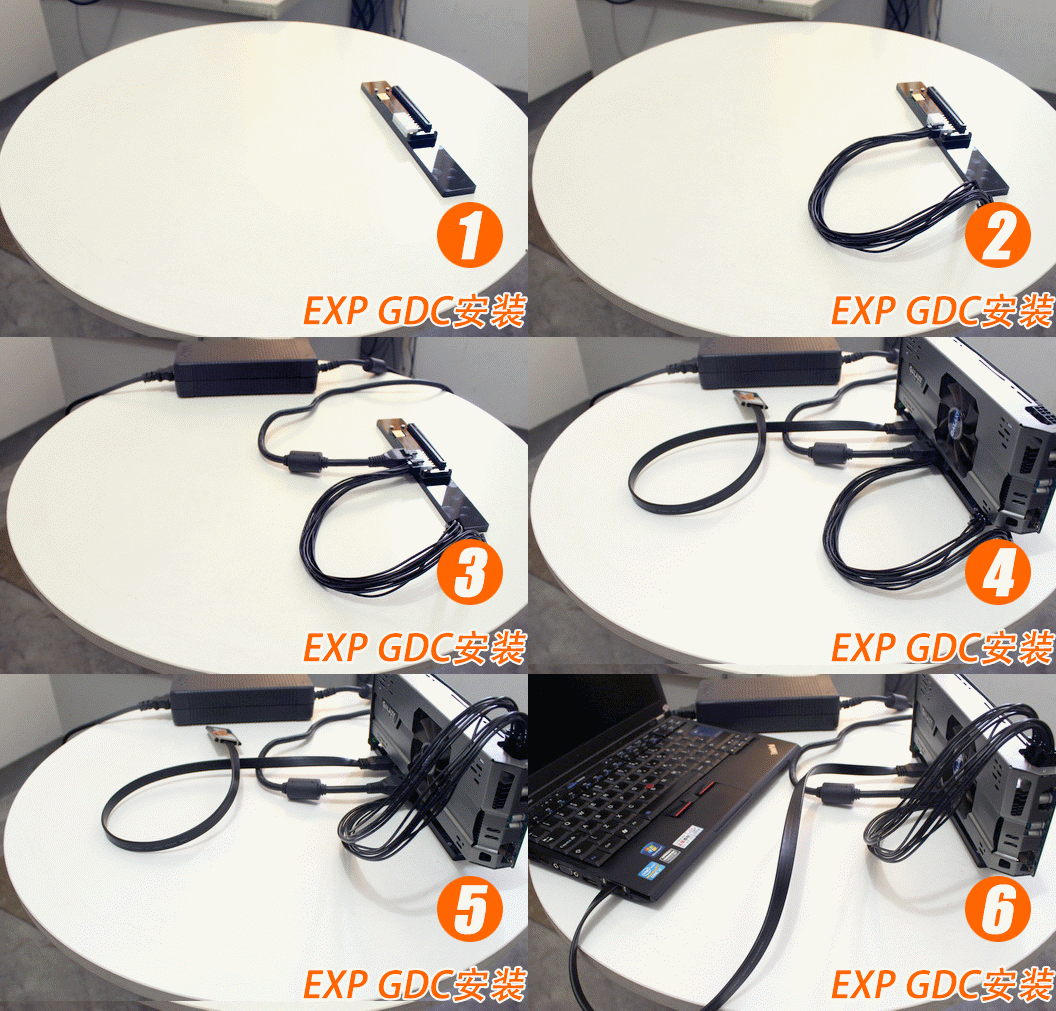
Earlier I wrote about eGPU . Since then, a sufficient amount of time has passed and more similar solutions have appeared on the market.
In my free time, my wife and I play games. However, the video system of her Lenovo X220th leaves much to be desired. Therefore, it was decided to buy another eGPU. For a change, we settled on eGPU of a different company than mine, namely, EXP GDC.
EXP GDC eGPU is also available in two versions, namely ExpressCard and mPCIe.
Having received the treasured boxes, we open, analyze, admire.
The first one we have is EXP GDC eGPU. In my opinion, this eGPU, unlike the one I use, is more like a finished product. Everywhere protective and warning stickers (with the correct English, which is rare for products from China). A protective paper layer is glued on the black plastic of the adapter.
From left to right: compatibility switch for video cards (for setting a delay), port for ExpressCard and mPCIe cable, USB 2.0 port (why I didn’t get it there), 12DC power socket, main power socket, video card power socket.
ExpressCard Cable
And this is the included 220W power supply from Dell. According to the official seller, 216 W comes out in practice, but this is not critical, because it is more than enough to power video cards up to the GTX760. If you have something more serious, then it is better to take without a power supply, and buy a separate PSU. The power supply itself is really large (20cmX10cmX5cm, a nearby AAA battery) and weighty - 1.35 kilograms. I don’t know why, but by default, the seller sends B \ U power supplies, and without options - either B \ U or nothing.
8-pin power supply plug.
Power supply cable
Cable to power the video card.
Since I am comparing two eGPU systems, therefore I am using the previous test bench. There is only one exception - during testing, the video card was connected to an external monitor, which gives an increase in performance.
Test bench :
- Lenovo x220 i7-2640M \ 8GB \ SDD Samsung 840 Pro 256GB
- The latest version of Futuremark 2014 Basic with default settings (1280x720)
- eGPU from Bplus - PE4L
- eGPU EXP GDC
- ZOTAC GeForce GTX 670 AMP! Edition 2 GB (no overclocking)
In each of the two configurations, tests were run twice.
Results for PE4L:
www.3dmark.com/3dm/2937501
www.3dmark.com/3dm/2937569
Results for EXP GDC:
www.3dmark.com/3dm/2937658
www.3dmark.com/3dm/2937718
As you can see - there is practically no difference. However, in terms of mobility, accessibility and convenience, the EXP GDC is in a better position.
That's all. I will be happy to answer any questions.
UPD: In the assembled state, it all looks like this:









