PHP image segmentation example
Good afternoon,
quite rarely, but still the question arises about the need to automatically divide the image into logical fragments. If you are limited only by PHP tools, then the task becomes a little more difficult, but still solvable.
In this article I will consider a special case of pattern recognition, focused on a not too sophisticated audience.
The article uses examples from one of the sites with an explicit link, the site is not mine, initially there were no thoughts to write the article.
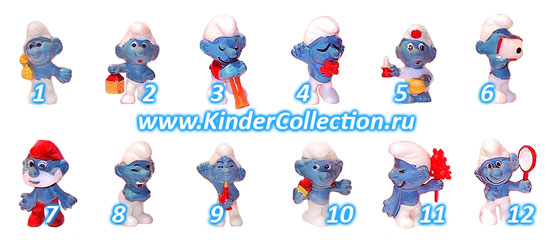
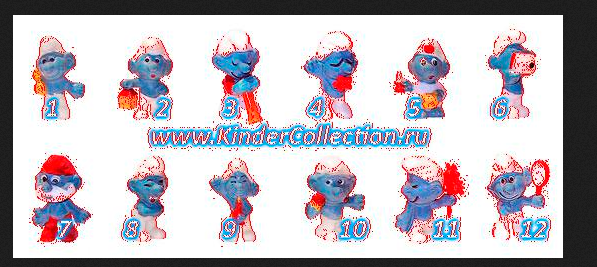
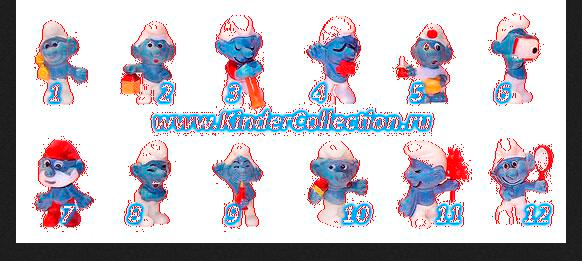
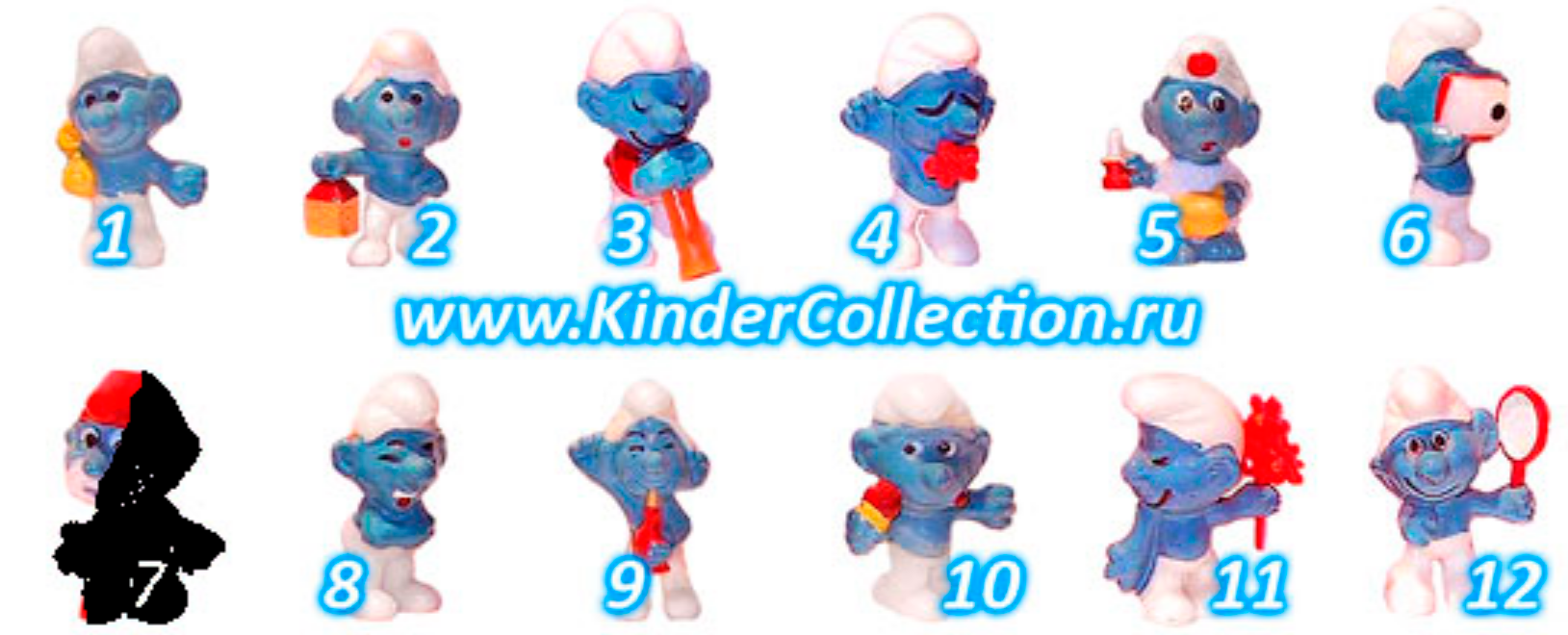
Rectangular images of different sizes and proportions, with a white background, which depict figures of surprise kinder and water mark, which sometimes refers to figures. The task is to get pictures of figures without a water mark.
The images are quite simple, so from the entire spectrum of possible options (links are listed at the end of the article), it is reasonable to apply the method of growing areas. Its essence is that we initially poke at an arbitrary point and compare the color of neighboring pixels, in our case, the similarity criterion is that the color should not be white. If the color is not white, we remember the coordinates of the pixel and compare its neighbors, so our area spreads out until the edge of the segment is reached. Then we poke at the next point and so on. It is clear to everyone that poking is completely random, this is not the most optimal way, since you can go over empty pixels for a long time. This method is also called the scorched earth method .
At this step, we get the height and width of the original image and in the double loop we read the color pixel by pixel. All data is entered in a double array, if the white pixel is set to 0, if not white, we are set to unity. We display the data on the screen for clarity and to check whether we were mistaken.
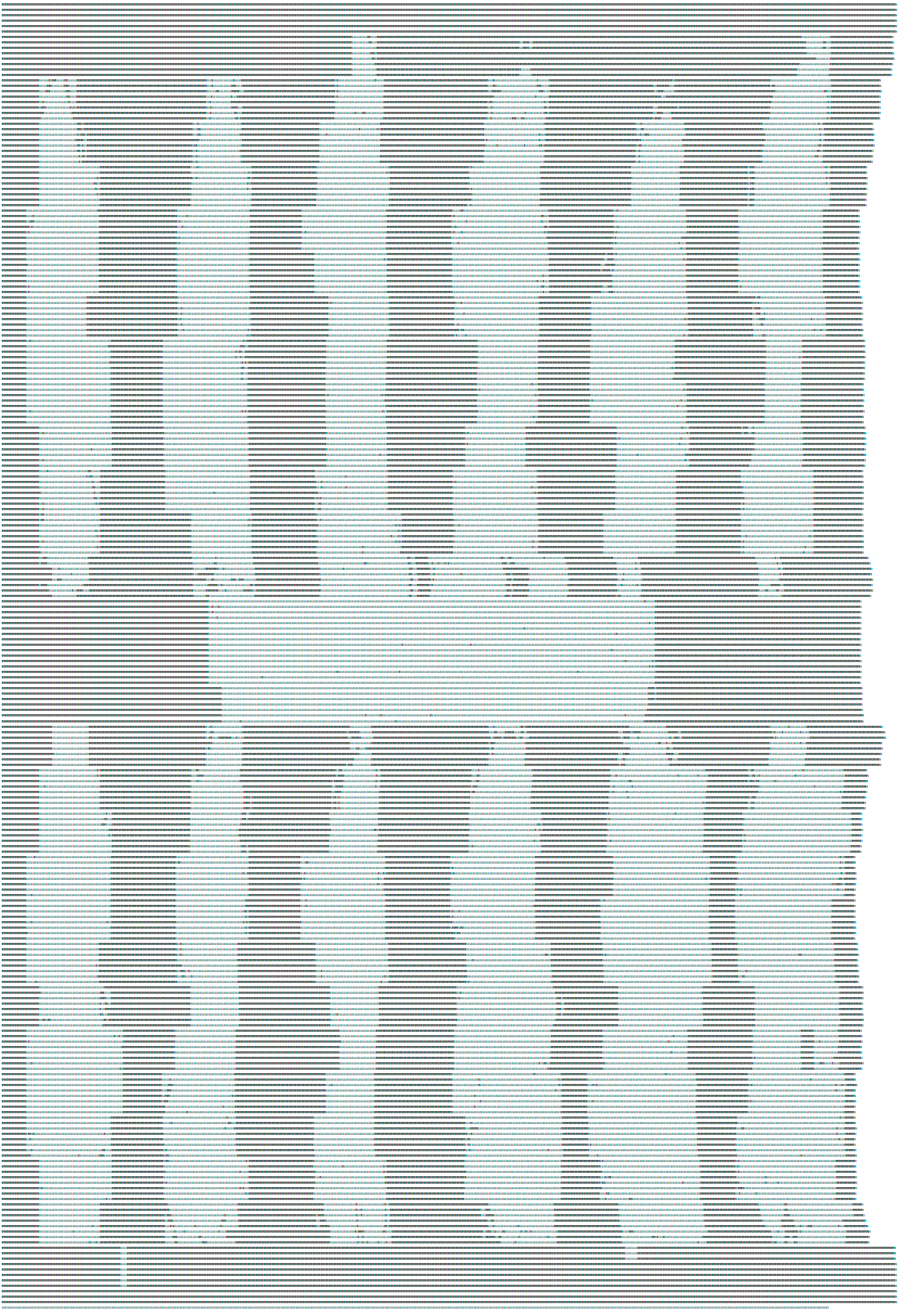
In the above code, the neighboring pixel is discarded if it is close to white, because at the input we have jpg of not the best quality.
Now paint over the resulting areas in the original image.
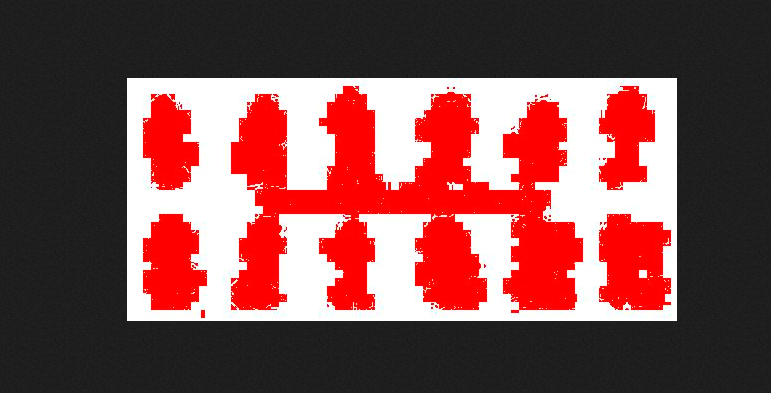
As you can see now, our algorithm catches pieces of garbage (therefore, in the above code, there is filtering by color)
Each of the segments can define its boundary points, for the segment border on the left side, these will be points that do not have a color pixel on the left, in the same way for the upper, lower, right border.
We try to implement
Grind
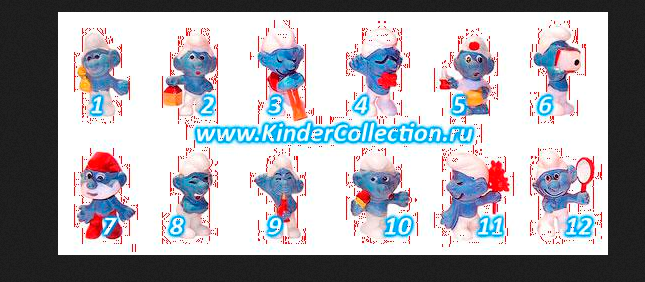
It is grinded, the next picture already has a more or less acceptable result, although many pixels are still captured by mistake.
Now if we paint over all the colored dots within these restrictions, we will get a picture in which we can already understand that these are smurfs )

From the human side, these segments can already be clearly divided, but from the side of our algorithm it is still an array of ones and zeros, as well as an array of zeros and ones - only the boundaries of the segments (but now it is still 1 array and the main question is how split it according to segments).
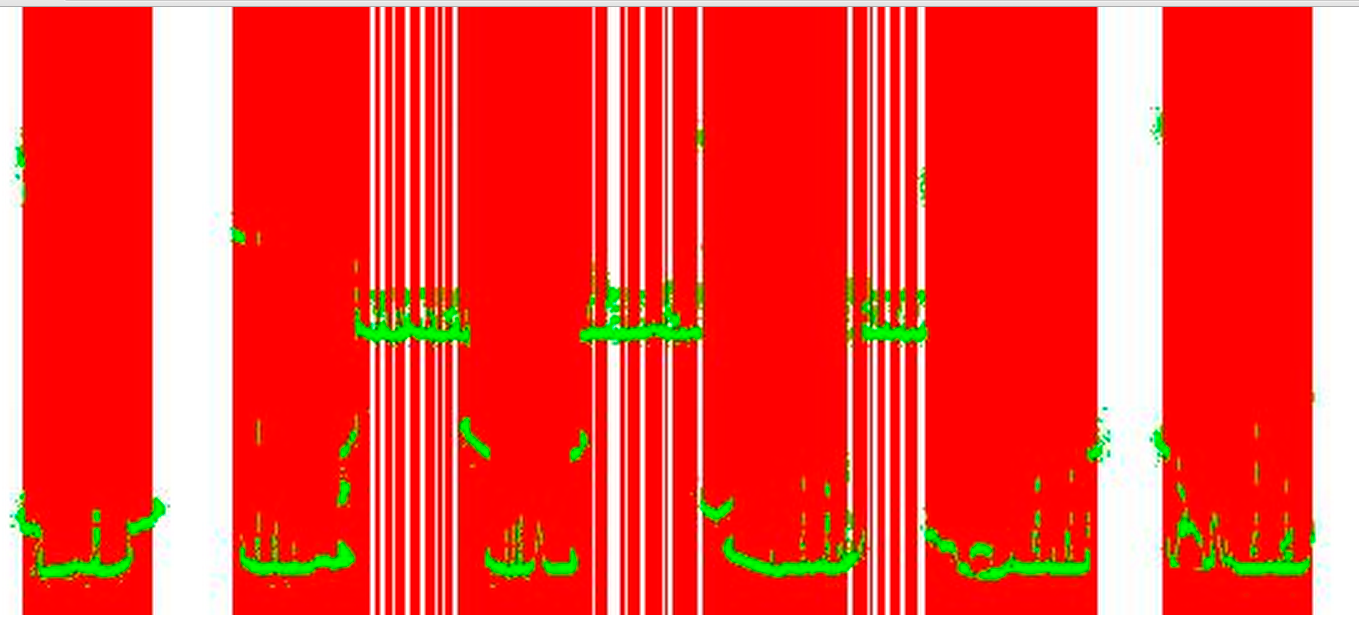
In the original image, you can see obvious white spaces between the segments, let's try to separate the segments according to the principle: “If we have large gaps (more than N) between the shaded segments, then we divide the pixels in the main array on the left and right sides of the gap”.
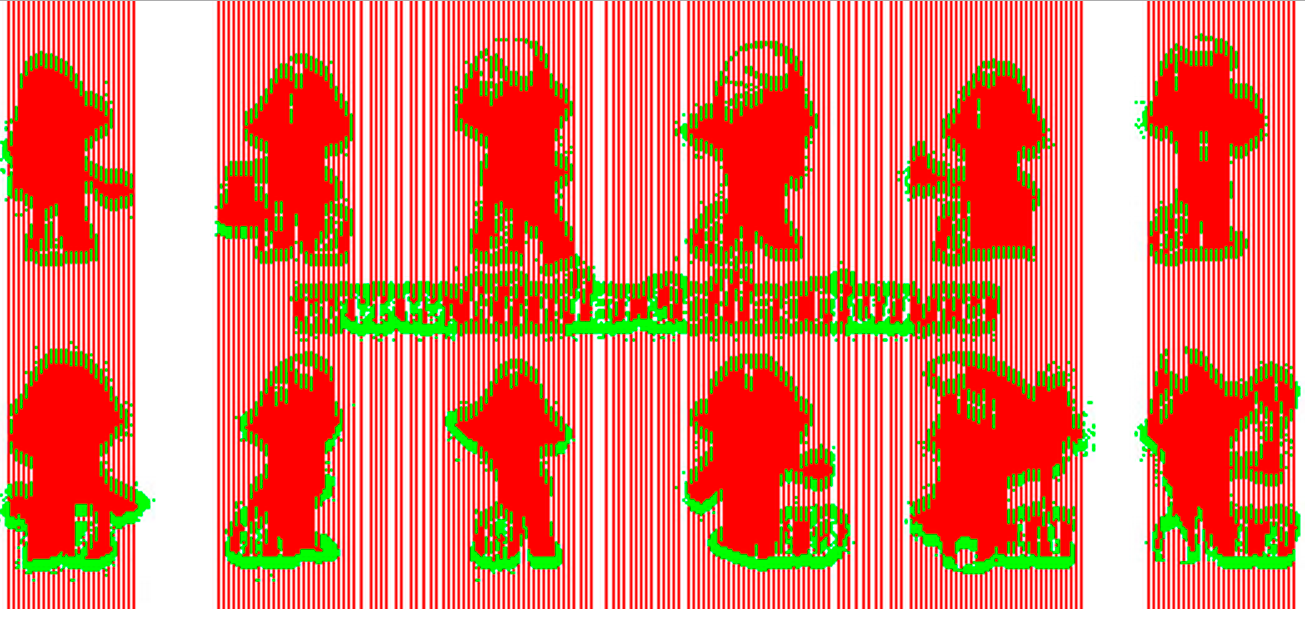
Further in the same way we can make horizontal gaps, but they are more difficult to do because of the inscription in the center of the picture.
But at this moment I realized that I was moving in the wrong direction, so I finished these experiments.
So, back to the outcomes - we have a large array of units - colored pixels, how to divide them into segments?
A brief description is given above (at the beginning of the article), so let's get down to business immediately.
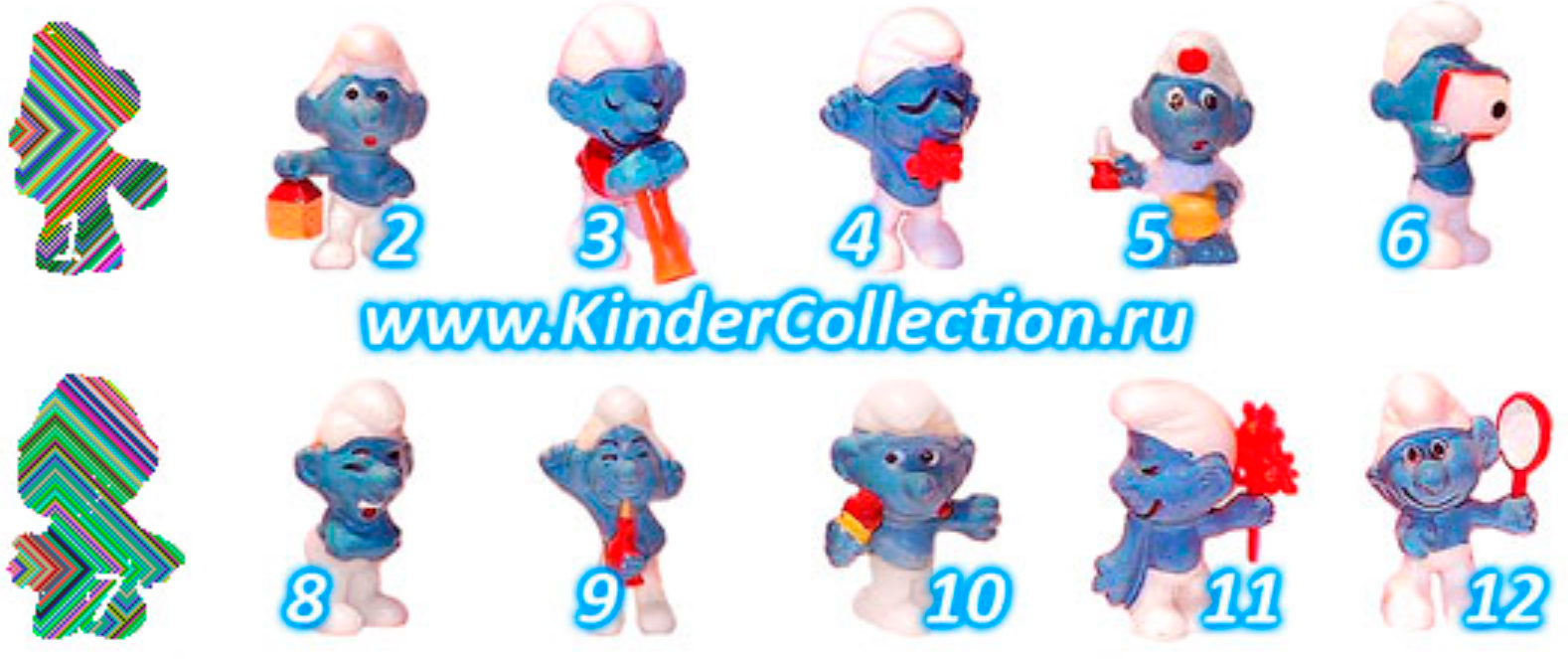
We set fire to the Smurf, it is clear that the whole process goes through recursion, we color the blocks of integration in our colors.
Using this function, an array with pixels is divided into many subarrays (multidimensional array). Each sub array corresponds to one segmented image. Further, analyzing the resulting subarrays, we can remove the widest array that corresponds to the inscription.
A well-known example, I think everyone guessed the character.
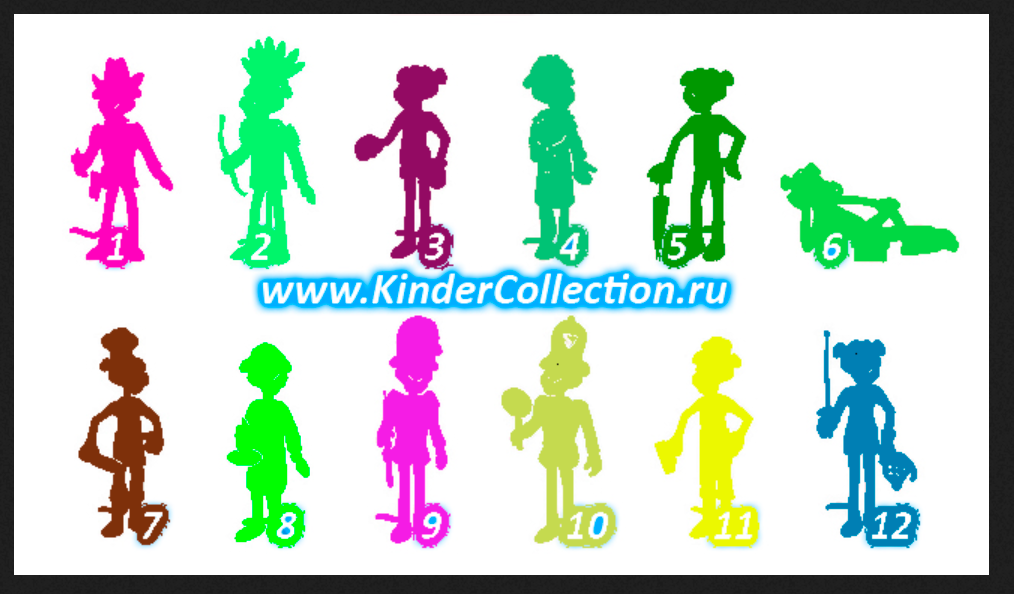
However, sometimes the algorithm does not work correctly. For example, in the following picture, the first figure is divided into two due to a too white object in the hands of the character. In such cases, you need either a finer adjustment for the screened colors, or manual adjustment.

The hosted code was written for yourself, so most likely there are more elegant solutions.
Related links:
UPD
Thanks to everyone who pluses.
quite rarely, but still the question arises about the need to automatically divide the image into logical fragments. If you are limited only by PHP tools, then the task becomes a little more difficult, but still solvable.
In this article I will consider a special case of pattern recognition, focused on a not too sophisticated audience.
The article uses examples from one of the sites with an explicit link, the site is not mine, initially there were no thoughts to write the article.
So, consider the source data
Rectangular images of different sizes and proportions, with a white background, which depict figures of surprise kinder and water mark, which sometimes refers to figures. The task is to get pictures of figures without a water mark.
The images are quite simple, so from the entire spectrum of possible options (links are listed at the end of the article), it is reasonable to apply the method of growing areas. Its essence is that we initially poke at an arbitrary point and compare the color of neighboring pixels, in our case, the similarity criterion is that the color should not be white. If the color is not white, we remember the coordinates of the pixel and compare its neighbors, so our area spreads out until the edge of the segment is reached. Then we poke at the next point and so on. It is clear to everyone that poking is completely random, this is not the most optimal way, since you can go over empty pixels for a long time. This method is also called the scorched earth method .
Interaction 1. Selecting non-white areas
At this step, we get the height and width of the original image and in the double loop we read the color pixel by pixel. All data is entered in a double array, if the white pixel is set to 0, if not white, we are set to unity. We display the data on the screen for clarity and to check whether we were mistaken.
PHP code
$path = '../images/series/9/1.jpg';
$size = getimagesize($path);
$img = imagecreatefromjpeg($path);
$x = 1;
$y = 1;
$color = array();
for ($i = 1; $i < $size[0] * $size[1]; $i++) {
    $color_index = imagecolorat($img, $x, $y); //16777215
// делаем его удобочитаемым
    $color_tran = imagecolorsforindex($img, $color_index);
    if (($color_tran['red'] == 0 && $color_tran['green'] == 0 && $color_tran['blue'] == 0)
            or
            ($color_tran['red'] <= 255 && $color_tran['red'] >= 235 &&
            $color_tran['green'] <= 255 && $color_tran['green'] >= 235 &&
            $color_tran['blue'] <= 255 && $color_tran['blue'] >= 235)
            or
            ($color_tran['red'] >= 190 && $color_tran['red'] <= 230 &&
            $color_tran['green'] >= 225 && $color_tran['green'] <= 245 &&
            $color_tran['blue'] >= 245 && $color_tran['blue'] <= 255)
    ) {
          $color[$x][$y] = 0;
    } else {
        $color[$x][$y] = 1;
    }
    $x++;
    if ($x > $size[0]) {
        $x = 1;
        $y++;
    }
}
In the above code, the neighboring pixel is discarded if it is close to white, because at the input we have jpg of not the best quality.
Now paint over the resulting areas in the original image.
As you can see now, our algorithm catches pieces of garbage (therefore, in the above code, there is filtering by color)
Erroneous approach, an attempt to identify the boundary areas of segments
Each of the segments can define its boundary points, for the segment border on the left side, these will be points that do not have a color pixel on the left, in the same way for the upper, lower, right border.
We try to implement
Grind
It is grinded, the next picture already has a more or less acceptable result, although many pixels are still captured by mistake.
Now if we paint over all the colored dots within these restrictions, we will get a picture in which we can already understand that these are smurfs )
From the human side, these segments can already be clearly divided, but from the side of our algorithm it is still an array of ones and zeros, as well as an array of zeros and ones - only the boundaries of the segments (but now it is still 1 array and the main question is how split it according to segments).
In the original image, you can see obvious white spaces between the segments, let's try to separate the segments according to the principle: “If we have large gaps (more than N) between the shaded segments, then we divide the pixels in the main array on the left and right sides of the gap”.
Further in the same way we can make horizontal gaps, but they are more difficult to do because of the inscription in the center of the picture.
But at this moment I realized that I was moving in the wrong direction, so I finished these experiments.
So, back to the outcomes - we have a large array of units - colored pixels, how to divide them into segments?
Area Growth Method
A brief description is given above (at the beginning of the article), so let's get down to business immediately.
We set fire to the Smurf, it is clear that the whole process goes through recursion, we color the blocks of integration in our colors.
PHP code
function nburn($ret, $color, $img, $col = false) {
    $ret_arr = array();
    foreach ($ret as $k => $v) {
        foreach ($v as $k2 => $v2) {
            $ret_arr['numb'] = get_nearleast($color, $k, $k2);
            $stop = false;
            if (count($ret_arr['numb']) > 0) {
                if (count($ret_arr['numb']) == 1) // 1- потому что только точка сама возвращается
                    $stop = true;
                else
                    $toys[] = array();
            }
            if (!$stop) {
                while (count($ret_arr['numb']) > 0) {
                    $x = key($ret_arr['numb']);
                    $y = key($ret_arr['numb'][$x]);
                    $toys[key($toys)][$x][$y] = 1;
                    unset($ret_arr['numb'][$x][$y]);
                    if (count($ret_arr['numb'][$x]) == 0)
                        unset($ret_arr['numb'][$x]);
                    unset($color[$x][$y]);
                    // Берем следующий элемент
                    $x = key($ret_arr['numb']);
                    if ($x == "")
                        break;
                    $y = key($ret_arr['numb'][$x]);
                    $near = get_nearleast($color, $x, $y);
                    foreach ($near as $f => $g) {
                        foreach ($g as $f2 => $g2) {
                            $ret_arr['numb'][$f][$f2] = 1;
                        }
                    }
                }
                next($toys);
            }
        }
    }
    return $toys;
}
Using this function, an array with pixels is divided into many subarrays (multidimensional array). Each sub array corresponds to one segmented image. Further, analyzing the resulting subarrays, we can remove the widest array that corresponds to the inscription.
A well-known example, I think everyone guessed the character.
However, sometimes the algorithm does not work correctly. For example, in the following picture, the first figure is divided into two due to a too white object in the hands of the character. In such cases, you need either a finer adjustment for the screened colors, or manual adjustment.
The hosted code was written for yourself, so most likely there are more elegant solutions.
Related links:
- Wikipedia
- habrahabr.ru/post/81279 Image segmentation on graphs
- habrahabr.ru/post/128768 Mat. image segmentation models
UPD
Thanks to everyone who pluses.









