 May 30, 2013 at 19:27
Impressions of working with Google Glass

Dustin Curtis tried to most fully and impartially describe the experience of using the Google device, which will soon, as indecently hinted by the co-founder of the search giant Sergey Brin, be able to radically change the way we use smartphones.
Have long been knowncharacteristics of points. In general, they are a smartphone-like (dual-core TI OMAP 4430 processor 1.2 GHz, about 1 GB of RAM) headset (glasses do not have a GSM or GPS / GLONASS module), the distinguishing features of which are a projector with a probable resolution of 640 × 360 pixels, voice control, sound transmission by vibration directly to the user's skull, 5-megapixel camera, touchpad on the side surface and a set of accelerometer, gyro sensor and magnetometer. Points work under the control of “Android” of the fourth version using Google Now.
To this information, Dustin was able to add interesting to many of the time the glasses work. It is unacceptably small for one and a half thousand dollars apiece given to developers and enthusiasts for a model: with constant work, the glasses work for about 2 hours, and in 10 minutes 8% of the battery charge. It is hoped that in the future the glasses will work much longer, easily stretching for 12 hours. In general, Dustin was pleased with the appearance of the glasses, calling them a step forward, although he considers the device somewhat “raw”.
For the first time wearing glasses on a sunny day on the street, Dustin, unexpectedly for himself, could not see anything. The projector is made on the basis of a photochromic lens that obscures daylight, but the user still has to constantly look in a dark place, and the brightness of the screen leaves much to be desired. It is also difficult to get used to the need to mow only the eyeball (and not turn the whole head) to the area of the projector.
The glasses communicate little with the user in a voice, basically everything is displayed on the screen; this is probably due to the fact that the developers plan to use other input / output devices like MYO from Thalmic. Due to these features, it is difficult and dangerous to use maps and navigation while driving: to distinguish something, you need to focus your eyes on a close object and look in a dark place, not on the road.

In promotional videos and photographs, glasses in the standby state, as a rule, show the current time. In reality, the prototype is always turned off, and to turn it on you need to touch the touchpad or nod affirmatively. In the first case, the glasses will emit a signal of readiness for work, offering to say something. If the user does not name the team for a short period of time, the glasses will turn off and you will have to nod and ask “OK Glass” as if you had a seizure. Dustin spoke very positively about speech recognition: the glasses did not make a single mistake in recognizing the commands from the set of available.
The set of commands leaves an impression of still unfinished: for example, “OK Glass, take a picture” will force the headset to take a photo, while the phrase “OK Glass, take a photo” will be ignored. The prototype will also not respond to “Next” or “Previous” when navigating the menu and will not respond to the seemingly simple “Share this photo”. This is probably the result of optimized speech recognition.
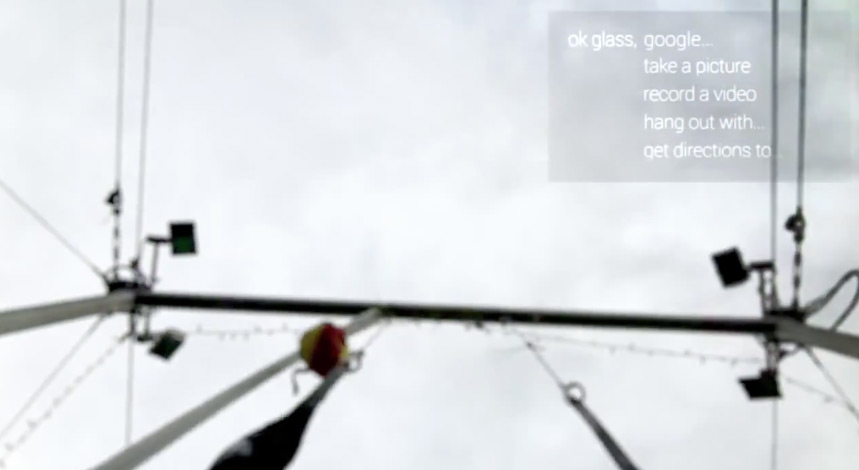
Like the witters joked, if the glasses are activated, then anyone can control them, including not the owner. A joker can make glasses take a photo or look for something in Google. “Glass” lives its own life in the matter of shooting: the glasses themselves choose the right moment a second earlier or later than the voice command and take a picture. By the way, the search thanks to Google Now is very convenient, for example, “OK Glass, Google“ How tall is the Empire State Building? ”Will display a card with the image of the building and the answer. Any other queries not included in Google Now are not so convenient, since search results will be shown on the projector of points, including one sentence from page previews. It is impossible to open them without a smartphone.
The glasses interface is not intuitive, and for the first time it’s very difficult to use: up and down movements scroll through menus (but not everywhere), and back and forth movements scroll application windows or action history. Other users note that additional help in order to understand them was not required. Glass rarely offers the ability to select a menu item by voice. Scrolling methods vary from the way the menu is called (voice or touchpad), which confuses the user. For some reason, glasses do not respond very well to scroll movements.
A pleasant impression on Dustin was made by the translation application, which, however, also did not remain without complaints: instead of displaying text or transliterating on the screen, the glasses pronounce the text in a voice. It is not always possible to perceive speech or repeat a phrase in an unfamiliar language, especially since the volume and sound quality are low. People around you may hear distorted noise when playing sound, which in some countries is unacceptable by etiquette.
In general, the glasses impressed Dustin as an object from the future worth at least a thousand dollars. But wondering if they are the human-computer interface we need, he comes to the conclusion that the Glass is still far from him.









