Remove \ change the anti-reflective coating of the monitor
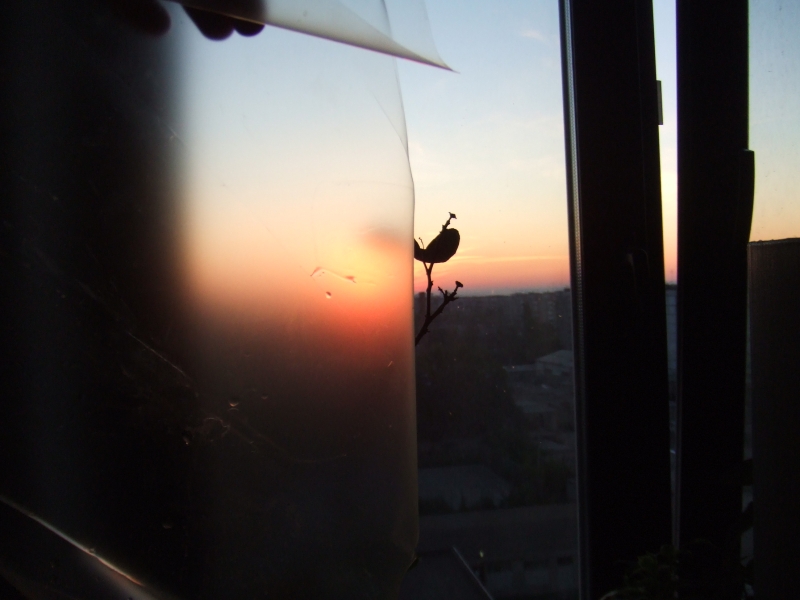
I love the "matte" monitors. No, I really love. But sometimes such a monitor comes across that in the literal sense of the word "you won’t look without tears." And the "crystalline" effect is to blame.
The crystalline effect, to one degree or another, is present on all matte monitors. Its strength depends primarily on the quality of the coating itself and differs from model to model. It manifests itself in the smokiness of the image and fuzzy, blurry edges, which makes it very difficult for the user to focus his eyes on any detail. This is particularly inconvenient when reading.
If you are the owner of a matte monitor, in which this feature is manifested in all its glory - welcome to cat. I apologize in advance for the quality of the photographs.
Briefing
Before we begin, we need to decide whether we want to change the coverage, or we can afford to leave the monitor completely uncoated.
The fact is that on any monitor there are two coatings: a polarizer and a transparent \ anti-glare \ another glass, the main function of which is to protect the polarizer from damage. After removing the protective coating, there is a risk of accidentally damaging the polarizer in everyday life.
There are two more points in dealing with a bare polarizer that are written about in Western forums:
- It is impossible to wash on "hot". That is, it is necessary that the matrix cools down some time after work, otherwise water will penetrate under the polarizer. Personally did not check.
- Wash strictly with left-right-up-down movements, but not circular at all. Checked. I am fine.
Therefore, if you live alone and quite neat, then you can not bother with the coating. But if, for example, you have children, then I would take care of this issue and buy something to replace it.
To business
The patient is a shitty 60 cm. Acer V243HQ.

We need:
- A tool, including a plastic scapula \ pick to disassemble the monitor.
- Spray bottle with water (I used tap water).
- Viscose and microfibre napkins.
- Rubber gloves (you can household).
Using the tool, we carefully disassemble the monitor and release the matrix from the metal frame. No need to get all the glass completely, it is only necessary that the entire surface of the anti-reflective coating be accessible. I will not describe the process in detail, since each model has its own parsing scheme. I’ll just mention what you need to remember, and even better - take pictures of all the stages, especially the fastening of cables / wires.
We put the whole thing on a horizontal surface and cover the matrix with dry viscose napkins. Then, using a spray gun, evenly spray water on the napkins, pressing them against the glass.
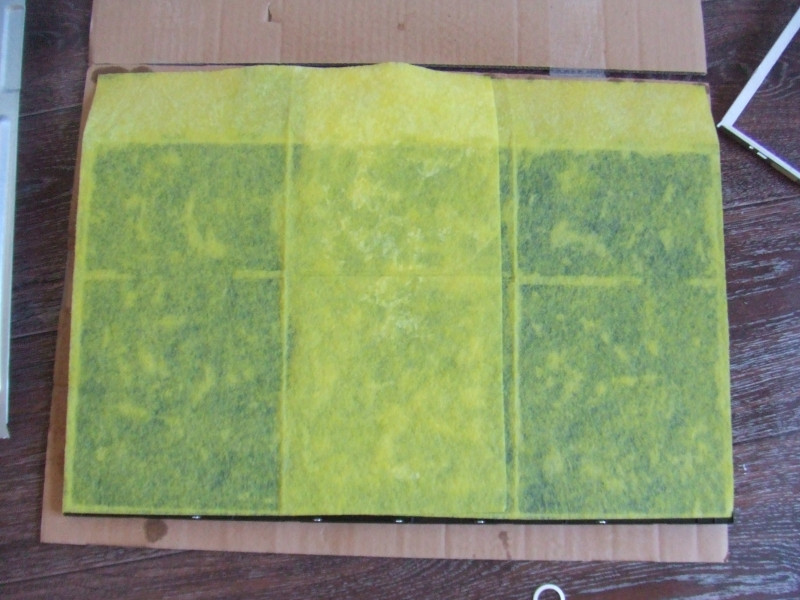
The whole trick is that the anti-reflective coating is glued with water-soluble glue, and in itself is impregnated with water. Water should be sufficient. Not much, not small, but enough. Excess amount will flow under the matrix, and insufficient will not saturate the coating to the proper degree and it will come off in pieces. After laying the napkins, it should take about 4 hours before the glue gets wet.
After the necessary time, you can begin to remove the coating. We transfer our entire structure to the bathroom or another place where there is constant access to water.
Gently hook the corner of the cover and slowly pull it towards you. If it is very tight, then it is better to leave soaking for a short while. It is very important that everything comes together in one piece, since ripping off small pieces is very problematic.
The main thing at this moment is not to remove the polarizer with the coating. Distinguishing them is not difficult.
After removal, you need to check whether glue remains on the surface of the polarizer. To do this, draw wet microfiber on the surface of the matrix and wipe it dry. If the glue remains, then this rhinestone will be visible on the stains and adhered particles of fabric.
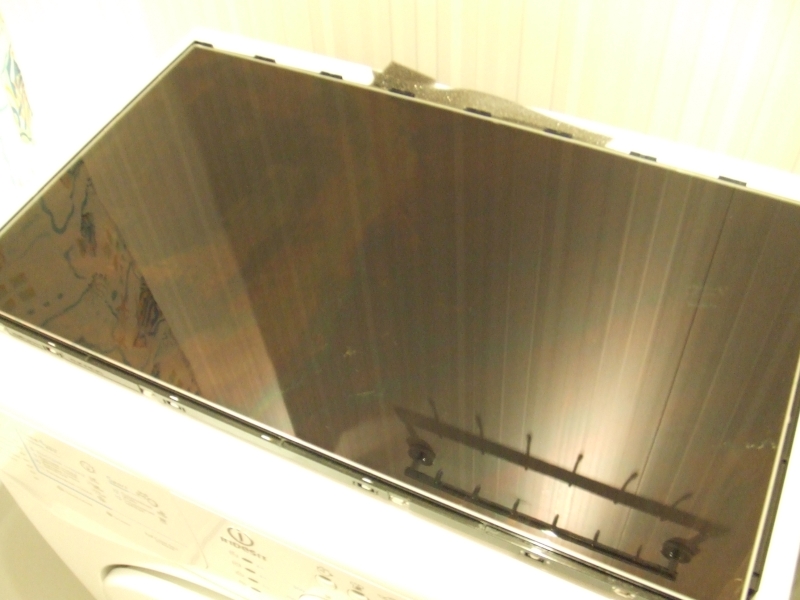
So it's time to start the monotonous glue removal procedure. This is where gloves come in handy. The procedure looks like this: in one hand a wet towel, in the other - dry. Humidify - overwrite, moisten - overwrite and so on until the stains disappear and the surface takes the form of a perfectly black mirror. We assemble the monitor.