 December 6, 2011 at 10:41
NetApp FAS2040A unboxing
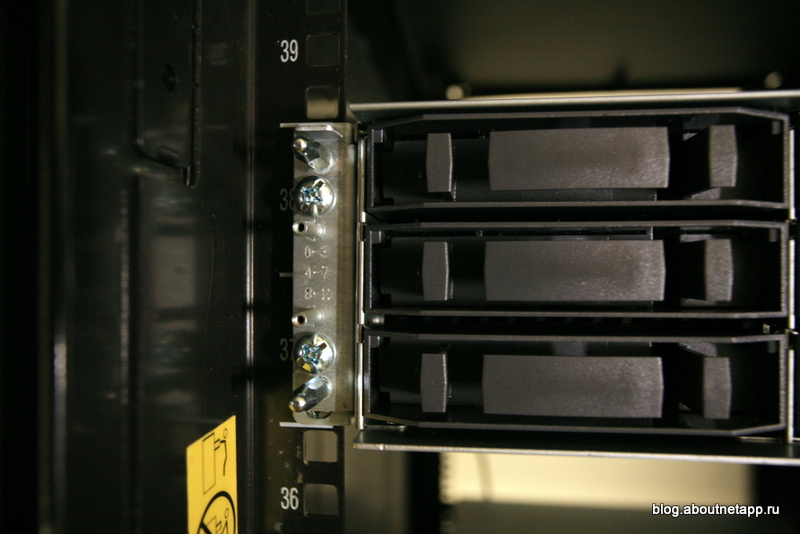
And today I want to show you a selection of photos recently made by one of my colleagues, in the unboxing genre that is popular among geeks, with the FAS2040A system that recently came to them with an additional DS4243 disk shelf. By the way, this is the very project that I wrote about my previous (so surprisingly unpopular in this blog) post.
A couple of months ago, the equipment was delivered to the customer, and I asked him to photograph some of the main stages of unpacking and installation to show them to you.
In this case, since the NetApp FAS2040A with the DS4243 disk shelf arrived much earlier than the rest of the kitchen (for which there is a great respect for the speed of distributors and partners, some would study), we started with him, and that is why there is nothing besides him in the photo yet. But here, after all, is not a Cisco blog;). As of today, the project has already been fully deployed and put into “trial operation”.
So, this is what you get when a new NetApp store comes to you.
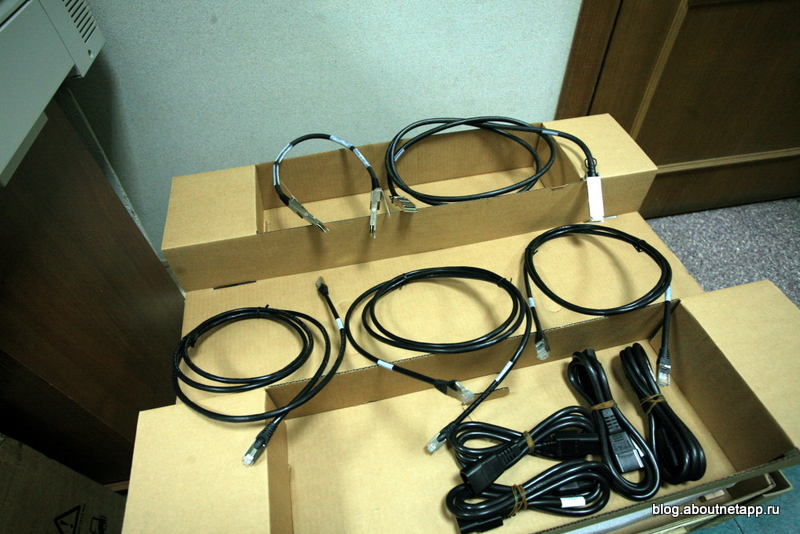
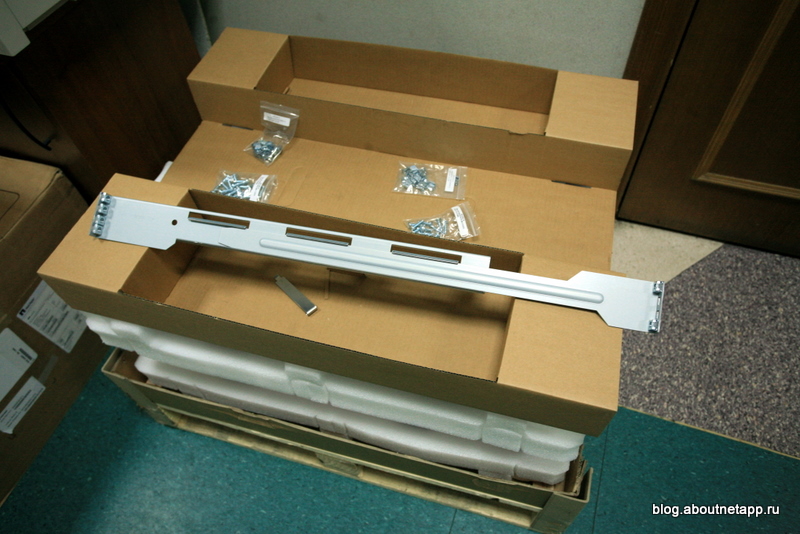
Unfortunately we did not take the very first shot, with the box completely closed and packed, but when you open it, the first thing you find under it is a set of mounting accessories, the so-called “rails”, as well as cables and a quick start-up guide.
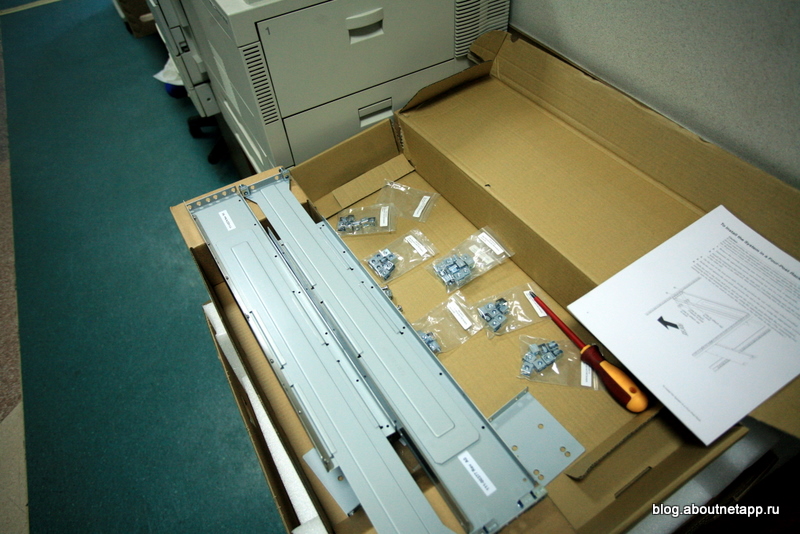
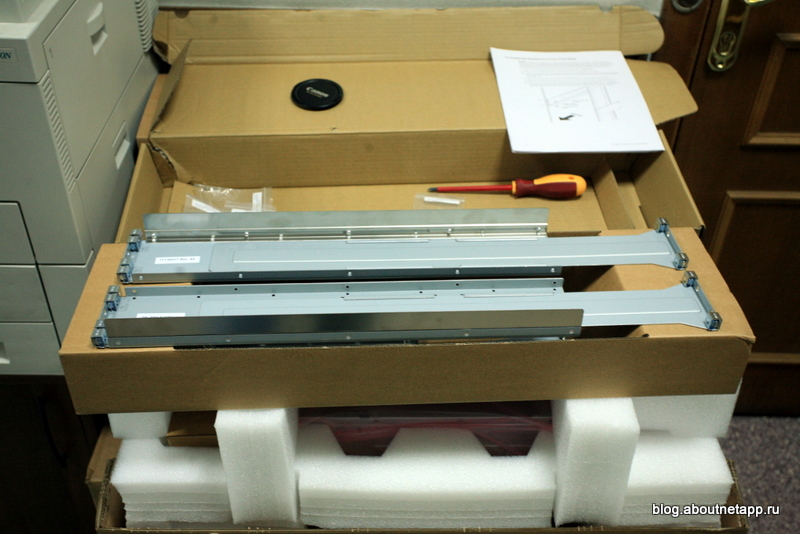
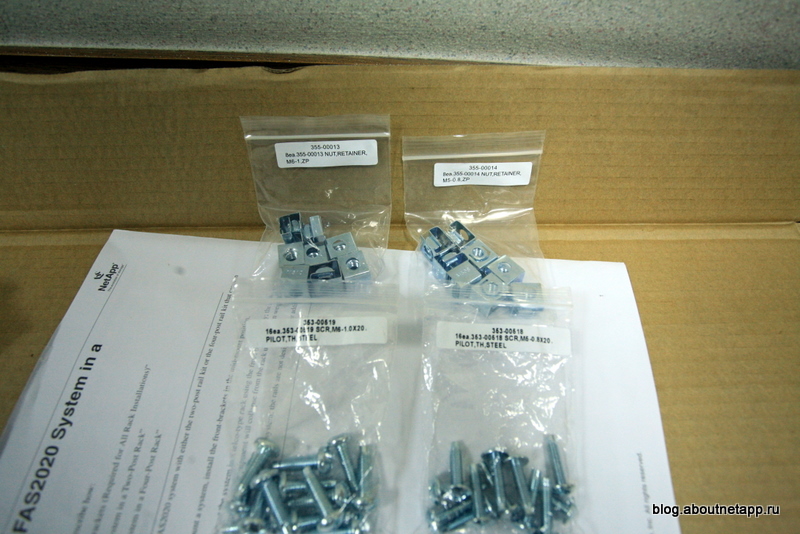
Please note that the kit comes with two sets of fasteners (screws and nuts), for metric and inch threads. Choose what you use so that you don’t get confused in the future.
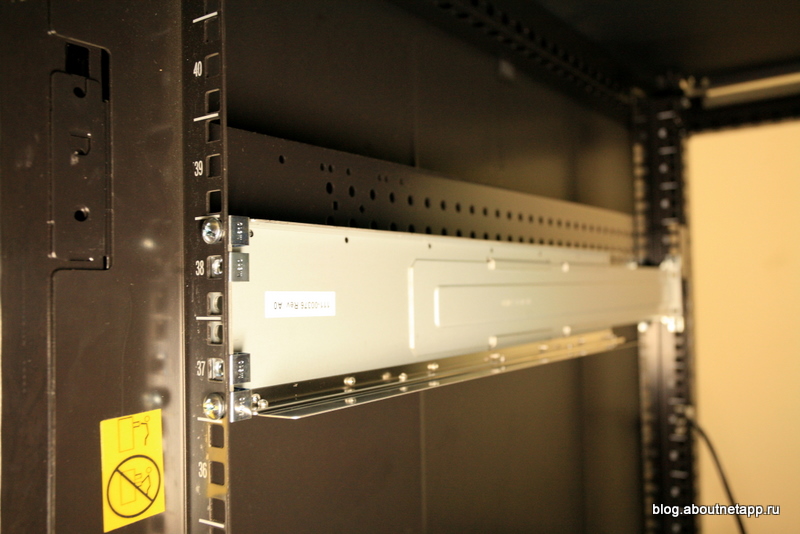
The mounting bracket is installed in a rack and is ready to accommodate the storage unit itself.
Unpack the actual FAS2040A.
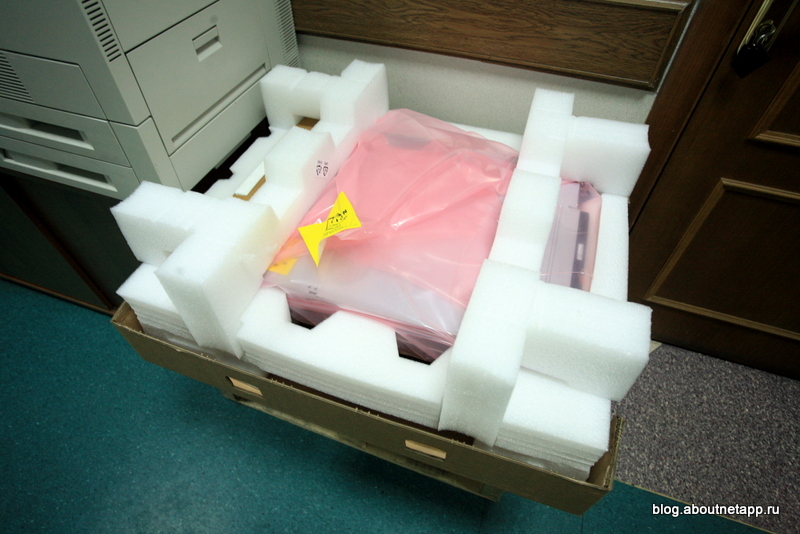
It is, I recall, a device 2RU high ("two units"). In the box, it is on the stops of their polyethylene foam. A pimple film, alas, was not found :) Immediately, on the front side, there is a cardboard box with a “face” - bezel - front decorative cover.
So the unpacked FAS2040A looks from the “face”, even without the “face” installed - bezel. I already said that in this project we use the FAS2040A option without disks installed in the case, although this option is possible. In place of the disks in the case there are 12 plastic plugs, and the disks are located in a separate disk shelf, about which below.
If you buy a system with installed disks, and this is also possible, there will be 12 SAS or SATA disks. Perhaps later we will add additional disks here, if we do not have enough space or performance.

This is a tail from the tail. Here you can see two installed controllers, 4 Gigabit Ethernet ports on each (on the right), then two service Ethernet ports and a console port, then a SAS port for connecting a disk shelf and, finally, two FC ports. To the right and left of the controllers are the fans of two power supplies. The red bolt is used to unlock and pull the controller out of the case, if you need to remove it and replace it in case of a malfunction.

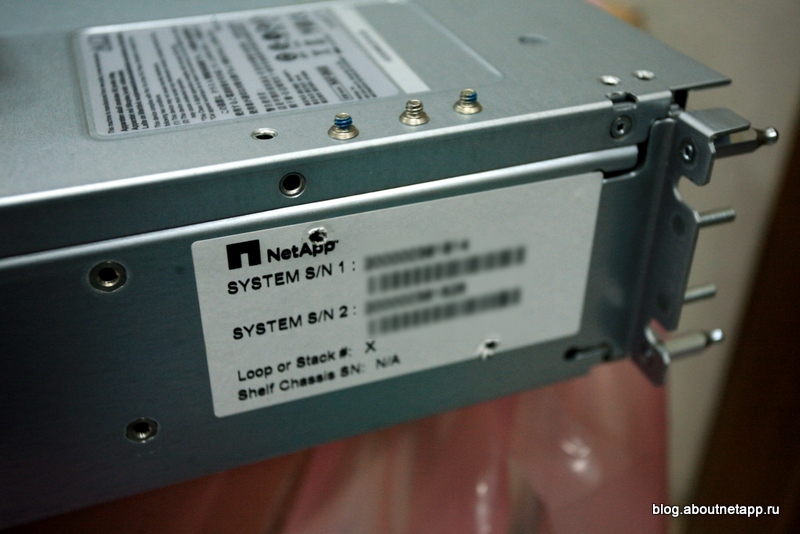
On the left, when viewed from the face, on the case there is a sticker with the serial number (two, for each controller separately) of the system. You will need them for registration in support.
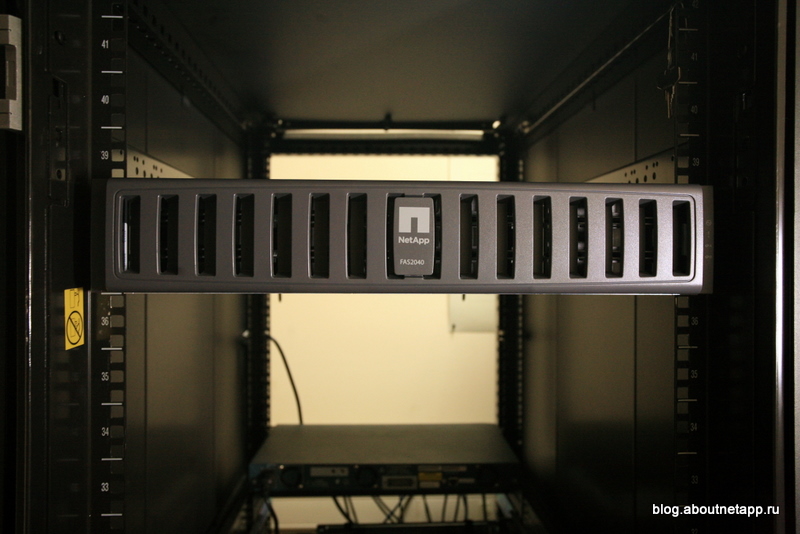
And finally, the FAS2040A took its place in the rack.
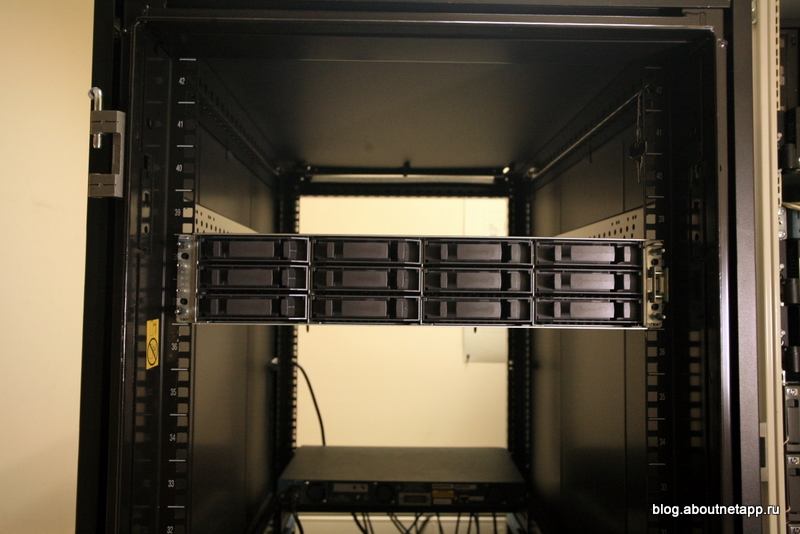

Now everything is neat, the disks, or rather, in this case, the plugs are hidden under the cover.
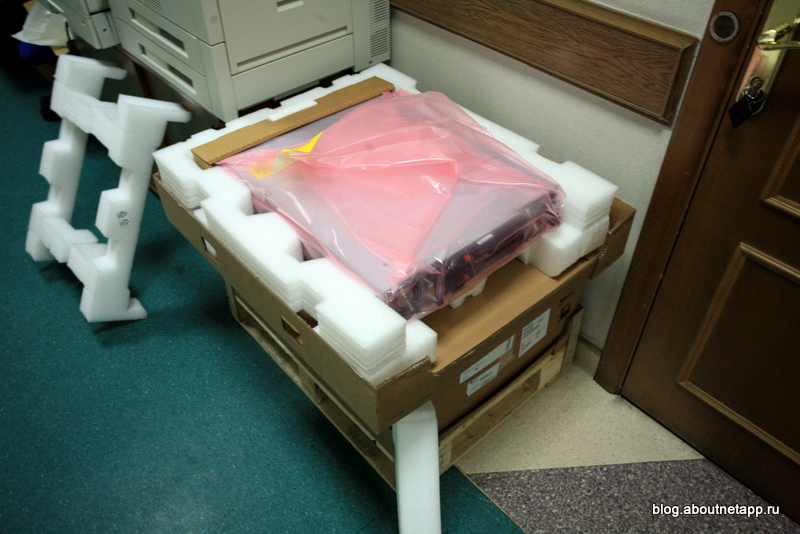
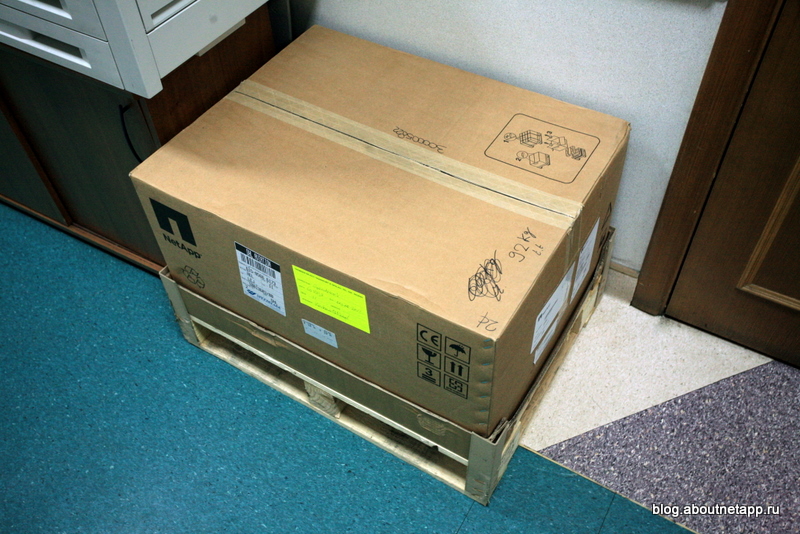
Let's move on to the disk shelf. Here she is in a box on a pallet. Pay attention to the inscription - 92kg. Really heavy.
Above, as in the case of the base unit, there are “rails” and fasteners, as well as cables.
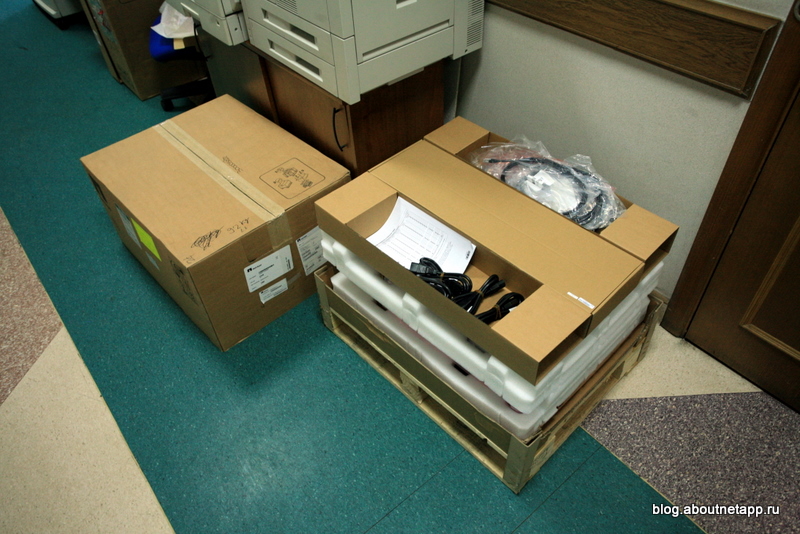
Two SAS cables, three ethernet cables, to enable a special out-of-band “network” of controllers controllers, and 4 power cables (in the shelf with SAS drives - 4 power supplies, in the shelf with SATA drives - 2 are included with the disk shelf) )
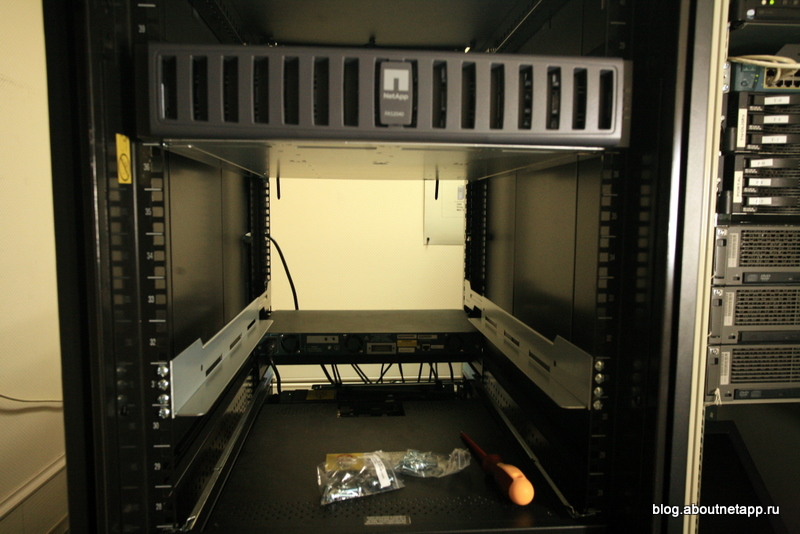
The mounting in the cabinet is installed, you can start loading the shelves.
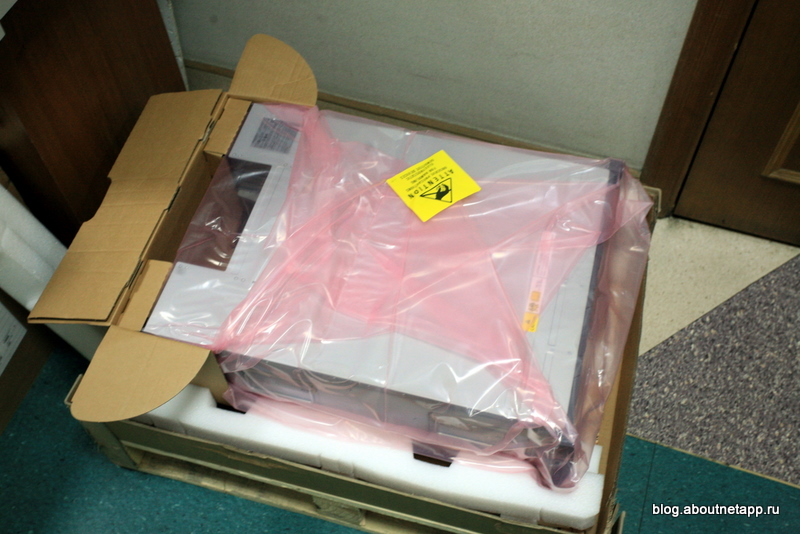
Unpacked 4U shelf with 24 SAS drives. Pay attention to two sets of lifting handles. Installation requires at least two people.
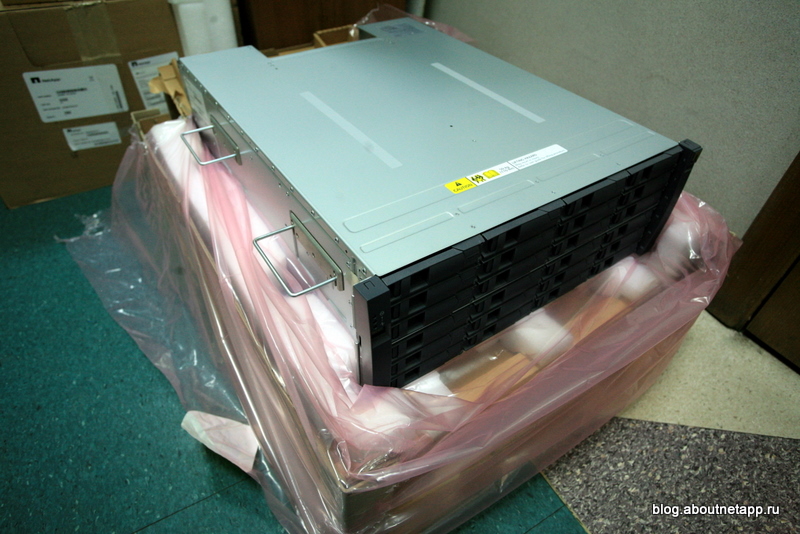
Everything is ready to connect and run.
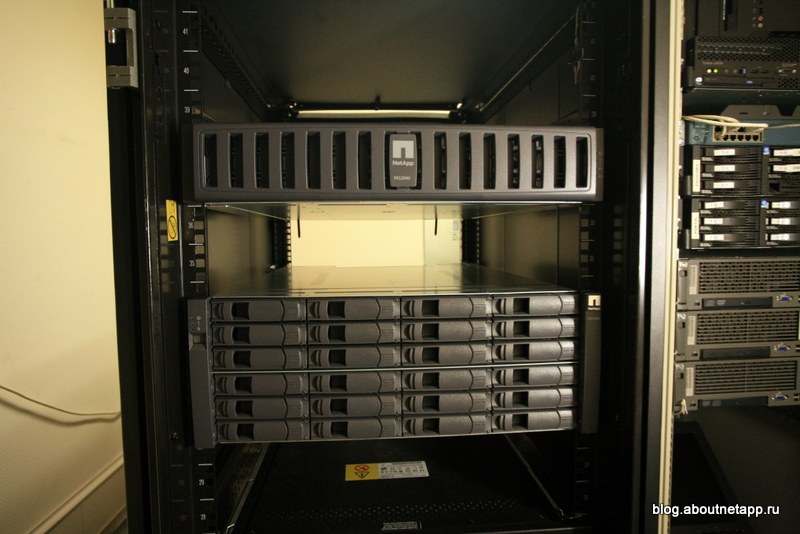
You can find some details on the completed project in my previous post, details about using the storage system and its configuration are also presented there.
And quite a bit organizational at the end. Since after recent improvementshere on Habrahabr, apparently, the blogs of the companies, that is, what you are reading, have finally been “cut out” of the tapes. Unfortunately, this, as I see, sharply reduced the number of readers. Most likely, if you have not added the company to your favorites, you will not be able to see new posts from it in the feed. So if you want to read NetApp blog posts in the future, I recommend adding this blog and its company to your “favorites” by clicking on the “heart” in the title.
Special thanks to the blog blog.aboutnetapp.ru for the photos and work on the implementation of the project.









