April 5, 2010 at 21:21
Font increase in Opera Mobile 10
This article does not in any way claim to be the main post, but it will surely prove useful to someone.
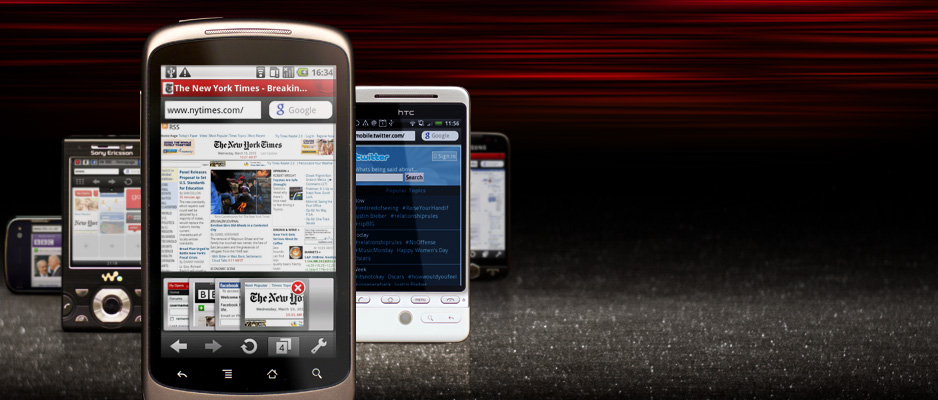
Those who used Opera Mobile probably noticed that there you can’t change the font size for the text on the pages. Only the scale, but it also enlarges the image. So, to fix this, you need to type
opera: config in the address bar,
then find
user prefs
and change the
mininum font size parameter in it , which by default is 11 (I set 19 for myself),
rewind to the very bottom of the page, click "save" and reload Opera
thank you for your attention
UPD download folder can be changed there in the Download Directory line (by default E: \ download \)
Those who used Opera Mobile probably noticed that there you can’t change the font size for the text on the pages. Only the scale, but it also enlarges the image. So, to fix this, you need to type
opera: config in the address bar,
then find
user prefs
and change the
mininum font size parameter in it , which by default is 11 (I set 19 for myself),
rewind to the very bottom of the page, click "save" and reload Opera
thank you for your attention
UPD download folder can be changed there in the Download Directory line (by default E: \ download \)