September 7, 2015 at 12:39
Install GuitarPro 6 on Fedora Linux 22

About a couple of months ago, I switched from Windows 8.1 to Fedora Linux 22. Everything suits me, but as always there are applications that have no analogues in the Linux world. Fortunately, I need GuitarPro for Linux for my hobby, but, unfortunately, only deb packages. And in Fedora, as everyone knows, rpm is needed. We will correct this annoying fact. Who cares - under cat.
NOTE: I am using KDE5 as the Window Manager. All versions are relevant at the time of writing. As always, you do everything at your own peril and risk, the author of the article does not bear responsibility for possible damage.
So let's go, update the system to the current version:
sudo dnf update
1. Download the GuitarPro distribution from the official website. The official site gives only the trial version
But there is an option
The site gives a link of the type downloads.guitar-pro.com/gp6/gp6-full-linux-demo-r11683.deb , and we cheat and slightly correct the link (delete the demo), as a result we get something like downloads.guitar-pro .com / gp6 / gp6-full-linux-r11683.deb .
2. We go to the github (https://github.com/dpurgin/guitarpro6-rpm) and download the converter from GuitarPro deb to GuitarPro rpm.
3. Unpack the archive somewhere, for example, in your home folder (
~/guitarpro6-rpm-master, well, or git clonewhatever you like). 4. Copy downloaded
gp6-full-linux-r11683.debto /home/username/guitarpro6-rpm-master:cp ~/Downnloads/gp6-full-linux-r11683.deb ~/guitarpro6-rpm-master
5. We make the script
prepare.shexecutable and run it:cd ~/guitarpro6-rpm-master
chmod +x ./prepare.sh
./prepare.sh
If the script worked without problems, a file
~/guitarpro6-rpm-masterwill appear in the folder GuitarPro6-6.1.6.tar.bz2. 6. We deploy the rpm package assembly environment ( official wiki ):
Briefly and in Russian
Create the makerpm user and include him in the mock group:
Log in to the terminal under it, and execute the command
This command will create the necessary folder structure in the user's home folder.
sudo dnf install @development-tools fedora-packager rpmdevtools
Create the makerpm user and include him in the mock group:
sudo useradd makerpm
sudo usermod -a -G mock makerpm
sudo passwd makerpm
Log in to the terminal under it, and execute the command
rpmdev-setuptree:su makerpm
cd ~
rpmdev-setuptree
This command will create the necessary folder structure in the user's home folder.
7. Copy
GuitarPro6-6.1.6.tar.bz2to the folder /home/makerpm/rpmbuild/SOURCES, GuitarPro6.specin /home/makerpm/rpmbuild/(superuser estesstvenno). 8. Being in the folder
/home/makerpm/rpmbuild/, execute the command:QA_RPATHS=$[0x0001 | 0x0002 | 0x0004 ] rpmbuild -bb --target=i686 GuitarPro6.spec
After working out, a file
/home/makerpm/rpmbuild/RPMS/i686should appear in the folder GuitarPro6-6.1.6-1.fc22.i686.rpm. We copy it somewhere to a secluded place (for example, to your regular user’s home folder).
9. Simply delivering the resulting RPM will fail. I rpm swore at the missing
gksu-polkitand libportaudio.so.2. So we will put them.sudo dnf install gksu-polkit
Regarding the missing library, a Google search revealed the need to establish the following:
sudo dnf install libstdc++.i686 mesa-libGL.i686 alsa-lib.i686 portaudio.i686 pulseaudio-libs.i686 libXrender.i686 glib2.i686 freetype.i686 fontconfig.i686 libgnomeui.i686 gtk2-engines.i686
10. Now we put GuitarPro:
sudo rpm -i GuitarPro6-6.1.6-1.fc22.i686.rpm
11. I will not write where to look for RSE and medicine. You yourself know very well. To install banks, you need to do the following (naturally correcting the path to Banks-r370.gpbank for your system):
sudo /usr/lib/GuitarPro6/GPBankInstaller /home/username/Downloads/Banks-r370.gpbank /usr/lib/GuitarPro6/Data/Soundbanks
The import window appears. We are waiting for completion.
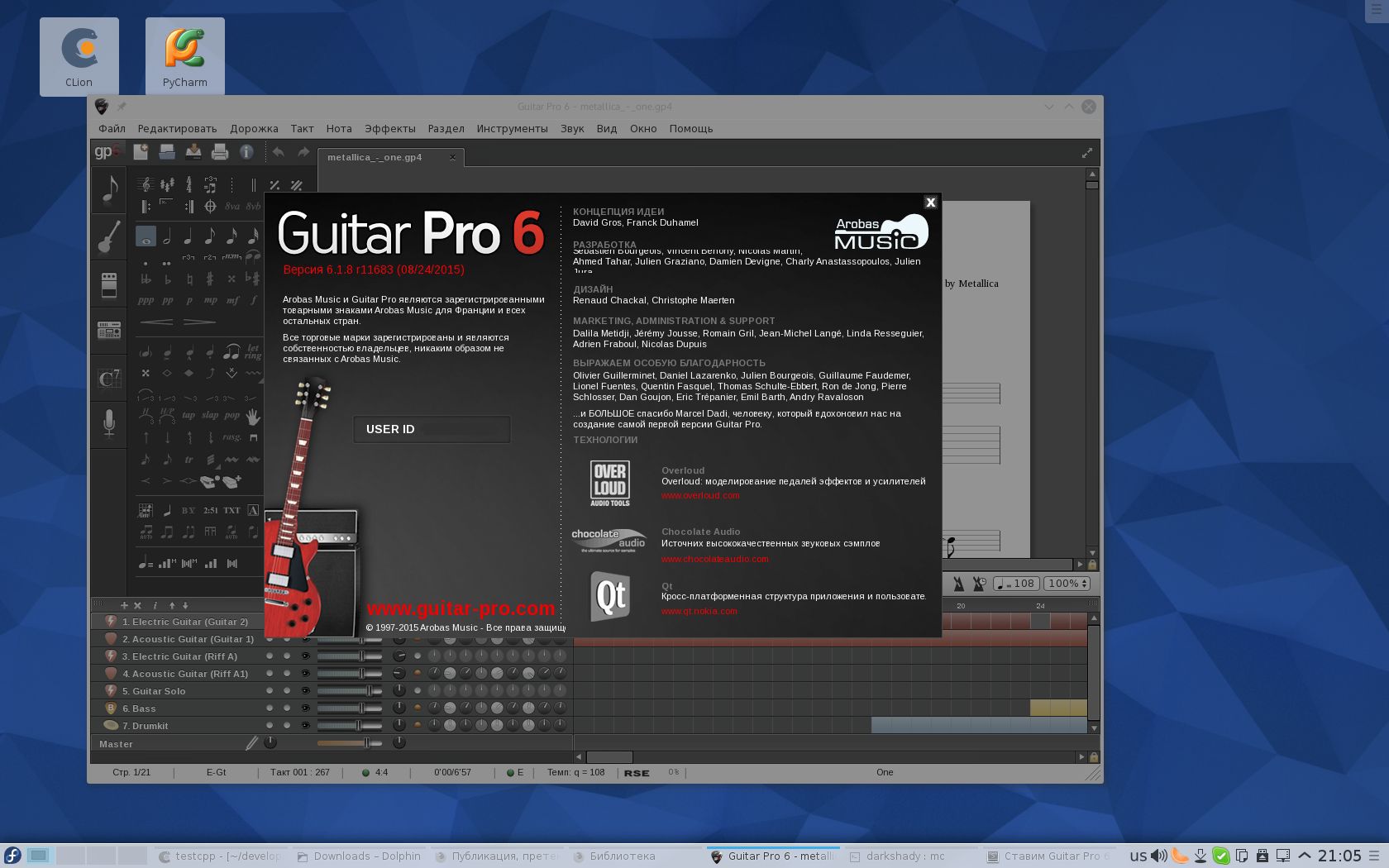
12. Now we launch Guitar Pro (the shortcut lies in K> Application> Multimedia), register (keygen from the Windows version works fine) and enjoy life.
Proof