September 26, 2016 at 16:31
Games for TI-82
- Tutorial
Hello! This is a continuation of the first article, and today I will talk about games and other programs that were written for this calculator.
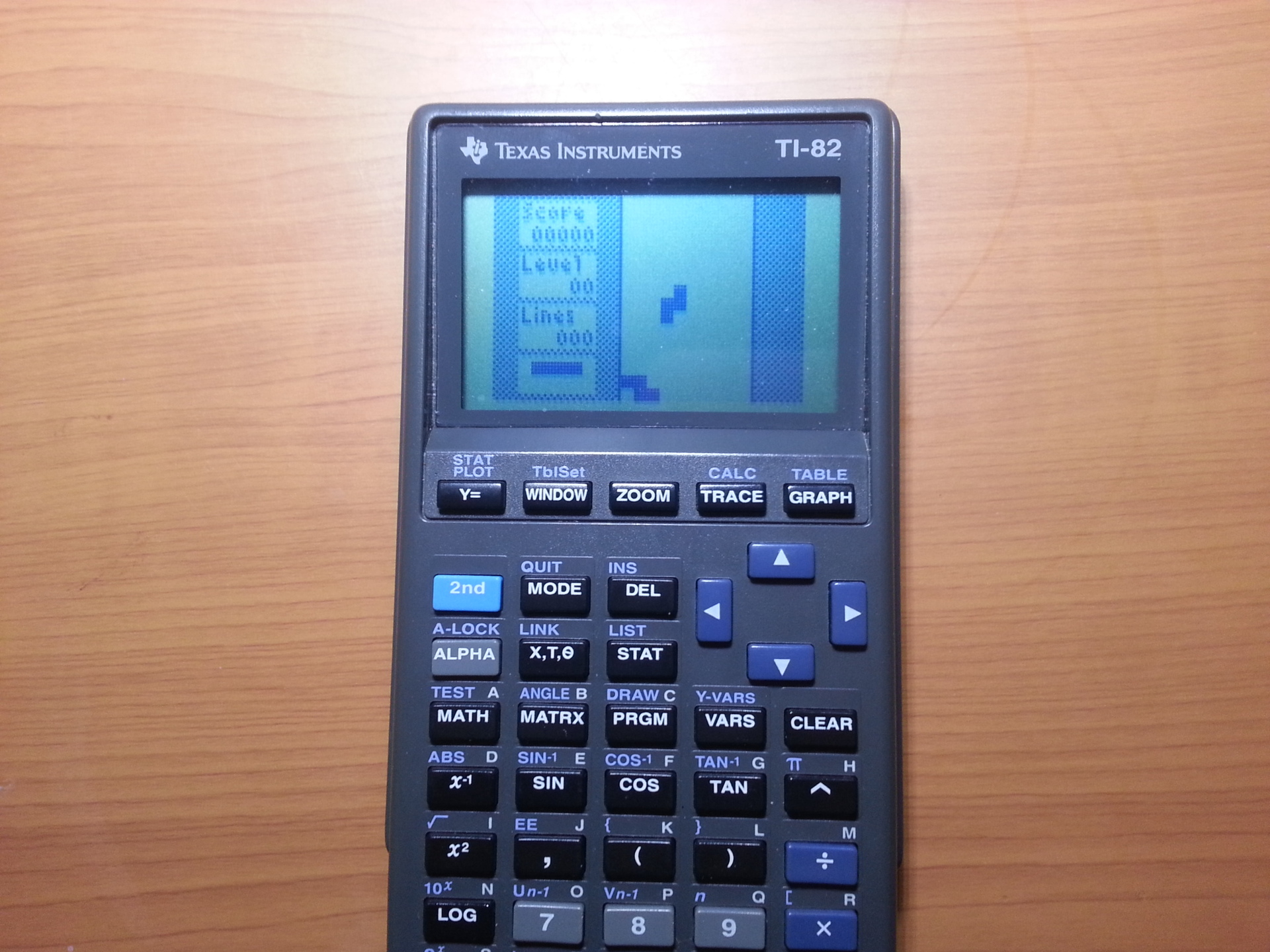
At first they wrote software in BASIC. Files were copied from the calculator to a computer via a link cable, and then published on ticalc.org and other sites. The calculator uses a rather fast Z80 processor (with a clock frequency of 6 MHz), but getting direct access to it for a long time was not possible.
Everything changed in 1997, when a function was found in the calculator firmware that allowed to execute arbitrary code. The calculator had the ability to create and restore memory dumps (i.e. backups) using the computer to which it was connected. But it concerned only user, but not system memory. For a long time, code execution on this model was considered impossible until one researcher came across a variable in which the address of the keyboard handler was recorded. If you rewrite it in a tricky way to the program address in memory, the processor will go there as soon as any button is pressed.
All shells (shells for executing assembler programs) for TI-82 are based on this, namely: OS-82, ASH, CrASH, ACE, SNG.
OS-82 and ASH are among the first. After them appeared CrASH, which is the most popular. The newest shells are ACE (released in 2002) and SNG (released in 2005), but they are not very popular, since this model of calculator is no longer released and few people now write programs for it.
It's about CrASH. This shell comes in the form of a backup file, which should be loaded into the calculator (carefully, this will erase all the data).
For this, we will use the TiLP program , since Texas Instruments no longer release software for older models.
It is available on Windows, Mac, and Linux, and is the only calculator communication program that is still supported.
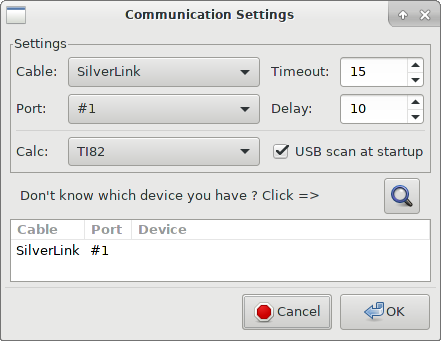
We connect the cable (I have it - TI SilverLink), run the program. Most likely, she will not recognize the calculator and will swear, so you have to set the parameters yourself.
Open File → Change Device. It should be configured as in the picture:
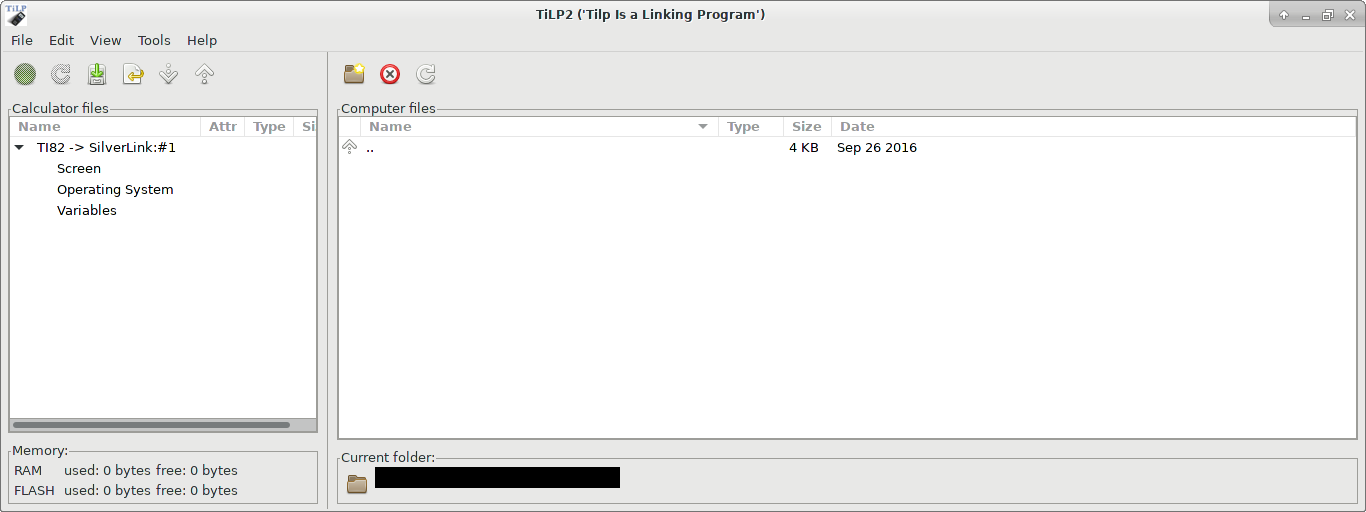
Now we will see the following:
First we need to download CrASH. To do this, use the link: CrASH .
There are some versions of calculators with ROM version 19.006. If you have this version, you are out of luck, since very few programs support it. But if you want to try it, download CrASH for 19.006 . You can check the version by pressing [MODE], [ALPHA], [LN] from the home screen.
Something like this will be shown (a screenshot from this menu could not be made):
Enter Self Test?
19.0
Where 19.0 is your version of ROM. Press [CLEAR] to not continue the test, as it erases the memory when it is checked.
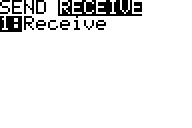
The archive with CrASH will have the file crash.82b (crash19006.82b). It should be loaded into the calculator. To do this, turn it on, and press the following sequence of buttons: [2nd] [X, T, Θ] (LINK), then go to the RECEIVE section and press [1]:
In TiLP, select File → Restore and select a backup file. The program will warn you about overwriting data, select OK, after which the calculator will ask about it, answer in the same way. After transmission, press [2nd] [MODE] (QUIT) to exit the menu.
To load programs into the calculator, the actions are the same, only instead of Restore, you need to select Send Files.
After a successful download, you will see:

Now is the time to load the programs into the calculator. Games: TI-BASIC , CrASH .
Programs on BASIC go without CrASH (but also with it), to start them, you need to select a name by pressing [PRGM] to open the menu. To run assembler programs, you must first run CRASH from the same menu. Running CrASH, you should see an empty list of programs:
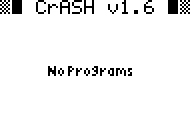
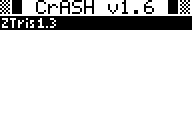
Exit CrASH by pressing [2nd] [MODE] (QUIT). We try to load the program on the calculator. A good toy is ZTris (Tetris). After unpacking the archive, downloading it to the calculator in the manner described above and running CrASH, we see:
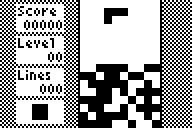
A screenshot from a working program cannot be made, so here is a screenshot from the author:
Ticalc.org has a great many programs and games for this calculator, so you can try something yourself.
By the way, to remove programs you can use [2nd] [+] (MEM) → Delete ... → Prgm ... There you can also delete other data. If you have CrASH, do not erase CRASH and matrices a and b. The calculator will start to fail, as part of the code is written there.
I even wrote a couple of programs on BASIC myself, please see if you want: calculating π , playing the reaction .