10 Gigabit Ethernet: Newbie Tips
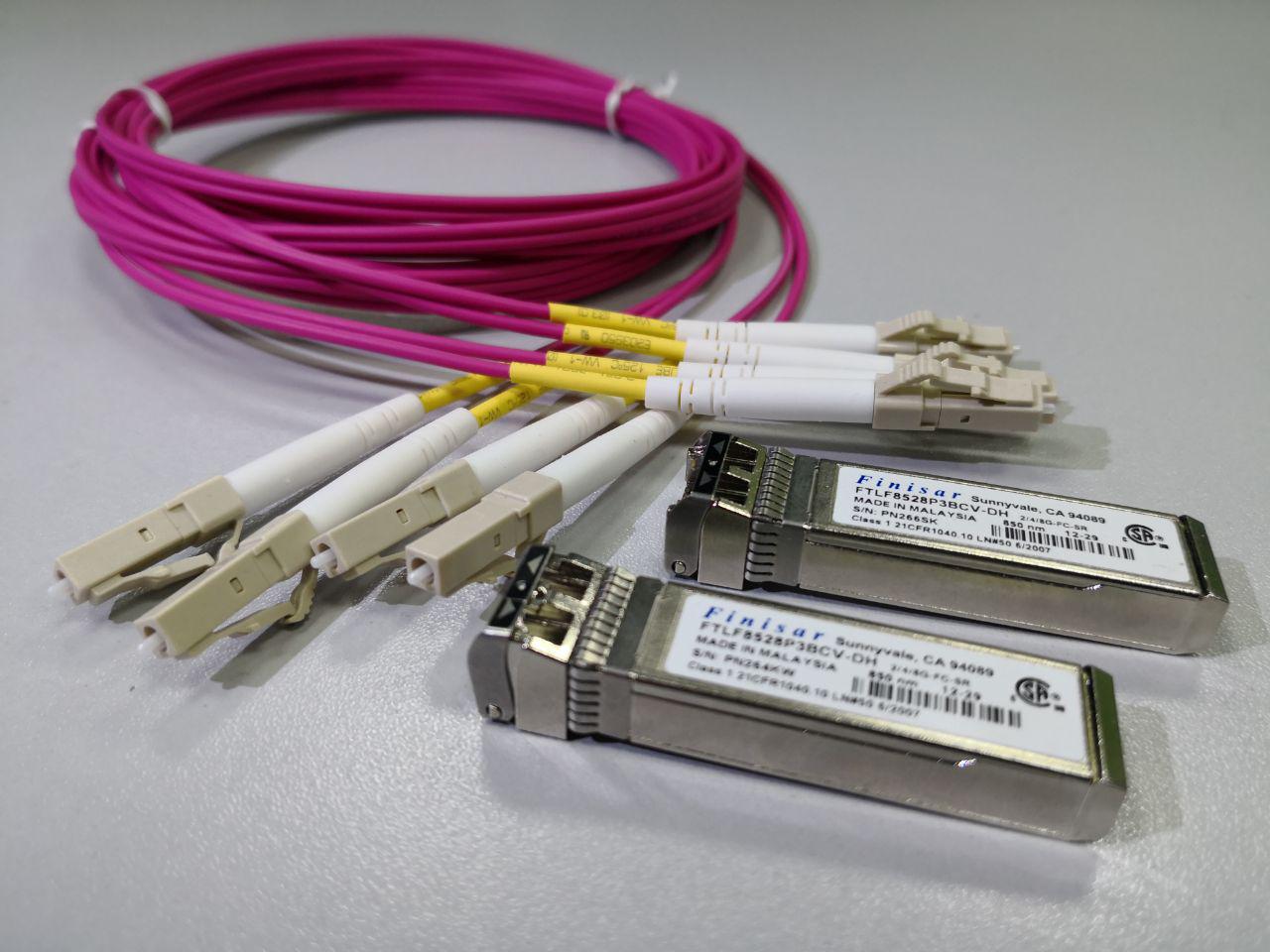
Inspired by Internet queries in the style of “how to make a spinner out of cardboard,” I decided to talk about what is close to me: how to build a 10-gigabit network myself. Gigabit Ethernet no longer causes any problems - even a schoolboy will cope: you will need a switch, twisted-pair copper and the usual RJ-45 connectors.
And if you want more? For example, a 10-gigabit connection for a small office or server. What equipment is needed and how to connect it - simply and step by step in my article today.
Choose a switch
Choosing a switch is where to start. Of course, I immediately want to look in the direction of my beloved vendor. And if finances allow, the choice is obvious. And if not? Then there are two options: we go to eBay or we look at offers of the Russian retail. Here the market on nag.ru will be useful . One of the latest discoveries is an 8-port NetGear switch for less than $ 85 per port.
Be sure to check the find on the forums - I recommend smallnetworkbuilder and reddit . We pay attention to the functions that the switch supports. Do not forget about such a feature as the noise level, especially if we choose a switch for the home.
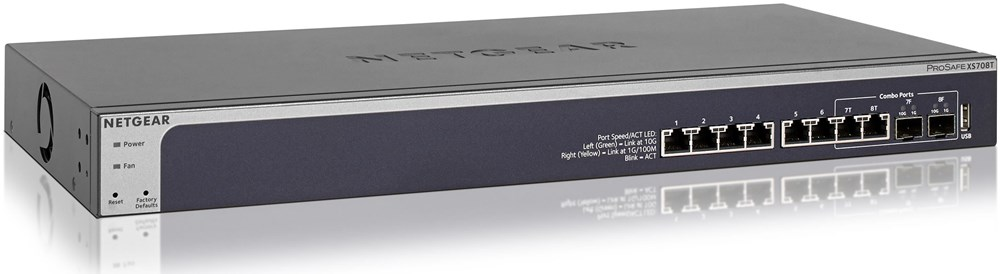
NetGear 8 Port Switch
If we chose a switch with RJ-45 ports, then everything is simple: we are limited by a distance of 55 meters with Cat6 cables and 100 meters with Cat6A. In this case, we use the usual RJ-45 connectors, study the pros and cons of 10GBASE-T and rejoice. Such switches are suitable for ToR (top-of-the-rack) - use inside racks when there is no need for long links.
If we got the switch in SFP + ports, then we need to choose transceivers.
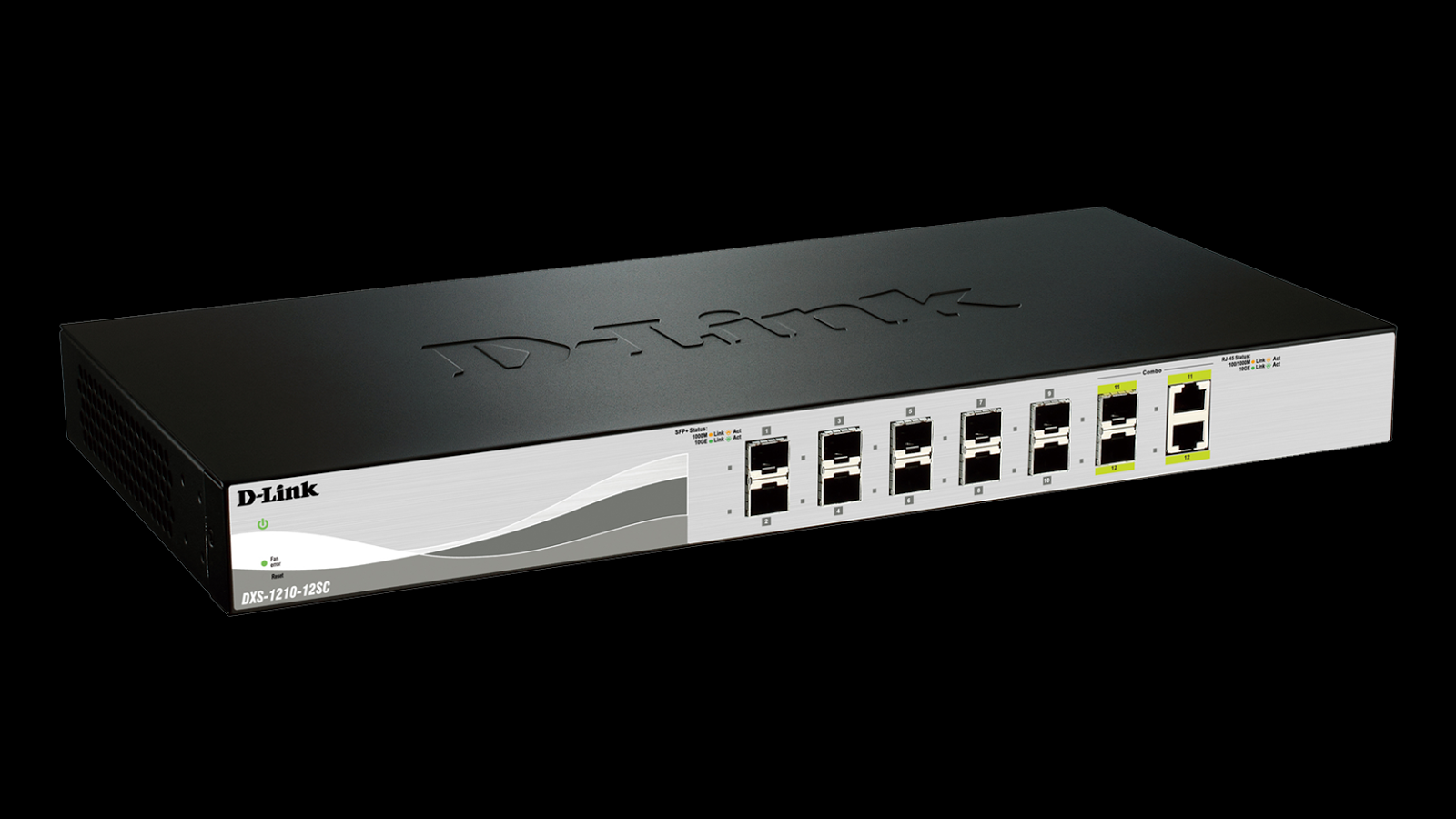
Switch with SFP + ports.
Choosing Transceivers
SFP + is a type of SFP connector that supports speeds above 4.25 Gbit / s and is used to install transceivers with speeds up to 10 Gbit / s (16GB FC). A transceiver, popularly known as an "esfishka" or "gbic", provides the conversion of electrical signals into light and vice versa.
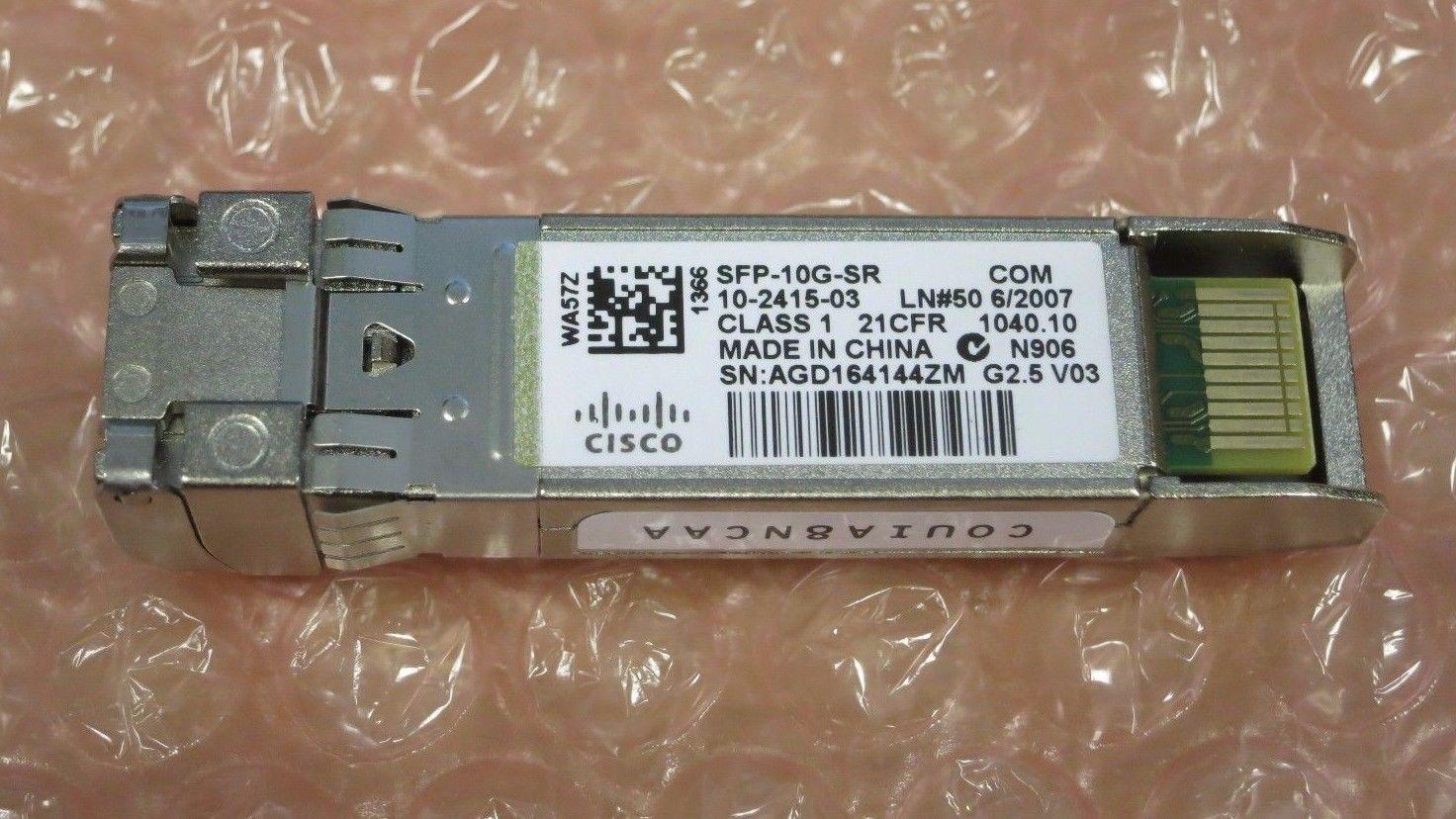
10 Gb / s transceiver.
Unfortunately, 10 Gbps SFP + transceivers with RJ-45 ports are rare and cost too much. Therefore, we will use an optical cable.
When choosing a transceiver, you must consider the transmission range. The rule “the more the better” does not work here:
Transceivers with different transmission ranges differ in wavelength and emitter power. For home or office, the SR transceiver is often sufficient.
- at distances up to 300 meters transceivers with the marking SR (short reach) are needed,
- at distances from 300 meters to 30 km - LR (long reach),
- and from 30 km to 40 km - ER (extended reach).
In addition, the type of optical cable used depends on the distance:
In 98% of cases, your choice is a 10G MM SR LC transceiver. LC - type of connectors for connecting optics. This will be discussed below.
- up to 300 m we use multimode (MM, "multimode"),
- more than 300 m - singlemode (SM, single-mode).
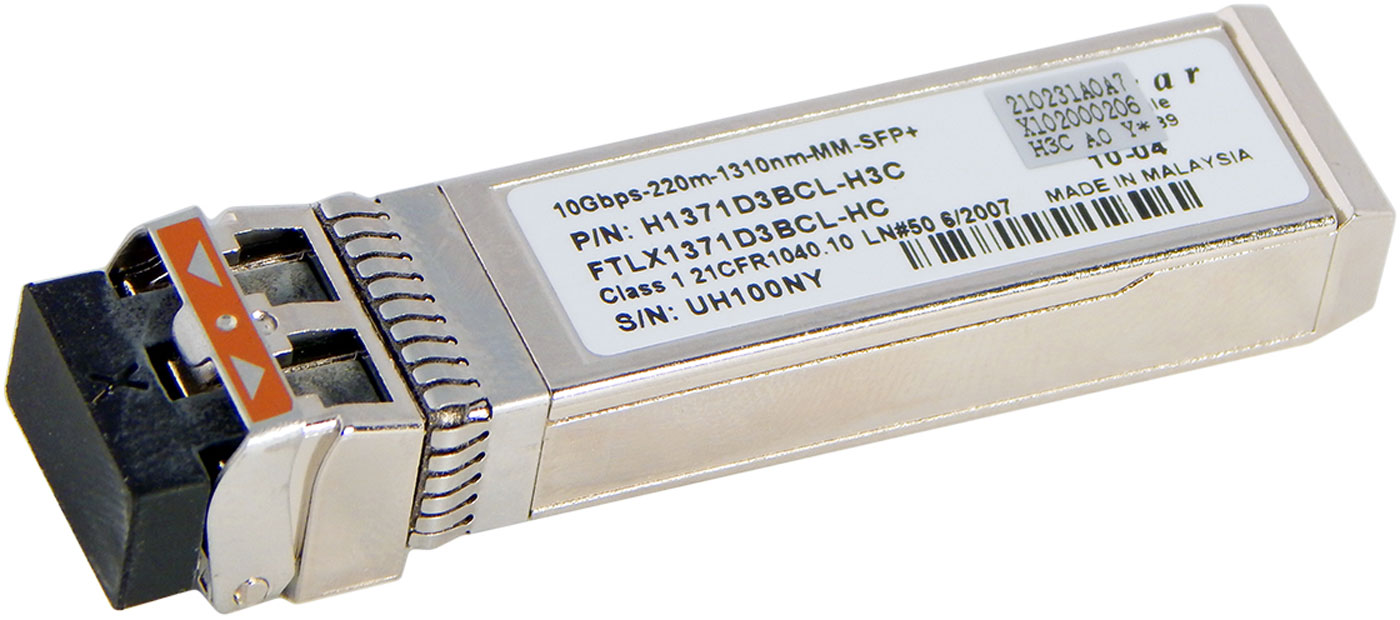
10 Gbps short reach transceiver for multimode optical cable.
What to do if you want to connect 1 Gb / s equipment with RJ-45 ports to the SFP + connector? Not a problem - there are corresponding transceivers for this.
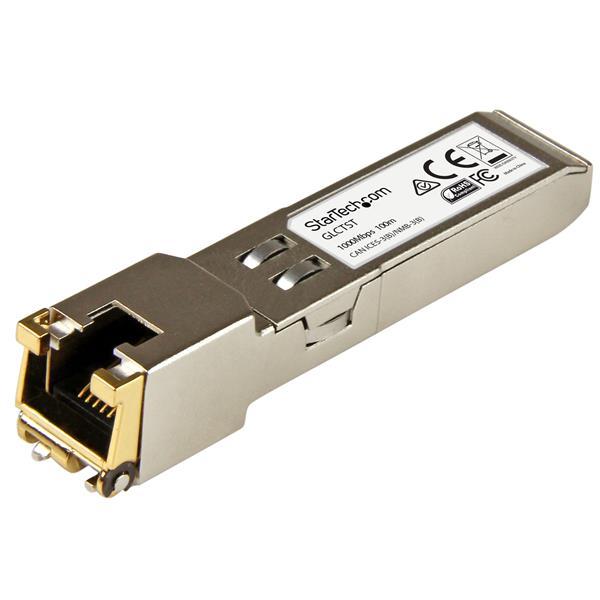
1 Gb / s transceiver with RJ-45 connector.
There are three points in which it is easy to make a mistake when choosing a transceiver:
- 10 Gbps transceivers look exactly the same as FC transceivers.
- Transceivers are made by different vendors, and, unfortunately, vendor firmware may not be compatible with some equipment. You can temporarily become a hacker and reflash the transceiver, but then you will lose vendor support. And the complexity of such an operation is quite high.
- Transceivers may also be needed on the side of your Ethernet adapter if they are not built into it. And the adapter may have different transceiver requirements than the switch. We read the documentation for the adapter.
We connect optics
There is a switch, there are transceivers, we check optical cables once again. As I wrote above, a multimode is suitable for short distances. It happens blue, purple or red. For large distances, from 300 m, you need a single mode. It is usually yellow in color.
Fiber is connected to the transceiver via LC connectors.
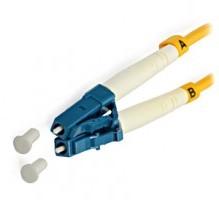
LC-connectors for connecting optics to the transceiver.
Note!Be careful with the LC connectors and the open ends of the optical fiber in them. One speck of dust - and your network will not work stably. Manufacturers recommend turning on each LC connector only once without reconnecting.
If your pair of optics ends with duplex connectors, then you will not mix up the left and right optical wires, or “rx \ tx”. One of them is used for receiving data, the other
for transmission. But if the connectors are separate, it is easy to confuse the left wire with the right one. Then the connection will not be established, the port will not rise. In this situation, you need to swap the wires and try to establish a connection again.
Do not wipe with a cloth and blow at the ends of the fiber!
In exceptional cases, special cleaning products can be used for prophylaxis. Universal will be One-Click Cleaner MU / LC. Suitable for cleaning optics and ports with an LC connector.
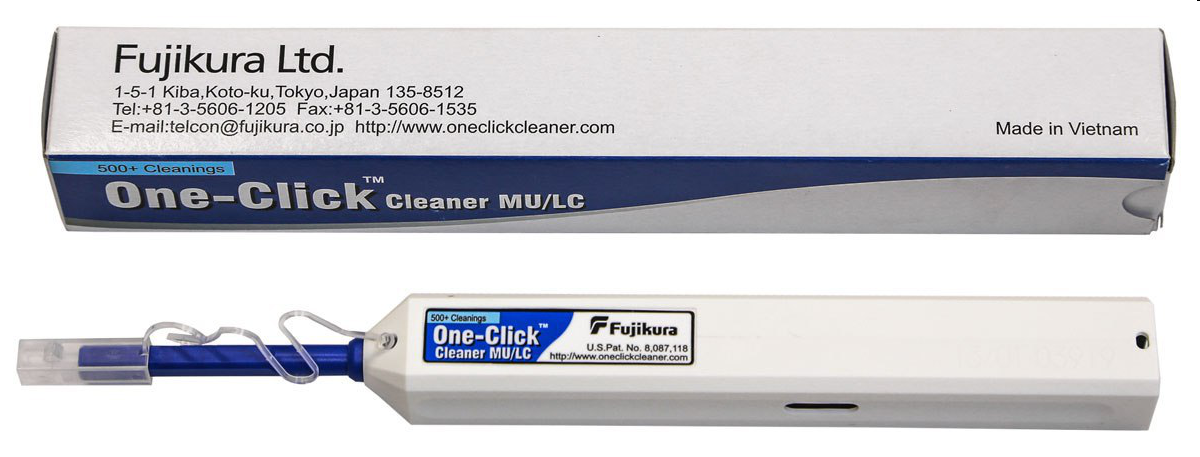
Optical Cleaner One-Click Cleaner MU / LC.
Rack Connection
Creating a 10-gigabit Ethernet connection within a rack or a pair of racks can be done differently. Here, DAC cables, or twinaxial cables, are suitable. Twinax is a copper cable connecting two SFP + transceivers. Passive twinaxes can be up to 7 meters long.
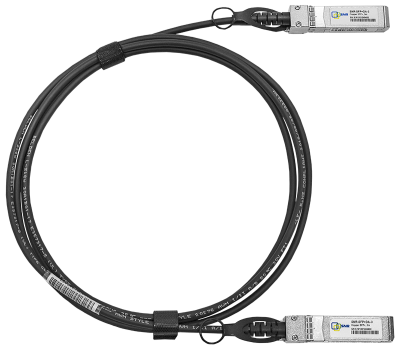
This is tweenax.
Using twinax saves you a budget. But these cables are quite thick and tough, the neat installation in the rack of a large number of twinaxes is very difficult.
I summarize the above. To connect a 10-gigabit Ethernet card with a 10G SFP + port of the switch at home, in the office or in the server rack, you need:I understand that in this article I did not derive Newton's bin. Its purpose is to help beginners quickly understand the physical switching of equipment in 10-gigabit Ethernet networks.
- a pair of 10 Gb / s MM SR SFP + transceivers compatible with your equipment,
- two-fiber multimode with LC connectors of the required length.
In my practice, I had to help quite experienced system administrators with the connection several times. More than once I watched about the following picture: a 10G MM SFP + transceiver was installed in a 10-gigabit storage port. A single mode LC LC wire is connected to it. The other end of the wire comes in an 8G FC transceiver installed in the FC server adapter. Not only is the error with the type of optics, but in general the whole scheme is logically incorrect. “Brother, what did you want to do?” - “Raise iSCSI.” Here's a story from the “admins joke” cycle.
UPD: add on your comments
1) SFP + transceiver 10Base-T (per twisted pair) can cost $ 300, and SFP + for MM optics $ 30. This must be taken into account when building the infrastructure.
2) in the transceivers and modules at the ends of the twinaxes certain firmware is sewn up, ensuring the transceivers are compatible with active equipment. There is a possibility of changing these firmwares, in which you, of course, lose vendor support, but get the opportunity to work with officially incompatible transceivers equipment.
I will be glad to read in the comments what you are missing from this topic. Thanks!









