March 20, 2017 at 13:31
Making your Skype with real-time speech translation, only better
- Tutorial
 Not so long ago, Skype announced a real-time translation during a video conversation with the interlocutor. This topic has long been haunting humanity: many people remember the film "Hitchhiker's Guide to the Galaxy" and Babel fish. We decided to figure out how to make this creature on Voximplant. Description and demo - under the cut.
Service Description
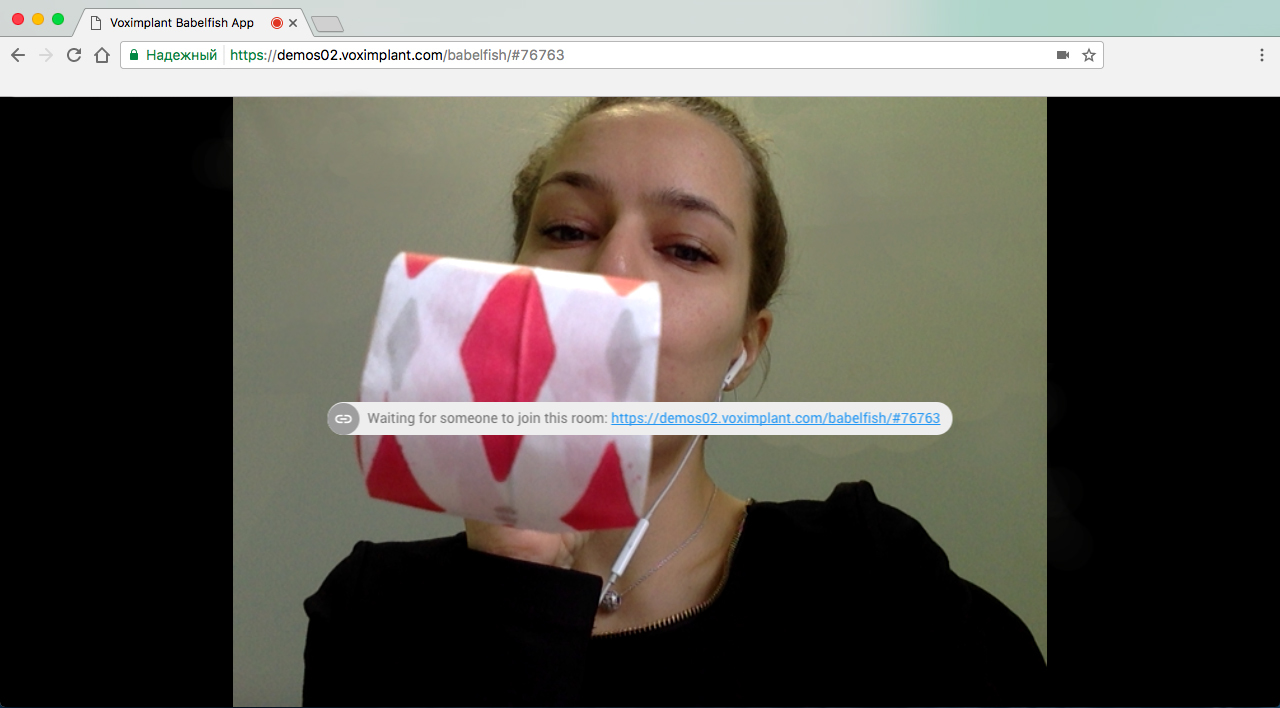
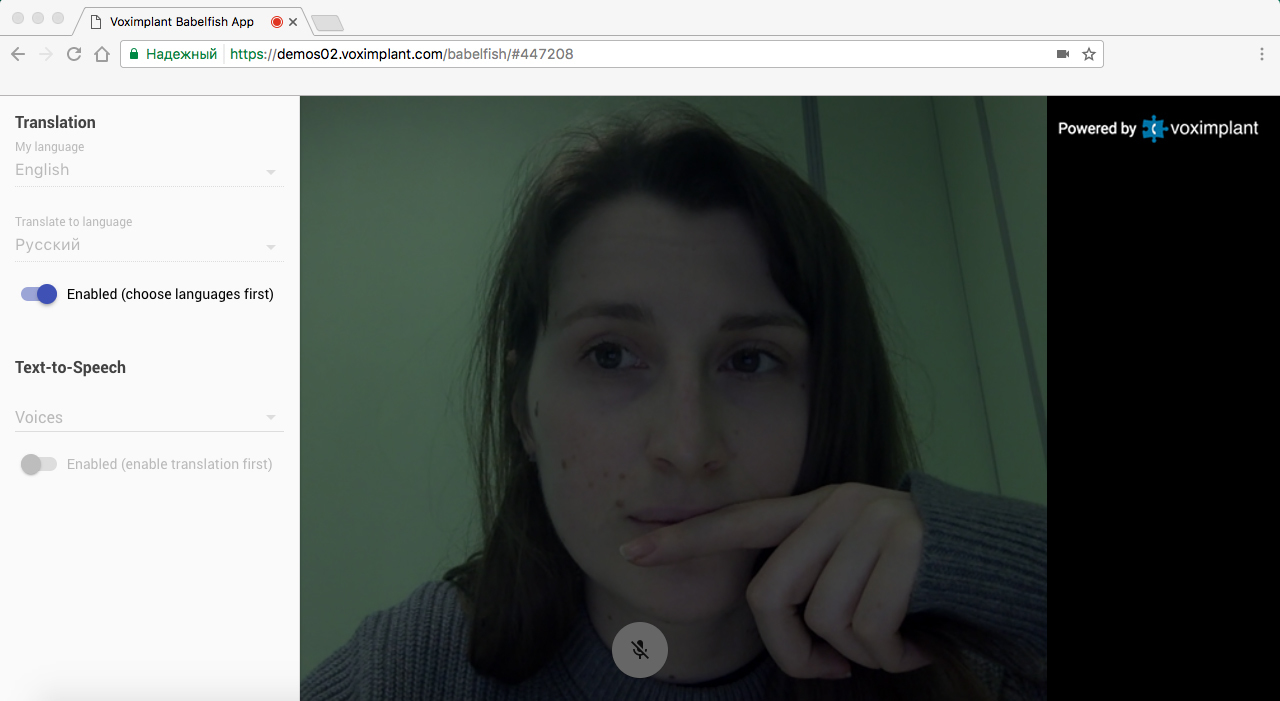
To begin with, you need to determine the functionality. The idea of the service is quite simple: there is a certain URL, after which the user creates a room where he can invite the interlocutor. As soon as the interlocutor connects to the room, a video session is established between the user and his interlocutor and you can begin to communicate. If it is necessary to activate the translation in real time, then by clicking on a special button a dialog is called up, languages are selected in it (from which and to which translation will be carried out), after which the function can be activated. Optionally, you can drown out the original sound and make the system sound the translated phrases using text-to-speech.
Service implementation
As you probably guessed, to implement this service, we need speech recognition, streaming and a translator with API. Speech recognition from Google is already connected to our platform, which supports about 80 languages, streaming from the browser to the platform is carried out using the Web SDK (which, in turn, uses WebRTC / ORTC), and we will do the translation using the Google Translate API . The solution scheme will look something like this:
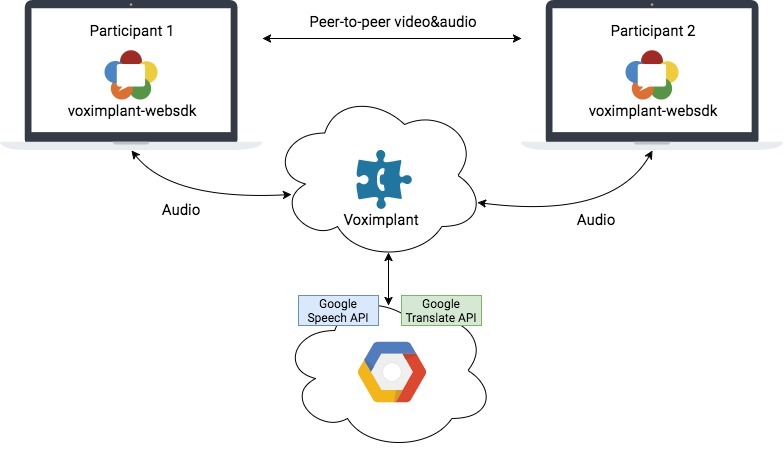
On the side of the Voximplant cloud, we have a JavaScript script (more precisely, several scripts) that will be responsible for the logic of the service, including interaction with the Google Translate API via HTTP (integration with the Speech API is already built into the platform and is provided using the ASR module ).
VoxEngine Scripts and Client Application
We have built a client application based on React, TypeScript and Voximplant WebSDK. The code turned out to be a bit much, so there is no point in talking about it here. Here are just a few excerpts that are associated with the scenario, spinning in the cloud. The client’s logic is as follows:
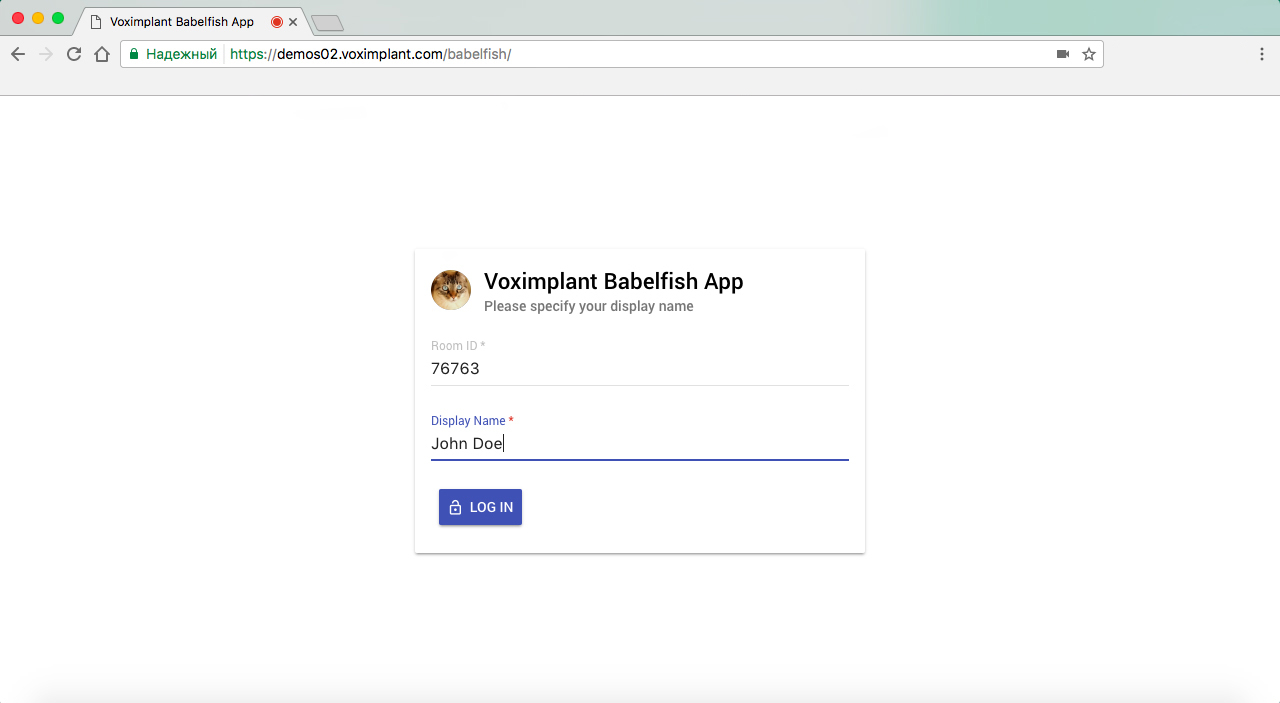
1. Authorization - on the fly we create a user through the HTTP API and then log in via the SDK .
2. We generate a room code (aka the conference code on the Voximplant side).
3. After authorization, we call the conference (call to the server).
4. Konfa sends clients a list of connected users using the mechanism for sending messages inside a call.
5. We make a P2P call between two participants (by analogywith this tutorial ).
Read more about speech recognition in one of our previous articles .
Voice of the translation result
If you want the interlocutor not to hear your voice, you can activate text-to-speech - the microphone sound in the P2P call will be turned off on your part, and the script will begin to voice the result of the transfer through the server call. Speech synthesis is available in more than 20 languages .
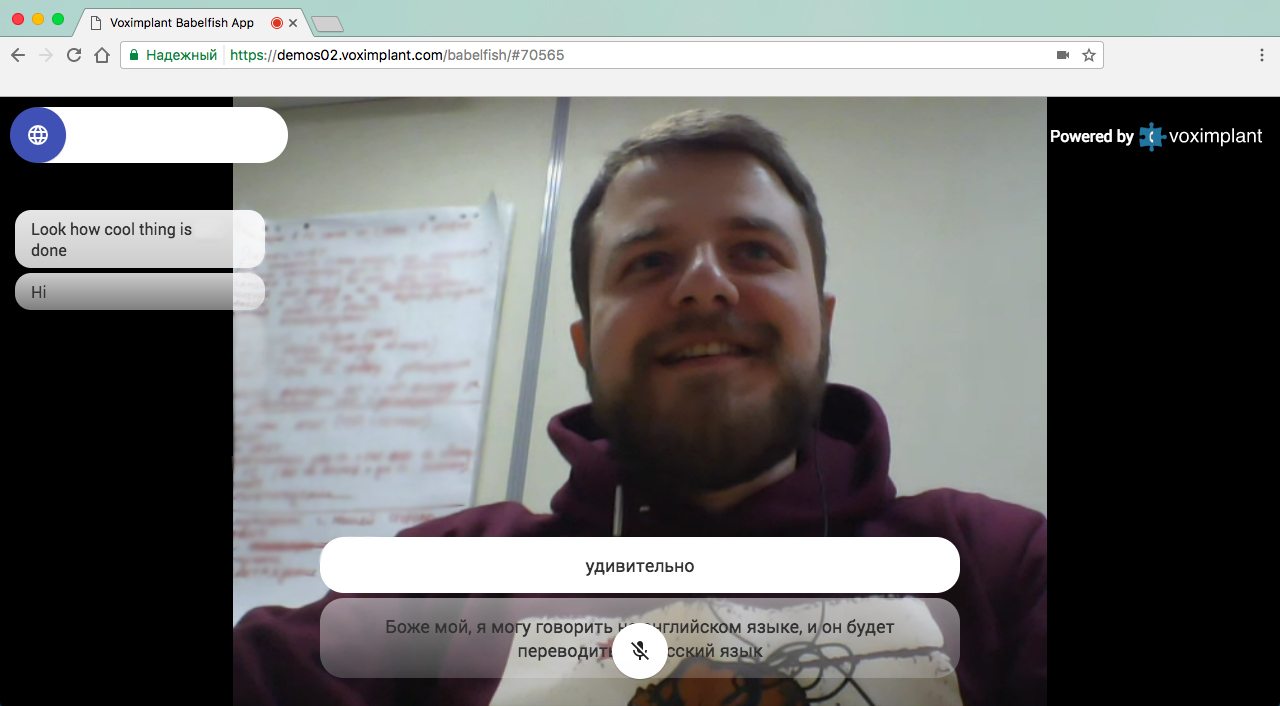
Demo
You can try the service by clicking on the link demos02.voximplant.com/babelfish .
We strongly recommend not to try it on the same computer, as echo cancellation WebRTC will reduce the quality of recognition to the baseboard. There is, however, one workaround - to mute the microphone in one of the instances of the application (or better in both).
PS Works in browsers Chrome, Firefox, Microsoft Edge. We will be happy to answer any of your questions in the comments.