 June 26, 2015 at 17:38
Anatomy of virtual telephony. Familiarity with the interface. Part 2
Virtual PBX RingCloud continues to publish articles about its developments and activities.
Earlier, we talked about how we appeared, who we are, what we are striving for, what bumps we have already filled, and how we coped with misses.
- Habr, greetings from RingCloud cloud
- Through thorns to the stars. How we filled the bumps
- RingCloud API, everything is just beginning
- Anatomy of Virtual Telephony Part 1
Now we continue to talk about how our product looks and what it can do. Since we are developing virtual telephone exchanges at RingCloud, we don’t mind sacrificing one so that you can see what's inside.

We settled on the anatomy of the RingCloud virtual telephone exchange, analyzing the “Recording conversations” interface item. Now let's move on.
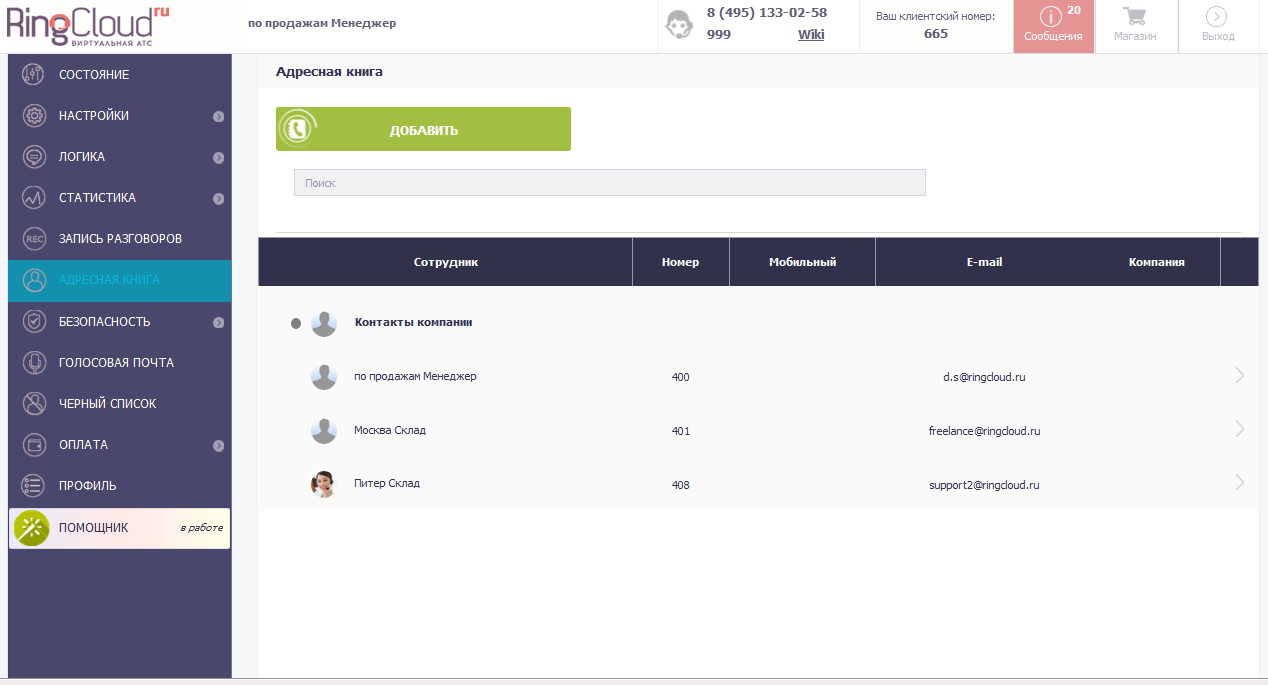
Next in the menu is “Address Book”. This is the "memory" of the service. It is configured by the administrator. When adding another user, you can enter “Name”, “E-mail”, mobile number, extension number in his data, as well as indicate the company in which he works. This is convenient if a company that uses a virtual telephone exchange has several branches that have different names. You can also share a contact by selecting the "Company" or "Personal" group in the drop-down menu.
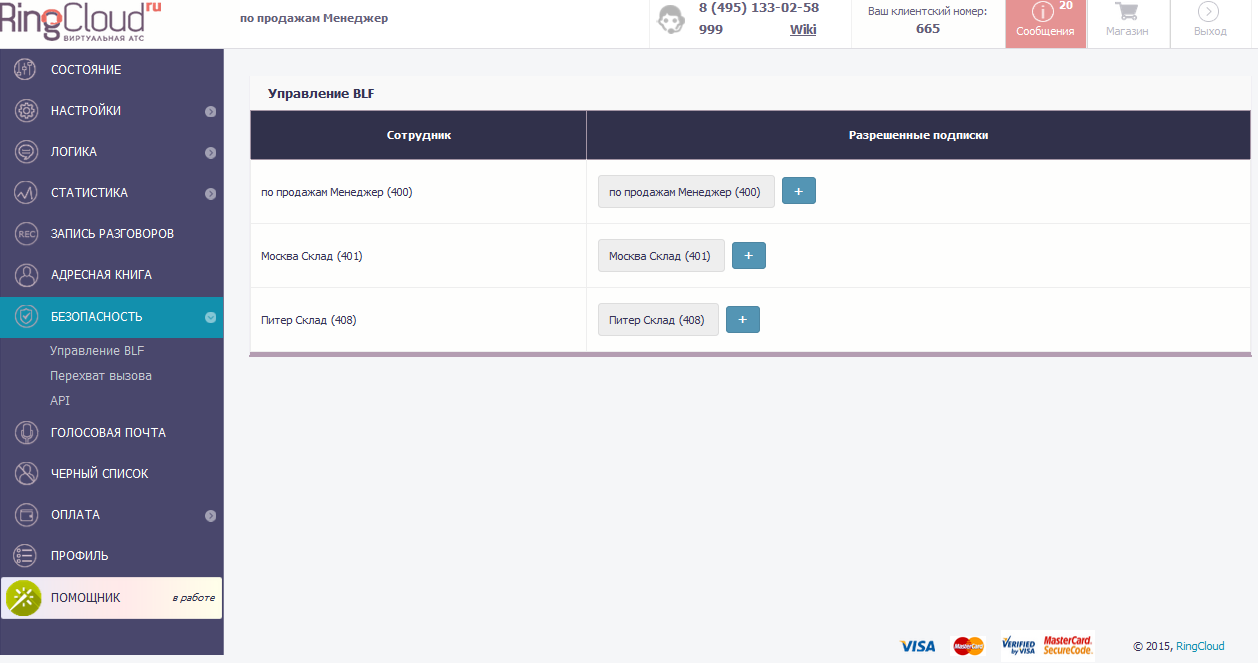
Any organism, even a robotic, cybernetic or digital one, needs protection. Leukocytes perform protective functions in humans, and in the RingCloud service, of course, we already thought about the security of user data in advance, but our customers can configure some security settings themselves, for which we brought this item to the menu. There are three ways to work with security settings: BLF management, call pickup, and API. In BLF management, you can add allowed subscriptions for groups. In “call pickup”, the pickup is set up in groups. You can add a key to the API and configure its rights.
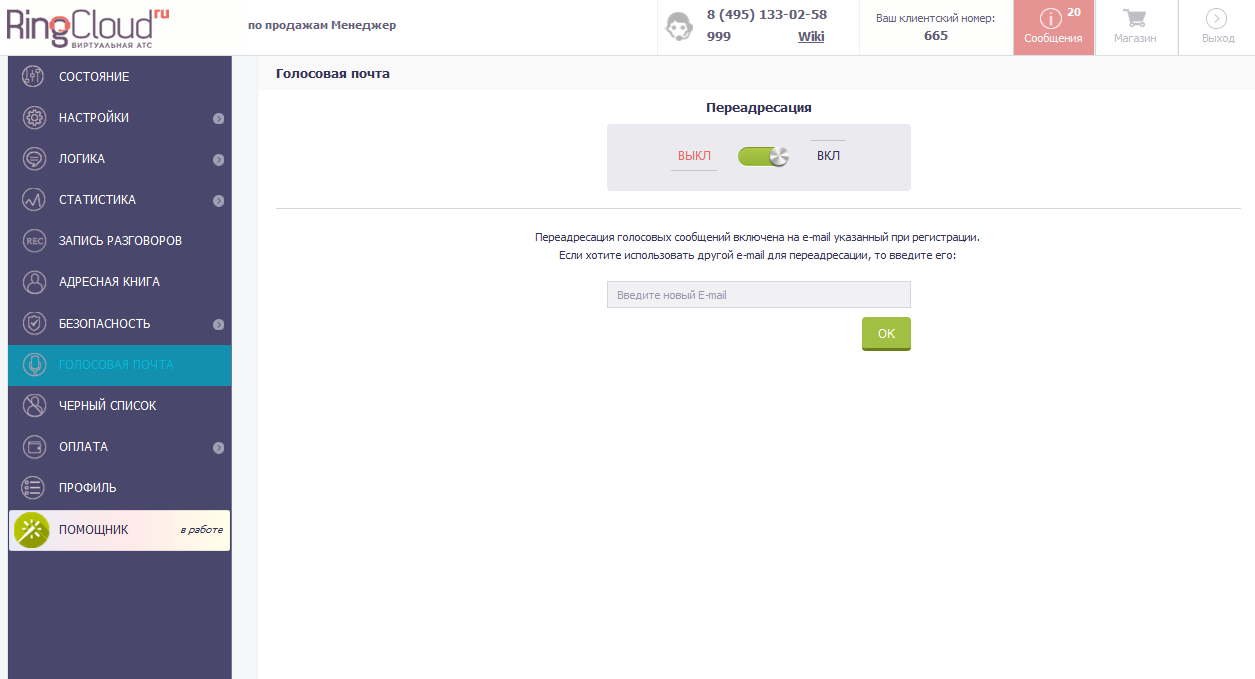
In the item "Voice Mail" the settings are simple, like all ingenious. This function can be turned on or left inactive. In case you want to receive voicemail. You only need to specify an e-mail address. This item is difficult to compare with the body. But when compared with a person, then this is like a note that he will read when he wakes up))
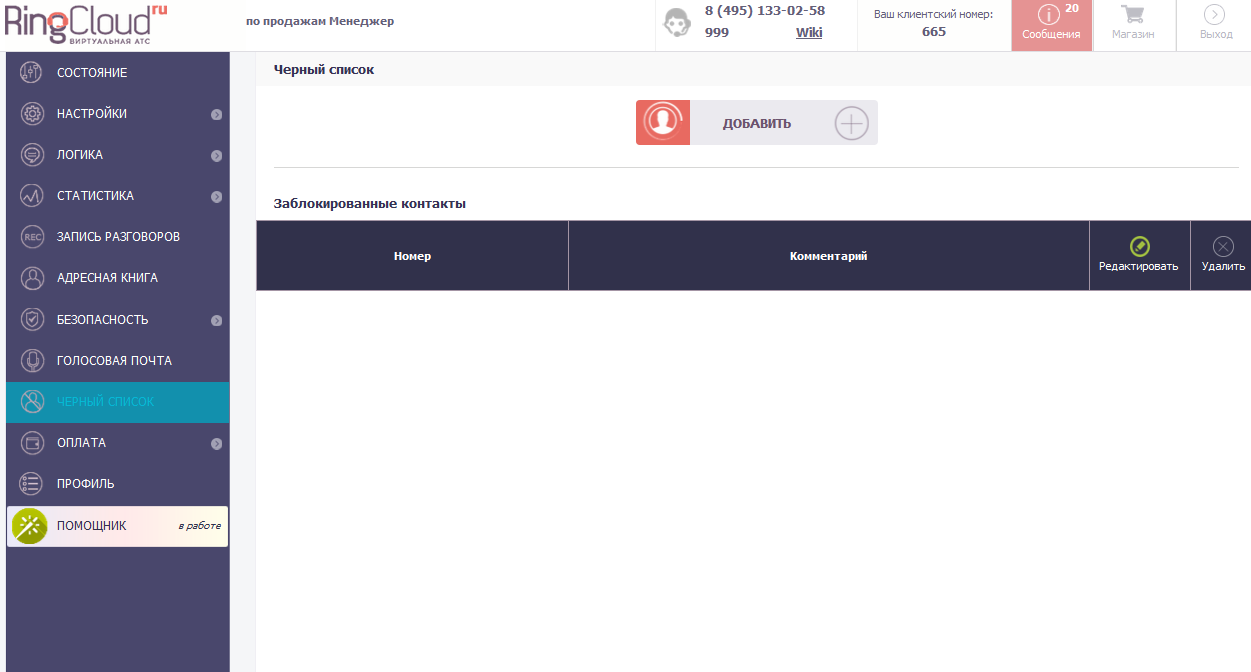
RingCloud is a great guy by nature, but he has his own Black List. But this is not because our service can be vindictive, but because it saves the nerves and time of those for whom it works. This item will help you protect yourself from annoying and inappropriate calls. Unfortunately, anything happens in the work, and there are such instances. Even just “cold calls” to the company can waste employee time. In general, an excellent menu item, agree. In any case, it may come in handy.
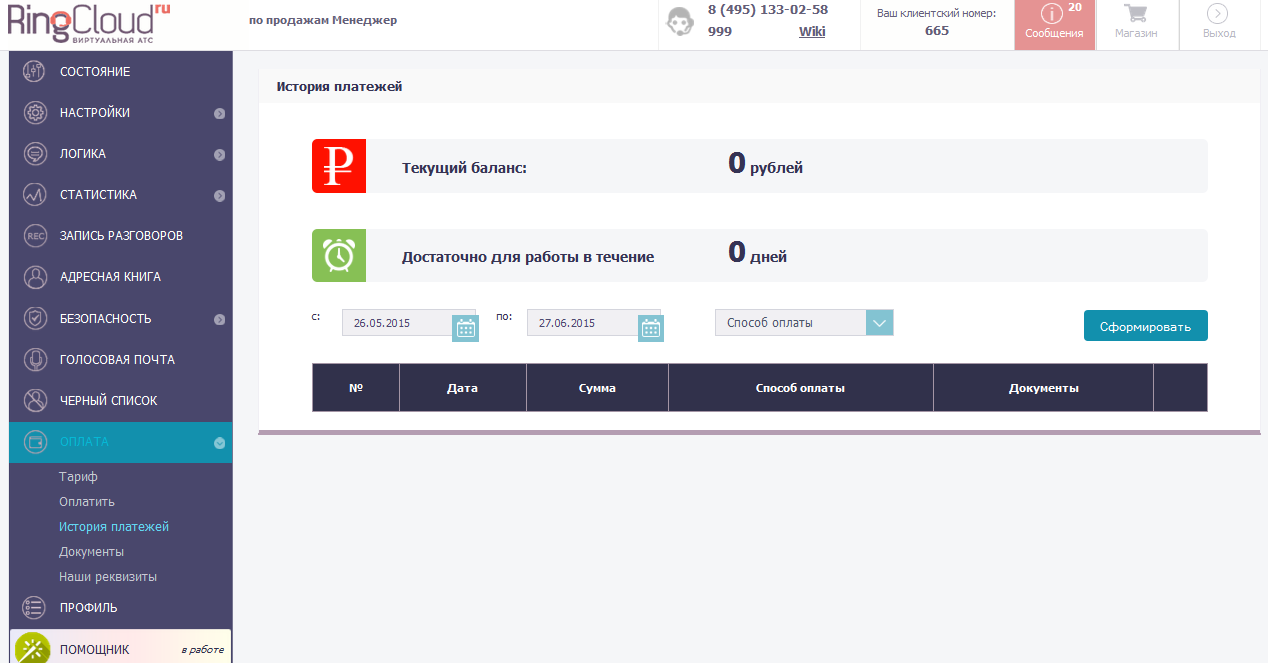
A person needs to be fed, a car refueled, and a service paid. Our cloud PBX is not at all gluttonous, but for the normal functioning of the young body, it needs to be paid monthly. It is like a digestive system. And, by the way, there are also detailed statistics and detailing of expenses. You can always see how much money the service “ate”. If you understand that your business is growing, and it does not have a minimum tariff, change it to the one that is more powerful. "Feed" means, i.e. You can also pay here. These are all sub-items of the "Payment" section. Payment history, documents and details. Everything that the user depends on to ensure that the service runs smoothly.
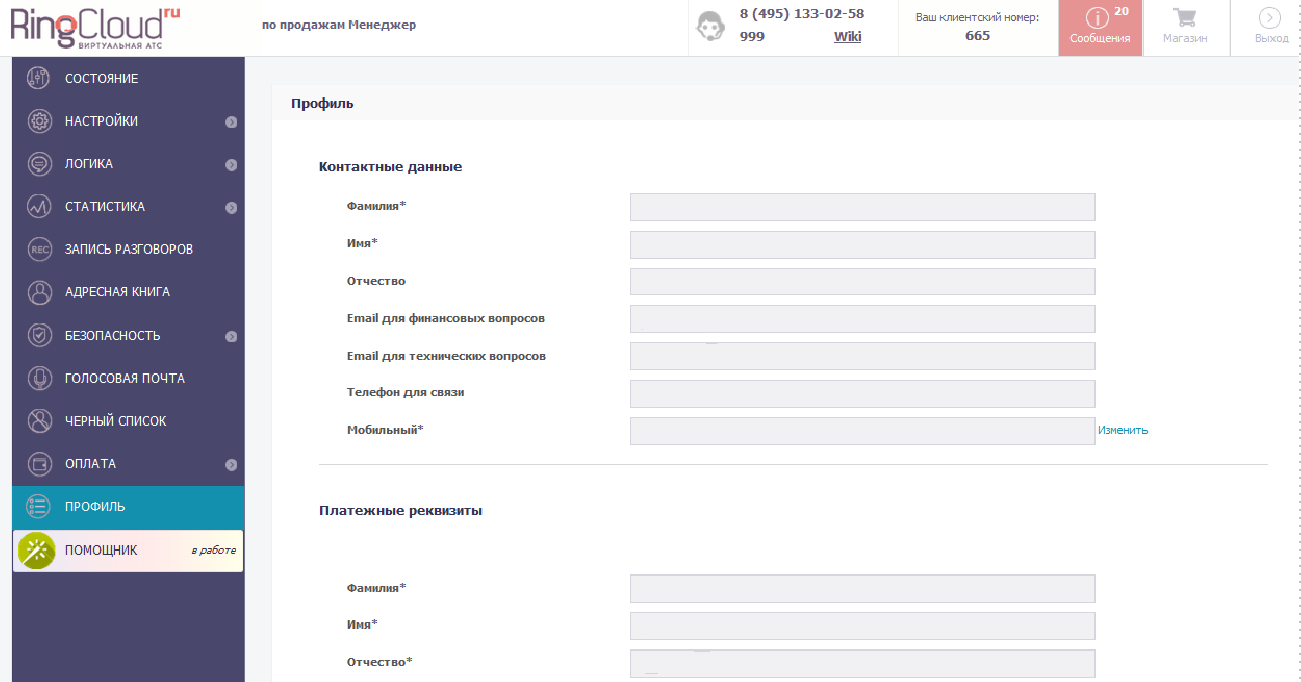
When our service was just born, we did not show it to anyone. He grew before our eyes, until he became a full-fledged performer of the goals for which we created it. Now, everyone who uses it fills out the “Profile”. This is how your virtual PBX will be called, as well as the data of the one who takes our assistant and promises to pay bills. Therefore, the contact details and payment details of the user are entered here.
Now another item is being developed for your convenience - this is the “Helper”, to which the user will be able to address a question directly, without leaving his personal account and without even dialing a number. So, everything is simple, at hand.
What do you think? We are waiting for your comments.
Earlier, we talked about how we appeared, who we are, what we are striving for, what bumps we have already filled, and how we coped with misses.
- Habr, greetings from RingCloud cloud
- Through thorns to the stars. How we filled the bumps
- RingCloud API, everything is just beginning
- Anatomy of Virtual Telephony Part 1
Now we continue to talk about how our product looks and what it can do. Since we are developing virtual telephone exchanges at RingCloud, we don’t mind sacrificing one so that you can see what's inside.
We settled on the anatomy of the RingCloud virtual telephone exchange, analyzing the “Recording conversations” interface item. Now let's move on.
Next in the menu is “Address Book”. This is the "memory" of the service. It is configured by the administrator. When adding another user, you can enter “Name”, “E-mail”, mobile number, extension number in his data, as well as indicate the company in which he works. This is convenient if a company that uses a virtual telephone exchange has several branches that have different names. You can also share a contact by selecting the "Company" or "Personal" group in the drop-down menu.
Any organism, even a robotic, cybernetic or digital one, needs protection. Leukocytes perform protective functions in humans, and in the RingCloud service, of course, we already thought about the security of user data in advance, but our customers can configure some security settings themselves, for which we brought this item to the menu. There are three ways to work with security settings: BLF management, call pickup, and API. In BLF management, you can add allowed subscriptions for groups. In “call pickup”, the pickup is set up in groups. You can add a key to the API and configure its rights.
In the item "Voice Mail" the settings are simple, like all ingenious. This function can be turned on or left inactive. In case you want to receive voicemail. You only need to specify an e-mail address. This item is difficult to compare with the body. But when compared with a person, then this is like a note that he will read when he wakes up))
RingCloud is a great guy by nature, but he has his own Black List. But this is not because our service can be vindictive, but because it saves the nerves and time of those for whom it works. This item will help you protect yourself from annoying and inappropriate calls. Unfortunately, anything happens in the work, and there are such instances. Even just “cold calls” to the company can waste employee time. In general, an excellent menu item, agree. In any case, it may come in handy.
A person needs to be fed, a car refueled, and a service paid. Our cloud PBX is not at all gluttonous, but for the normal functioning of the young body, it needs to be paid monthly. It is like a digestive system. And, by the way, there are also detailed statistics and detailing of expenses. You can always see how much money the service “ate”. If you understand that your business is growing, and it does not have a minimum tariff, change it to the one that is more powerful. "Feed" means, i.e. You can also pay here. These are all sub-items of the "Payment" section. Payment history, documents and details. Everything that the user depends on to ensure that the service runs smoothly.
When our service was just born, we did not show it to anyone. He grew before our eyes, until he became a full-fledged performer of the goals for which we created it. Now, everyone who uses it fills out the “Profile”. This is how your virtual PBX will be called, as well as the data of the one who takes our assistant and promises to pay bills. Therefore, the contact details and payment details of the user are entered here.
Now another item is being developed for your convenience - this is the “Helper”, to which the user will be able to address a question directly, without leaving his personal account and without even dialing a number. So, everything is simple, at hand.
What do you think? We are waiting for your comments.









