April 13, 2015 at 09:51
Animation Principles for the Web
- Transfer
Translator's Note : The material presented below contains a significant number of technical terms, the translation of which may cause inaccuracies. If you notice a typo, mistake or inaccuracy in the translation, write to us and we will quickly fix it.
In addition, to continue the theme of today's publication for one week, the Academy ’s advanced CSS animations course , which is usually available by subscription, will be launched . Its description is placed at the end of the topic. Frontend designers and developers use CSS to create styles, position elements - in general, to make sites look beautiful. Often CSS is also used to add movements to web pages, although this usually does not go beyond smooth transitions or animations.

In fact, animation can be a powerful tool that allows website visitors and customers to more easily interact with the product interface and achieve their goals faster. This can be achieved if you follow some fundamental principles in your work.
The Disney company has been engaged in animation for many years and made such recommendations - back in 1981 the book " The Illusion of Life: Disney Animation " (" The Illusion of Life: Disney Animation ") was published, which listed 12 principles of animation (they were written about on Habré) . They describe how to use animation to create a sense of the real world for viewers looking at the screen.
In today's article, we will look at each of the twelve of these principles and discuss their possible application in creating web pages. All CSS and HTML sources can be downloaded on Codepen .
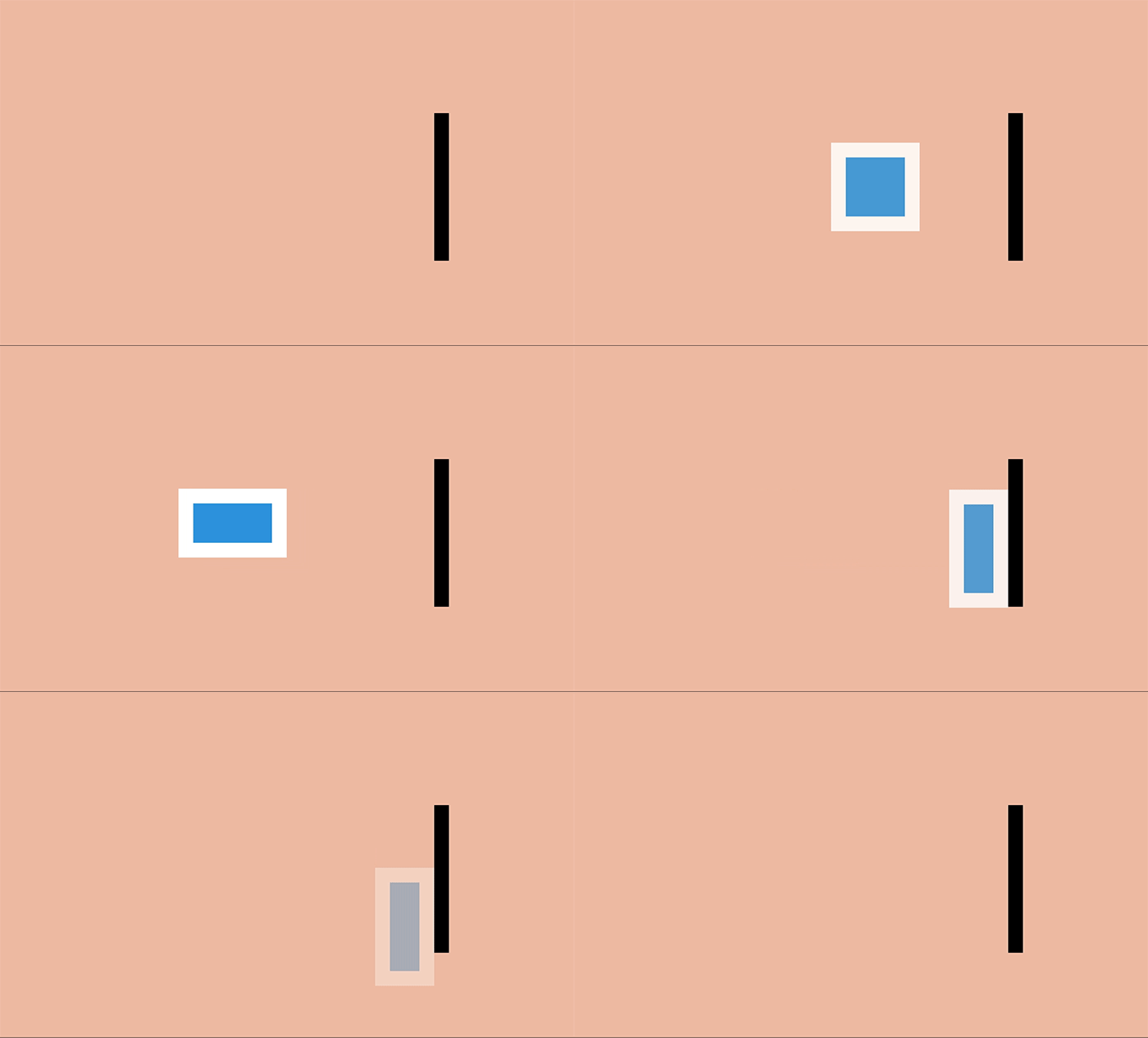
The concept of “body mass” exists in the world - and when an object moves, its mass remains unchanged. When the ball hits the ground, it will become a little wider and flatten, because during physical contact the mass of the object is redistributed.
This effect is most useful when creating physical objects (for example, people, watches, or bouncing balls).
Of course, in the case of web pages, this property can also be ignored - DOM elements are not necessarily associated with physical objects and can grow and decrease in size on the screen in any way. For example, a button can grow and transform into an information window, and error messages appear and disappear.
Despite this, the technique of “flattening and expanding” can be used to create the feeling that an element has physical mass on the page. Even small changes can create a subtle but eye-catching effect.
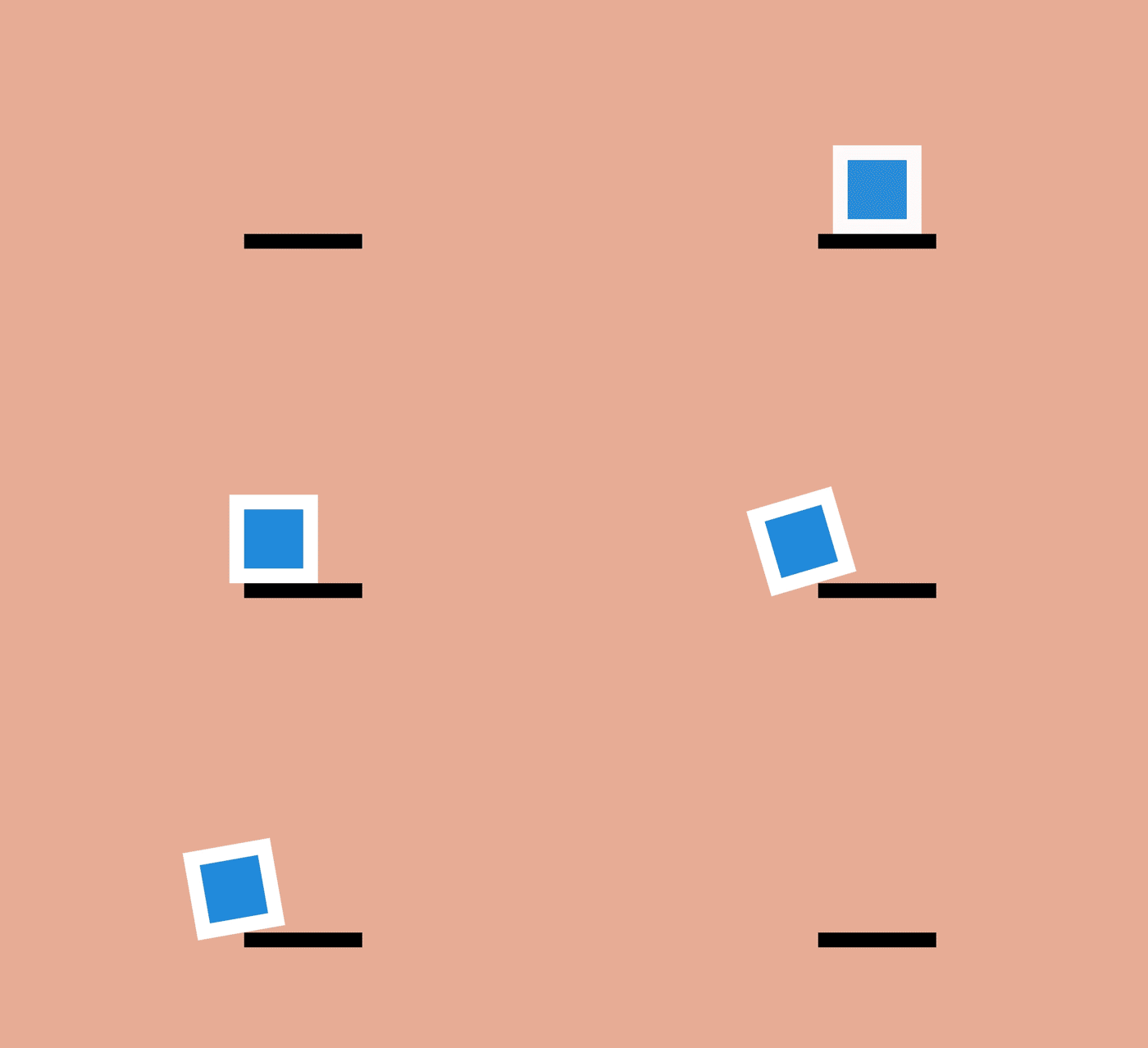
Movement does not occur suddenly. In ordinary life, any action is preceded by some preparation, whether it is a ball slowing down before falling from the stairs or a person bending his knees before jumping.
This effect can be used to make the movement of objects on a web page more realistic. The wait itself can be realized, for example, as an easy wiggle, which allows users to understand what is happening and helps them more easily monitor the movements of an object on the screen.
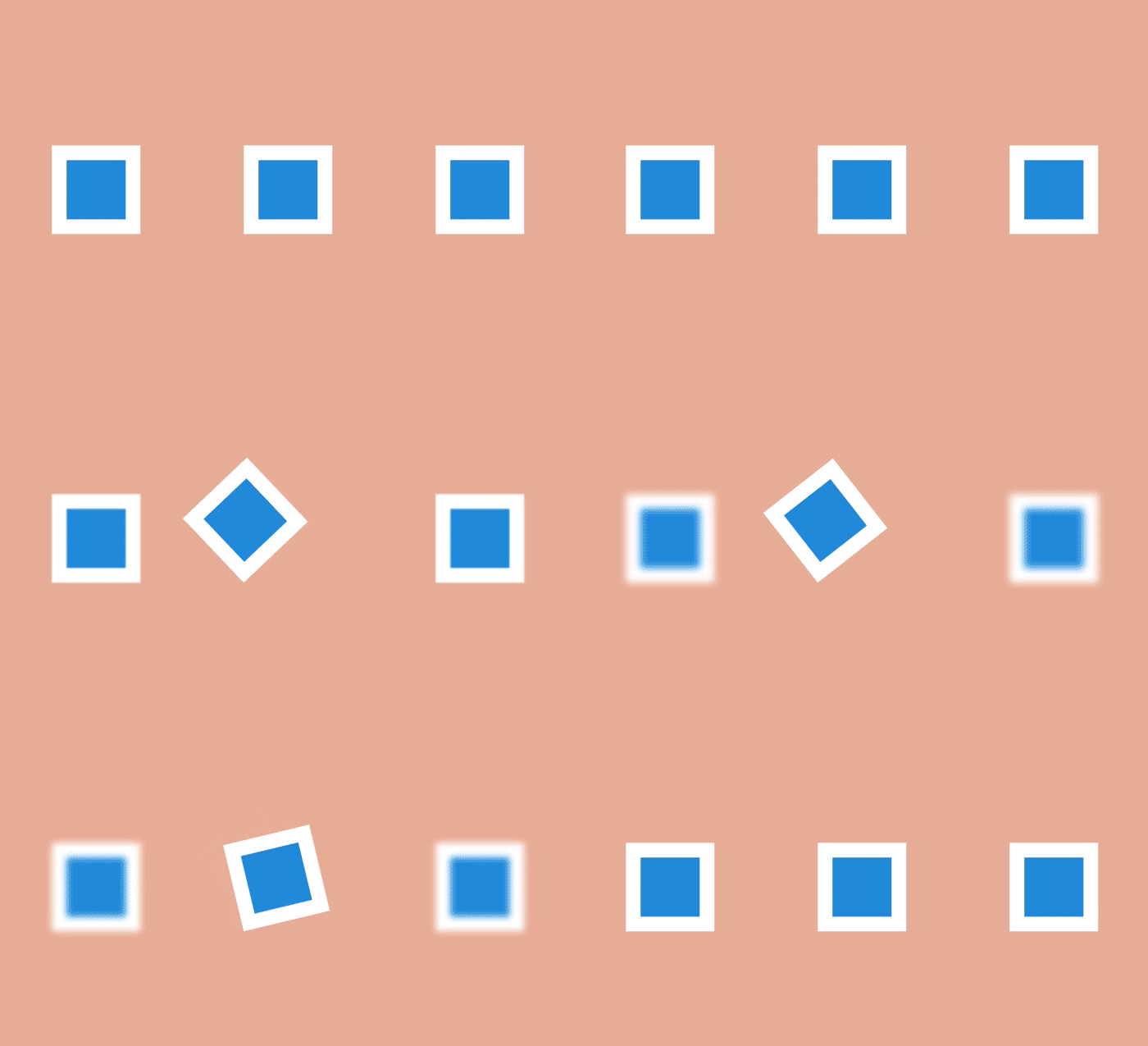
This effect is to define the object as the focus of the scene, while the rest of the objects make room for the main action. To create such an effect, the desired object is appropriately pushed to the foreground or mask related elements in order to focus the user's gaze on what he should see.
In terms of the web, this means using translucent dimming for certain content. The imposition of a darker layer on an existing page and the subsequent placement of content in the foreground focuses on it all the attention of users.
Another approach is to use movements. When several objects are moving on the page at the same time, it is quite difficult to understand which one is really worth looking at. If in such a situation all the objects are stopped, except for one “necessary”, then all attention will be automatically riveted to it.
Movement can be used in another way. For example, if the user is working with a document, then a slight twitch and blinking of the “Save” button may prompt a person to click on it. When there is no activity on the screen, even a slight movement is very prominent.

Direct movement is characterized by the full rendering of all frames of the animation. In turn, a step-by-step change is characterized by the creation of a sequence of key frames, the intervals between which are filled in later, usually with the help of auxiliary means.
The second approach is used in most web animations: transitions between the main frames are implemented by a browser that interpolates the difference between each of them and draws as many intermediate frames as it takes to make the final animation smooth.
An exception is the Steps function. When using it, the browser "steps" along a given number of discrete frames. In this way, you can create a sequence of images and then play them in the browser one at a time using the "Straight Ahead Action" style.

Actions do not always occur simultaneously. When a moving car brakes sharply, then with a tire smoke “bites his nose”, and the driver inside continues to move until a final stop occurs.
This effect is achieved using the following and sweeping movements - they are needed to signal that the object has stopped. For example, an item placed in the list can go a little through the desired position, and then return to the correct position.
The effect of sweeping is created by giving objects a different pace of movement. This approach is used in transitions in iOS - some buttons and elements move at different speeds, as a result of movement they become more realistic than they would if they were moving at the same speed. The combination of movements gives the user time to realize the changes that are taking place.
On the web, this is usually achieved by combining smooth transitions or CSS animations with different playback speeds.

Objects rarely go instantly from a state of rest immediately to maximum speed. Usually it takes some time to accelerate - just like to stop. Without gradual acceleration and deceleration, movements look unnatural.
In CSS terminology, acceleration and deceleration are known as easing, or the “smoothness function,” which describes the change in animation speed.
Using the smoothness functions, you can create accelerating and slowing down animations and even more complex effects (using the function

Slowing down and accelerating makes objects more realistic, but there is one more thing: in life they rarely move in a straight line, as a rule, the movement goes along a curved arc.
There are a couple of different ways you can achieve this kind of arc movement using CSS. One is to combine several animations. For example, an animation of a bouncing ball can be done by moving the object up and down, and the second movement is combined with the movement also to the right. Thus, it turns out that the ball jumps around the screen. The second way is to rotate the element. By changing the center of rotation and moving it outside the original object, you can also form an arc.
The main action that takes place on the screen can be emphasized by "secondary" animation. This can be a movement of a person’s hands when walking or shaking his head at every step. Or dust rising from the ground with every ball hit.
In the case of websites, secondary elements can “disperse” to highlight what the user really needs to pay attention to (an example of use is dragging an element to be inserted in the middle of the list).
By manipulating the duration of the animation, you can make large objects appear heavy and small objects light.
On the web, this can be achieved by simply changing the values of
By changing the duration of the animation, you can distinguish it among the contents of a web page or during user interaction.
This technique is often used to draw attention to certain actions and make them more dramatic in cartoons. A wolf who is trying to bite someone opens his mouth much wider than usual - it is much worse and more impressive.
On a web page, you can zoom in and out to highlight them and attract the user's attention. For example, when filling out a form, the active field makes sense to do more, and inactive at the moment, on the contrary, to reduce.

When working with volumetric objects, it is necessary to take into account the rules of perspective - people live in a three-dimensional world, so if something does not look what they expect, it seems wrong.
Modern browsers have good support for three-dimensional transformations. This means that the developer can create an animation that will rotate objects and move them around the screen, and the browser itself will create smooth transitions between states.
In the world of art, attention to detail can create a special atmosphere - arising, for example, when looking at a picture. Similarly, in the world of the web, high-quality and well-chosen animations make the site look more attractive and authoritative. Great success in such work was achieved, for example, by the Stripe service team .
Using the principles described above will allow web developers to create better and more pleasant looking animations. If the animation takes into account the physical weight of the object, highlights the changes, it uses secondary movements, and its execution time is meticulously calculated - this will significantly improve the overall impression of users on the page.
As we said at the beginning of the article, in the continuation of the topic of publication, we open for free access one of the advanced HTML Academy courses, which is devoted to animation.
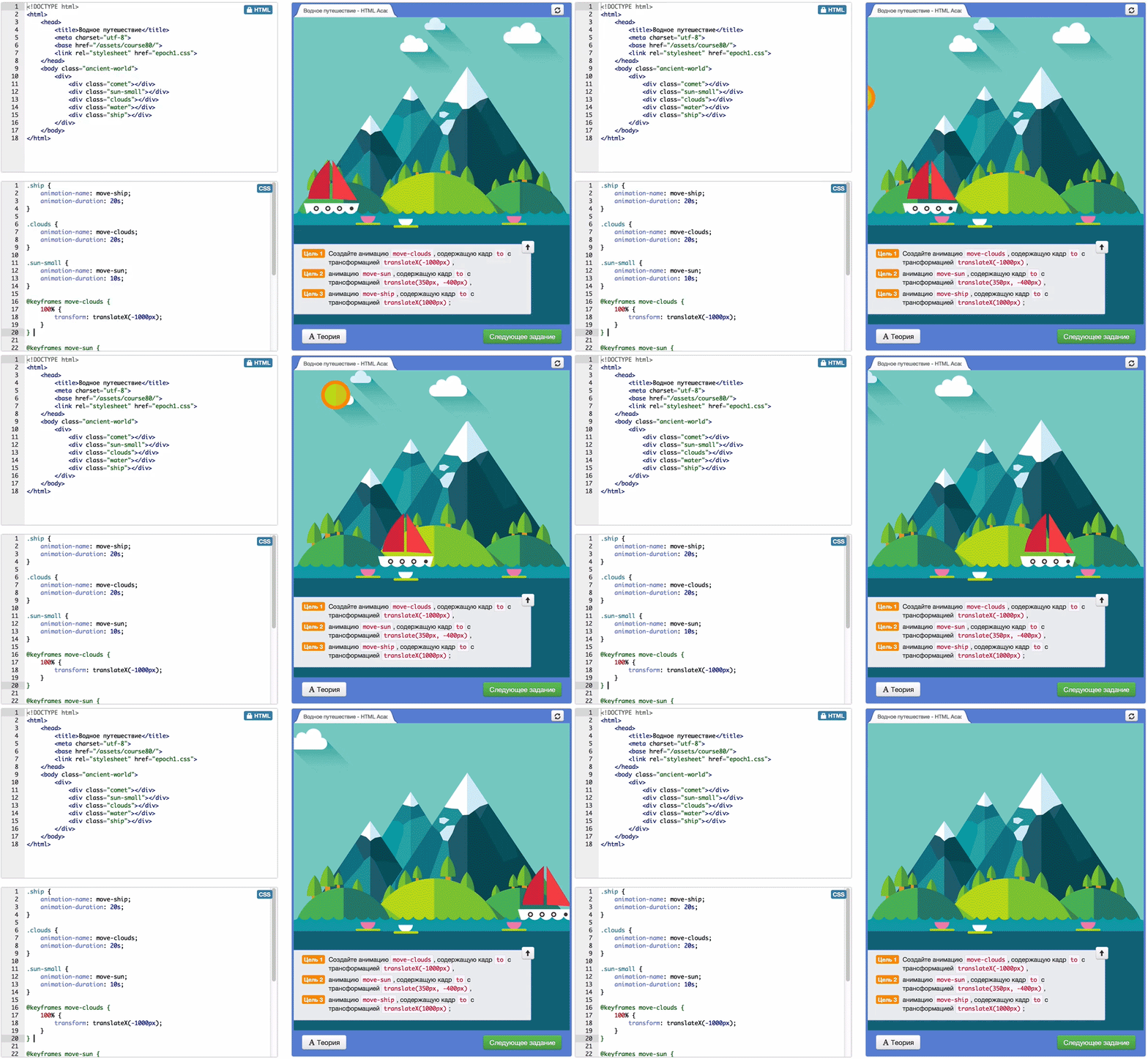
The Animation course covers the basics of CSS animation. You will move, rotate and modify objects, simultaneously mastering the techniques of animation work in CSS.
All tasks are developed within the framework of one storyline (legend), according to which you can help humanity go the path of civilization development up to flights into space. See you at the Academy!
In addition, to continue the theme of today's publication for one week, the Academy ’s advanced CSS animations course , which is usually available by subscription, will be launched . Its description is placed at the end of the topic. Frontend designers and developers use CSS to create styles, position elements - in general, to make sites look beautiful. Often CSS is also used to add movements to web pages, although this usually does not go beyond smooth transitions or animations.
In fact, animation can be a powerful tool that allows website visitors and customers to more easily interact with the product interface and achieve their goals faster. This can be achieved if you follow some fundamental principles in your work.
The Disney company has been engaged in animation for many years and made such recommendations - back in 1981 the book " The Illusion of Life: Disney Animation " (" The Illusion of Life: Disney Animation ") was published, which listed 12 principles of animation (they were written about on Habré) . They describe how to use animation to create a sense of the real world for viewers looking at the screen.
In today's article, we will look at each of the twelve of these principles and discuss their possible application in creating web pages. All CSS and HTML sources can be downloaded on Codepen .
Flattening and stretching
The concept of “body mass” exists in the world - and when an object moves, its mass remains unchanged. When the ball hits the ground, it will become a little wider and flatten, because during physical contact the mass of the object is redistributed.
This effect is most useful when creating physical objects (for example, people, watches, or bouncing balls).
Of course, in the case of web pages, this property can also be ignored - DOM elements are not necessarily associated with physical objects and can grow and decrease in size on the screen in any way. For example, a button can grow and transform into an information window, and error messages appear and disappear.
Despite this, the technique of “flattening and expanding” can be used to create the feeling that an element has physical mass on the page. Even small changes can create a subtle but eye-catching effect.
Expectation
Movement does not occur suddenly. In ordinary life, any action is preceded by some preparation, whether it is a ball slowing down before falling from the stairs or a person bending his knees before jumping.
This effect can be used to make the movement of objects on a web page more realistic. The wait itself can be realized, for example, as an easy wiggle, which allows users to understand what is happening and helps them more easily monitor the movements of an object on the screen.
Focusing
This effect is to define the object as the focus of the scene, while the rest of the objects make room for the main action. To create such an effect, the desired object is appropriately pushed to the foreground or mask related elements in order to focus the user's gaze on what he should see.
In terms of the web, this means using translucent dimming for certain content. The imposition of a darker layer on an existing page and the subsequent placement of content in the foreground focuses on it all the attention of users.
Another approach is to use movements. When several objects are moving on the page at the same time, it is quite difficult to understand which one is really worth looking at. If in such a situation all the objects are stopped, except for one “necessary”, then all attention will be automatically riveted to it.
Movement can be used in another way. For example, if the user is working with a document, then a slight twitch and blinking of the “Save” button may prompt a person to click on it. When there is no activity on the screen, even a slight movement is very prominent.
Full forward and incremental change movements
Direct movement is characterized by the full rendering of all frames of the animation. In turn, a step-by-step change is characterized by the creation of a sequence of key frames, the intervals between which are filled in later, usually with the help of auxiliary means.
The second approach is used in most web animations: transitions between the main frames are implemented by a browser that interpolates the difference between each of them and draws as many intermediate frames as it takes to make the final animation smooth.
An exception is the Steps function. When using it, the browser "steps" along a given number of discrete frames. In this way, you can create a sequence of images and then play them in the browser one at a time using the "Straight Ahead Action" style.
Following and sweeping
Actions do not always occur simultaneously. When a moving car brakes sharply, then with a tire smoke “bites his nose”, and the driver inside continues to move until a final stop occurs.
This effect is achieved using the following and sweeping movements - they are needed to signal that the object has stopped. For example, an item placed in the list can go a little through the desired position, and then return to the correct position.
The effect of sweeping is created by giving objects a different pace of movement. This approach is used in transitions in iOS - some buttons and elements move at different speeds, as a result of movement they become more realistic than they would if they were moving at the same speed. The combination of movements gives the user time to realize the changes that are taking place.
On the web, this is usually achieved by combining smooth transitions or CSS animations with different playback speeds.
Smooth acceleration and deceleration
Objects rarely go instantly from a state of rest immediately to maximum speed. Usually it takes some time to accelerate - just like to stop. Without gradual acceleration and deceleration, movements look unnatural.
In CSS terminology, acceleration and deceleration are known as easing, or the “smoothness function,” which describes the change in animation speed.
Using the smoothness functions, you can create accelerating and slowing down animations and even more complex effects (using the function
cubic-bezier).Arcs
Slowing down and accelerating makes objects more realistic, but there is one more thing: in life they rarely move in a straight line, as a rule, the movement goes along a curved arc.
There are a couple of different ways you can achieve this kind of arc movement using CSS. One is to combine several animations. For example, an animation of a bouncing ball can be done by moving the object up and down, and the second movement is combined with the movement also to the right. Thus, it turns out that the ball jumps around the screen. The second way is to rotate the element. By changing the center of rotation and moving it outside the original object, you can also form an arc.
Minor action
The main action that takes place on the screen can be emphasized by "secondary" animation. This can be a movement of a person’s hands when walking or shaking his head at every step. Or dust rising from the ground with every ball hit.
In the case of websites, secondary elements can “disperse” to highlight what the user really needs to pay attention to (an example of use is dragging an element to be inserted in the middle of the list).
lead time
By manipulating the duration of the animation, you can make large objects appear heavy and small objects light.
On the web, this can be achieved by simply changing the values of
animation-durationand transition-duration. By changing the duration of the animation, you can distinguish it among the contents of a web page or during user interaction.
Exaggeration
This technique is often used to draw attention to certain actions and make them more dramatic in cartoons. A wolf who is trying to bite someone opens his mouth much wider than usual - it is much worse and more impressive.
On a web page, you can zoom in and out to highlight them and attract the user's attention. For example, when filling out a form, the active field makes sense to do more, and inactive at the moment, on the contrary, to reduce.
Volume
When working with volumetric objects, it is necessary to take into account the rules of perspective - people live in a three-dimensional world, so if something does not look what they expect, it seems wrong.
Modern browsers have good support for three-dimensional transformations. This means that the developer can create an animation that will rotate objects and move them around the screen, and the browser itself will create smooth transitions between states.
Attractiveness
In the world of art, attention to detail can create a special atmosphere - arising, for example, when looking at a picture. Similarly, in the world of the web, high-quality and well-chosen animations make the site look more attractive and authoritative. Great success in such work was achieved, for example, by the Stripe service team .
Conclusion
Using the principles described above will allow web developers to create better and more pleasant looking animations. If the animation takes into account the physical weight of the object, highlights the changes, it uses secondary movements, and its execution time is meticulously calculated - this will significantly improve the overall impression of users on the page.
And now about the animation course
As we said at the beginning of the article, in the continuation of the topic of publication, we open for free access one of the advanced HTML Academy courses, which is devoted to animation.
The Animation course covers the basics of CSS animation. You will move, rotate and modify objects, simultaneously mastering the techniques of animation work in CSS.
All tasks are developed within the framework of one storyline (legend), according to which you can help humanity go the path of civilization development up to flights into space. See you at the Academy!