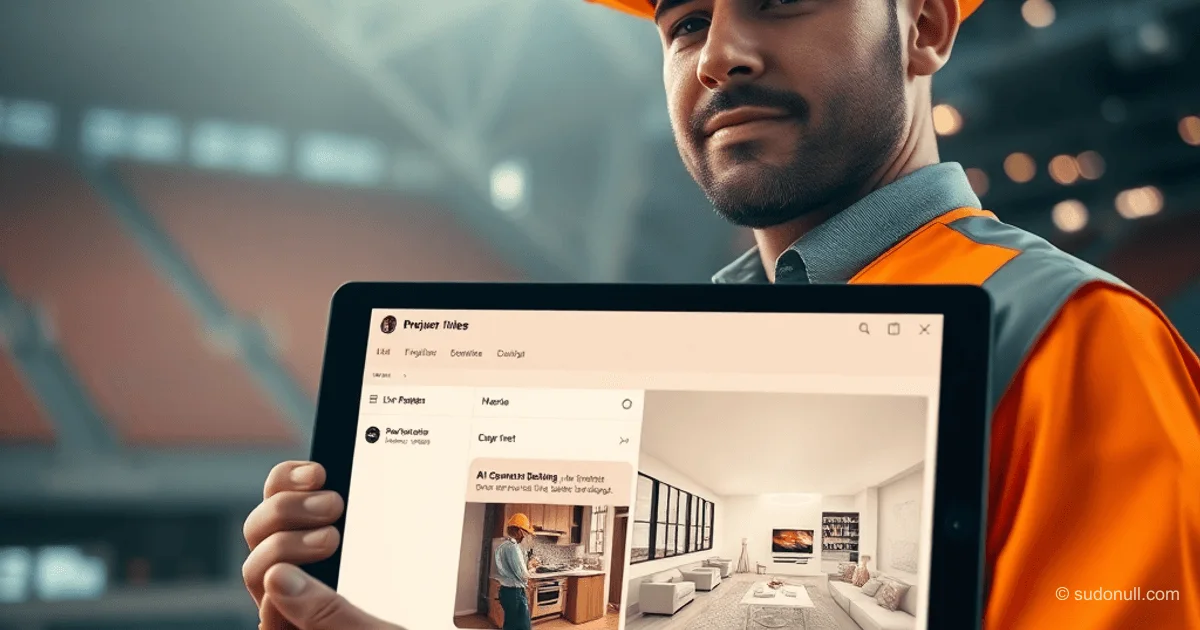
PWA Architecture for Managing Renovation Projects: From Chat to AI Tools
In the construction industry, managing apartment renovation projects requires specialized tools that account for the lengthy process and numerous participants. We developed a PWA solution combining chat, task tracking, video surveillance, and an AI interior designer. This article breaks down the architectural decisions and technical challenges we faced while building a system for managing projects lasting 6 to 18 months.
Why Standard CRMs Don't Work for Renovations
A renovation-construction project isn't a sales deal or a ticket. It's a process spanning six months to a year and a half, involving multiple roles with distinct needs:
- Customer — wants to track progress without diving into the details.
- Estimator — formalizes requests and calculates work volumes and materials.
- Manager — coordinates all project aspects.
- Director — needs an overview of all sites without getting into each one's specifics.
- Quality Control — accepts work from craftsmen.
- Craftsmen (plasterers, electricians, plumbers) — work sequentially.
- Procurement Department — purchases and delivers materials.
Off-the-shelf solutions like Bitrix24 or amoCRM focus on sales funnels, not construction project management. Trello and Asana handle tasks well but lack estimates, photo-documented checklists, and financial controls. No specialized solutions for apartment renovations—combining all the necessary tools—existed on the Russian market.
Tech Stack Choice: PWA and Laravel
The key requirement: a single app for everyone, from director to plasterer. Craftsmen use various generations of Android smartphones, customers often have iPhones, and managers use desktops. Developing three native apps (iOS, Android, web) would be impractical for our team. PWA solved this: one codebase, desktop installation, push notifications, and automatic updates.
Backend built on PHP Laravel, frontend using an AdminLTE template customized to our needs. The architecture is a monolith with unified authentication and separate dashboards for employees, craftsmen, and customers. We chose Laravel for its popularity and abundance of ready-made packages for most tasks. For example, notifications to MAX are handled via a dedicated package, similar to laravel notification channels.
Infrastructure: reg.ru virtual server in Moscow, data storage on FirstVDS servers. Backups go to three different servers across various hosts. Deployment runs via CI/CD script in seconds—no frontend build required—enabling rapid updates.
Role and Access Rights Architecture
The system features four dashboard types with tailored interfaces:
Customer Dashboard
Minimalist interface with video streaming, single-window chat, photo reports, estimates, and work plans. Access to AI tools: repair expert and interior designer (upload pre-renovation photos for renders). Customers can't see internal correspondence or cost breakdowns.
Employee Dashboard
Access to the internal system based on assigned permissions: customer correspondence, site summaries, expense management, craftsman coordination, checklists, estimates, and analytics.
Craftsman Dashboard
Only sites where the craftsman is assigned. Personalized work plan with countdown timer, company chat, checklists with video instructions, estimates (customer prices hidden), and material/payment requests.
Director Dashboard
Company-wide dashboard. Includes all employee functions plus:
- Real-time monitoring of customer communications.
- Financial overview: revenues, expenses, cash flow gaps.
- Crew shift management to minimize downtime.
- Selective quality checks via checklists.
- Instant rollout of improvements (adding checklist items).
- Demand forecasting from cost calculation stats.
Technically, three interfaces: customer, craftsman, and employee. The director dashboard is the employee version with full permissions. Permissions are customizable, with preset "roles" (permission sets).
Chat as Single Window: Message Routing
Core feature: a chat where the customer communicates with the "company," not a specific person. Internally, the message is visible to all project participants.
How it works:
- Customer sends a message — it appears for all employees assigned to the site.
- Any employee replies — customer sees it from the "company" with the author's name.
- To the customer, it's a personal chat; to employees, it's a project group chat.
- Craftsman chat works similarly.
- Messages can be forwarded between customer and craftsman.
- Customer chats allow only text (for documentation); craftsman chats support voice messages (to convey tone).
Chat powered by websockets. New message notifications have a 5-second delay to skip them if already read. Push notifications include "Read" and "Reply" buttons. On some Android devices, tapping a button closes the notification shade, disrupting workflow.
Challenges and Solutions
One surprise: handling multiple sites per customer required account linking. Future versions will separate accounts, profiles, and sites from the ground up.
Android push notification issue (shade closing on tap) remains unsolved. We also initially overlooked the need for instant checklist updates, now essential for quality control.
Key Takeaways
- Domain Specificity — renovation projects demand support for multiple roles and long timelines, beyond standard CRMs.
- PWA as Optimal Solution — single codebase across platforms delivers, despite quirks like Android push notifications.
- Flexible Role System — distinct interfaces and permissions are crucial for user adoption.
- Chat as Communication Hub — single-window routing streamlines interactions and logs correspondence.
- Backup and Reliability — triple backups across servers saved data during storage failures.
— Editorial Team









No comments yet.