Voltage Ripple in ATX PSUs: The Hidden Cause of Flickering PC Glitches
Desktop computers occasionally exhibit unstable behavior: after 30–120 minutes of operation, minor glitches appear—driver hangs, device disconnections, and system freezes. Task Manager shows no CPU or memory overload, HWMonitor reports normal temperatures and voltages, and Windows Event Viewer logs anomalies. Yet SFC and DISM find no errors. Symptoms correlate with uptime, not workload. Rebooting or opening the case temporarily fixes the issue.
Early signs often affect power-hungry components with multiple voltage regulators, such as discrete GPUs. While not always the culprit, it’s a strong reason to check your power supply.
How Ripple Causes Instability
The ATX12V standard defines not only nominal voltage levels but also acceptable ripple (high-frequency fluctuations). These ripples—ranging from tens to hundreds of kHz—pass through sensitive electronics like CPUs, RAM, and PCIe buses.
| Line | Max Allowed Ripple |
|------|--------------------|
| +12V | <120 mV |
| +5V | <60 mV |
| +3.3V| <50 mV |
| +5VSB| <50 mV |
| -12V | <120 mV |
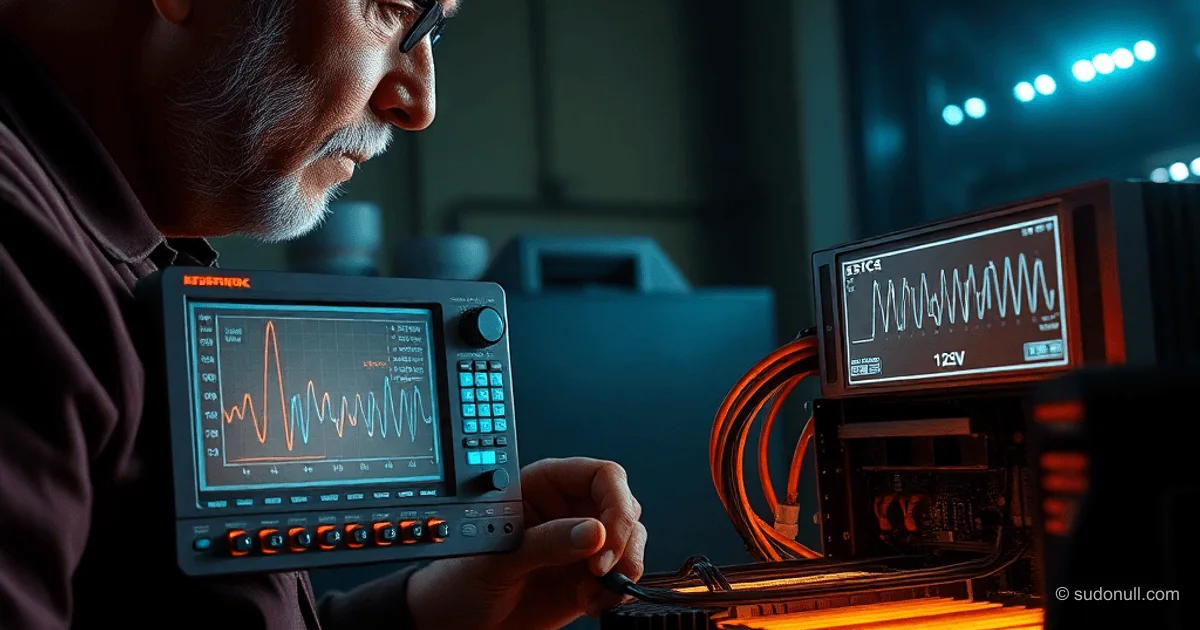
Motherboard built-in sensors average thousands of readings per second—fine for temperature monitoring, but insufficient for capturing ripple. Multimeters show only averages; oscilloscopes reveal the true signal.
Design Weaknesses in ATX Power Supplies
In ATX PSUs, high-voltage input (300+ V) passes through a power transformer, then rectifiers mounted on heatsinks (handling tens of amps at +12V). The key component is the bulk choke and smoothing capacitors, which filter pulses and store energy during voltage peaks.
At low frequencies, capacitors last decades—but at 20–100 kHz, they heat up. Degradation factors include:
- Proximity to heavily loaded chokes (handling full output current).
- Balancing resistors and diode bridges on the heatsink.
- Tight component layout: wires obstruct airflow.
Since the early 2000s, +12V output has increased to 40–80 A (using 4+ diode bridges, each rated at 10 A). Capacitor capacity grew, but physical space remained unchanged (standard ATX size: 150×86×140 mm). Result? Critical capacitor banks near the choke overheat.
Capacitor Degradation and Rising Ripple
Electrolyte drying reduces capacitance and increases ESR. At first, ripple rises subtly—causing intermittent failures in high-speed circuits. Voltage sags (0.1–0.5 V) appear later, once capacitance drops by 20–30%.
Manufacturers use 105°C low-ESR capacitors (e.g., Rubycon, Nichicon), but budget models (85°C) dominate the market. They perform well initially but degrade within 6–12 months under load.
Standard ATX testers (based on comparators) only measure static voltages under fixed load—ignoring ripple entirely. An oscilloscope connected to +12V, +5V, and +3.3V outputs under real load (Prime95 + FurMark) will detect issues early.
Diagnosis and Fixes
- Connect an oscilloscope (10× probe) to power rails under load (Prime95 + FurMark).
- Measure peak-to-peak ripple at 20–100 kHz.
- Compare results against ATX specifications.
- Test a new PSU before installation.
- Replace capacitors (2200–4700 µF, 105°C, low ESR)—requires soldering skills.
Replacing the entire PSU with an 80+ Gold or Platinum unit featuring DC-DC modules drastically reduces ripple via individual line regulators.
Key Takeaways
- Ripple below limits can still cause unpredictable glitches without visible voltage drops.
- Critical +12V capacitors overheat due to dense ATX design.
- An oscilloscope is essential—multimeters and basic testers are inadequate.
- Budget PSUs degrade rapidly, failing within 6–12 months under sustained load.
- Choosing 80+ Gold+ with DC-DC cuts failure risk by 70–80%.
— Editorial Team










No comments yet.