Roomify: Building an AI Interior Visualizer with React and Serverless Puter
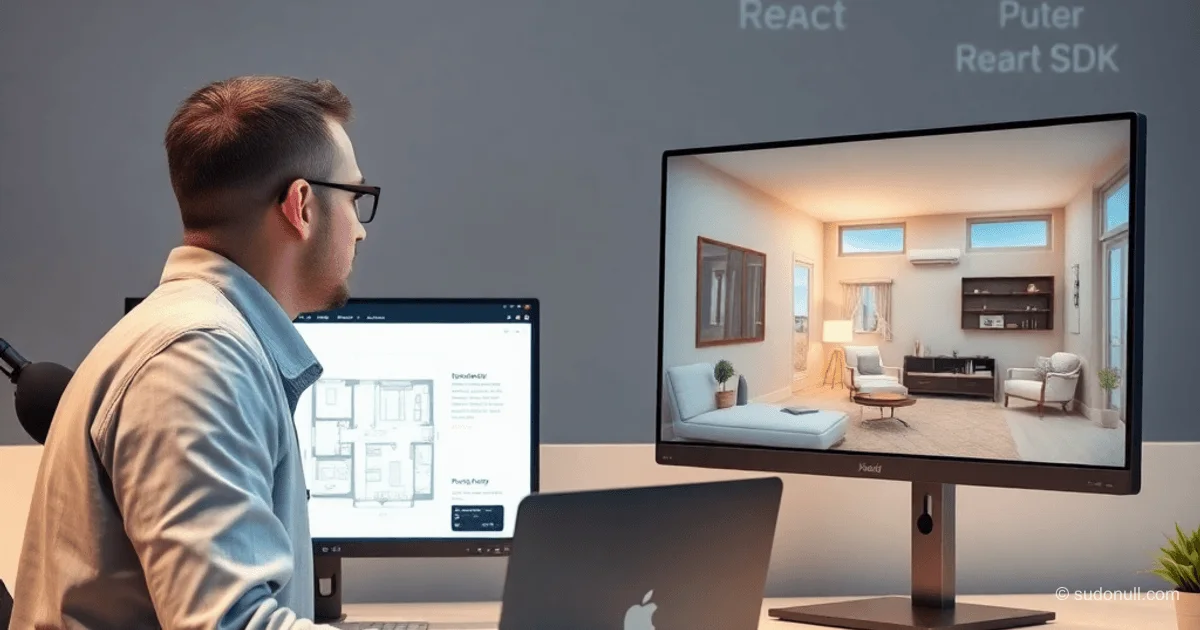
Roomify transforms a 2D floor plan into a photorealistic 3D render in seconds. The app uses React 19 with TypeScript for the frontend and the Puter platform for serverless logic, storage, and AI generation. Without a custom backend, the frontend interacts directly with the Puter API via the puter.js SDK.
The architecture eliminates the traditional server: file uploads, project creation, and AI calls happen in workers. This simplifies deployment and scaling for mid-level and senior developers.
Tech Stack and Their Roles
- React 19 + TypeScript: A typed frontend with HMR via Vite.
- React Router 7: Routes for the homepage and visualizer.
- Tailwind CSS: Utility-first styling without custom CSS.
- Lucide React: Icons for the UI.
- Puter.js: Access to file storage, KV, workers, and AI models from the browser.
Puter provides serverless workers, KV storage, and persistent file storage. Workers are called via puter.action, and AI via puter.ai.generate.
Architecture: From Upload to Render
Processing workflow:
- Upload the plan to
puter.file.write. - Get a public URL for the file.
- Call the
project.createworker to write metadata to KV. - Generate via the
ai.render3dworker: load the image, craft a prompt, call Claude/Gemini, save the result. - Update KV with the render URL and return to the frontend.
The frontend displays the original plan and render using react-compare-slider for comparison.
Worker Functions: Code and Logic
Worker functions in JavaScript are uploaded via the Puter CLI.
Creating a project:
// lib/puter.action.ts
export async function createProject({ item, visibility }) {
  const result = await puter.action('project.create', {
    item,
    visibility,
  });
  return result;
}

export async function getProjects() {
  return await puter.action('project.list');
}

export async function getProjectById({ id }) {
  return await puter.action('project.get', { id });
}
Generating a render:
// worker: ai.render3d
export default async ({ sourceImage, style = 'photorealistic' }) => {
  const imageUrl = typeof sourceImage === 'string' ? sourceImage : await puter.file.url(sourceImage);

  const prompt = `
    Transform this floor plan into a ${style} 3D interior render.
    The image shows a room layout with walls, windows, and doors.
    Generate a realistic view from a perspective that best showcases the space.
    Add appropriate furniture, textures, lighting, and shadows.
    Make it look like a professional architectural visualization.
  `;

  const result = await puter.ai.generate({
    model: 'claude-3-sonnet',
    prompt,
    images: [imageUrl],
    responseFormat: 'image'
  });

  const renderedPath = `/projects/${projectId}/rendered.png`;
  await puter.file.write(renderedPath, result.image);

  const key = `project:${projectId}`;
  const project = JSON.parse(await puter.kv.get(key));
  project.renderedImage = puter.file.url(renderedPath);
  await puter.kv.set(key, JSON.stringify(project));

  return {
    renderedImage: project.renderedImage,
    renderedPath
  };
};
KV stores metadata: project name, owner, privacy, and file links.
Frontend: Components and Hooks
The homepage (Home) shows a list of projects. The Upload component converts a file to base64:
// components/Upload.tsx
const handleFileChange = async (e) => {
  const file = e.target.files[0];
  if (!file) return;
  const base64 = await toBase64(file);
  onComplete(base64);
};
The visualizer (VisualizerId) uses useEffect for auto-generation:
useEffect(() => {
  if (isProjectLoading || hasInitialGenerated.current || !project?.sourceImage) return;
  if (project.renderedImage) {
    setCurrentImage(project.renderedImage);
    hasInitialGenerated.current = true;
    return;
  }
  hasInitialGenerated.current = true;
  void runGeneration(project);
}, [project, isProjectLoading]);
useRef prevents duplicate calls. State is local, without Redux.
Solving Common Issues
- CORS: Vite proxy in development.
- Base64 size: Save the file separately, store the link in KV.
- Double generation:
useRef+ checks. - Asynchronicity: Loading states, skeletons.
- Mobile UI: Tailwind responsiveness, touch support for the slider.
Validation: files up to 10 MB, JPG/PNG. Loaders for 10-15 second generation times.
Key Takeaways
- Puter replaces the backend: workers, KV, files, and AI in one SDK.
- React hooks manage state without external libraries.
- Prompts define quality: detail walls, furniture, and lighting.
- The architecture scales for production without DevOps.
- The code is open-source, suitable for forks and experiments.
— Editorial Team










No comments yet.