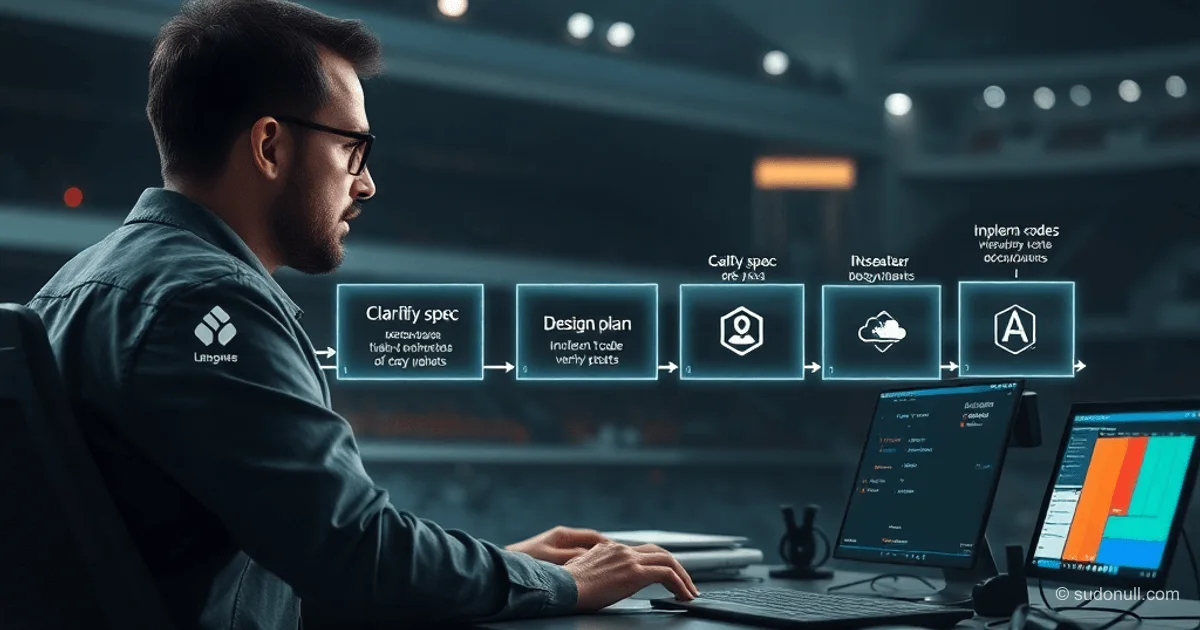
AI Agent-Powered SDLC Pipeline: Five Stages from Specification to Deployment
An AI agent based on Claude Code can automate the entire development cycle in 3-4 hours instead of a week of manual work. A chain of five commands processes tasks step-by-step: requirement clarification, design, implementation, verification, and documentation. Human intervention is only needed for oversight and adjustments between stages. The approach has been tested on a serverless application with AWS, .NET, and Angular.
The Pitfalls of Vibe Coding and Their Solution
Standard prompts for large tasks lead to code rewrites, API hallucinations, and ignored requirements. Causes: unclear specifications, lack of decomposition, limited model context. The solution is a granular breakdown into stages with verification.
Key principles of the process:
- Clear, testable requirements in the specification.
- Step-by-step plan with file and contract details.
- TDD approach: red-green-refactor.
- Multi-level review with parallel agents.
- Automatic project documentation updates.
Technology Stack Example
Serverless web application: AWS CDK for infrastructure, .NET Lambda with a three-layer architecture (Data-Domain-API), Angular SPA with Syncfusion, Playwright for E2E tests. Data in DynamoDB, static assets on S3.
Example task: hide color editing for Task, sync with parent Trade on the backend, replace picker with a 256-color palette, switch grid to row-selection.
Feature draft (draft.md):
Need to improve a color picker for SoW.
1. Color picker is available only for Trades.
2. Color is shown only for Trades
3. Tasks color:
- not shown in UI
- once created - color is set the same as the related Trade
- if Trade Color is changed - it changes for all related Tasks
- all the color manipulation - at the BE.
4. Improve Color picker for Trades: use a custom palette with classic 256 colors
5. Configure Trade grid to not select cells - row only
AI Agent Setup
Claude Code with MCP servers from awslabs/mcp and plugins. Frontend: Syncfusion Angular Assistant, Angular CLI MCP. AWS: api-mcp-server, documentation-mcp-server, cdk-mcp-server, dynamodb-mcp-server, etc. Testing: Playwright MCP. Plugins: code-review, typescript-lsp, aws-serverless.
Custom commands (/clarify, /design, etc.) orchestrate the process, loading context from CLAUDE.md files.
Stage 1: /clarify — Specification Generation
Analyzes draft.md and CLAUDE.md. Phases: context gathering, ambiguity clarification, template formation.
Template includes:
- Testable requirements.
- Use cases for E2E tests.
Specification is saved to the repository for manual editing.
Stage 2: /design — Detailed Plan
Generates steps with files, lines, API/DTO contracts. Self-review using a checklist: requirement coverage, avoidance of overcomplication.
Plan covers unit/E2E tests, infrastructure, data schema. Layers are independent thanks to well-defined contracts.
Stage 3: /implement — Implementation
Following TDD: tests → minimal code → refactoring. Prediction of test results, comparison with reality. MCP for library documentation, CLAUDE.md for conventions.
Implementation can be layer-by-layer or all at once.
Stage 4: /verify — Multi-Level Review
Checks:
- Build, unit/E2E tests.
- Dead code analysis.
- Parallel review: code review, types, coverage, security (IAM, injections).
- Verification against specification.
- Documentation drift.
Structured report.
Stage 5: /document — Documentation Update
Updates CLAUDE.md for future iterations. Feature is ready to merge.
Limitations of the Approach
Granular changes (up to 15-50% of context). Stable architecture is mandatory. Not suitable for legacy systems with layers or new frameworks without command updates.
Key Takeaways
- Granularity: Breaking down into stages minimizes context errors.
- Control: Manual editing of specifications and plans.
- Automated Review: Parallel agents reduce human error.
- Documentation: CLAUDE.md is the foundation of pipeline stability.
- Efficiency: 3-4 hours vs. 15-20 hours manually.
— Editorial Team










No comments yet.