Ace Your System Design Interview as a Mobile Developer
System Design interviews test your ability to architect scalable mobile apps tailored to Android and iOS platforms. You'll get a prompt to design a service—like a messaging app, YouTube clone, or Twitter-like feed—and walk through your thought process in 45–60 minutes. The focus is on methodology: clarifying requirements, high-level architecture, deep dives into components, and a final recap. For mobile roles, emphasize local caching, UI optimization, battery life, without diving into backend database sharding.
Stage 1: Clarify Requirements (5 minutes)
Kick off by asking targeted questions to nail down the problem. Jot answers on a whiteboard tool (Miro, Draw.io, Excalidraw) to lock them in. Get interviewer buy-in before moving on.
Key questions for mobile apps:
- Functional requirements: user scenarios, core features (users, usage patterns, must-have capabilities).
- Scope: client-side only, or including APIs/backend?
- Device support: phones, tablets, Wear OS?
- Minimum API level (impacts features like Android's Scoped Storage).
- Non-functional: offline support, push notifications, auth.
Discuss edge cases: spotty internet, low battery, massive data loads. This shows the real-world thinking of a mid-to-senior dev.
Stage 2: High-Level Architecture (10 minutes)
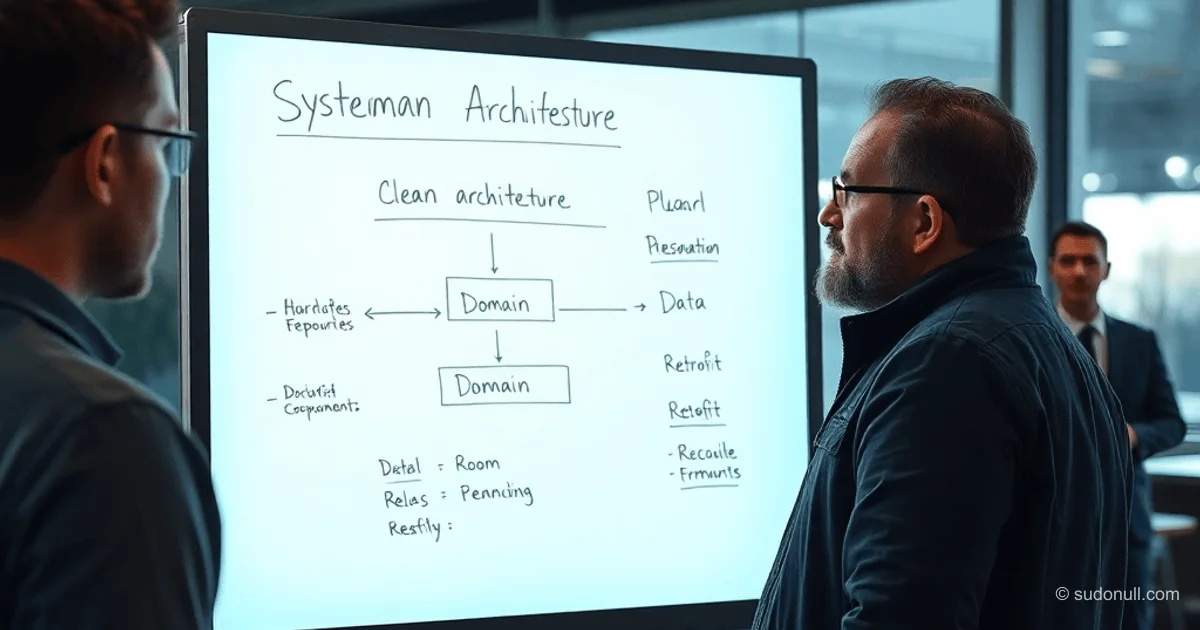
Sketch a block diagram of key components. For Android, lean on Clean Architecture: Presentation, Domain, and Data layers.
Basic example:
- Presentation: ViewModel, Fragment/Activity, RecyclerView.
- Domain: UseCase, Repository.
- Data: ApiDataSource (Retrofit/OkHttp), LocalDataSource (Room/SQLite).
- DI: Hilt/Dagger.
Expand based on specs: add ImageLoader (Coil/Glide), PushService (Firebase), Navigation Coordinator.
Narrate your choices: "We're using LocalDataSource for offline-first to cut network calls and data usage." Walk through user flows and confirm the diagram with the interviewer.
Stage 3: Deep Dive into Components (20 minutes)
Break down each block: explain implementation, alternatives, and trade-offs. Prioritize core pieces; skip nice-to-haves unless asked.
ApiDataSource: Retrofit + OkHttp for REST APIs. Alternative: GraphQL with Apollo.
REST pros:
- Standard CRUD, stateless.
- Easy to implement.
Mobile cons:
- Separate connections per request (bad for frequent updates).
- Serialization overhead (JSON), Base64 for binaries.
Retrofit shines for non-real-time apps like weather or social feeds without chat.
LocalDataSource: Room on SQLite for offline caching with invalidation (TTL or event-driven).
Repository: Single source of truth, orchestrates Api/Local. Example: read local first, background sync with API.
UseCase: Business logic (sorting, filtering). Keeps Domain isolated from Data.
Presentation: ViewModel for state (StateFlow/LiveData), RecyclerView with DiffUtil for buttery-smooth updates.
DI: Hilt for modular injection, less boilerplate.
Cover optimizations: Coroutines/Flow for async, Paging 3 for endless lists, WorkManager for background tasks.
Stage 4: Wrap-Up and Q&A (10 minutes)
Recap the architecture, highlight trade-offs, suggest metrics (latency <200ms, battery drain <5%/hour). Field interviewer questions. Ask yours: about their current stack, tools.
Key Takeaways
- Process over perfection: Show your reasoning, questions, edge cases.
- Mobile-first: Prioritize offline, battery, UI perf (60fps), not backend scaling.
- Clean Architecture: Layers, unidirectional data flow, testable code.
- Trade-offs: Justify picks (e.g., Retrofit vs. GraphQL based on data volume).
- Timing: 5-10-20-10 minutes, chat like a peer.
— Editorial Team










No comments yet.