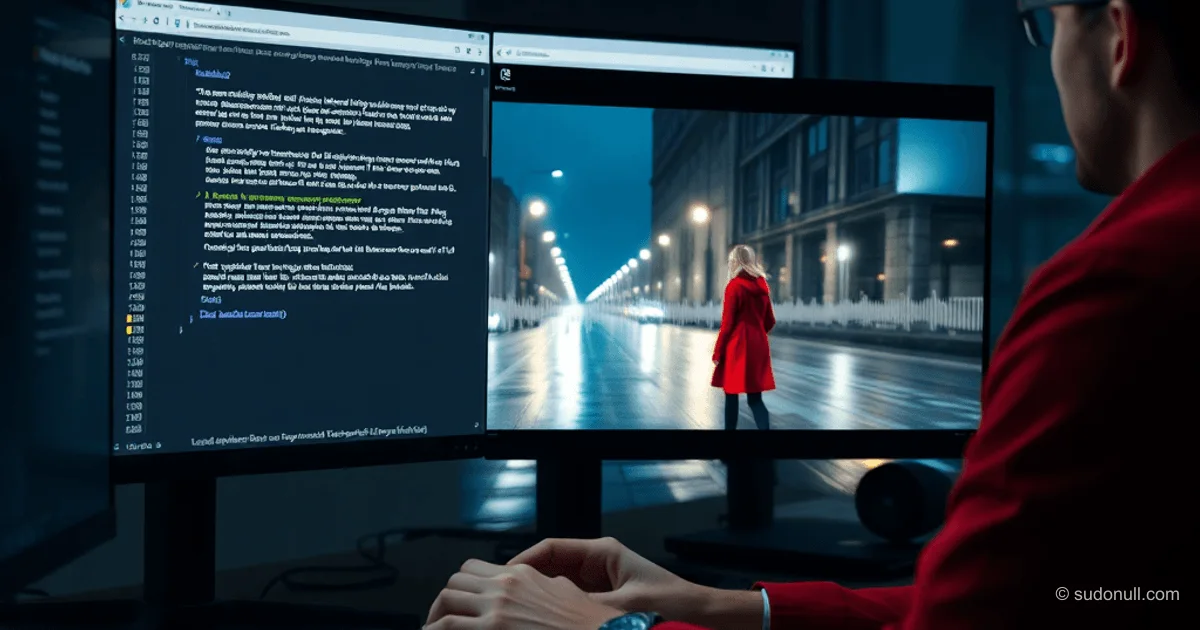
Free Access to Veo 3.1: 10 Videos Per Month via Google Vids and AI Studio
Google has opened free access to the Veo 3.1 model for video generation. Any account gets 10 generations per month without a subscription or credit card. Text-to-video and image-to-video are available in 720p up to 8 seconds with native audio.
Free Access Parameters
The model is integrated into Google Vids (vids.new) and Google AI Studio (aistudio.google.com). Key features of the free tier:
- Resolution: 720p
- Duration: maximum 8 seconds per clip
- Modes: generation from text or image
- Audio: synchronized ambient sound, dialogue, effects
- Limit: 10 generations monthly, automatically renewed
For developers, the API in AI Studio allows integrating Veo 3.1 into applications. Google AI Pro (50 generations) and Ultra (up to 1000) subscriptions expand limits and add features like Extend.
Benchmarks and Strengths
Veo 3.1 leads in MovieGenBench metrics: overall preference, prompt accuracy, visual quality. Evaluators noted superiority over competitors.
Key practical advantages:
- Physical Simulation. Objects interact realistically: liquids flow, fabrics deform without artifacts.
- Lighting. Support for terms like golden hour, backlit, shallow depth of field with accurate implementation.
- Native Audio. Audio generation with synchronization: footsteps, wind, speech — unique in the market.
- Prompt Language. Russian is processed basically; English provides accuracy for complex scenes.
Model Limitations
Despite its leadership, Veo 3.1 has weaknesses typical of generative systems:
- Hands and Faces. Deformations in close-ups, especially during movement.
- Text in Frame. Inscriptions are distorted, unreadable.
- Duration. No Extend in the free tier; for longer videos, clip editing is required.
- Consistency. Characters vary between generations without seed or reference.
10 clips of 8 seconds provide 80 seconds of material — suitable for testing, but not for production.
Usage Instructions
Quick start in Google Vids:
- Go to vids.new.
- Log in with a Google account.
- Select AI generation.
- Enter a prompt.
- Wait 30–60 seconds.
- Download the clip with audio.
For API: register in AI Studio, test prompts in the sandbox.
Prompt Optimization
Effectiveness depends on detail. Examples of best practices:
- Specificity. Instead of "a person walking" — "a woman in a red coat strides across wet cobblestones, evening reflections in puddles, tracking shot."
- Camera. Specify dolly shot, crane shot, handheld for dynamics.
- Aspect Ratio. 16:9, 9:16, or 1:1.
- Language. English for cinematic terms.
Testing shows: detailed prompts reduce artifacts by 40–50%.
Key Takeaways
- Veo 3.1 is free for 10 generations/month in 720p with audio — a leader in quality.
- Strengths: physics, lighting, native audio; weaknesses: hands, text, consistency.
- Suitable for prototyping; production requires subscription or API.
- Russian prompts work basically; English is optimal.
- Competitors like Sora are limited; Google dominates with free access.
— Editorial Team










No comments yet.