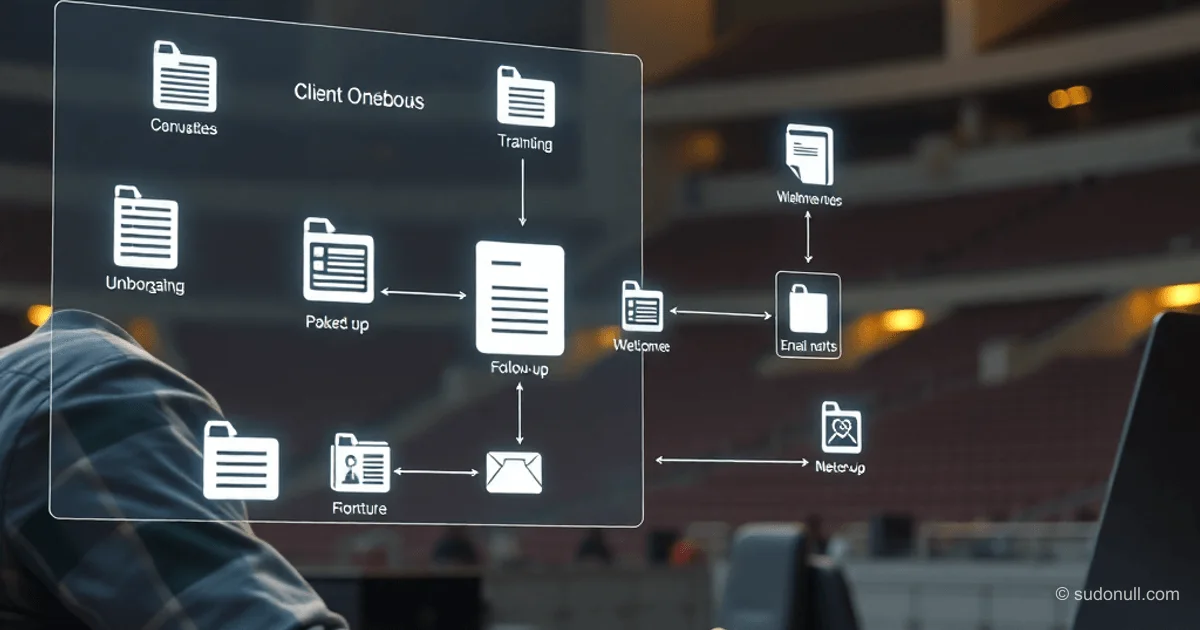
Automating Business Processes with AI Agents: From Onboarding to Follow-Up
An AI agent handles a chain of tasks in sequence: it pulls action items from notes, generates documents, updates trackers, and sends emails. Unlike a chatbot, an agent works with files, spreadsheets, and apps in a single session, cutting down manual work to a minimum. Let's look at three automation scenarios for mid- to senior-level pros: client onboarding, new hire welcome kits, and post-meeting wrap-ups.
Your platform choice dictates data access. Claude for Work integrates with local files and apps. ChatGPT Agents handle uploaded files, web content, and connectors like Google Drive. Gemini ties into Google Workspace (Gmail, Docs, Sheets). Microsoft 365 Copilot operates within Word, Excel, and Outlook ecosystems.
Client Onboarding: Building Structure from Scratch
Launching a new client involves folders, docs, agendas, and checklists. An AI agent handles it all in minutes.
Agent Prompt:
We have a new client, Prime LLC, starting next week. Main contact: Yulia Andreevna Golubeva ([email protected]). Run the full onboarding process:

1. Create a new client folder in the Clients directory using our standard structure (subfolders: Communications, Deliverables, Planning, Meeting Notes, Administrative).
2. Generate a Welcome Packet doc including company overview, team bios from 'Team_Bios.docx', our communication protocols, and key milestones for the first 30 days.
3. Create a kickoff meeting agenda (introductions, project overview, timeline, communication preferences, next steps).
4. Draft a welcome email to Yulia with the Welcome Packet attached.
5. Build a master checklist for week-one tasks with assignees and deadlines.

Save all files to the new client folder and flag if you need more info.
Result: The agent cranks out a 60-minute workflow in 5 minutes. Files land in the target folder for review.
- Standard Folder Structure: Communications, Deliverables, Planning, Meeting Notes, Administrative.
- Welcome Packet Contents: Company overview, bios from Team_Bios.docx, comms protocols, 30-day milestones.
- Extras: Kickoff agenda, welcome email, task checklist.
New Hire Welcome Kit
Pulling data from templates, directories, and guides for a personalized onboarding experience. The agent tailors it to the role and team.
Agent Prompt:
New hire Alexander Vladimirovich Volkov starts April 13 as Product Designer on the Design team. Manager: Elena Nikolaevna Smirnova.

1. Prep a full welcome package.
2. Create a personalized welcome doc with: team welcome message, first-week schedule (adapt from HR_Templates/New_Hire_Schedule.docx for Design team), key contacts with names/roles (from Team_Directory.xlsx), links to essential tools/resources (from Tool_Access_Guide.docx), and 30-60-90 day goals framework for Product Designer.
3. Create a separate doc for manager Elena: one-on-one topics for week one, prep needed before Alexander arrives (workspace, gear, access), and best team buddy pick.

Save everything to a new folder Onboarding_Alex_Volkov inside HR.
The agent pulls from Team_Directory.xlsx and templates, generates docs. For the manager: a dedicated plan with one-on-one topics and prep steps.
Post-Meeting Wrap-Up: Extracting and Assigning Tasks
After a meeting, the agent parses notes, drafts emails, summaries, and updates trackers. Key: a "For Review" folder for oversight.
Agent Prompt:
I just uploaded notes from our two-hour strategy session (Strategy_Session_Notes_Apr06.docx). Run the full post-meeting workflow:

1. Extract all action items. For each, assign owner, outcome, and deadline (suggest a reasonable one based on context if missing).
2. Draft personalized follow-up emails for each participant with their tasks and deadlines.
3. Prep a meeting summary for six absent stakeholders: key decisions, topics covered, assigned tasks, next meeting date.
4. Add all action items to Project_Tracker.xlsx on a new tab "Strategy Session Apr 06".

Save emails and summary to the “For Review” subfolder so I can check before sending.- Action Item Extraction: Owner, outcome, deadline (auto-suggested).
- Follow-Ups: Personalized emails.
- Summary: For no-shows.
- Updates: New tab in Project_Tracker.xlsx.
Key Takeaways
- AI agents chain workflow steps, feeding each one's output into the next.
- Always use a "For Review" folder for final checks before sending.
- Pick agents by ecosystem: local files (Claude for Work), Google (Gemini), Microsoft (Copilot).
- Structure prompts as numbered lists for precision.
- Automation slashes routine work by 80–90%, freeing time for high-level strategy.
— Editorial Team










No comments yet.