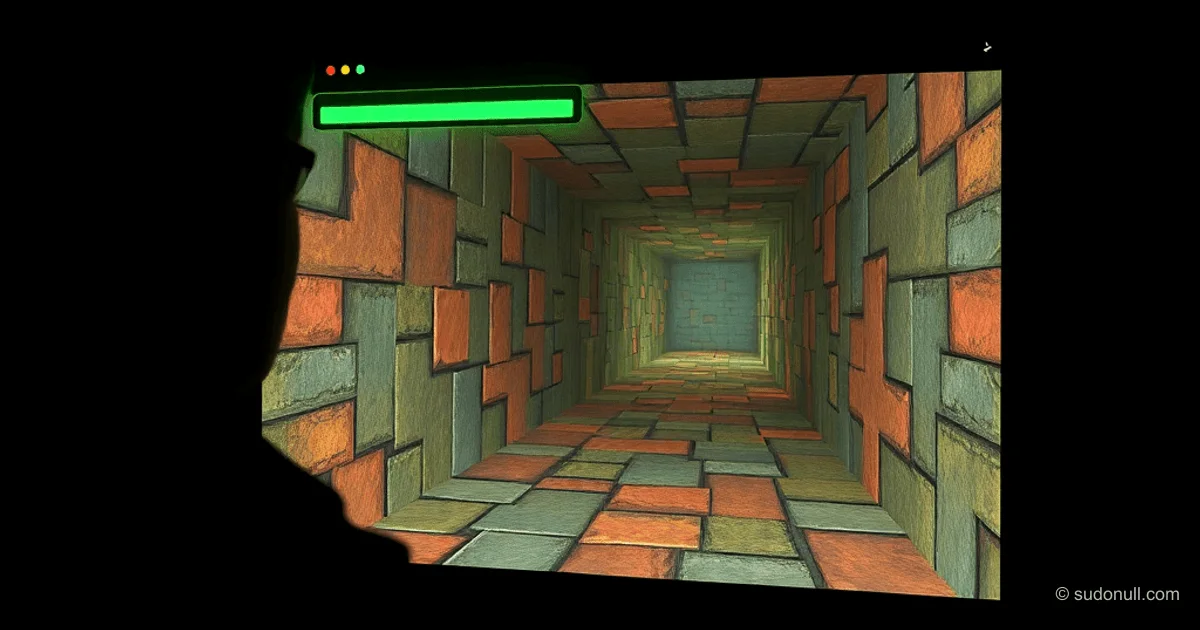
Doom in Pure CSS: Rendering Without Canvas or WebGL
Developer Niels Lehner released the project cssDoom—a full implementation of the classic game Doom, where all graphics are rendered using only CSS. The game logic is implemented in JavaScript, without using canvas or WebGL. It uses the original Doom source code from id Software, available in WAD files. The project is hosted on GitHub under the GPLv2 license.
All visual elements—sprites, textured walls, levels, effects—are formed from div elements. They are positioned in 3D space using CSS properties transform and transform-style: preserve-3d. JavaScript doesn't directly interfere with styles: instead, it sets custom CSS properties based on vertex geometry from the WAD file. CSS independently calculates width, height, and transformations using trigonometric functions.
Coordinate Adaptation and Game Loop
Doom's coordinate system differs from CSS 3D: Doom uses a 2D system where Y increases northward, while in CSS Y points upward and Z toward the viewer. The transformation is implemented via translate3d(x, -z, -y). Custom properties are defined in Doom coordinates, and CSS interprets them.
The game loop in JavaScript tracks the player's position, input, collisions, and enemy AI. This is a direct port of the original code. The separation is strict: JS only updates key properties like --player-x, --player-y, --player-z, --player-angle. CSS moves the entire world relative to the player, simulating a camera (CSS has no camera). Movement and view are just updates to these four properties.
It supports first-person view, with the option to switch to the map overview.
Technical Details of Scene Construction
The process starts with parsing the WAD file: line defs, side defs, and sector parameters are extracted. Div elements are generated from them with the original vertex geometry. CSS uses calc() for computations:
- Element width and height are determined by field of view angles and distance.
- Transformations account for perspective.
Example of a simplified custom properties structure:
:root {
  --player-x: 0;
  --player-y: 0;
  --player-angle: 0;
}

.scene-element {
  width: calc(var(--doom-width) * var(--perspective-factor));
  height: calc(var(--doom-height) * var(--perspective-factor));
  transform: translate3d(
    calc(var(--doom-x)),
    calc(-var(--doom-z)),
    calc(-var(--doom-y))
  ) rotateY(var(--player-angle));
}
This approach ensures performance: the browser's CSS renderer optimizes 3D transformations on the GPU.
Comparison with Other Experiments
cssDoom continues the line of unconventional Doom ports. Previously, Adam Rice developed Doom Over DNS: the game runs via Cloudflare DNS TXT records. The WAD file is compressed into ~1964 records and decompressed on the fly by a PowerShell script. .NET DLLs are loaded into memory without writing to disk. This demonstrates protocol limits but falls short of cssDoom in visual complexity.
| Aspect | cssDoom | Doom Over DNS |
|--------------|----------------------|---------------------|
| Rendering | CSS 3D div | Standard (browser) |
| Logic | JS (Doom port) | PowerShell + .NET |
| Dependencies | Only CSS/JS | DNS queries |
| Accessibility| GitHub | Public Cloudflare zone |
Key Points
- Full Doom rendering in CSS: divs in 3D space simulate raycasting.
- Custom properties + calc() for dynamic transformations from WAD data.
- Strict separation of JS (logic) and CSS (visuals) for optimization.
- Adaptation of Doom coordinates to CSS 3D via axis inversion.
- Open source on GitHub, GPLv2 license.
The project is useful for studying the limits of CSS3 in game development, especially transform animations and custom properties in real-time scenarios.
— Editorial Team










No comments yet.